Tutorial stereoscopic 360° Panorama for Oculus rift
-
This is a complex theme.
at first you have to render 2 equirectangular Panos about 8cm difference for right eye and left eye.
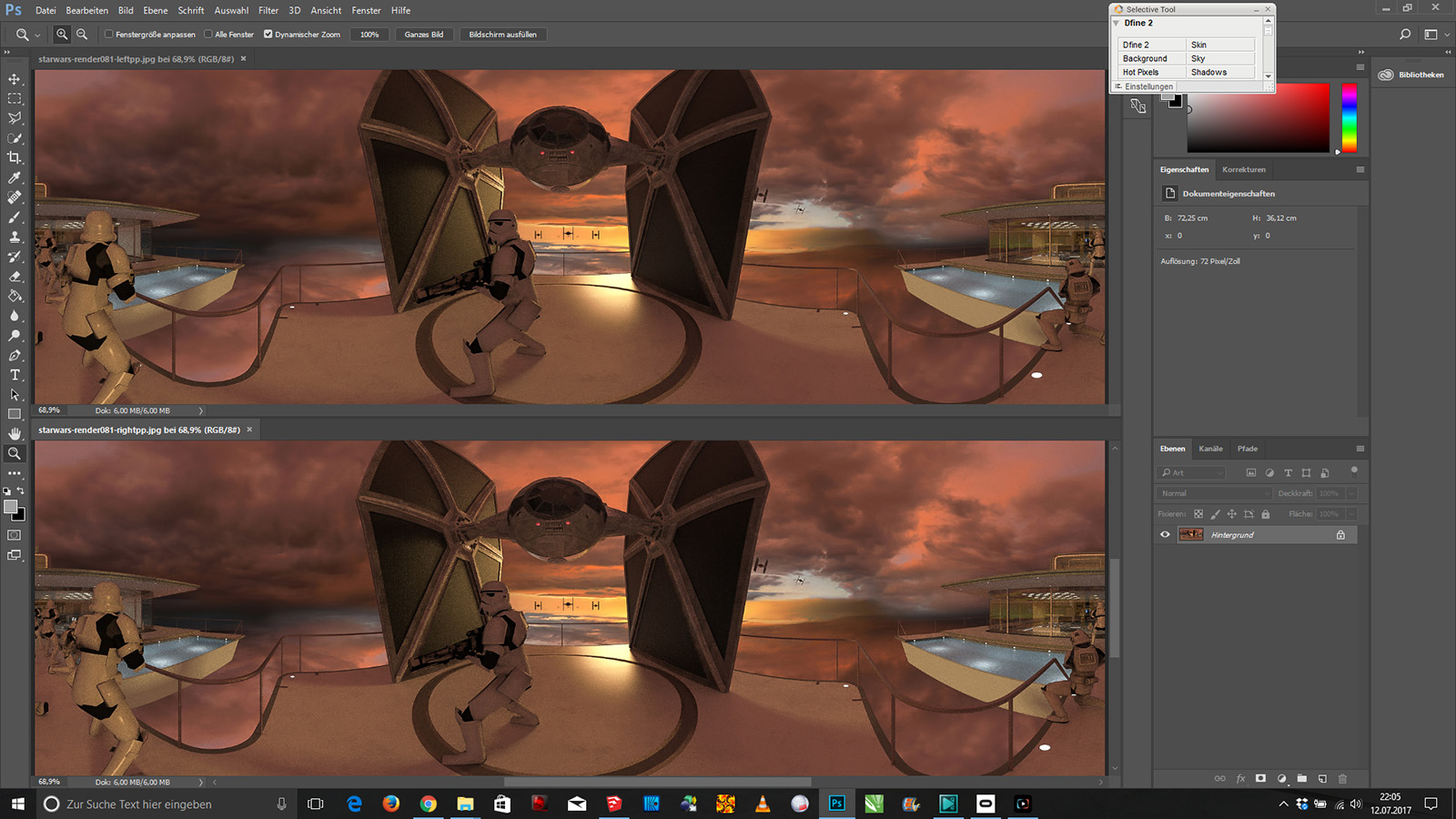
I would suggest 2048 x 1024
Import both pics to photoshop
use filter to move both pano for 512pixel sidways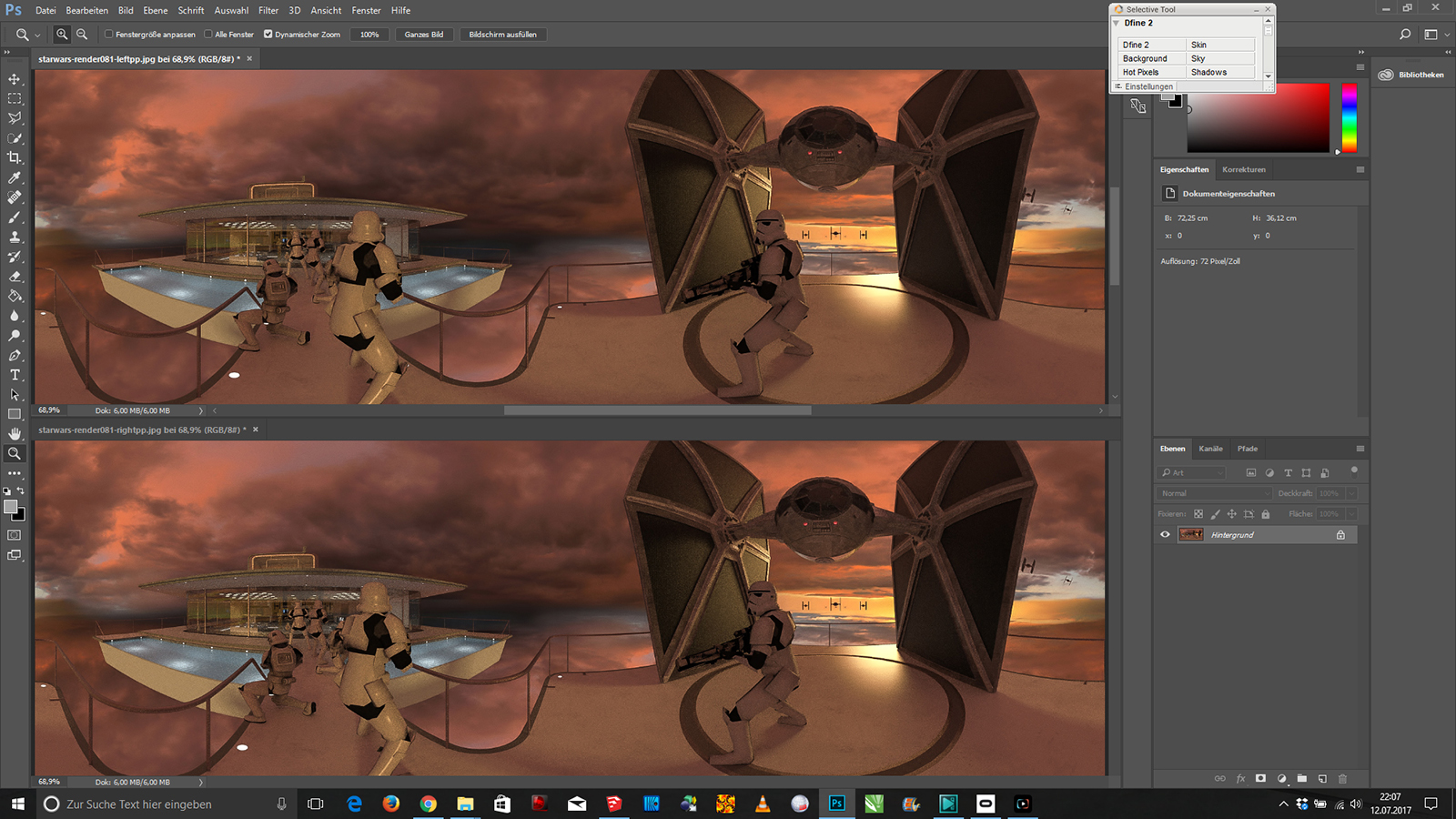
change both halfs of the pano (in real live: if you turn your head 180° then your left eye is one the right and theright one on the left)
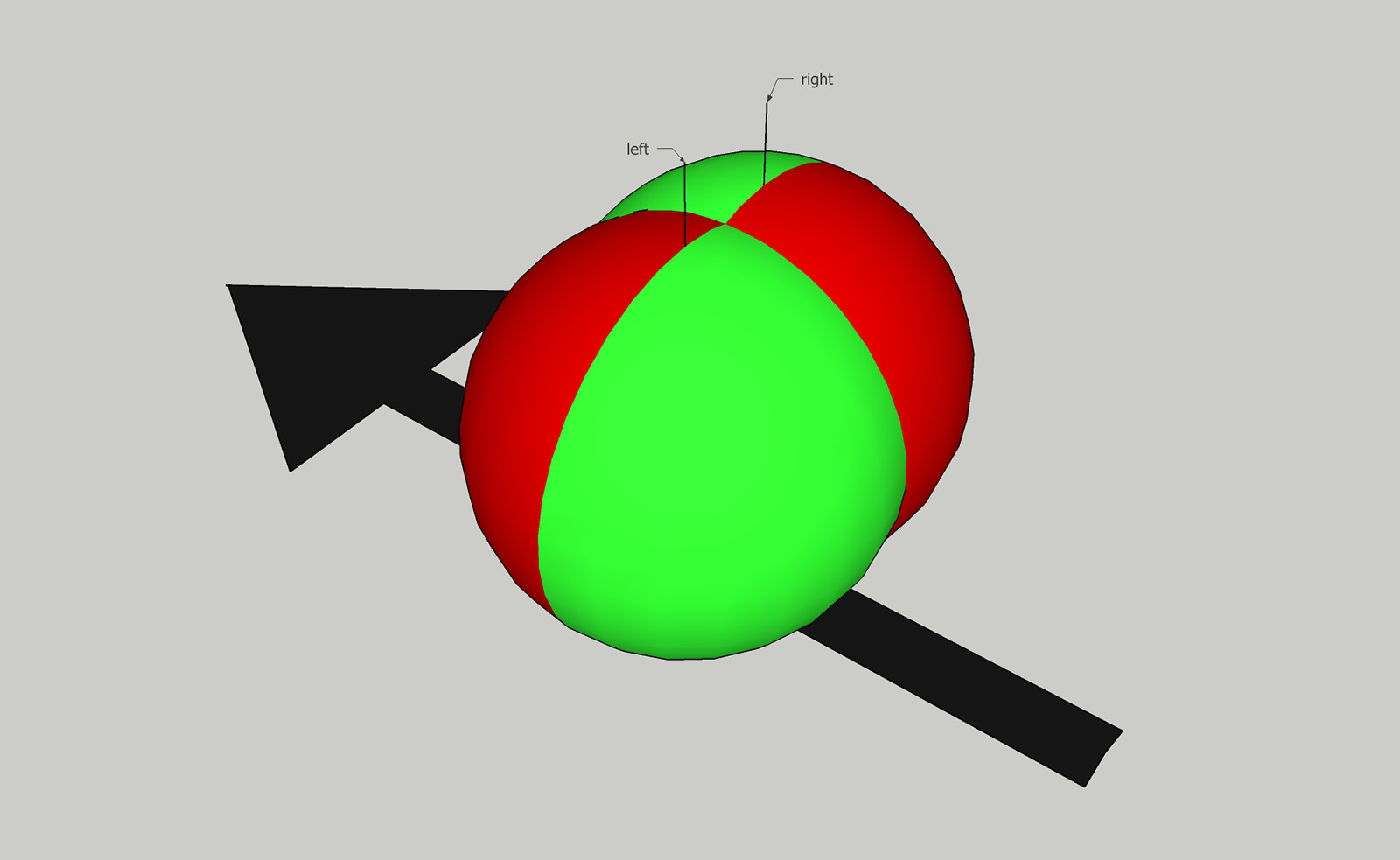
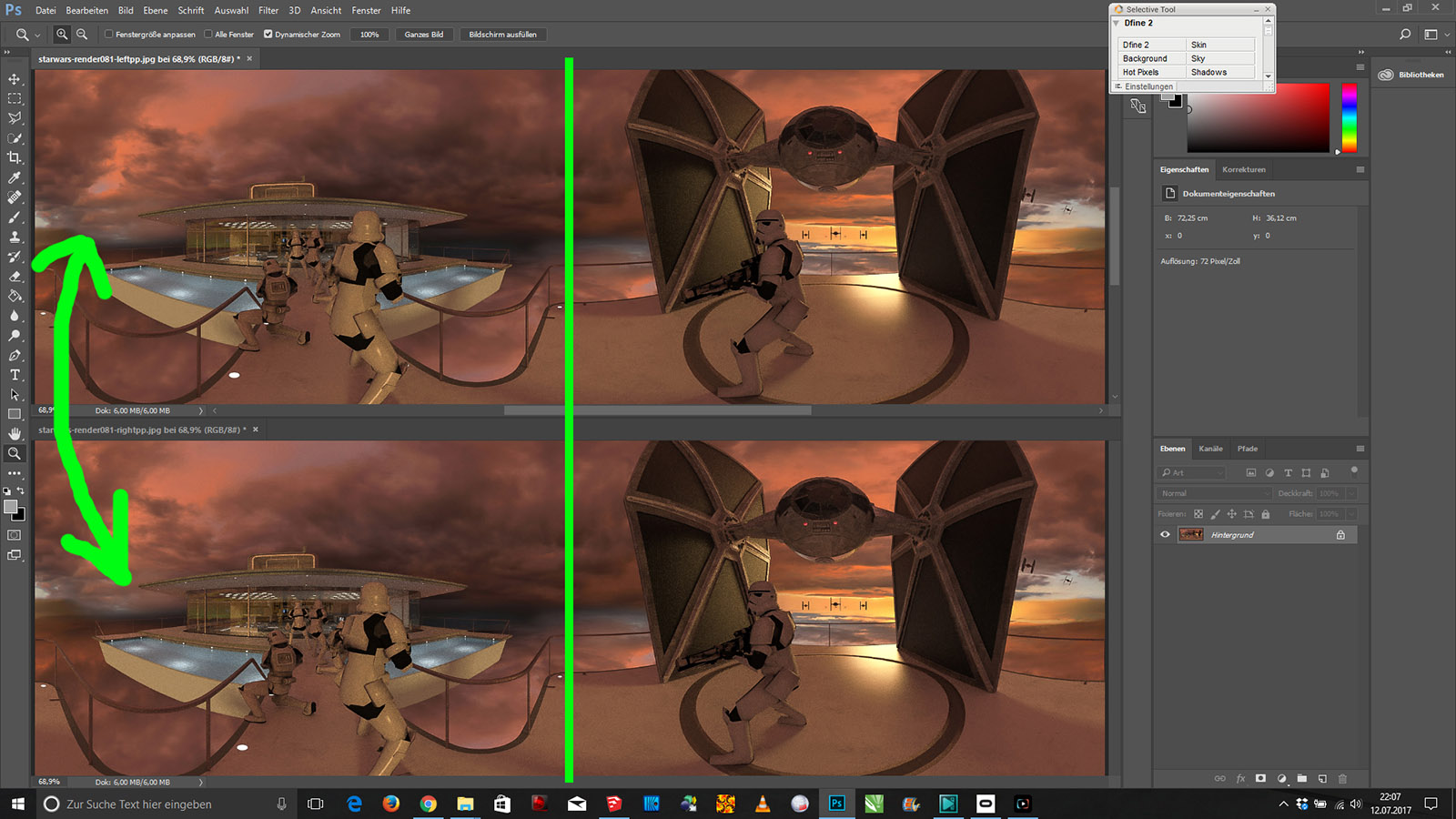
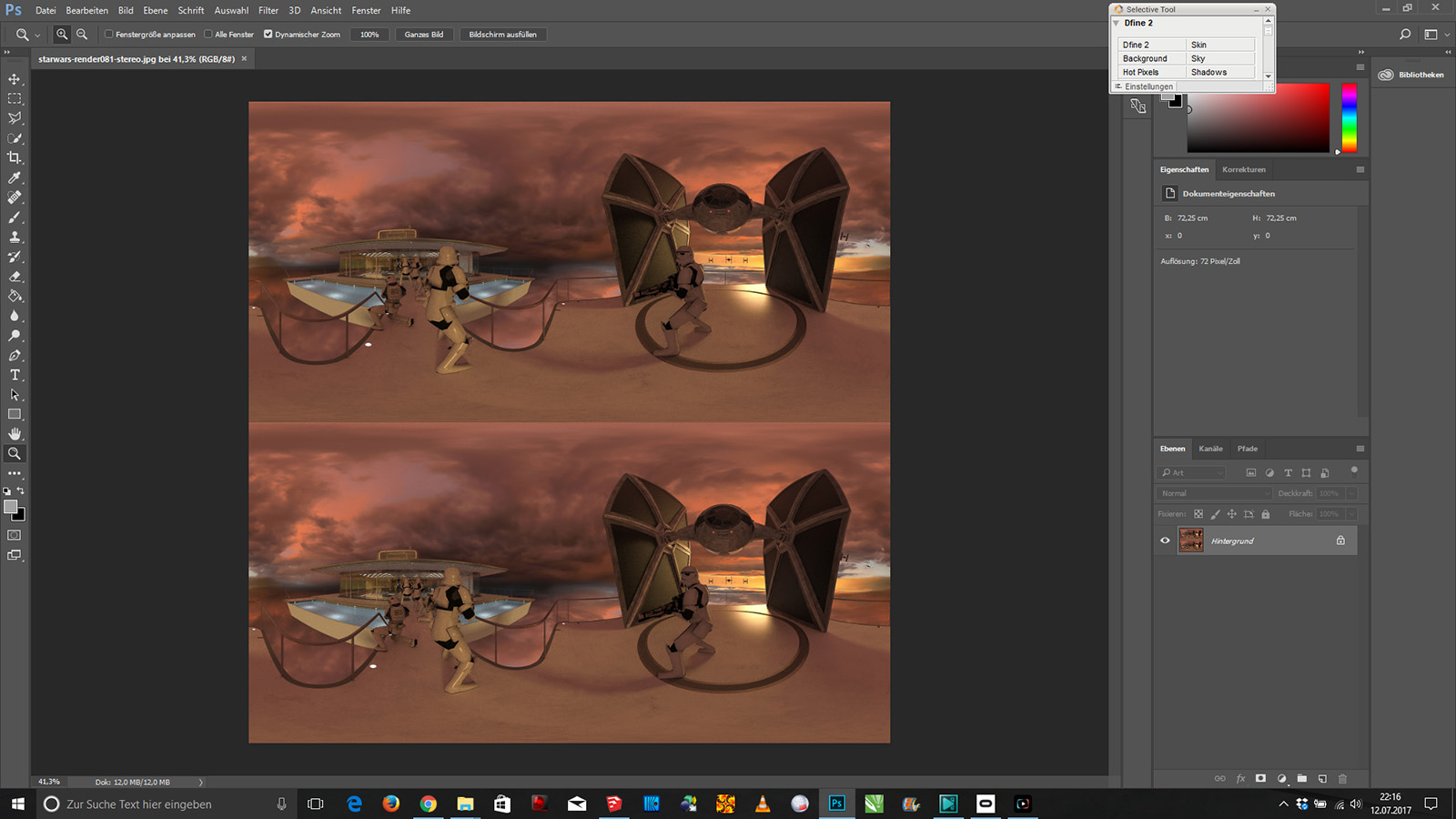
now make a new image 2048x2948 like displayed.
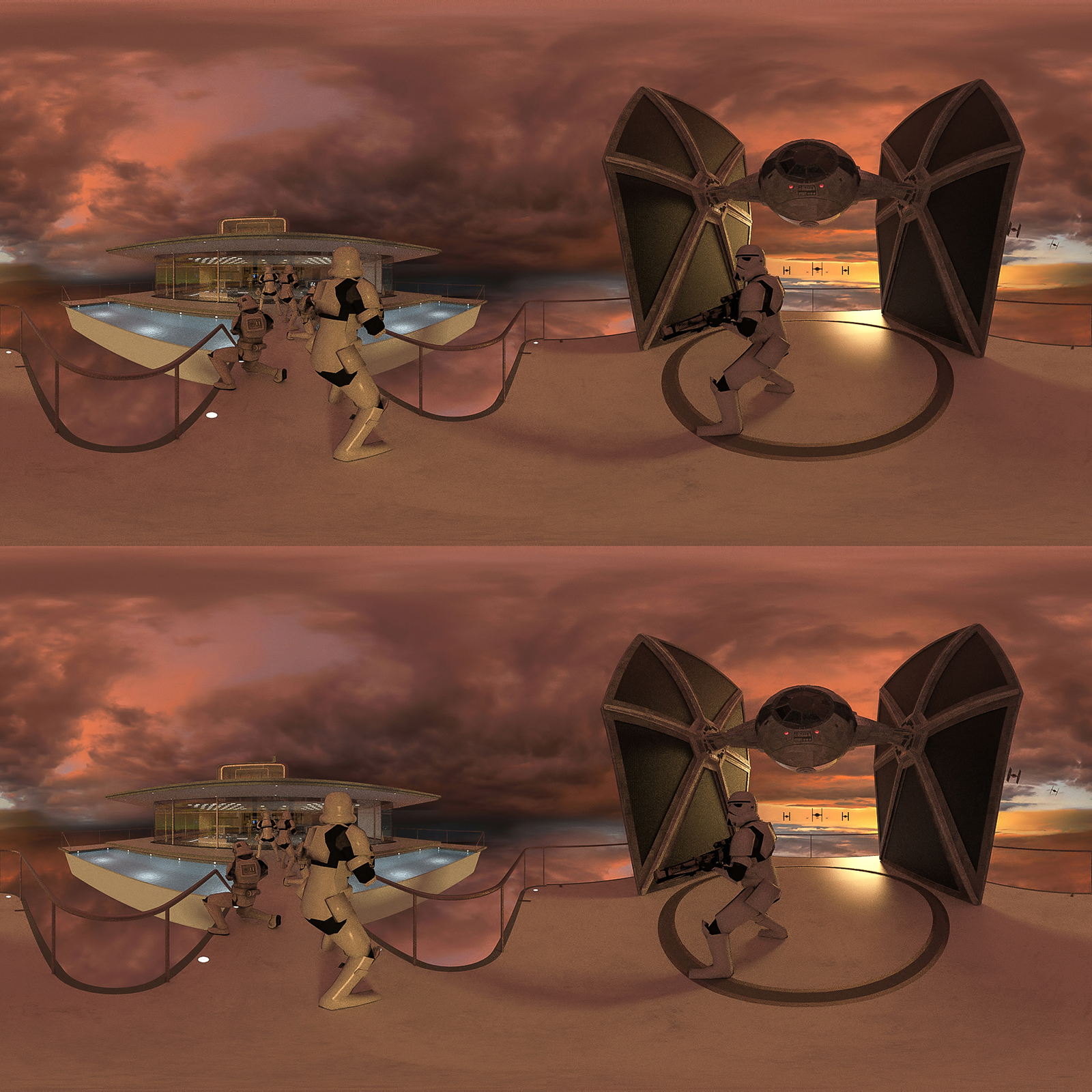
put image in an video editor like VSDC and make a .mov with aspect ratio 2048x2048, then convert the video to mp4
this video is able to be displayed in Oculus Rift with Neo VR Player
-
Very good, learned the big brother
-
I learnd more about th Oculus rift.
It has an own app to view panos. So better do your panos in high rez. like 6000 x 6000
-
Thanks!


Hello! It looks like you're interested in this conversation, but you don't have an account yet.
Getting fed up of having to scroll through the same posts each visit? When you register for an account, you'll always come back to exactly where you were before, and choose to be notified of new replies (either via email, or push notification). You'll also be able to save bookmarks and upvote posts to show your appreciation to other community members.
With your input, this post could be even better 💗
Register Login


Advertisement