Help trimming two intersecting objects
-
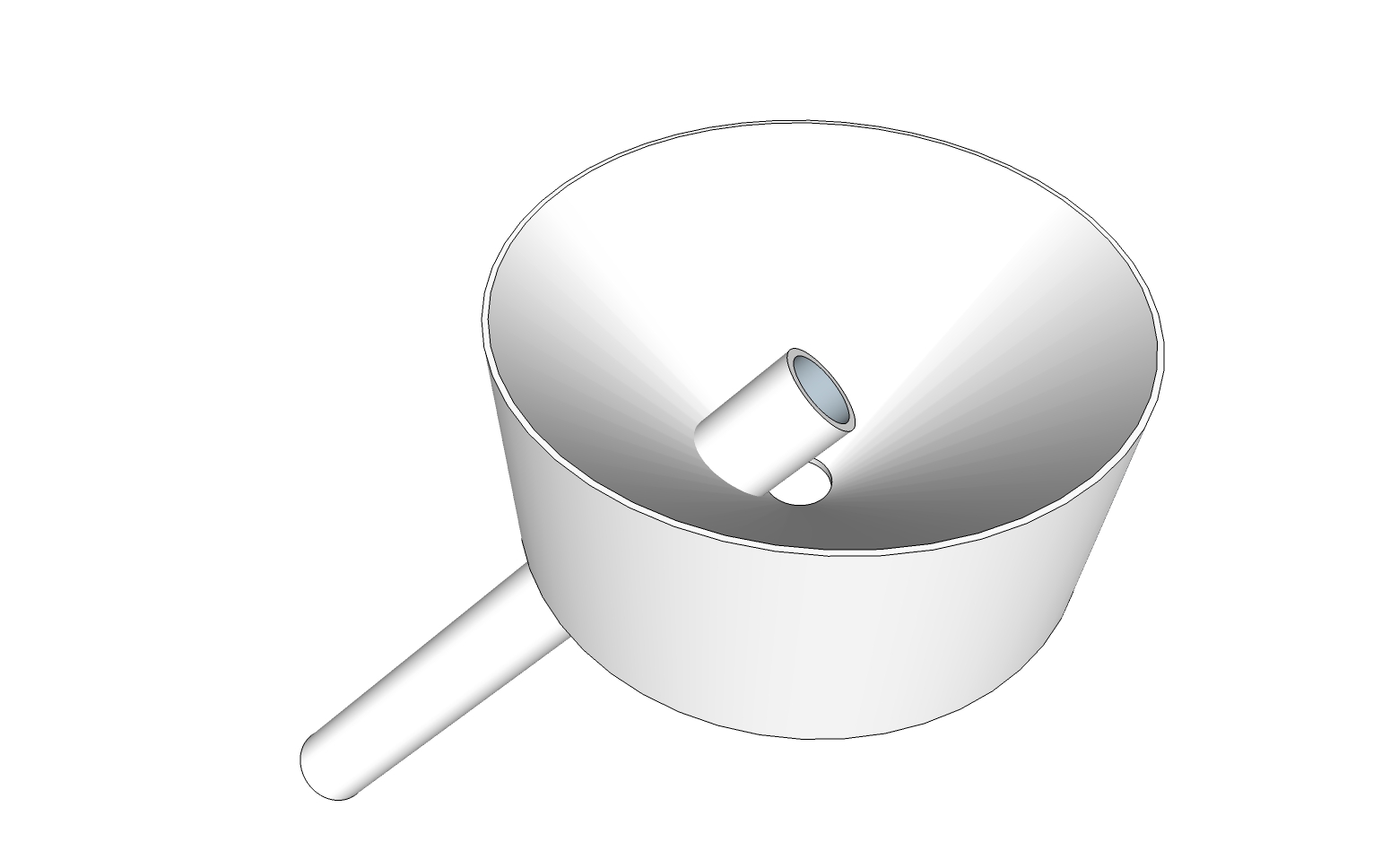
I'd like to trim off the portion of this tube that's protruding into the funnel so that the remaining tube is conformal with the funnel's surface at the entry point. I've tried using various solid commands like Split but the results are wonky and not 3D-printable (which I need). Thanks for tips. .skp attached.
-
I made a solid component with "outer shell" command.
A couple of things. You need to reverse the face of the surface inside the pipe. After performing outer shell it's easy to remove the pipe inside the funnel and the faces blocking the pipe. Then you also need to erase the extra surface of the pipe as it passes through the funnel wall. You need to hide a surface so you can get to it. After unhiding the surface I use TT CleanUp to get rid of uneeded edges, but this removes a couple faces in the funnel outflow, but that is easy to fix.
It seems to me outer shell does not completely work right or the inner faces wouldn't be there.
-
That did it. The STL's been approved by Shapeways. Thanks!

Hello! It looks like you're interested in this conversation, but you don't have an account yet.
Getting fed up of having to scroll through the same posts each visit? When you register for an account, you'll always come back to exactly where you were before, and choose to be notified of new replies (either via email, or push notification). You'll also be able to save bookmarks and upvote posts to show your appreciation to other community members.
With your input, this post could be even better 💗
Register Login


Advertisement