Textures need to following curves??
-
Hi guys,
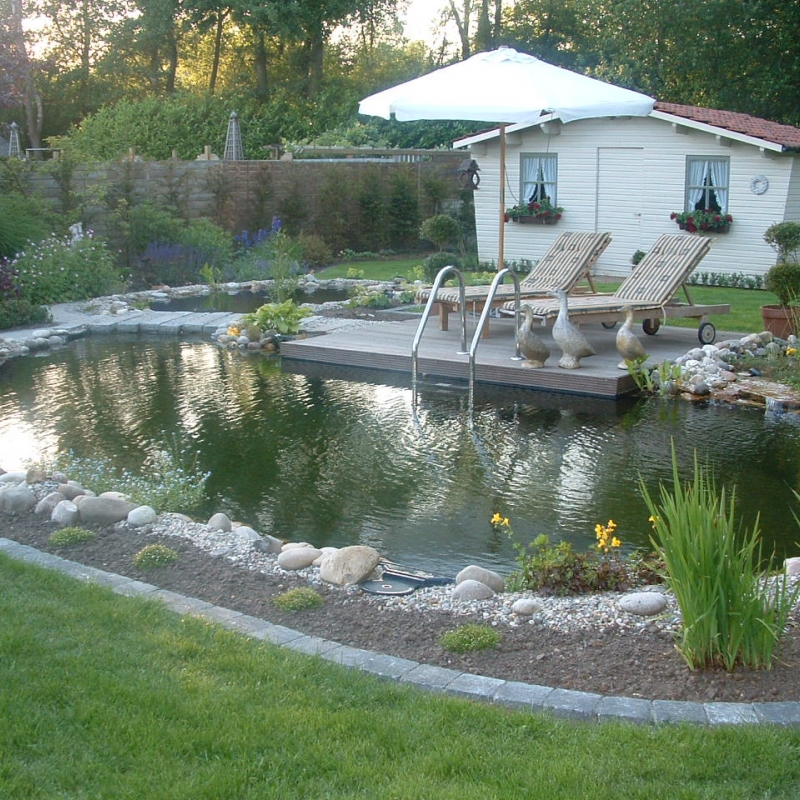
I'm modeling a garden and there is a pond in it, around the pond there are coming cobblestones.
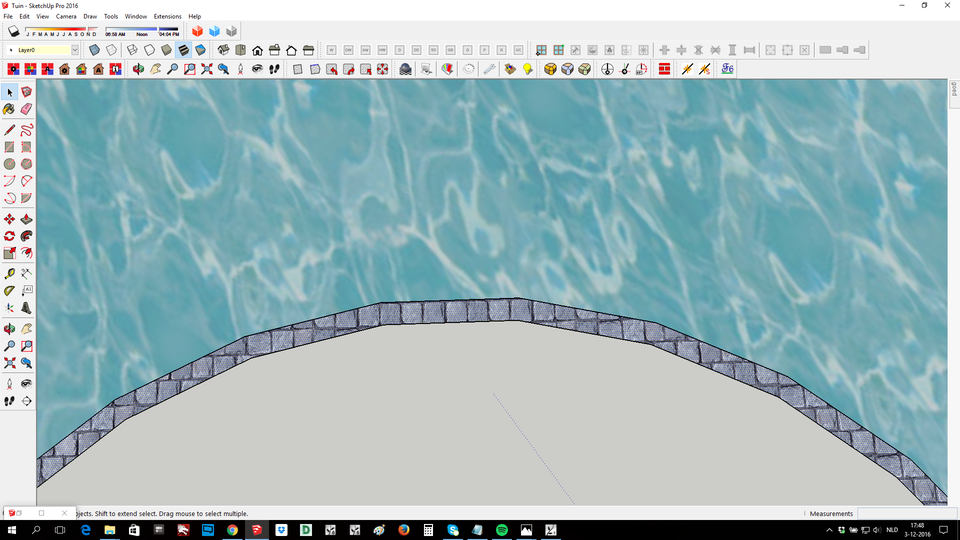
They need to follow the curved pad around the pond, but i cant get it right like i want it.
It needs to look like the picture in attachments.
Also screenshot how it is now in sketchup.
-
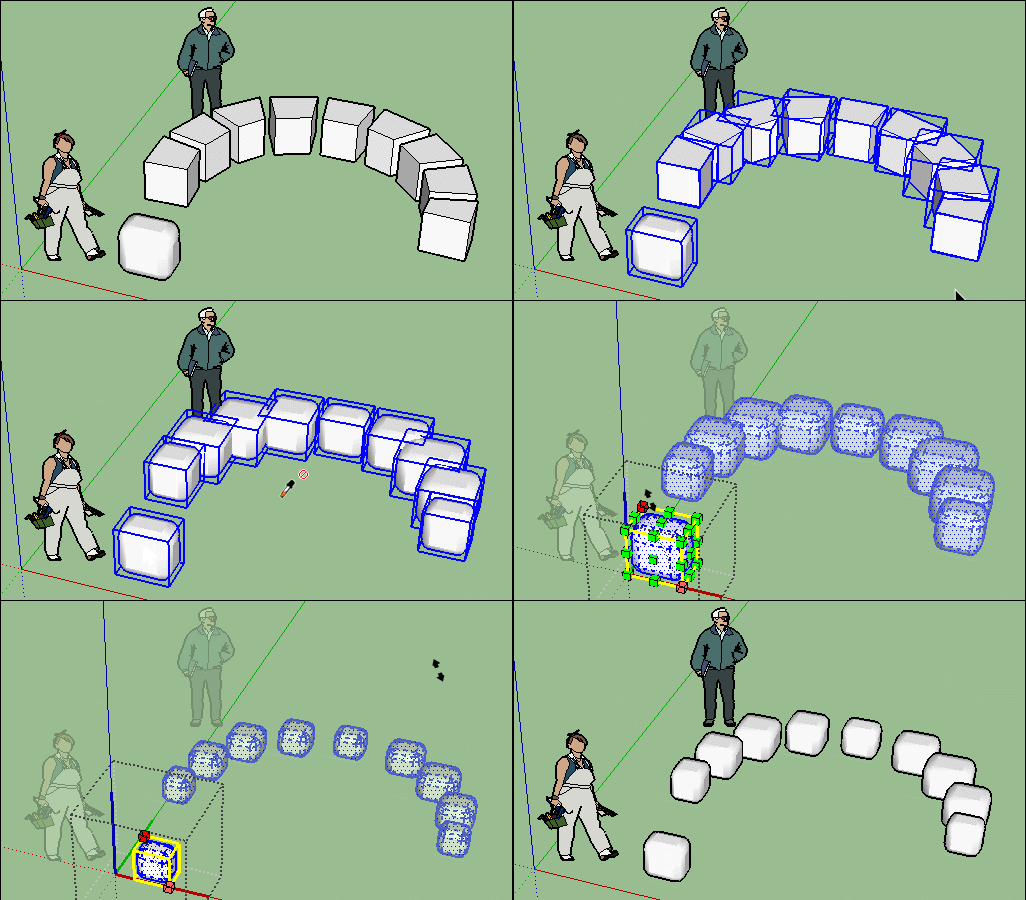
Steping Stones by Sdmitch + Thrupaint by Fredo if necessary!

Sorry after the Stepping stones(if it's not enought cobblestones) something a little tricky

Select all "Steping Stones" : Loose to Groups by Chris Fullmer
Groups to Components by Thomthom
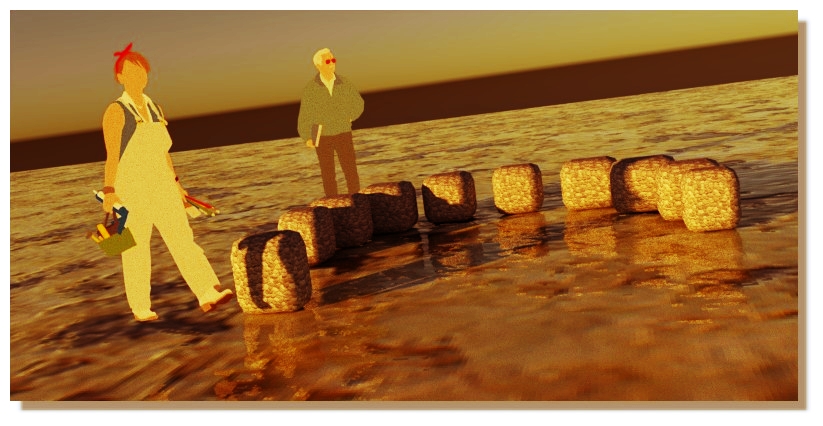
Components Replacer with a lovely cobblestone by ThomthomOr More simple if you have yet a lovely cobblestone!

Only Components Stringer By Chris Fullmer!PS Round corners by Fredo for make the cobblestone!
The tricky paragraph
-
Here's one way, with Thru paint. you need to add divisions to the face-- SketchUp texture will not know one flat surface shape from another. http://sketchucation.com/resources/tutorials/intermediate/1764-arch-texturing-in-sketchup-with-thrupaint
Try making the arcs to have more segments. Maybe about the length of the pavers. Use split sausage plugin to divide the face up.


Hello! It looks like you're interested in this conversation, but you don't have an account yet.
Getting fed up of having to scroll through the same posts each visit? When you register for an account, you'll always come back to exactly where you were before, and choose to be notified of new replies (either via email, or push notification). You'll also be able to save bookmarks and upvote posts to show your appreciation to other community members.
With your input, this post could be even better 💗
Register Login


Advertisement