Sections
-
@dave r said:
A section plane does not cut geometry. It only gives the appearance of it being cut away. If you are actually trying to cut a flat on the side of your shape, you need to use something else. You can use a face intersected with the geometry or you could use an extension like Zorro2.
Ok... I'll get that plugin/extension... I'll check the PluginStore...
-
@moot said:
@dave r said:
A section plane does not cut geometry. It only gives the appearance of it being cut away. If you are actually trying to cut a flat on the side of your shape, you need to use something else. You can use a face intersected with the geometry or you could use an extension like Zorro2.
Ok... I'll get that plugin/extension... I'll check the PluginStore...
You should also learn to do it with native tools.
-
Really, that is what I am trying to do... maybe I'm getting to old... or just dumb...

-
What exactly is it that you need out of this thing? What is the desired diameter of the cylinder? And the ring portion? How thick is the ring supposed to be and how long is the cylinder? AndHow are you locating the flat section?
It would be easiest if you start this over. I'll show you but I'd like some actual dimensions so it can be drawn properly.
-
@dave r said:
@moot said:
@dave r said:
A section plane does not cut geometry. It only gives the appearance of it being cut away. If you are actually trying to cut a flat on the side of your shape, you need to use something else. You can use a face intersected with the geometry or you could use an extension like Zorro2.
Ok... I'll get that plugin/extension... I'll check the PluginStore...
You should also learn to do it with native tools.
2-cts.: Not just the thing about native tools, but it seems more easily done without the making-and-then-chopping approach. The thickness may be more easily achieved from the start by extruding a "C" shaped surface etc.---approaching from another perspective.
-
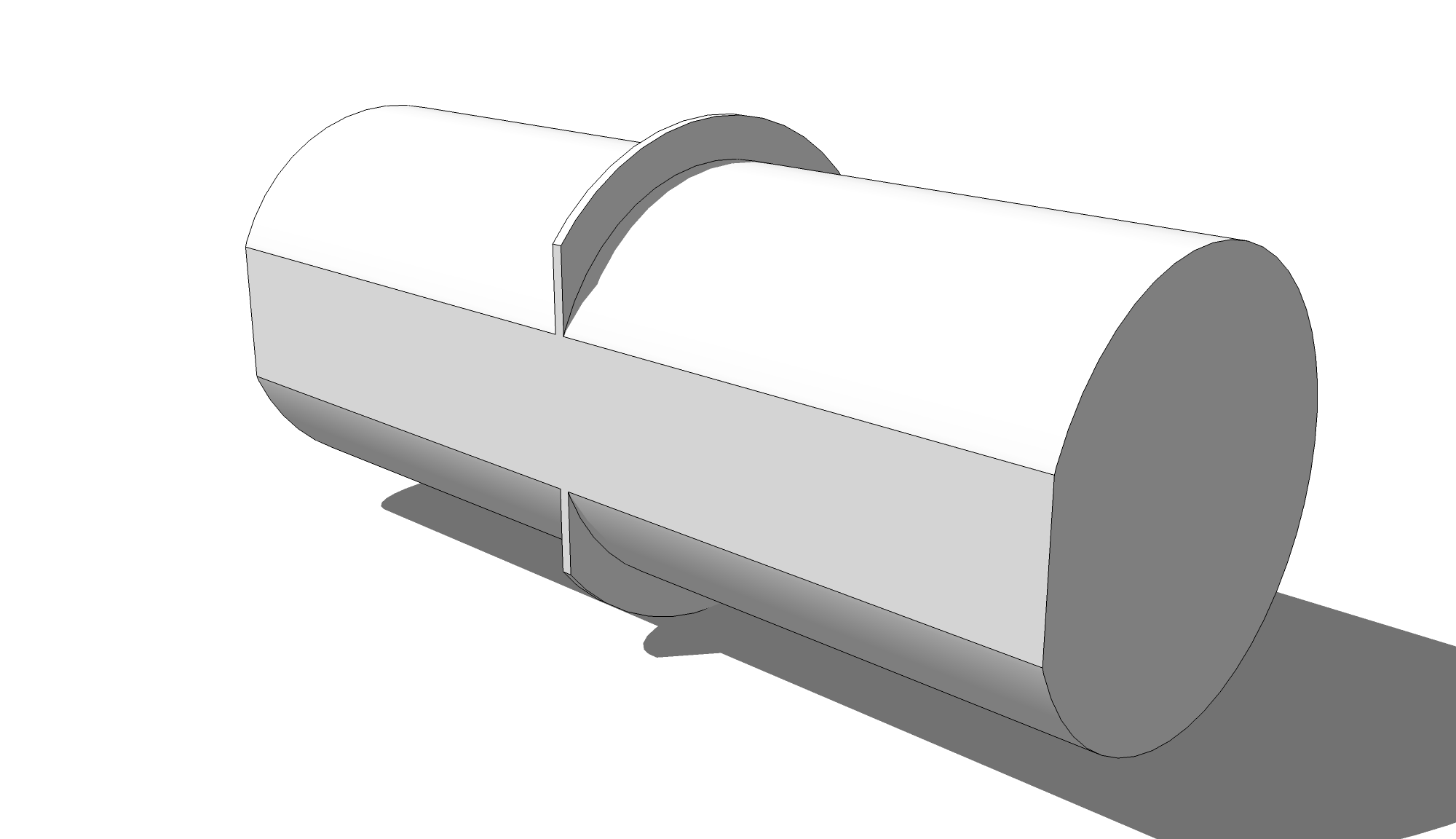
Does this come close to what you want?
-
That would be it, a lot cleaner than what I came up with. Flat on core is nice, I was thinking of doing that because I plan on putting a stamp, 12.7mm deep in bottom of core.
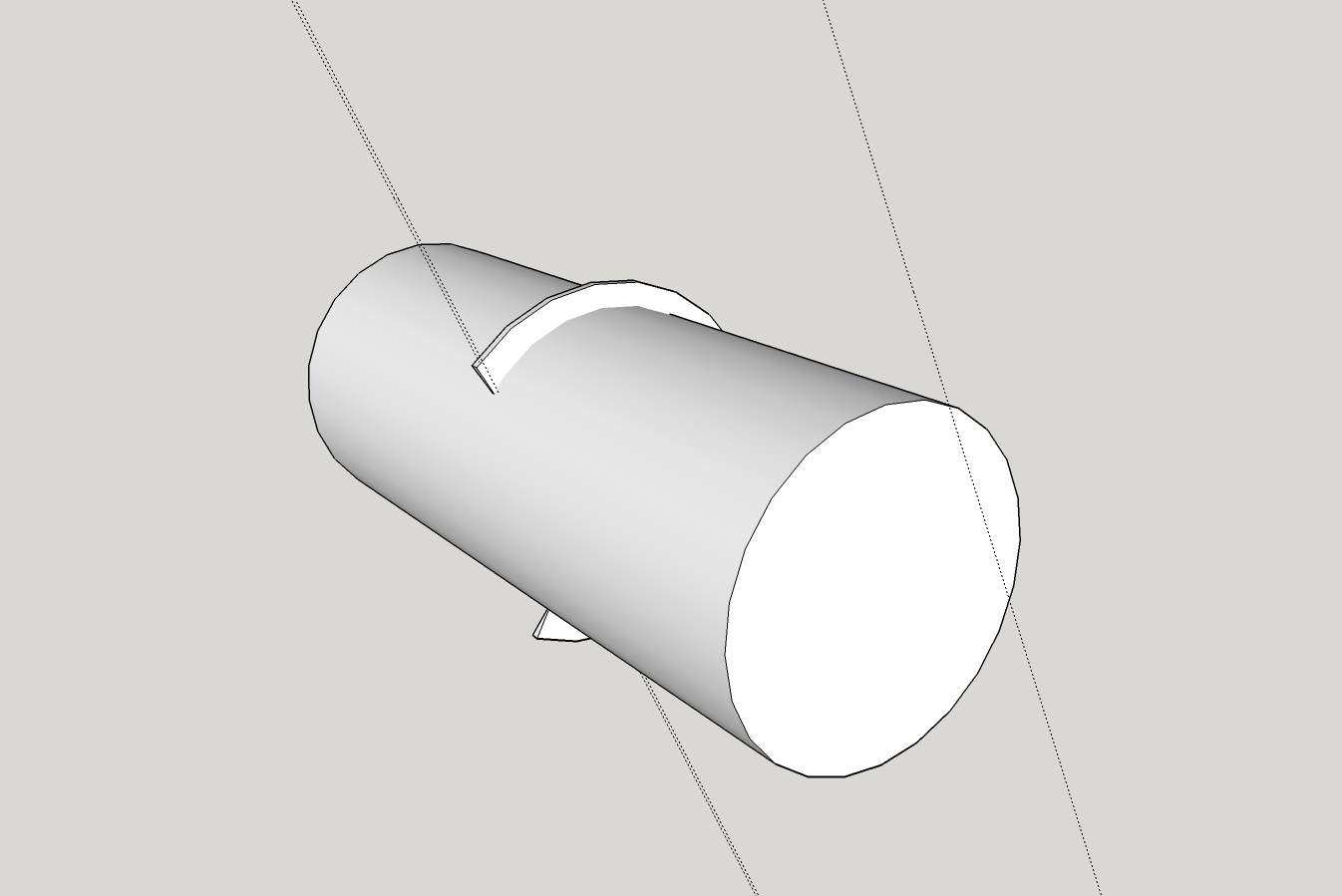
Thank you for taking the time.
I used the Zorro2 plugin, but had a little difficulty... left open face(s). I did finally get things closed up and SolidSolver verified that it was a Solid
Printing it now.
PS, I would be interested in seeing your .skp

-
If you want the flat, you shouldn't print the one from your screen shot. It's easy enough to make it with the flat. Hang on and I'll make some screenshots. In the meantime, here's the model.
-
Thank you very much... All dimensions/measurements are as in the .skp in my first post.
Very tight tolerance required for fit... am still making .00x mm adjustments and do have questions about ability of SU to 'modify' objects, i.e., radius, segments,etc. I'll start another post/thread.123D Design has a 'Smart Scale' that works pretty good, but (can't say it to often) it is just plain hard to use, in my humble opinion

I testing a Dremel3D20, got 60 days to torture it... I'm on the cusp as whether to return it or not...
-
Maybe this will help.
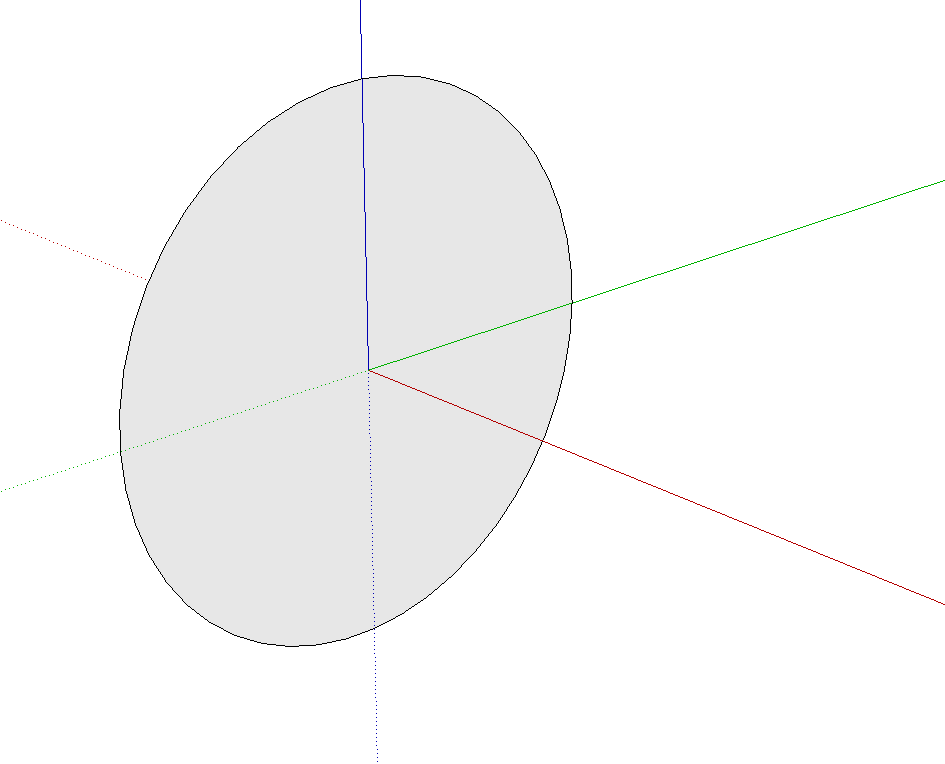
A circle with a radius of the ring.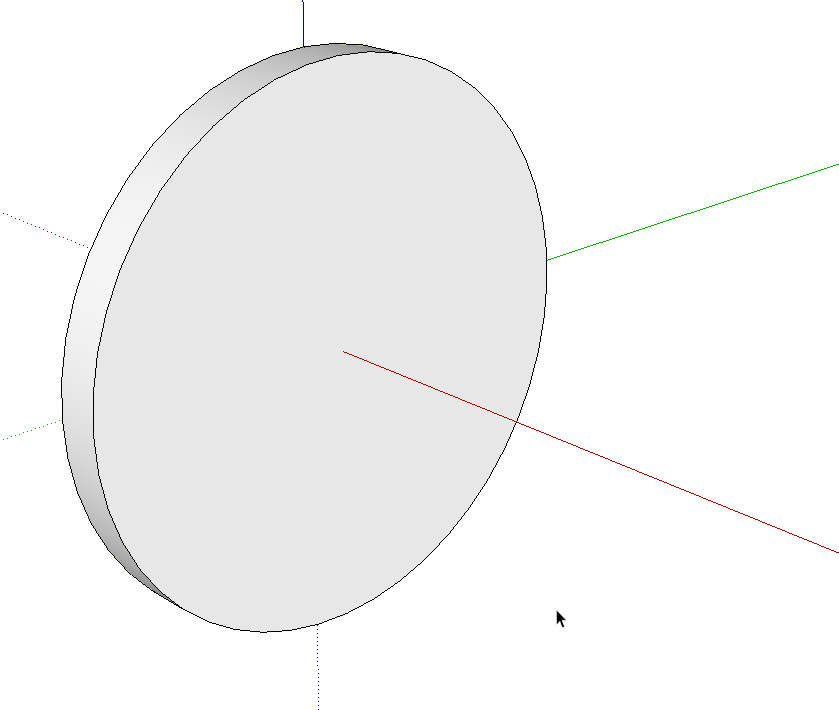
Extrude with Push/Pull to the required thickness.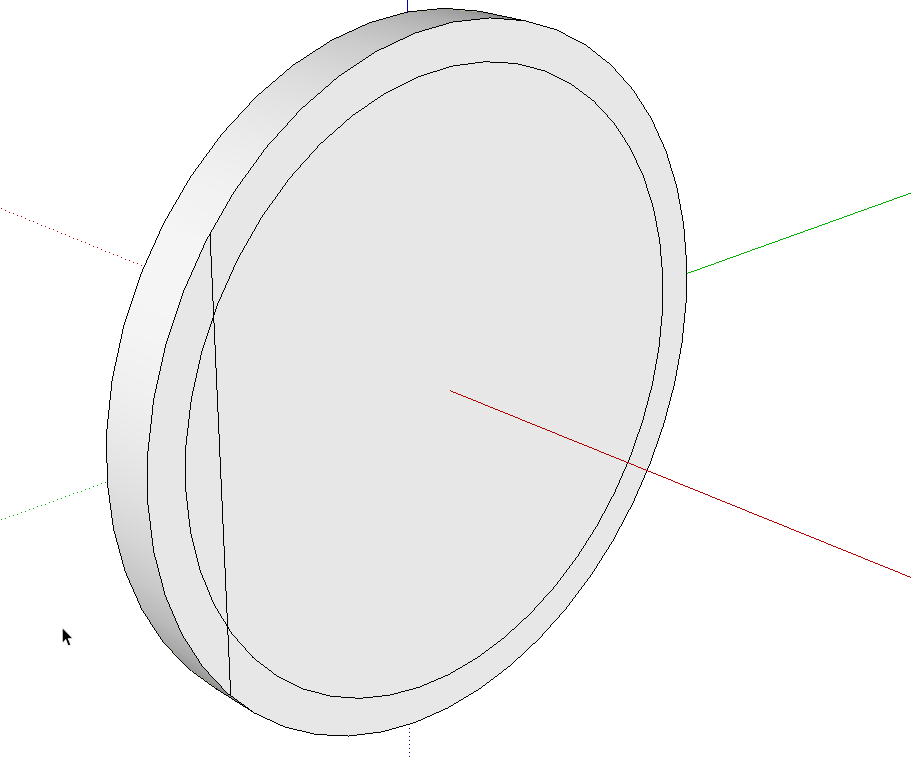
Use Offset first to delineate the radius of the post. Then draw a line for the flat.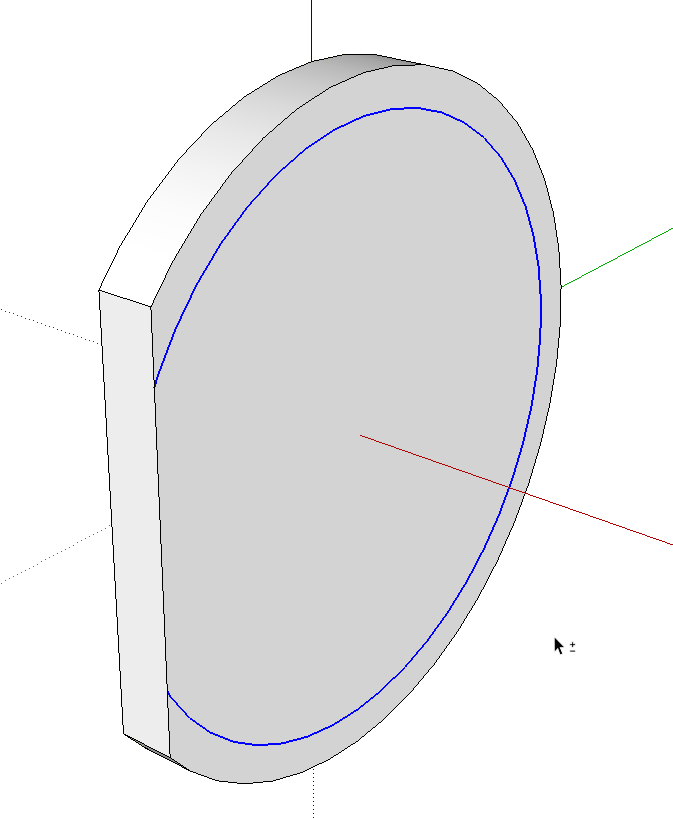
Push/Pull to get rid of the waste.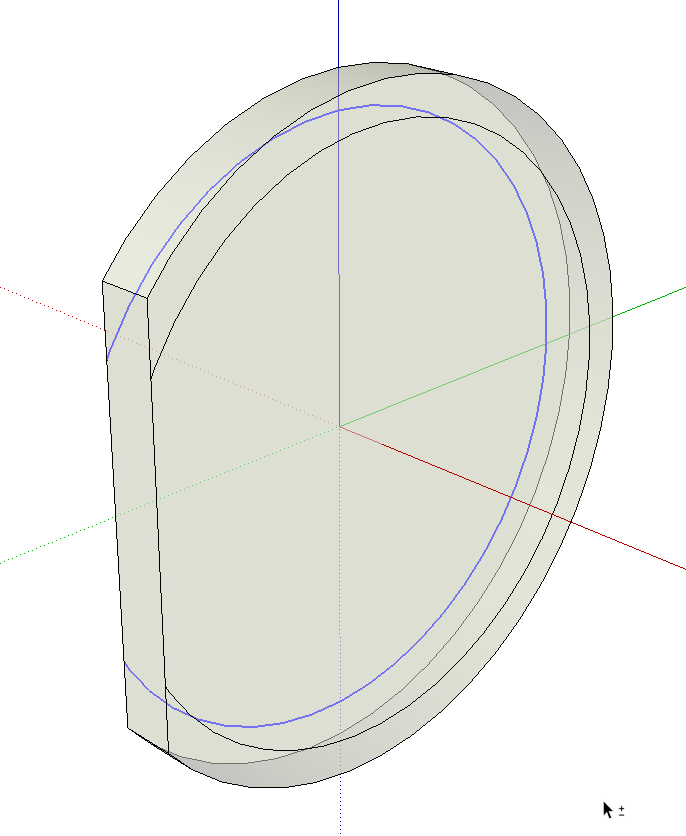
Select the remainder of the offset edge and use Move/Copy to copy it to the opposite side. You could have used Offset on the other side as before but this is quick and easy, too.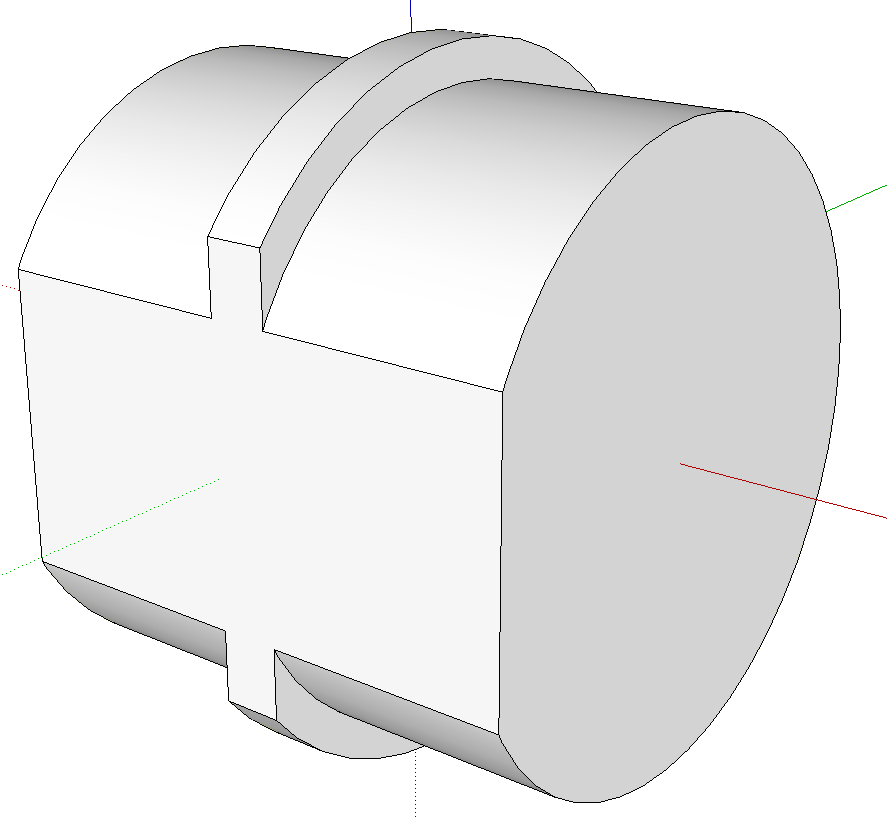
Push/Pull the inner faces on both sides to make the post.



Hello! It looks like you're interested in this conversation, but you don't have an account yet.
Getting fed up of having to scroll through the same posts each visit? When you register for an account, you'll always come back to exactly where you were before, and choose to be notified of new replies (either via email, or push notification). You'll also be able to save bookmarks and upvote posts to show your appreciation to other community members.
With your input, this post could be even better 💗
Register Login


Advertisement