How to align multiple objects according to their axes?
-
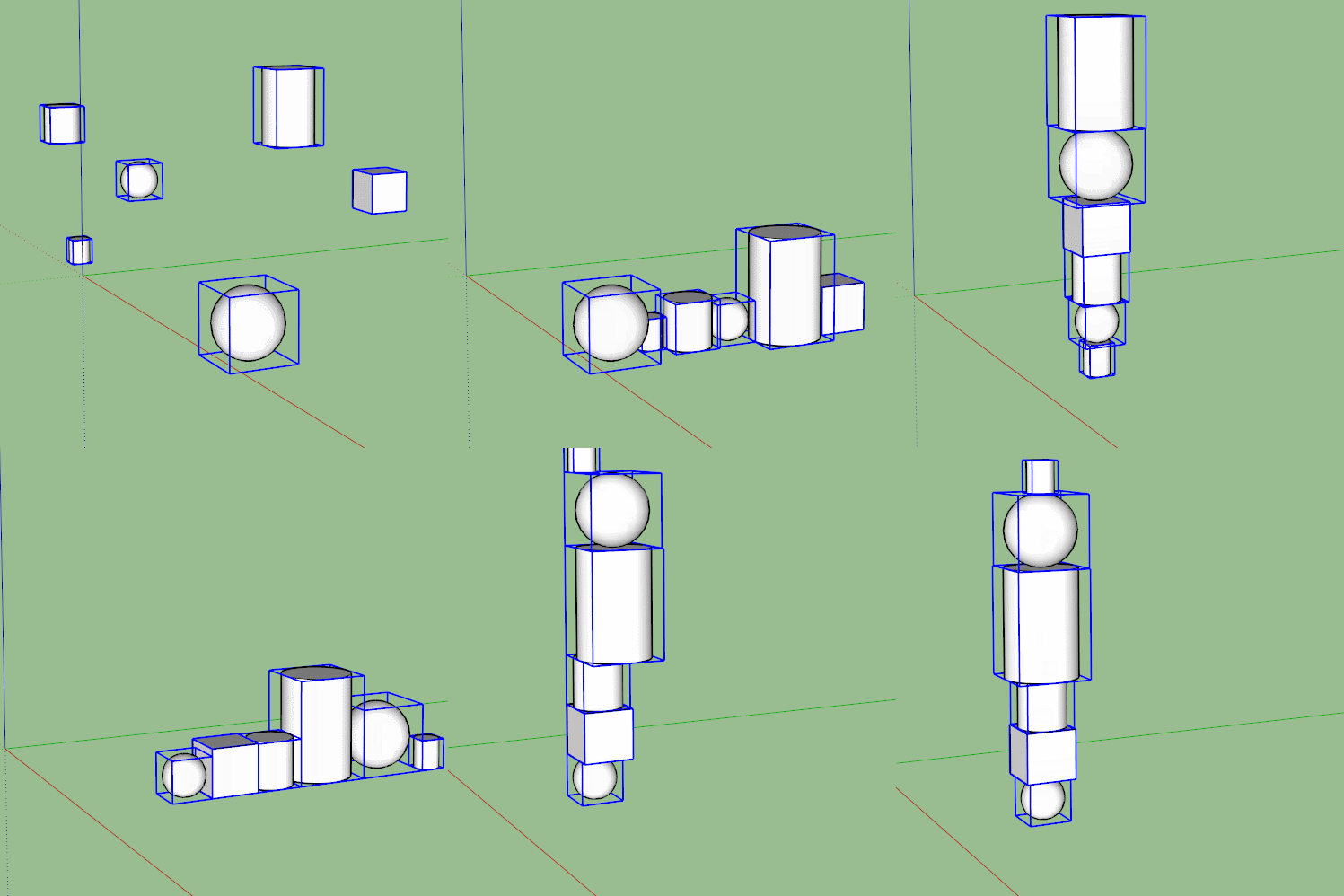
I have 3 cylinders , a cube and a 2 spheres which i want to perfectly align along the blue axis. I know the best way to do it is put the axis of each in the center then align them. Is there a plug in that does that in one click. I just cant snap to the axes to align manually.
-
You can create a construction line to get an inference on the blue axis...
-
-
@cuttingedge said:
I have 3 cylinders , a cube and a 2 spheres which i want to perfectly align along the blue axis. I know the best way to do it is put the axis of each in the center then align them. Is there a plug in that does that in one click. I just cant snap to the axes to align manually.
You don't need a plugin to place the axes at the center of components. Use Change axes from the Context menu. If you are going to use these shapes in future models, it makes sense to put the origin in a logical place to make insertion easy.
Sam's plugin is handy but you really ought to know how to set up components so they'll be easy to align in models.



Hello! It looks like you're interested in this conversation, but you don't have an account yet.
Getting fed up of having to scroll through the same posts each visit? When you register for an account, you'll always come back to exactly where you were before, and choose to be notified of new replies (either via email, or push notification). You'll also be able to save bookmarks and upvote posts to show your appreciation to other community members.
With your input, this post could be even better 💗
Register Login


Advertisement