Project Image
-
I am running into a problem I do not seem to be able to solve.
I need to project the image in the screen capture below onto the object just below it. Since I have used Shape Bender to curve the object in two different directions, I cannot seem to apply the image as a texture properly. I have also attached an SKU file that has the two object to see if someone can help me.
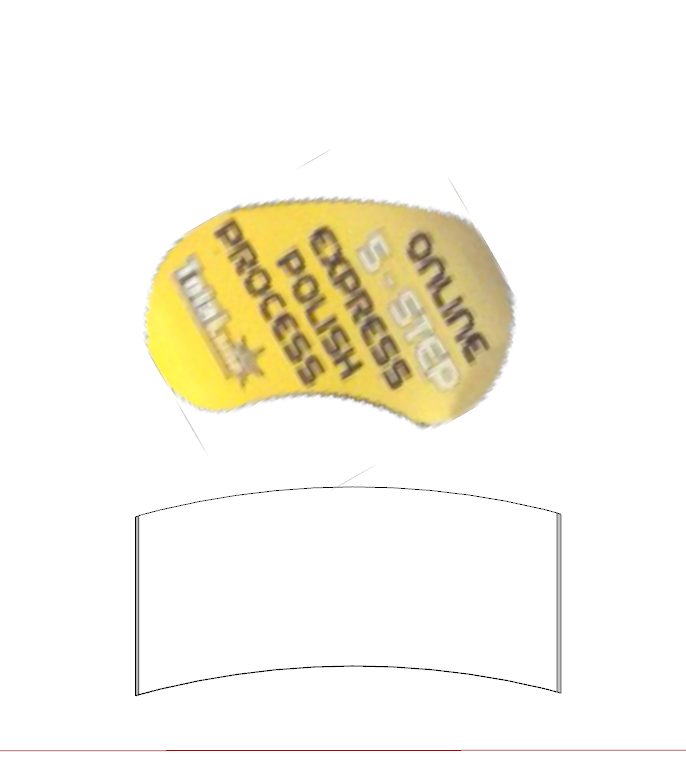

Yes, I know the quality of the image is not that great but it will work for what I am doing.
-
-
Thanks Pilou, that was the video I was looking for and did not find. After creating some better images to project, I was able to get it done. Here is an image of how it finally turned out....
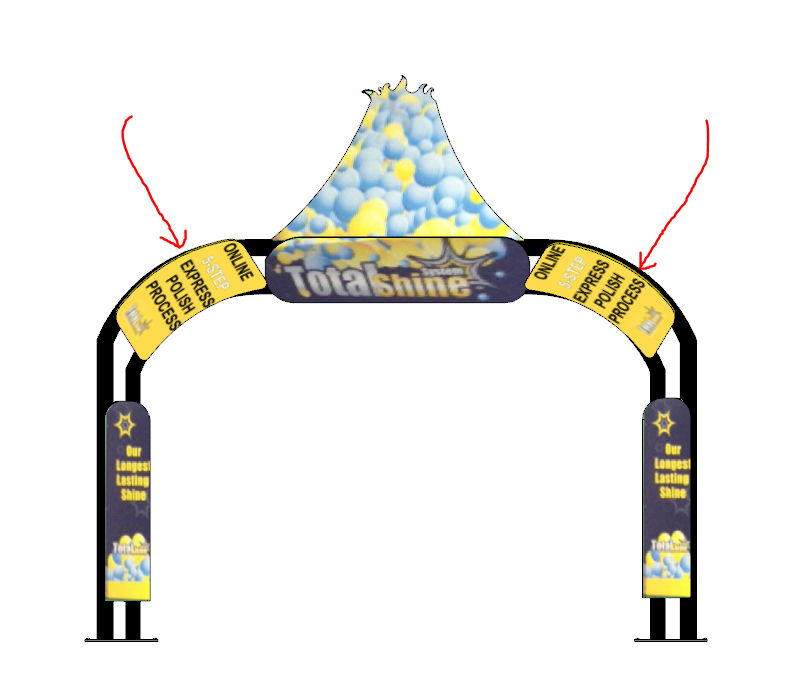
Notice that I actually had to make two copies because of the orientation. The original image that I was using just did not work well at all (was a photograph that was taken at an angle).
It sure isn't perfect but it is close enough for how it is being used and a huge step forward from what I originally had.
Once again, thanks for the reply..........


Hello! It looks like you're interested in this conversation, but you don't have an account yet.
Getting fed up of having to scroll through the same posts each visit? When you register for an account, you'll always come back to exactly where you were before, and choose to be notified of new replies (either via email, or push notification). You'll also be able to save bookmarks and upvote posts to show your appreciation to other community members.
With your input, this post could be even better 💗
Register Login


Advertisement