Path Editing will not work (bug?)
-
I'm very new, but I've looked around to make sure I'm not making some kind of obvious gaffe.
I simply cannot get the Path Editing to display. For example, I quickly draw a freehand line, then use the pointer to double-click on it. Nothing.
I can try adding points. The + cursor appears, but no points get added when I click on the line.
I've rerun the install, asking it to Repair.
I've completely uninstalled and reinstalled.version 15.3.33 32bit Windows
-
Could you post an example SKP file of what you are doing? You mention "Path Editing". Is this related to a plugin?
-
@kentmatt said:
I quickly draw a freehand line, then use the pointer to double-click on it. Nothing.
What did you expect other than the selection of that line?
-
no plugins - just the base install.
What did I expect? I expect that the individual points will become visible and editable, as per
http://help.sketchup.com/en/article/115553
http://help.sketchup.com/en/article/115550
etc. -
That help pages belong to Layout (part of the PRO version).
-
D'OH!

-
I love an easy fix.

-
That would be nice to have bezier like that, but at least there ARE some bezier-like plugin tools. To add points (actually divide) edges you have to draw another edge over it, or to (or from) it. There's also a divide function that adds evenly spaced endpoints to an edge.
-
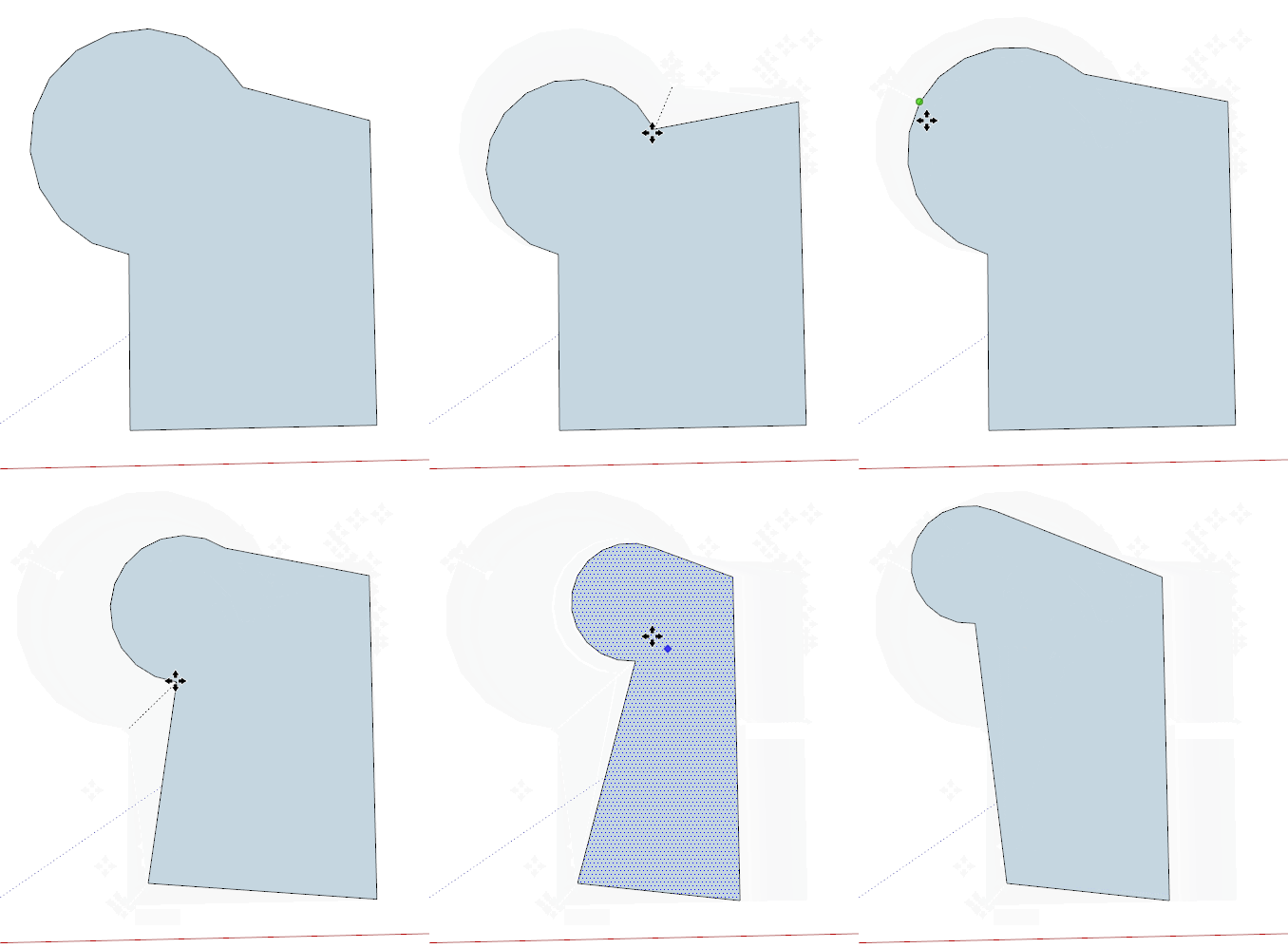
It's worth noting that you can move points with the move tool.




Hello! It looks like you're interested in this conversation, but you don't have an account yet.
Getting fed up of having to scroll through the same posts each visit? When you register for an account, you'll always come back to exactly where you were before, and choose to be notified of new replies (either via email, or push notification). You'll also be able to save bookmarks and upvote posts to show your appreciation to other community members.
With your input, this post could be even better 💗
Register Login


Advertisement