Always face center-line/ Magnetic tool
-
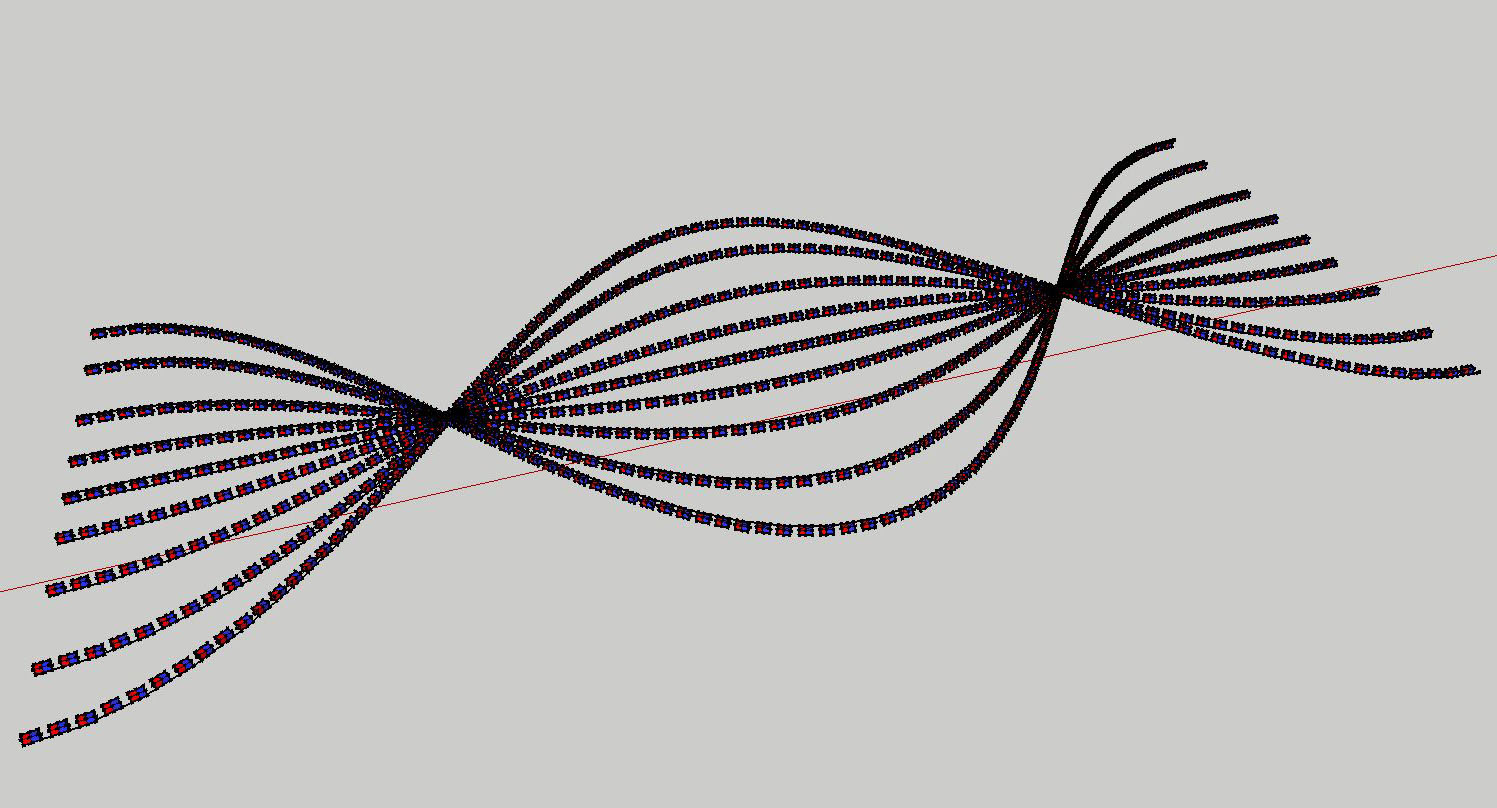
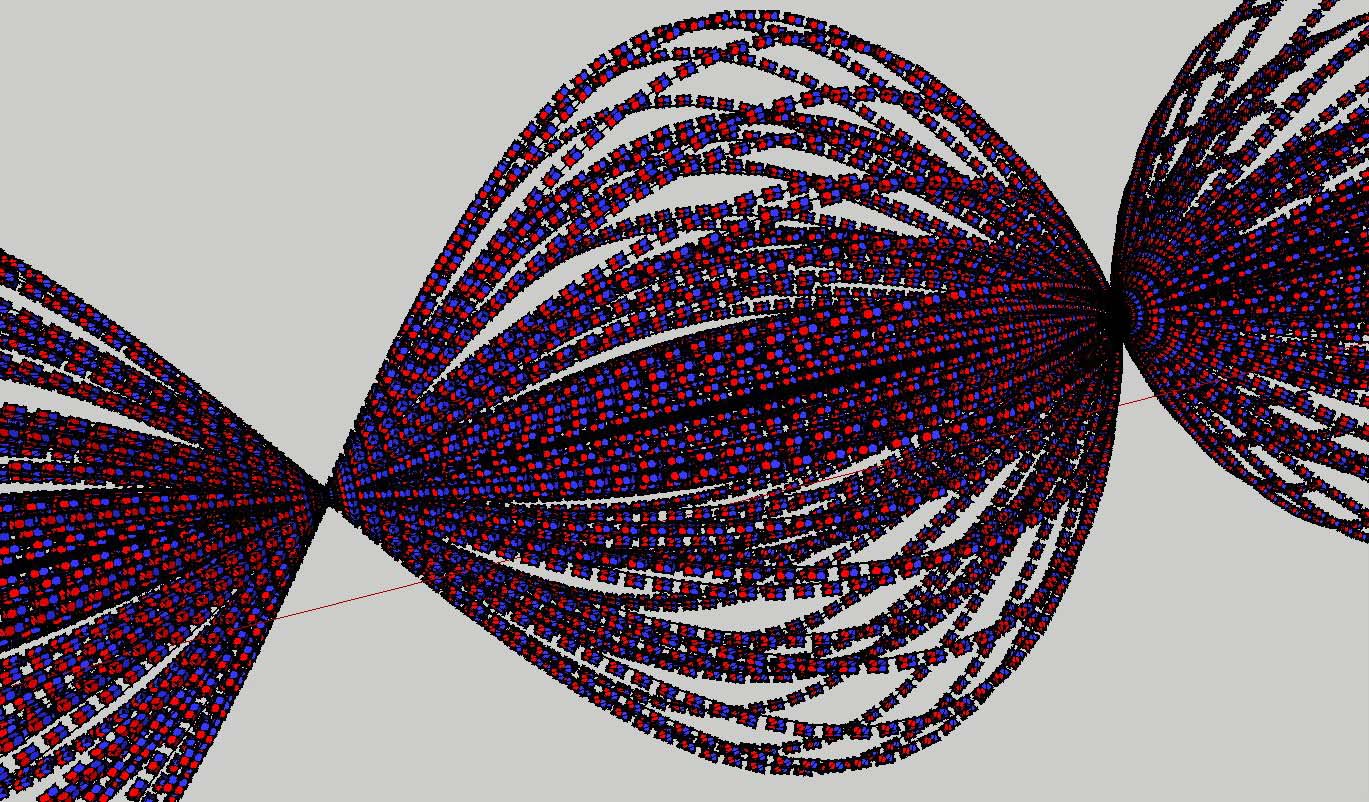
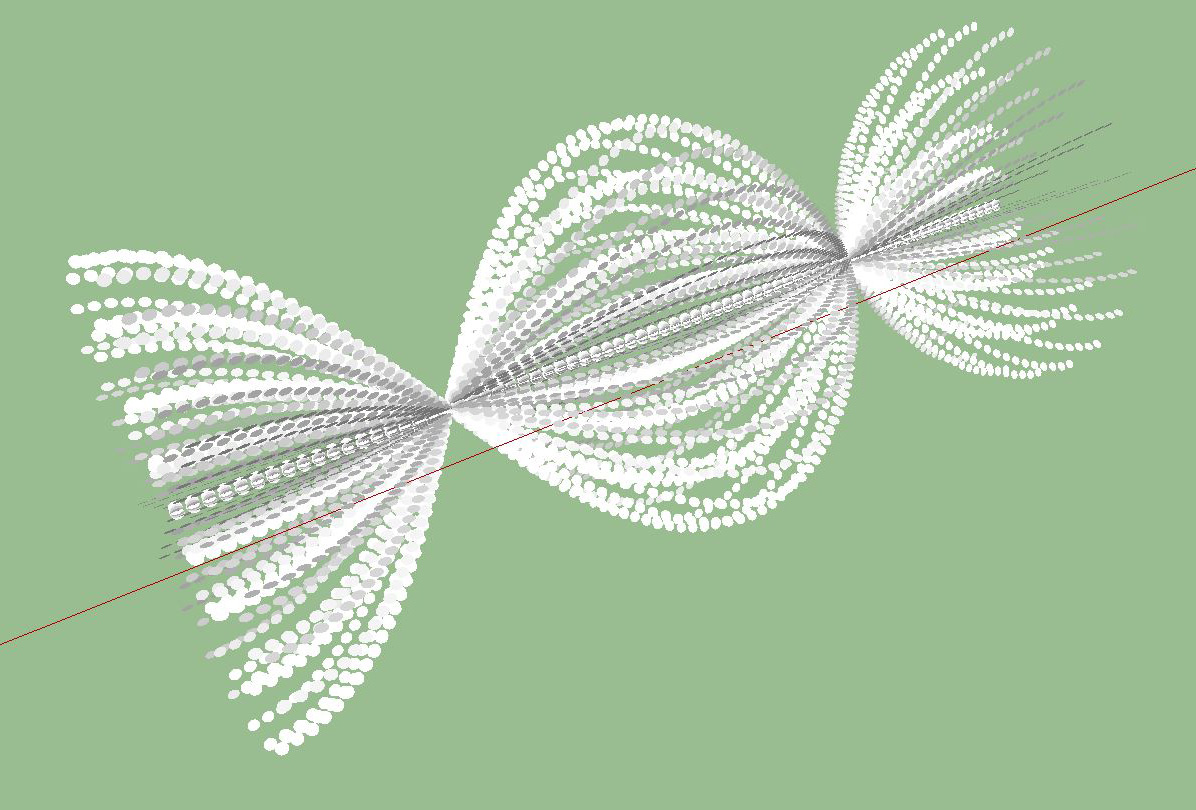
I did some experimenting with the pathcopy tool and some curved lines. I used 2 magnetic points here. But it will become really interesting if I can add 3,4 or 5 magnetic points.
I'm just a user...not a developer, but I can assure everyone that we are using sketchup to make the most awesome architecture here in our office.
-
Thinking out loud...
It may be possible for a plugin to take advantage of work done for scientific illustration...
Using a webdialog inside SU you would adjust the patterns...
the generated data could be use a insertion points for proxy component...
[web 100%,600:1ex6wll4]http://www.vizitsolutions.com/portfolio/efield/[/web:1ex6wll4] -
You mean generating the data from Javascript ? I'd imagine that would be rather slow..
My theory is to let HTML/Js do the Gui part and do the heavy calculations on Ruby and or C++ side..
That's just my opinion, but I'll stick to it.I use d3.js as JS library and it's used quite often for scientific illustration.
It has Voronoi, projections etc. But to slow to use with Sketchup.These kind of parametric geometries tend to get dense pretty quickly, so fast code is quite essential. But that library has some interesting code that's for sure.
-
@jolran said:
You mean generating the data from Javascript ?...
use js as a visual menu, with some sliders...
then send the 'formula' to ruby or C to generate geometry positions...
i.e. the live interaction is in js, the 'result' is forwarded...
john -
-
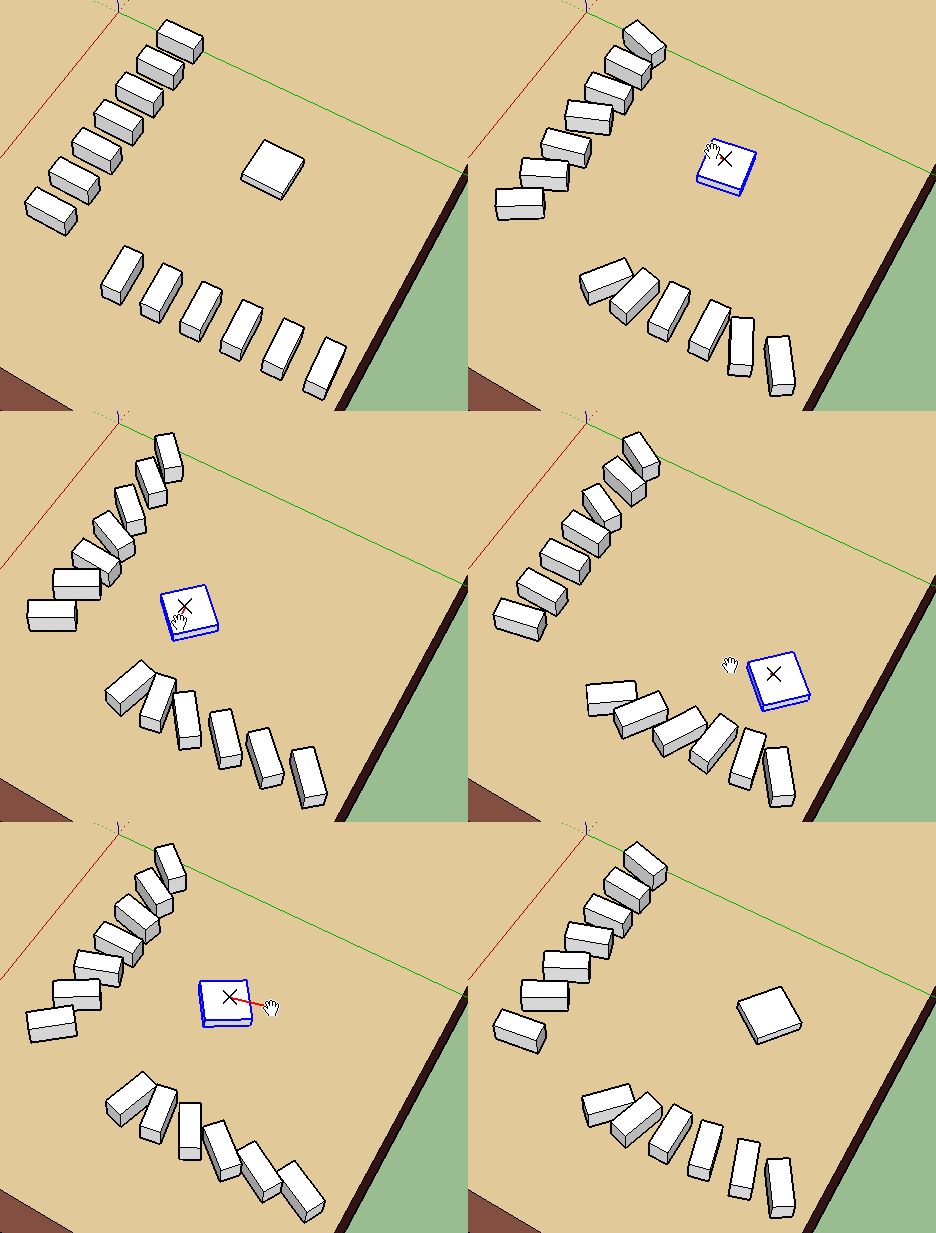
On a side note, there is always Sketchy Physics for using Magnetism. But I can't imagine how that could be translated into fixed positions not to mention the time it takes to set things up. Perhaps the inner workings of SUPhy can lend something to another plugin.
But it's a magnetic thread so I had to do something.
-
Rotate by distance looks a bit funky. Maybe if used normalized values...
The vectors are all setup, so I guess one could easily go for an angular approach instead...
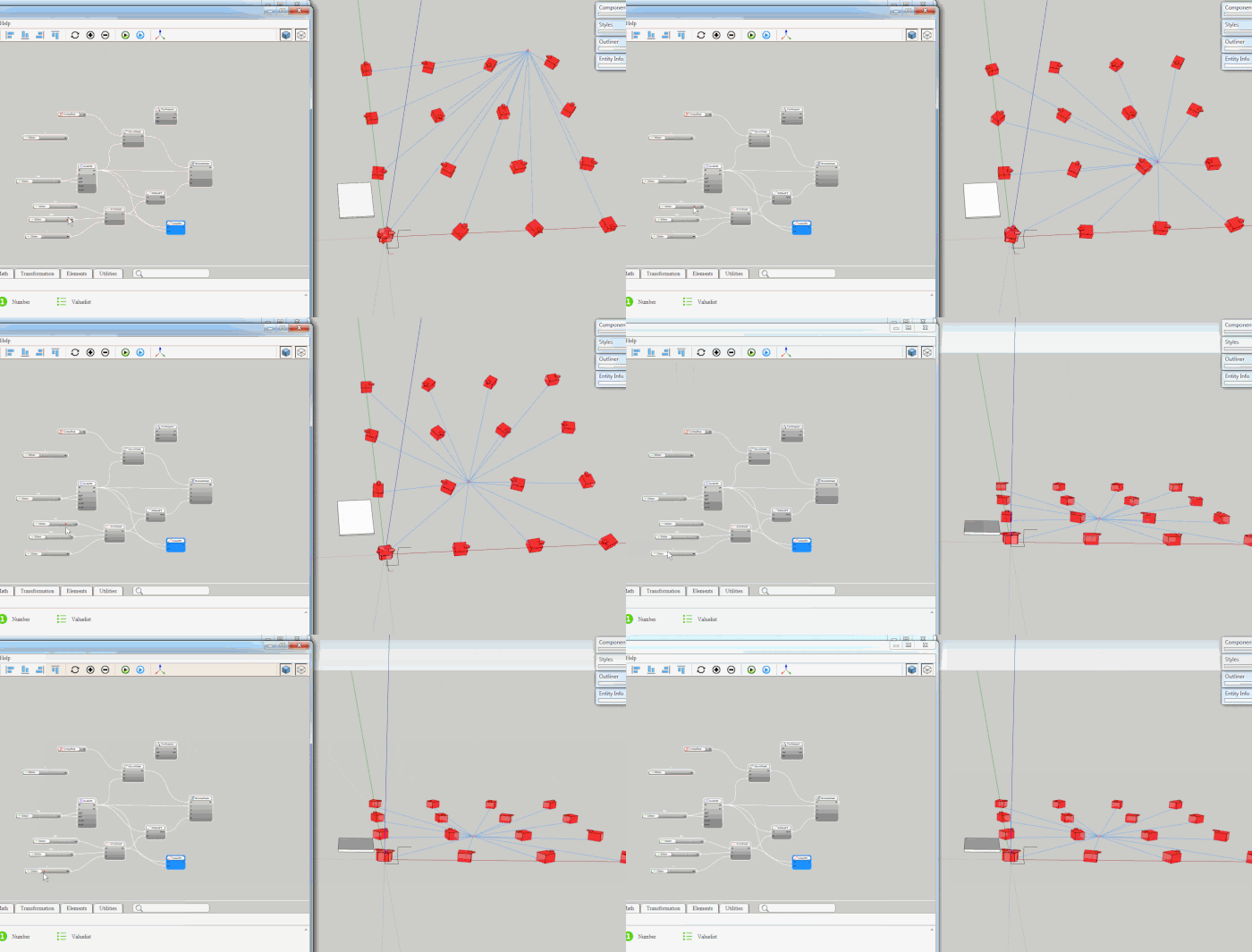
-
@flippie123 said:
I did some experimenting with the pathcopy tool and some curved lines. I used 2 magnetic points here. But it will become really interesting if I can add 3,4 or 5 magnetic points.
I'm just a user...not a developer, but I can assure everyone that we are using sketchup to make the most awesome architecture here in our office.
don't you guys have a copy of rhino in your office?
i'm pretty sure zaha used paneling tools to create this.. possibly in conjunction with a custom script..
it's super powerful for various types of attractors etc..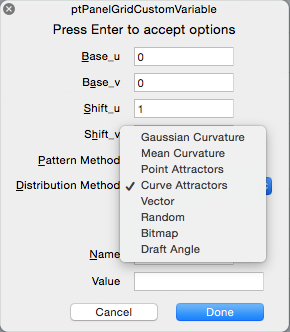
@box said:
On a side note, there is always Sketchy Physics for using Magnetism.[...]
But it's a magnetic thread so I had to do something.heh.. neat

-
Jeff hammond. Why do you often direct to Rhino as a solution to problems when modeling in Sketchup?
Don't you want Sketchup to evolve ?
-
@jolran said:
Jeff hammond. Why do you often direct to Rhino as a solution to problems when modeling in Sketchup?
Don't you want Sketchup to evolve ?
well, when someone is trying to copy something, it seems the best way to do it would be to use the same tools that were used in the first place.
do i want sketchup to evolve? yes, of course.. i wanted it to evolve 10years ago.. then 4-5 years ago, i realized it wasn't going to evolve so there you have it..
sketchup is what it is 10 years ago and it will always be that way.. [edit]-- i mean, we stilldon't have arcs or circles in sketchup.. much less curves.. -
Heh, well put.

I'll accept your answer.
Although to give cred to the Guys at Trimble I do think they have made great changes recently that will permit further enhancements of Sketchup.
Regarding arcs and circles. They will come

Knotvector-based, nonuniformed rational ones... -
@jolran said:
Regarding arcs and circles. They will come
...they are already there, SU just fails to use them with it's own tools...
but exports them to AutoCad, go figure...john
-
@jolran said:
Although to give cred to the Guys at Trimble I do think they have made great changes recently that will permit further enhancements of Sketchup.
oh.. i'm not trying to rag on those guys or anything like that.. and really, it looks to me like the trimble acquisition is going to be good for sketchup.. 2013 was sort of a dud but once the team got situated in the company, things are looking to be picking up well.. 2014 and now 2015 are both good releases imo..
my _____ are nothing to do with the developer's abilities etc.. it's more to do with their vision and how it relates to my desires.. they want something and i want something else.. nobody is to fault in a situation like that.. if sketchup was what i want it to be, lots of people would probably hate it and start seeking out solutions which are more sketchup like
but, when people start posting these designs they find on the web and saying 'how do you do this in sketchup?', often times, the answer is 'you don't'..
..in the same way if someone posted this model on a rhino forum asking "how do you do this in rhino?" ..the answer is "you don't.. try zbrush or smthng"
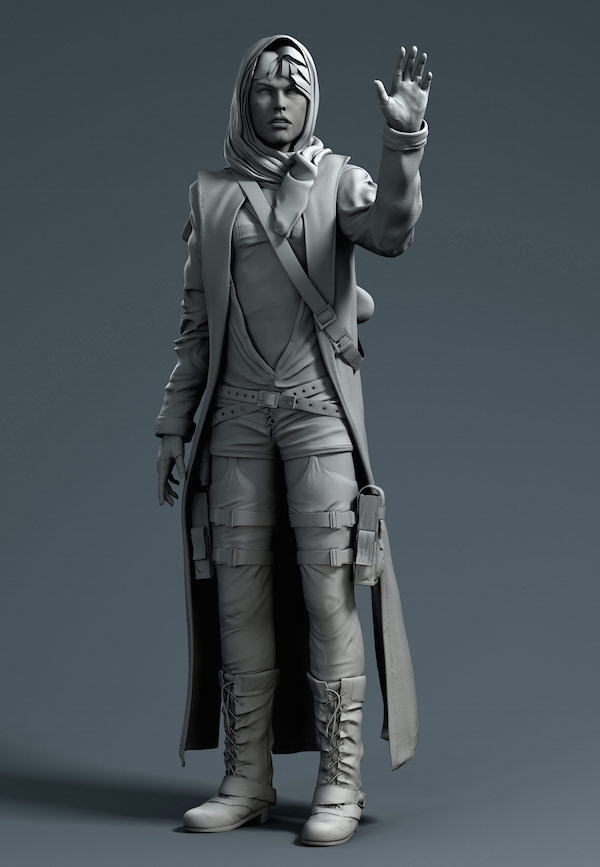
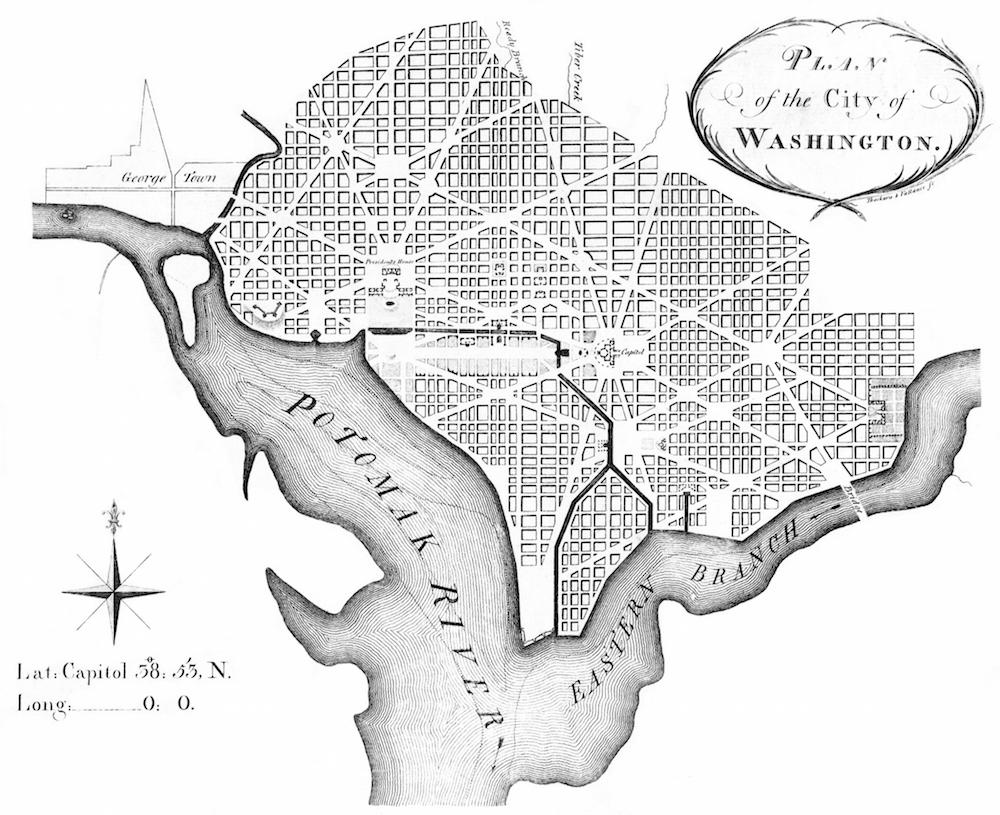
anyway-- back to magnetics.. it seems a rigid point attractor would create a space more akin to washington d.c.
-
@jolran said:
...The vectors are all setup, so I guess one could easily go for an angular approach instead...
can't the vector be form child.bounding_box.centre to target.bounding_box.centre ?
-
@jolran said:
EDIT: That Z_BRUSH model
 One of those belts of the model would kill Sketchup.
ha, well, at least you could make a valiant effort of modeling that figure in sketchup.. you'll bump into polycount limitations but the geometry is still possible.. rhino could handle the geometry but it would be nearly impossible to do such fine detailing of organic surfaces like that with nurbs.
zaha hadid's stuff could be considered 'organic' by many people but if you look at it differently, you'll usually see the pattern/logic/math emerge.. there are some hybrid sub-d/nurbs things happening nowadays but not much in core rhino in these regards.. maybe one day.
it would be neat to see sketchup adopt some sort of psuedo-nurbs eventually ala bonzai3D (or now form•Z jr)
-
Jeff I hear what you're saying and understand what you are getting at. The complexity you wish would probably scare away many newbies, yes.
It's difficult to find a balance of power and simplicity.
I think XSI foundation did it nicely, but alas...But we can drop the subject if you prefer..
EDIT: That Z_BRUSH model
One of those belts of the model would kill Sketchup.@unknownuser said:
they are already there, SU just fails to use them with it's own tools...
but exports them to AutoCad, go figure...What do you mean. Does Sketchup have some underlying code I never heard about ?

@unknownuser said:
can't the vector be form child.bounding_box.centre to target.bounding_box.centre ?
I place the boxes on points from a grid. Those points can be reused for building the vectors to target. So it would probably be the same thing as you mean ?
I suppose a "Align with vector" Node would be in order to transform locally in the vector direction.Anyway I try to keep a maximum of 50 nodes when developping, so I have to deal with this later. I just wanted to show that it could probably be done with point to target algorithm.
However rereading the post more closely I don't think it's what the author wants. So back to Jeff and the magnetics
-
Right! (about the model)
@unknownuser said:
it would be neat to see sketchup adopt some sort of psuedo-nurbs eventually ala bonzai3D (or now form•Z jr)
Pseudo-Nurbs ?! I forgot about Forms. Should have a peek and see what the pseudo is about.
It's problematic with the tesselation as Quad type in Sketchup since we can only use planar faces. Also adding geometry is fastest with Polygonmesh class which also requires triangles.
So I don't know..In my case I'm only subdividing the tesselation/triangulation.
But I agree, NURBS built into the Sketchup core would be nice.
-
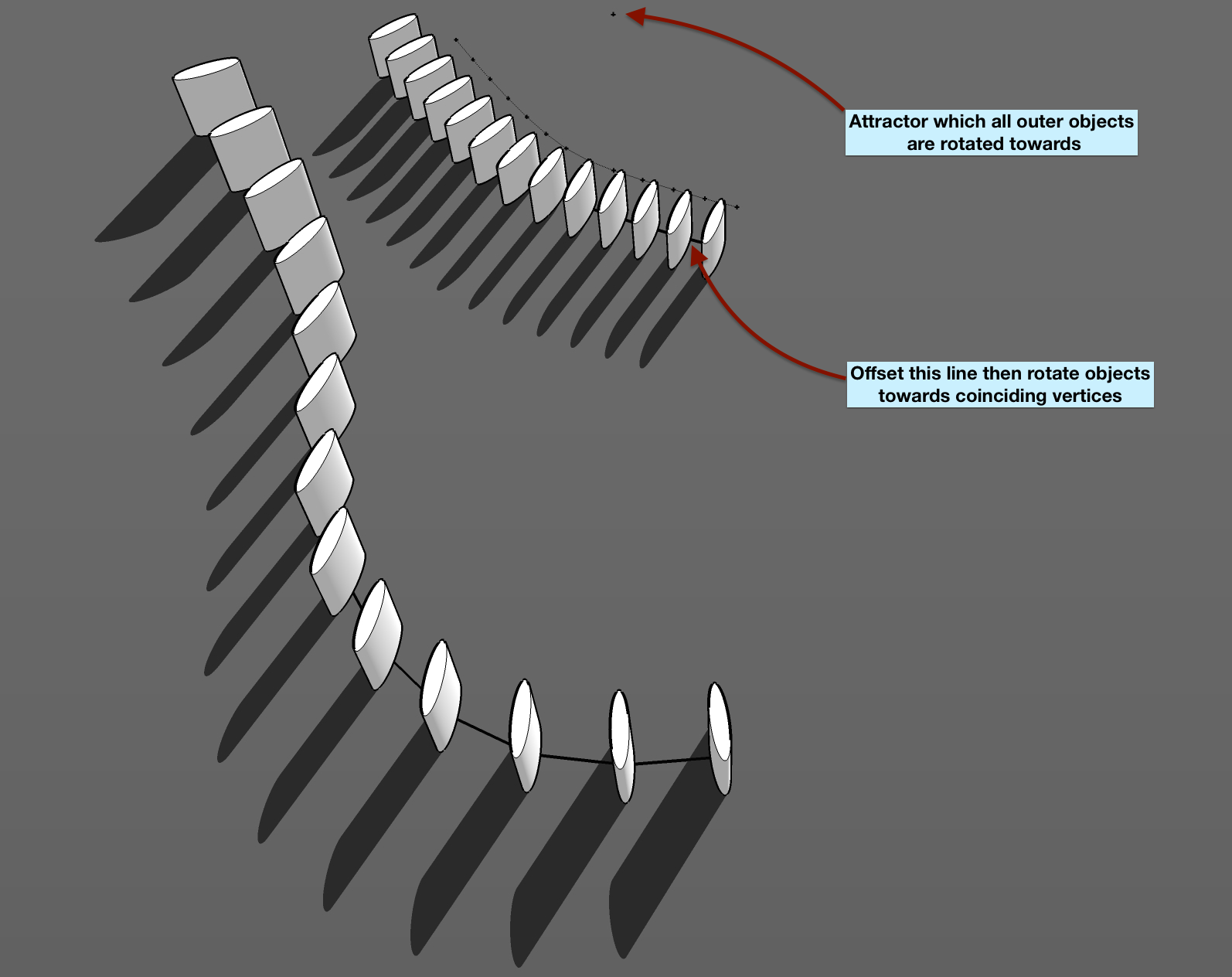
i suppose you can get close enough if only pointing objects which are far away via 'always face CL/magnetic tool'..
just deal with the inner ones a little differently
?
-
@box said:
On a side note, there is always Sketchy Physics for using Magnetism. But I can't imagine how that could be translated into fixed positions not to mention the time it takes to set things up. Perhaps the inner workings of SUPhy can lend something to another plugin.
But it's a magnetic thread so I had to do something.waaaah! This looks very cool!
-
Hi Jeff, I'm not trying to compete with Zaha. I have been using sketchup since the very beginning. In the beginning I started to do some simple architecture using sketchup but now years later I'm doing some pretty advanced architecture designs using sketchup where I'm trying to reach the limits of the program.
I'm very exited about sketchup2015 because the 64bit version makes much more possible.
Off course I can use Rhino to do some modelling. But at the end my clients want to see a Sketchup model because for them a sketchup model is easy to read.
@jeff hammond said:
@flippie123 said:
I did some experimenting with the pathcopy tool and some curved lines. I used 2 magnetic points here. But it will become really interesting if I can add 3,4 or 5 magnetic points.
I'm just a user...not a developer, but I can assure everyone that we are using sketchup to make the most awesome architecture here in our office.
don't you guys have a copy of rhino in your office?
i'm pretty sure zaha used paneling tools to create this.. possibly in conjunction with a custom script..
it's super powerful for various types of attractors etc..[attachment=0:ddwi3rqq]<!-- ia0 -->Screen Shot 2014-12-10 at 10.59.16 AM.png<!-- ia0 -->[/attachment:ddwi3rqq]
@box said:
On a side note, there is always Sketchy Physics for using Magnetism.[...]
But it's a magnetic thread so I had to do something.heh.. neat





Advertisement