sketchucation logo sketchucation
    • Login
    Oops, your profile's looking a bit empty! To help us tailor your experience, please fill in key details like your SketchUp version, skill level, operating system, and more. Update and save your info on your profile page today!
    Mac User? | Join the Rayscaper Beta for Mac Learn More

    [Plugin] Add comments to your file

    Scheduled Pinned Locked Moved Plugins
    104 Posts 20 Posters 30.7k Views 20 Watching
    Loading More Posts
    • Oldest to Newest
    • Newest to Oldest
    • Most Votes
    Reply
    • Reply as topic
    Log in to reply
    This topic has been deleted. Only users with topic management privileges can see it.
    • JClementsJ
      JClements
      last edited by

      Hi I,
      Check your personal messages for link info.
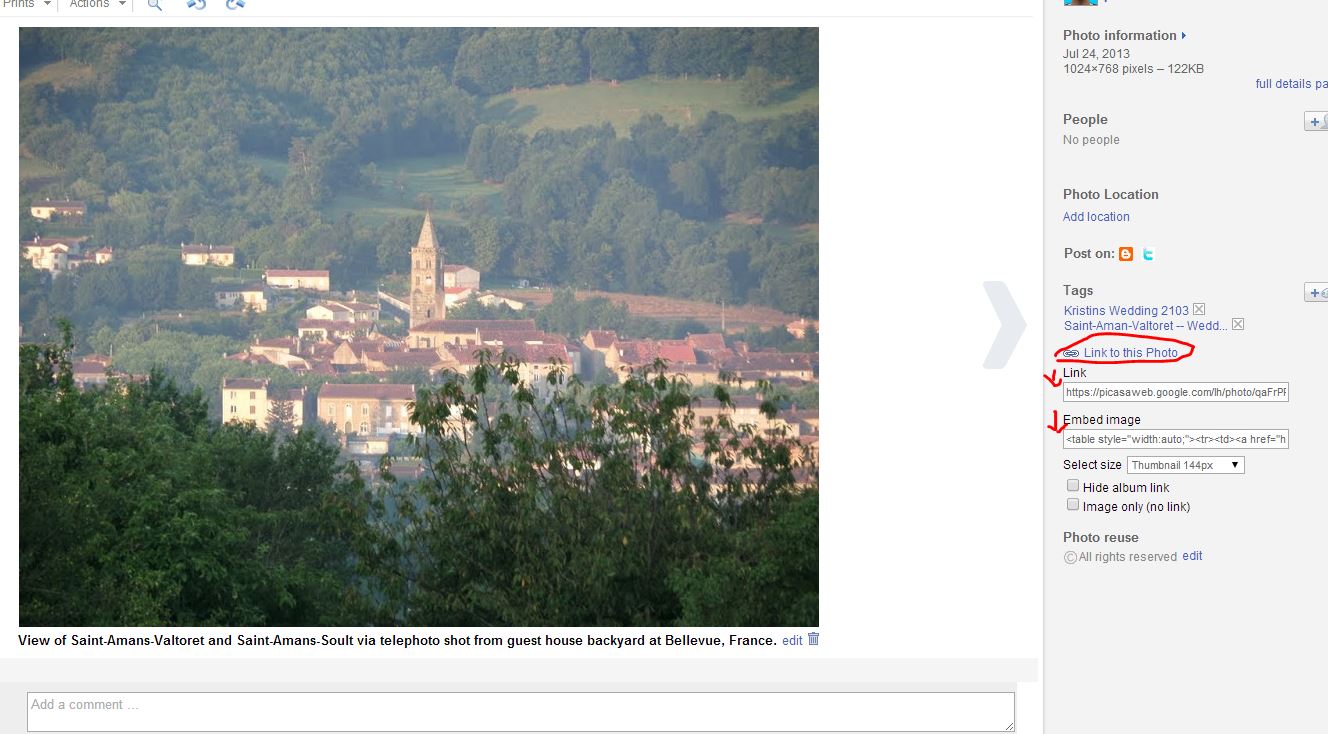
      link to specific image

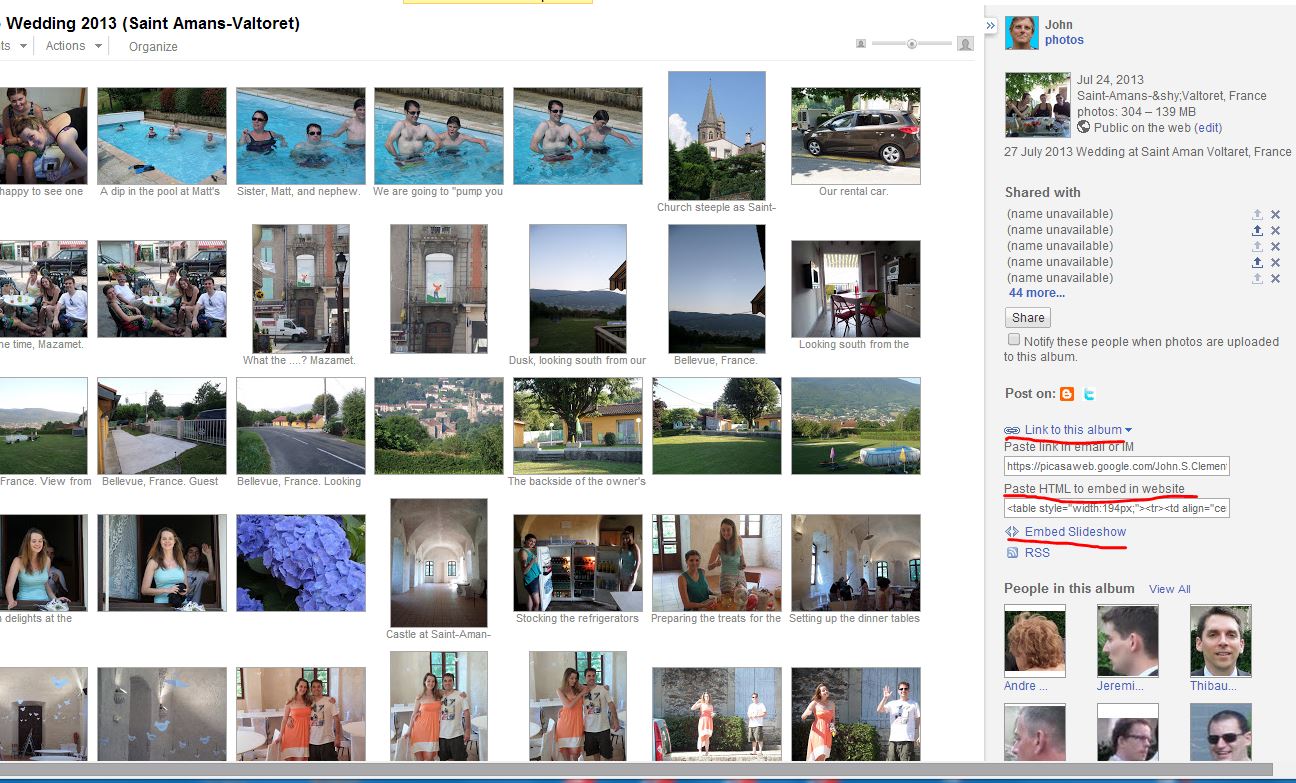
      link to entire album

      John | Illustrator | Beaverton, Oregon

      1 Reply Last reply
      Reply Quote 0
      • chialiang168C
        chialiang168
        last edited by

        Comments-icon_v2.3.5 Test report
        An error occurred in IE10

        https://dl.dropboxusercontent.com/u/108539326/星野築網頁/004-應用教室/002-sketchup教室/插件應用/Comments(文字註釋)v2.3.5/圖片/Error.gif

        Increase Chinese language file
        Increase China-Taiwan language files

        Link Preview Image
        Dropbox - 404

        favicon

        (dl.dropboxusercontent.com)

        1 Reply Last reply
        Reply Quote 0
        • inteloideI
          inteloide
          last edited by

          Hello,

          thank you for translation : I added it to the plugin.

          Please try attached version which should solve your issue, and let me know in order to officially post this version.

          Improvements are :
          2.3.7 Corrected : Avoid menu error
          Optimized : Added chinese languages (thanks to chialiang168)

          2.3.6:	Updated : 	version of ckeditor update to 4.4.5
          		Added :		Change tab key behavior to add spaces (4)
          		Corrected : enter key now make a simple return to line
          

          Regards.
          Inteloide


          Version 2.3.7

          Humanity will do a huge step when the IT professionals will understand that computers are tools...

          1 Reply Last reply
          Reply Quote 0
          • chialiang168C
            chialiang168
            last edited by

            https://dl.dropboxusercontent.com/u/108539326/001-Share/022.gif

            1 Reply Last reply
            Reply Quote 0
            • inteloideI
              inteloide
              last edited by

              Lovely!
              😉

              Humanity will do a huge step when the IT professionals will understand that computers are tools...

              1 Reply Last reply
              Reply Quote 0
              • B
                BMoffa
                last edited by

                I would really like to use this plug-in, but it seems to not save or not load comments that I add. At first it lost comments from one of the two tabs I set up, then it lost everything.

                I'm using version 2.3.5 in SketchUp 2015 Pro 64 bit (current build). I really hope you can fix this as I really like it.

                1 Reply Last reply
                Reply Quote 0
                • inteloideI
                  inteloide
                  last edited by

                  Hello,

                  Please download version 2.3.7 from the store or from the first post of this thread, and please tell me if solved your issue.

                  Best regards.
                  Inteloide

                  Humanity will do a huge step when the IT professionals will understand that computers are tools...

                  1 Reply Last reply
                  Reply Quote 0
                  • L
                    Lê Việt Trường
                    last edited by

                    Thank you for this usefull plugin!

                    1 Reply Last reply
                    Reply Quote 0
                    • L
                      Lê Việt Trường
                      last edited by

                      Hi there,
                      Thanks for the ruby, but where it saves the comments? I lost some tab's comments and can not get it back

                      1 Reply Last reply
                      Reply Quote 0
                      • inteloideI
                        inteloide
                        last edited by

                        Hello Lê,

                        Please download the latest update of BGSketchup Library from the store (version 2.3.1).
                        It may solve your issue.

                        To answer your question, comments are saved inside Model (let's say Inside skp file).
                        If you loose some comment, you can send me your file (even if you delete everyhting inside) and I will try to recover it.

                        Inteloide

                        Humanity will do a huge step when the IT professionals will understand that computers are tools...

                        1 Reply Last reply
                        Reply Quote 0
                        • B
                          bharralure
                          last edited by

                          Bonjour Inteloide,
                          J’utilise depuis quelques semaines votre plugin "Comments v2.3.7".
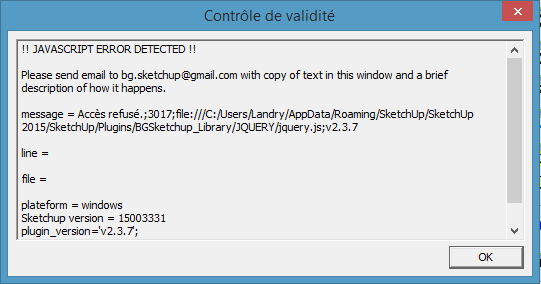
                          Il fonctionne correctement sauf qu’à chaque lancement d’un modèle SketchUp comportant des commentaires enregistrés s’affiches les messages tels que les montres les captures d’écrans ci-après :
                          Est-il possible de solutionner ce problème ?
                          Merci.
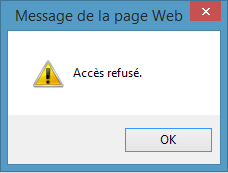

                          2015-03-27 21_25_29-Message de la page Web.png


                          2015-03-27 21_26_03-Contrôle de validité.png

                          1 Reply Last reply
                          Reply Quote 0
                          • B
                            bharralure
                            last edited by

                            Bonjour Inteloide,
                            Je viens de solutionner mon problème en installant la version 2.3.2 de BG_Sketchup_Library (j'utilisais la version 2.0.7 sans avoir vu la mise à jour...).
                            Tout fonctionne.

                            1 Reply Last reply
                            Reply Quote 0
                            • inteloideI
                              inteloide
                              last edited by

                              Bonjour,

                              Il vous faut télécharger la dernière version de BGSketchup_Library (la version 2.3.2).
                              Pour cela, vous pouvez allez, dans Sketchup, dans le menu Extension puis BGSketchup puis BGSketchup update manager.
                              Là vous tomberez sur l'interface qui vous permettra de mettre à jour vos plugins.

                              Sinon, vous pouvez passer par le PluginStore de SketchUcation.

                              Cordialement
                              Inteloide

                              Humanity will do a huge step when the IT professionals will understand that computers are tools...

                              1 Reply Last reply
                              Reply Quote 0
                              • greenskpG
                                greenskp
                                last edited by

                                Default installation is fine but an installation with a custom folder always ask me to install BGSketchup Library.

                                I am using

                                require_all('path\to\custom\folder')
                                

                                inside default plugins folder.

                                1 Reply Last reply
                                Reply Quote 0
                                • inteloideI
                                  inteloide
                                  last edited by

                                  Hello,

                                  New version 2.3.9 should correct this issue.
                                  Please download it from the store (with new version of BGSketchup Library)

                                  Inteloide

                                  Humanity will do a huge step when the IT professionals will understand that computers are tools...

                                  1 Reply Last reply
                                  Reply Quote 0
                                  • greenskpG
                                    greenskp
                                    last edited by

                                    @unknownuser said:

                                    New version 2.3.9 should correct this issue.

                                    Thank you!!!

                                    Could you to correct this issue for Component Manager too? Maybe for all BGSketchup family?

                                    1 Reply Last reply
                                    Reply Quote 0
                                    • greenskpG
                                      greenskp
                                      last edited by

                                      inteloid,

                                      sometimes i need to change the tab for make another annotation but the icon of options is very close and opens the window. It's possible to put a delay or increase the distance between the tab name and the icon of options?

                                      Take a look on my screen recorder.

                                      http://i.imgur.com/oJMp2th.gif

                                      1 Reply Last reply
                                      Reply Quote 0
                                      • greenskpG
                                        greenskp
                                        last edited by

                                        Good Evening inteloid,

                                        I did for me a translation pt-br for the file Translation.rb and also correct few things in the file pt-br.js.

                                        If you think this is good, please add for the next update 😄

                                        Translation pt-br

                                        1 Reply Last reply
                                        Reply Quote 0
                                        • inteloideI
                                          inteloide
                                          last edited by

                                          Hello Greenskp,

                                          Please find here a new version that include requested improvements.
                                          Please, keep me informed if it's ok for you.

                                          Best regards
                                          Inteloide


                                          Version 2.3.10

                                          Humanity will do a huge step when the IT professionals will understand that computers are tools...

                                          1 Reply Last reply
                                          Reply Quote 0
                                          • greenskpG
                                            greenskp
                                            last edited by

                                            Happened some behaviors that not exists in official version. This version 2.3.10 seems incompatible with the library 3.6.
                                            If i make 7 tabs:

                                            • the tab 2 froze

                                            • change the language unfreezes the tab 2 but freezes the tab 6

                                            • From right to left is good but from left to right one tab is skipped

                                            I think is better forget this and only include the translation. Or perhaps force the tab to shrink before of the mouse be released.

                                            custom version 2.3.10

                                            1 Reply Last reply
                                            Reply Quote 0

                                            Hello! It looks like you're interested in this conversation, but you don't have an account yet.

                                            Getting fed up of having to scroll through the same posts each visit? When you register for an account, you'll always come back to exactly where you were before, and choose to be notified of new replies (either via email, or push notification). You'll also be able to save bookmarks and upvote posts to show your appreciation to other community members.

                                            With your input, this post could be even better 💗

                                            Register Login
                                            • 1
                                            • 2
                                            • 3
                                            • 4
                                            • 5
                                            • 6
                                            • 6 / 6
                                            • First post
                                              Last post
                                            Buy SketchPlus
                                            Buy SUbD
                                            Buy WrapR
                                            Buy eBook
                                            Buy Modelur
                                            Buy Vertex Tools
                                            Buy SketchCuisine
                                            Buy FormFonts

                                            Advertisement