Some parts of my models is darker and looks bad.
-
You can see the attachement to see what I mean.
The color is brown but as you see most of it is darker, noisy and looks bad.
How do I fix this?
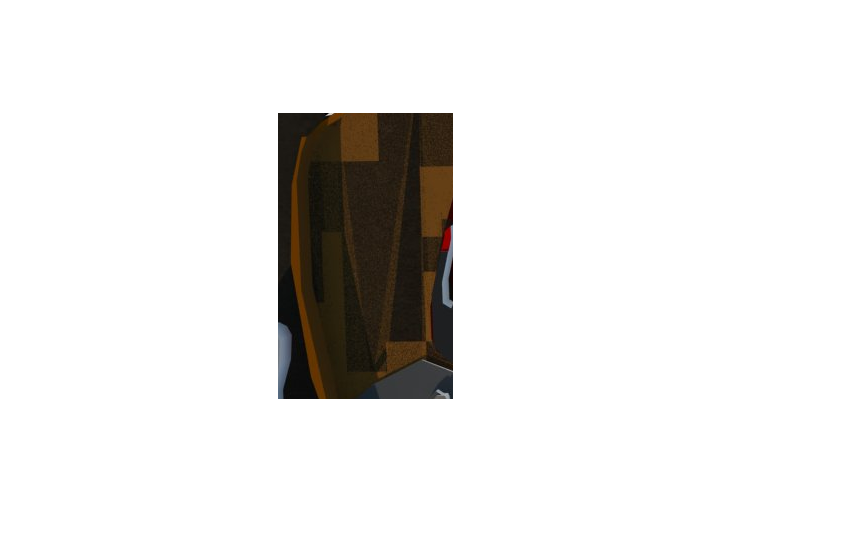
-
looks like you're using DR, and something isn't transferring to the DR node properly. This should be resolved in our 2.0 release afaik. Have you tried a demo?
-
@dkendig said:
looks like you're using DR, and something isn't transferring to the DR node properly. This should be resolved in our 2.0 release afaik. Have you tried a demo?
What do you mean with a demo?
-
@dkendig said:
looks like you're using DR, and something isn't transferring to the DR node properly. This should be resolved in our 2.0 release afaik. Have you tried a demo?
I found the problem, I used an image as background and that caused all of that, I removed it and now it's fine. I'll have to add a background in Photoshop then.
-
@khodan said:
@dkendig said:
looks like you're using DR, and something isn't transferring to the DR node properly. This should be resolved in our 2.0 release afaik. Have you tried a demo?
What do you mean with a demo?
we have a demo or trial version of our 2.0 version available on our website. I was making the assumption that you were not using VfS 2.0. Glad to hear you resolved the issue though


Hello! It looks like you're interested in this conversation, but you don't have an account yet.
Getting fed up of having to scroll through the same posts each visit? When you register for an account, you'll always come back to exactly where you were before, and choose to be notified of new replies (either via email, or push notification). You'll also be able to save bookmarks and upvote posts to show your appreciation to other community members.
With your input, this post could be even better 💗
Register Login


Advertisement