Camera trouble
-
Hi all!
Glad to meet with community!Short preamble:
My 3D-modeling experience isn't wide: about 7 years ago I've discovered about 3Ds Max and learned to work in it about few years, but that's not mine in general - 'cause I'm good-for-nothing artist. But as a result I still got some skills.
So, for now I'm modeling my future record studio. I decided to work in SketchUp for time saving.
The output from this model I want to use as an illustration material for few exhibitions.Now, the subject:
While modeling all was fine. Then I started to place cameras for locked views. First 4 cameras have been placed as it should be. Troubles began with a 5th camera - I saw this:
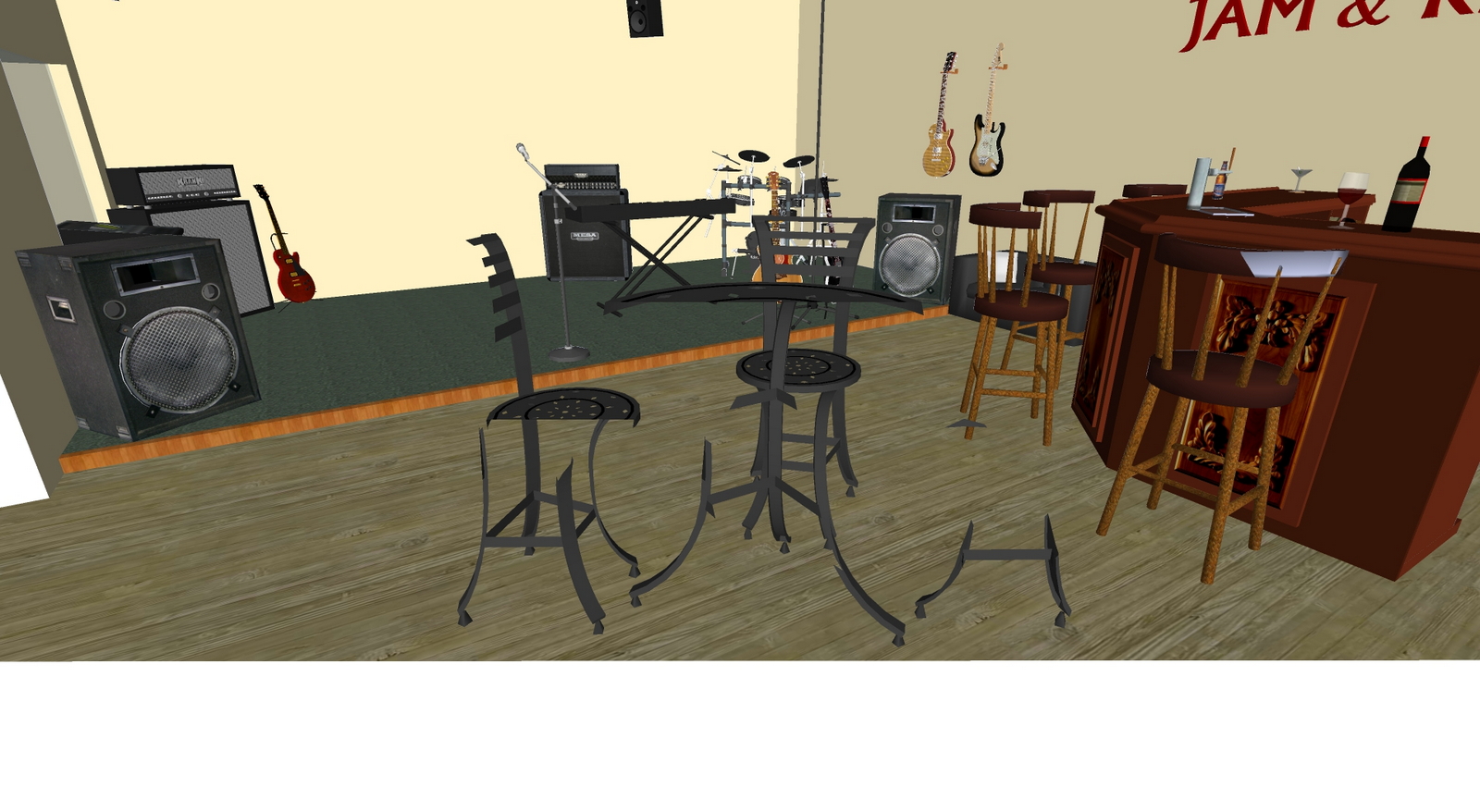
After all attempts to make it normal I noticed that the view on first camera also changed from this:
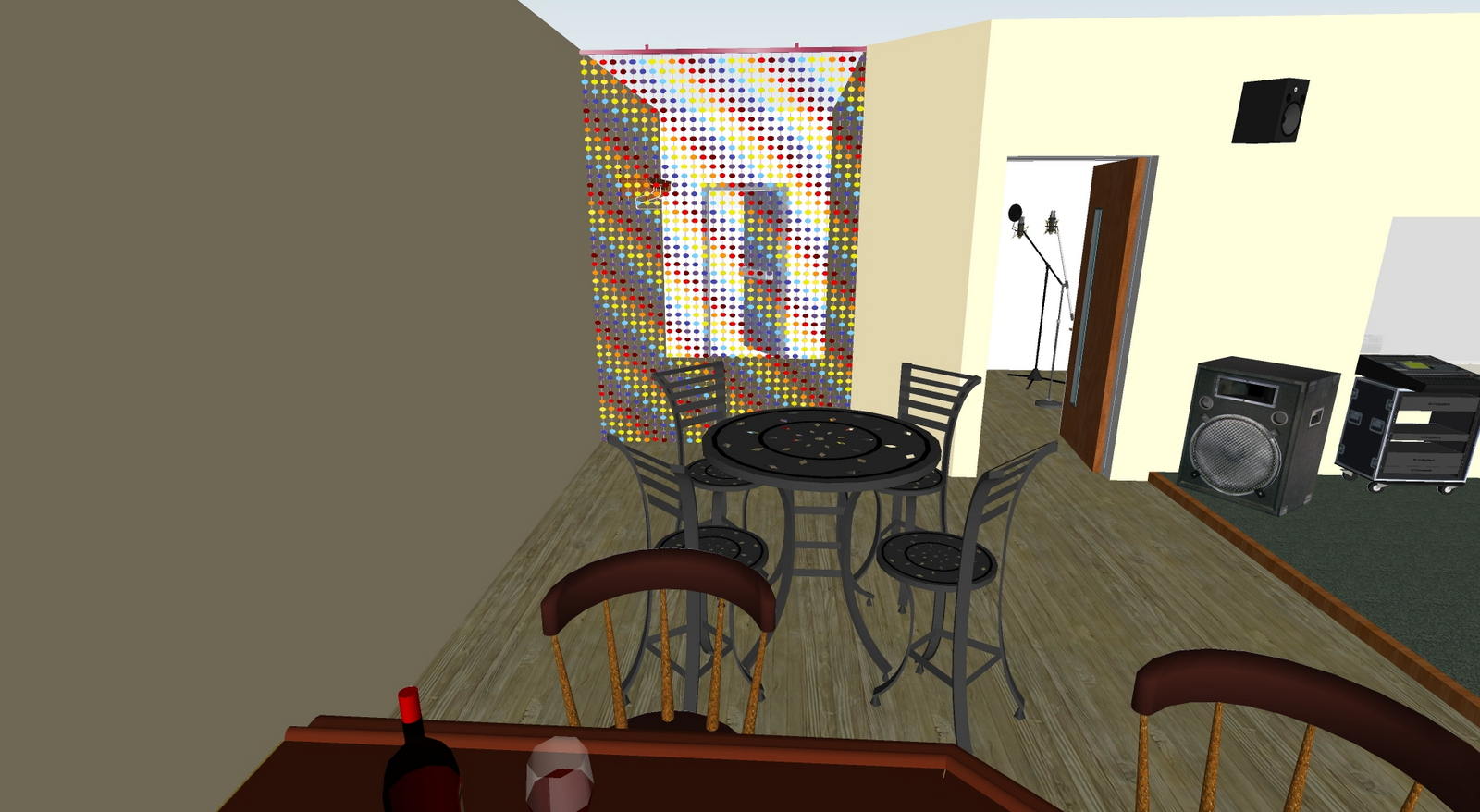
to this: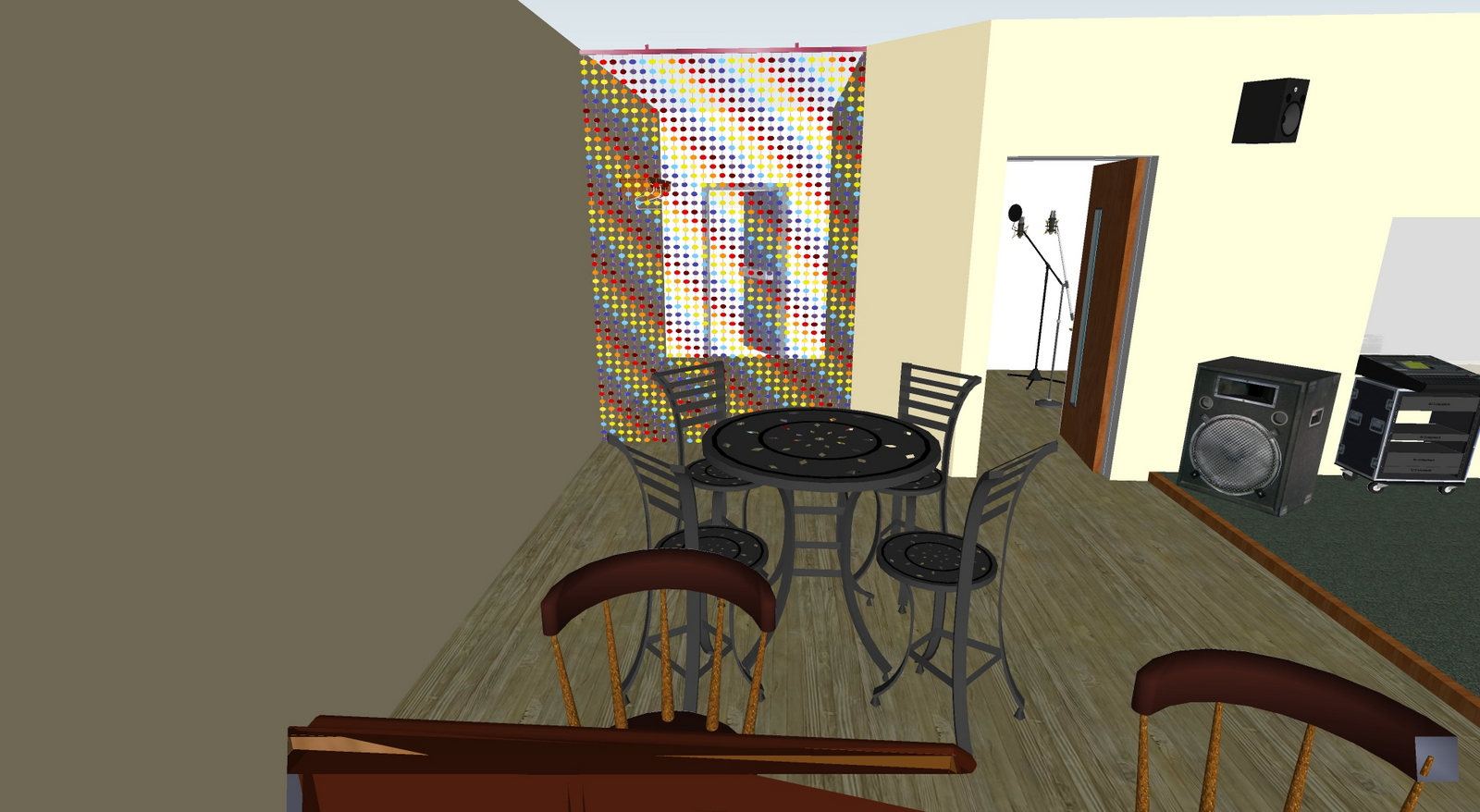
I concede, that I could "press a wrong key", but even through I don't know how to make it normal.
That's why I need your help.
And how it usually happens I'm pressed for time... So, I hope somebody can explain me what's going on with my model and say where I need to dig up.
Thanks!
-
This is a thread with similar issue and if you read down a bit there are other links in some of the replies.
-
Thanks!
After lot of jumps through links I've found the solution - to set the normal scenes and delete cameras itself and ACT scenes.
So, for my case it's even better to operate just scenes, without cameras. -
Hi Gennadiy:
I am glad you replied. I don't know if the developers' intention for the ACT process is to delete the cameras and save the scenes only, but it seems the only way to stop the clipping effect. -
Perhaps developers intend only 1-2 cameras, using without intersecting its FOV volumes. And if you want to set the foreshortening you use scenes. Who knows..)
Few years ago I've worked with Torque3D game engine (TorqueGameEngine - TGE in past). The point I want emphasize - their forum is common for the developers of engine itself and the developers who are working with it. So you can ask a question directly to a person who wrote blocks of code you are interested in! As far as I know it's not widely-spread policy, but when we are speaking about rather complex products as 3D-renders, different engines and so on - it is sometimes invaluable.
-
Sketchup Development Team monitors this Forum. When they feel it important to reply they will. Just not quite as often as we might wish.



Hello! It looks like you're interested in this conversation, but you don't have an account yet.
Getting fed up of having to scroll through the same posts each visit? When you register for an account, you'll always come back to exactly where you were before, and choose to be notified of new replies (either via email, or push notification). You'll also be able to save bookmarks and upvote posts to show your appreciation to other community members.
With your input, this post could be even better 💗
Register Login


Advertisement