Stupid Question - inserting image into post
-
Hey
I know this looks and read stupid but - how do I insert an image into a post on the forums? I know that I can upload an attachment but I want the image to appear in the post. I see the IMG and XXL-img buttons above me but not sure I understand what they do.
Thanks for the help!!
Daniel Tal -
You just pastethe image url between those tags. xxl-image is for very large images that would otherwise need side scrolling.
something like this:
[img]http://forums.sketchucation.com/suclogo31.gif[/img] -
Menu Upload attachment
Choose your image
Button "Add the file"
When it's done
Button "Place in Line" !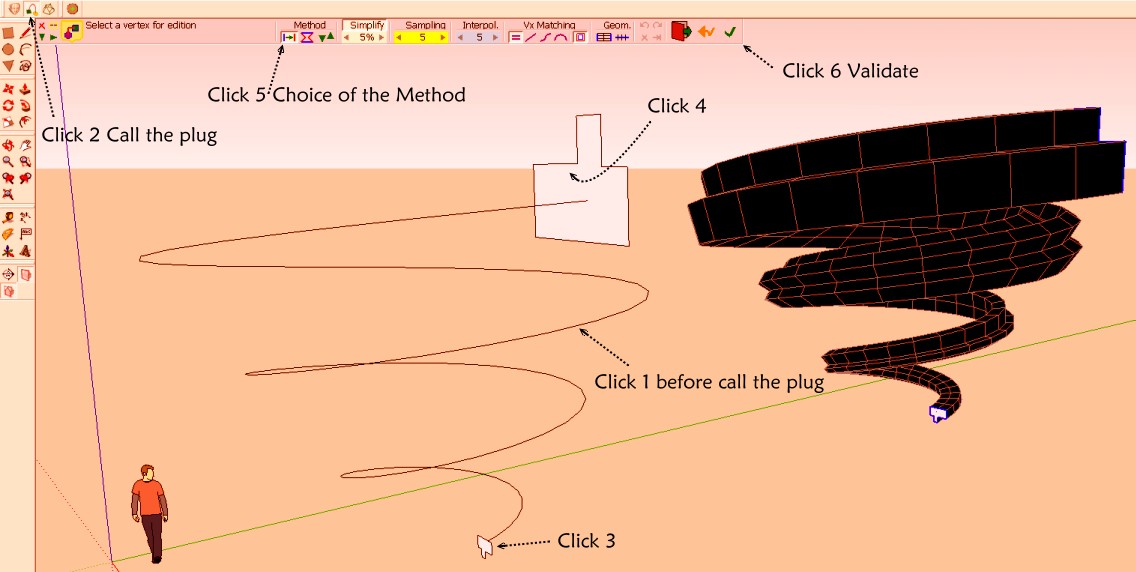
-
thank you. will try it out.


Hello! It looks like you're interested in this conversation, but you don't have an account yet.
Getting fed up of having to scroll through the same posts each visit? When you register for an account, you'll always come back to exactly where you were before, and choose to be notified of new replies (either via email, or push notification). You'll also be able to save bookmarks and upvote posts to show your appreciation to other community members.
With your input, this post could be even better 💗
Register Login


Advertisement