Round Corner Issues
-
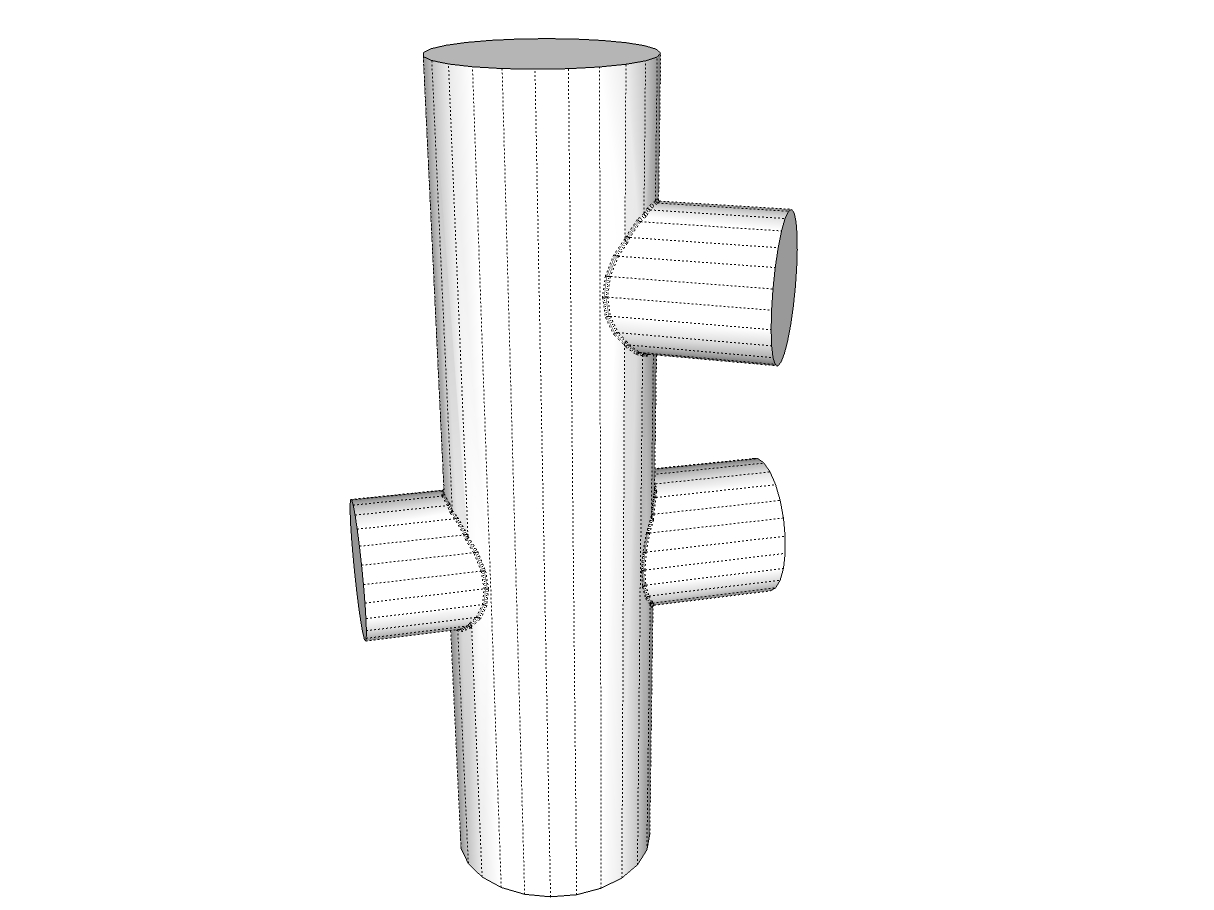
It's not a round corner issue , it's a scale issue. Need to make the parts your wanting to fillet a component, make a copy and scale the copy up. Run Roundcorner on the scaled up copy and it will work fine. Attaching image , large pipe is 6" dia., small pipe 4"dia. I worked on a copy scaled up 500%.
-
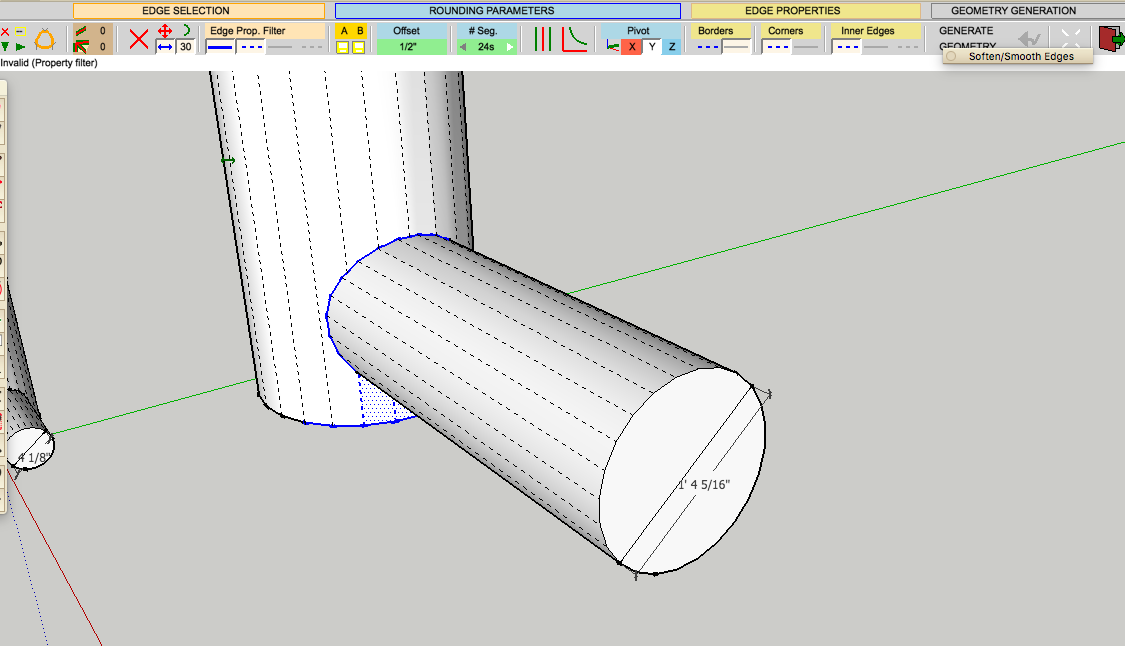
Tuna thanks for that trip it but no luck same yellow arrow red hashed circle saying invalid corner (at least not with the (four corners not two message through). I made a component of the smaller 4" & 6" tubes scaled the copy up to 16" and 24" did respectively, exploded the image, with hidden geometry on then intersected edges with selection, then attempted round corner again. same problem. Have included the settings for round corner fyi. Thoughts ?
-
There are some situations which Round Corner won't handle well. This is one of them.
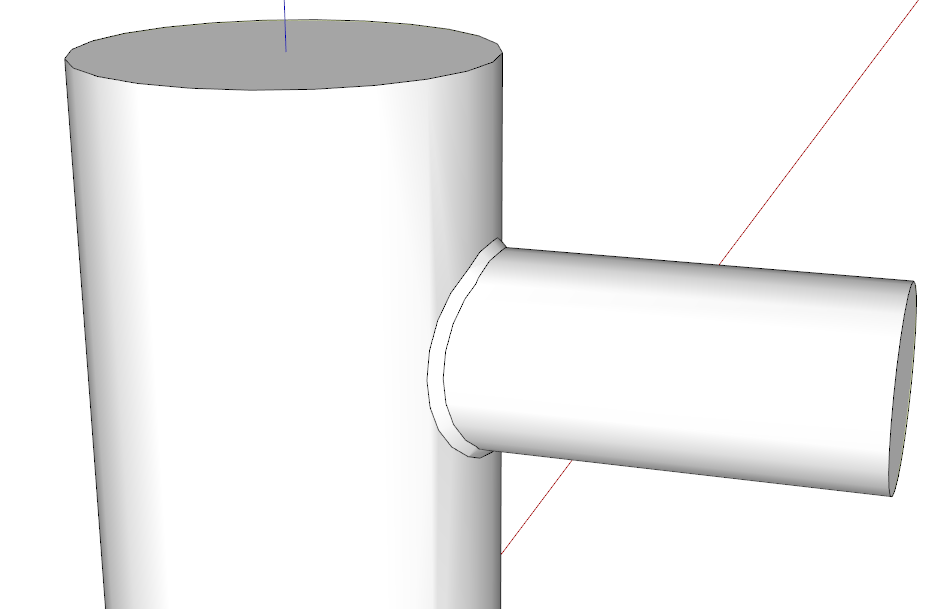
How will you be showing this model? You might have better luck if you use Bevel instead of Round Corner. It will at least read as a fillet.
-
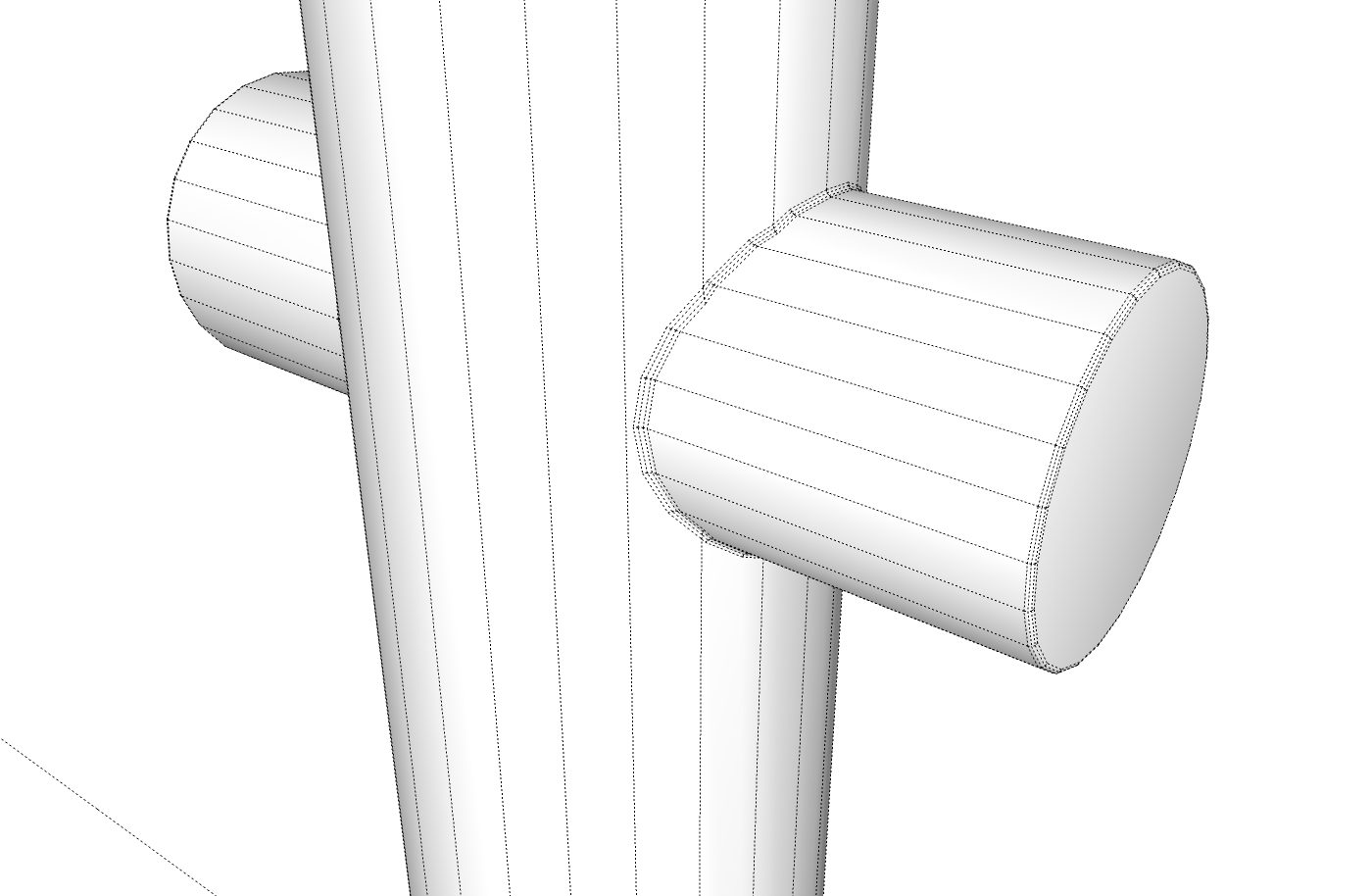
If I use your offset and segment count settings I get an error message that there are "multiple overlaps". Do you need to have a 1/2" offset ? And why 24 segments? Reran a test, 6" dia. vertical pipe, 4" dia. horizontal. Without scaling up ran Roundcorner with 1/16" offset and 3 segments , Roundcorner ran fine. To get a larger offset I needed to scale up a copy and work in that.
-
Hi Tuna,
Ok, I just tried reduce segments of the intended fillet to 4 ( down from 24) on both the scaled up image and the original image ; I then tried using ' bevel' for fillet instead of round fillet. Am still getting same error message yellow grow red hashed circle. Tried changing edge filter from line to dashed to hidden; no luck . I then tried changing angle intersect tolerance from the given 30 deg to +/- 10 deg; No luck there either.
If it is working for you and not of me then its is something different in our OS or fredo. By the way, I can easily still us round corner for end rounding and even filet on intersect of a cylinder with a flat plane whether normal, or inclined to the cylinder. It seems to have to do more with the compound curving ring generated by the intersect of a round surface with another rounded surface, not a scaling issue not a curve segment issue thus far at least...Thanks for sticking with me on this .
Richard -
re filleting of two intersecting cylinders in round corner; This may explain why I am uno le to fillet intersecting curves.
Fred notes that round corner creates (fillets or rounded or beveled edges) corners between 3d objects and 2d surfaces:
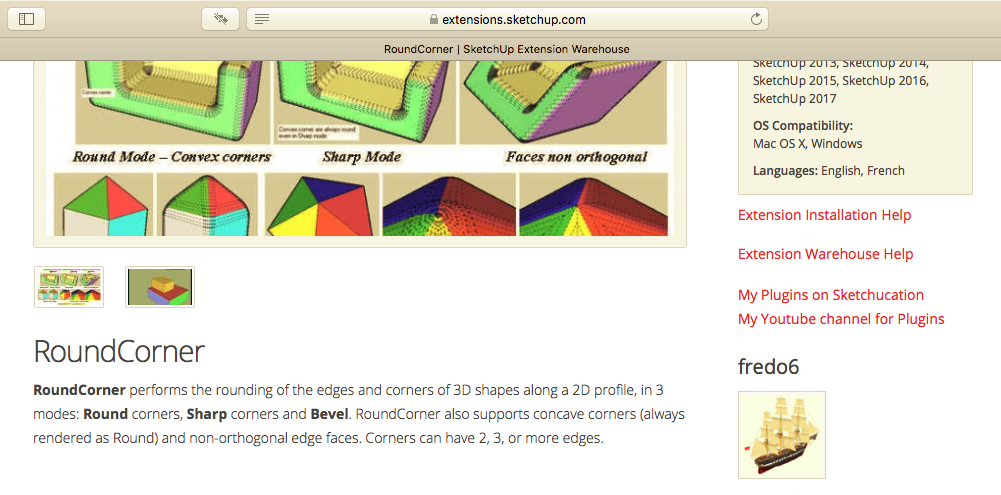
How you are achieving this by your recommend scaling action, must have to do with tricking the filled round to the next faceted ( 2d) surface of the mating 3 d object i.e. the other cylinder.
IS this making any sense?R Stanley
the truth is somewhere between us eh ? -
It sounds like you simply haven't removed the internal geometry.
When you intersected the two cylinders did you go inside and remove the excess? -
DAVE R SCORED A HOMER ¡ Thanks. It was not a scaling or side count issue nor was it a round versus bevel edge choice, Nor was I correct in assuming the 2d plane to 3d surface limitation for round corner. It was simply that the intersection had to be cleaned of any hidden extension of in my case the smaller cylinder as it passed inside the larger cylinder . Not only Dave, was it necessary to clear the extended cylinder geometry but also-and critically, to clear out the filled curved disk created on the interior surface of the larger cylinder as well. I hope that all other well intended advisors for round corner, please also mention this critical subtlety or erasing all internal geometry before attempting round corner, to their readers. Dave, just for closure, If you don't mind, please tell us how you came to this conclusion . Thanks all for giving it a go and I hope what I;ve learned the hard way will be passed on to all who may run into the same problem.
-
I think it was Box who scored the run with removing the internal geometry although I did it before creating the example I showed. I kind of assumed you would have done that since that internal geometry isn't needed. In the case of this extension, the presence of the internal faces results in ambiguity. There's no way to tell the extension which two faces/surfaces are to share the resulting new geometry. Removing the internal surfaces eliminates the ambiguity.
-
Hi, I am having a problem locating the fredo6 round_corner tool in sketchup. I have installed it and it is in my extension manager showing signed with no problems indicated. It appears installed but not usable. I've installed other extensions and working with no problem. I have also installed fredo corner, which is also not working. Any suggestions?
-
The most likely reason they don't show up is that you haven't installed the required LibFredo6 support files.

-
Thank you Dave. I will look in that direction. I appreciate the help.
-
I needed to update the Fredo install. It now works. Thank you for the direction. Greatly appreciated.





Advertisement