How to spec transition size with stamp
-
Can one somehow specify the width of the transition zone between the mesh being stamped and the outline of the entity being stamped (the shoulders, as it were)?
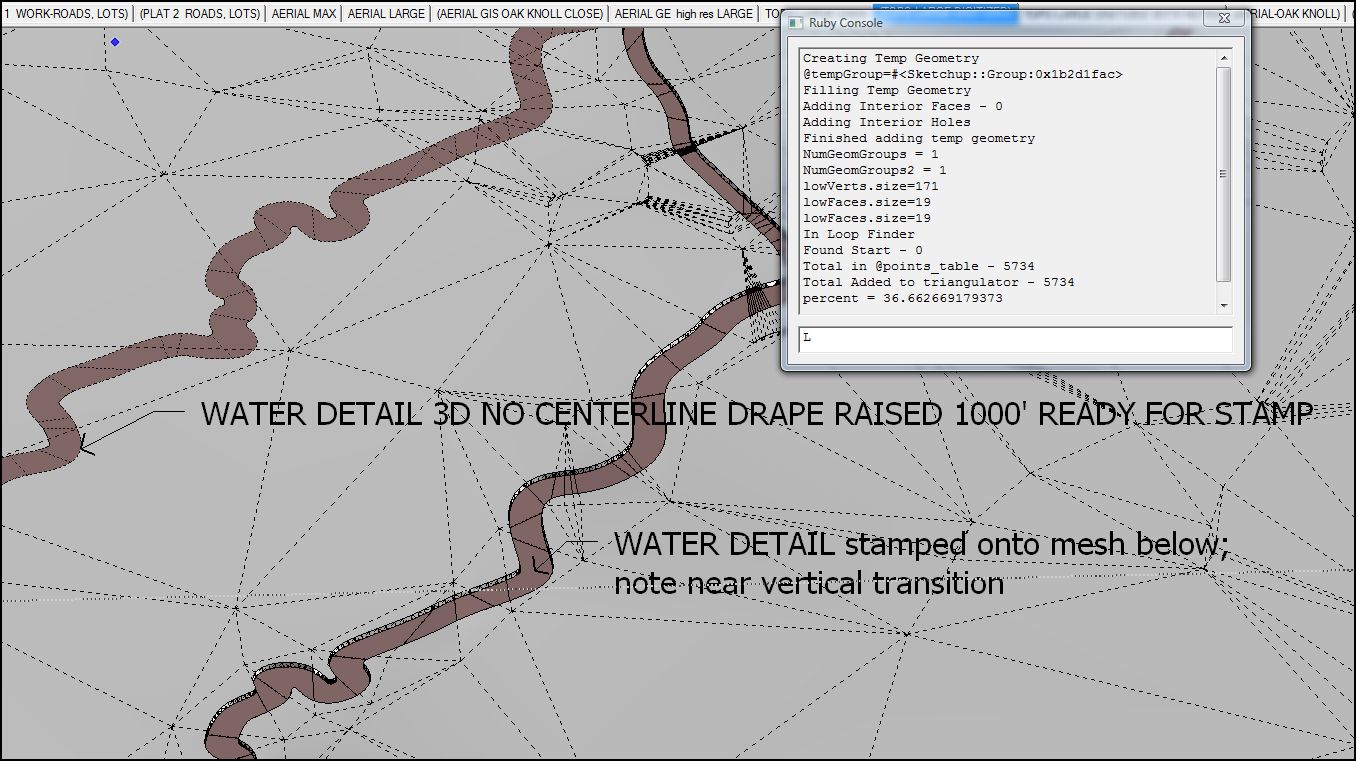
Also, when specifying the displacement of the stamp on the mesh I cannot enter a number in the VCB, which seems wrong.
-
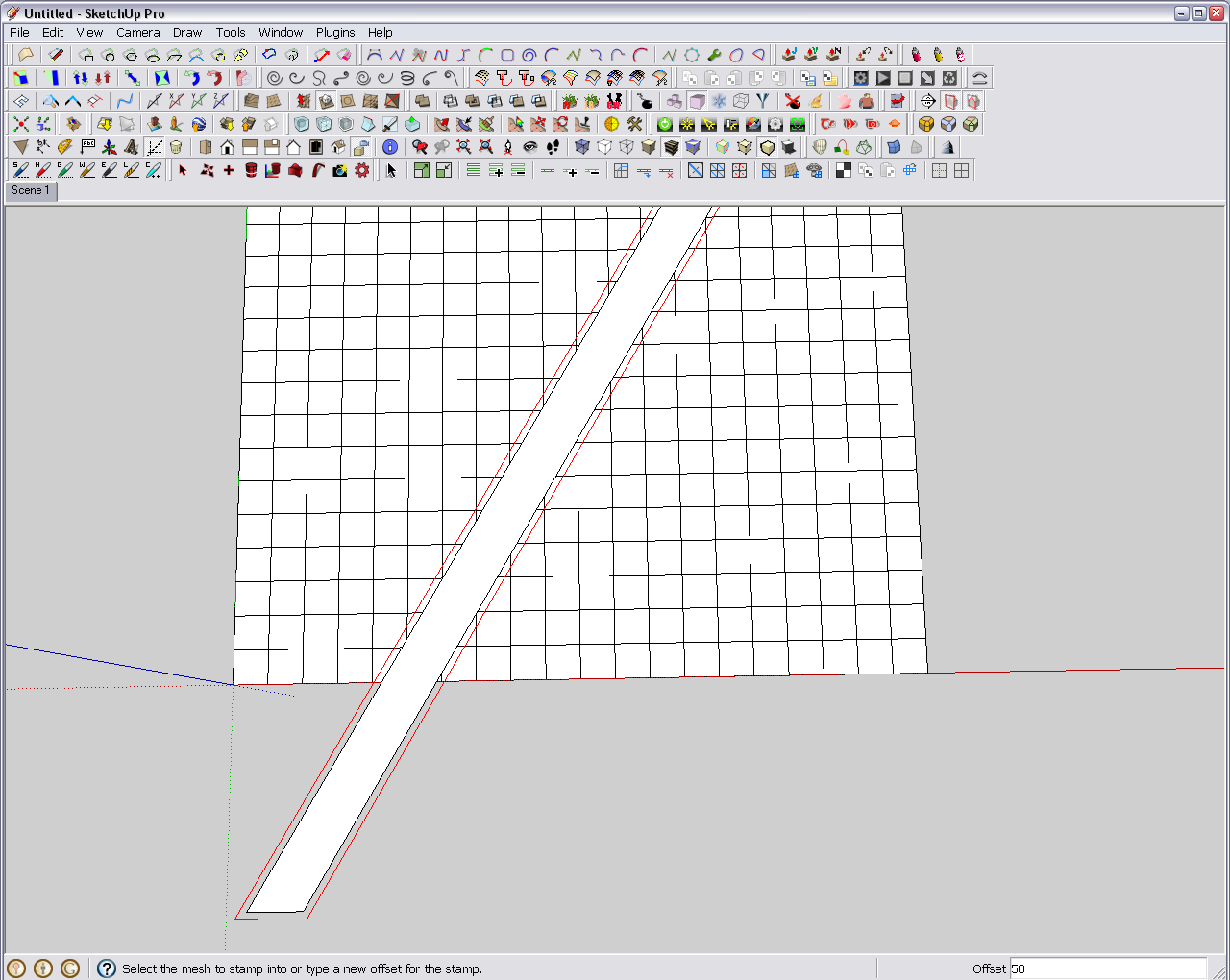
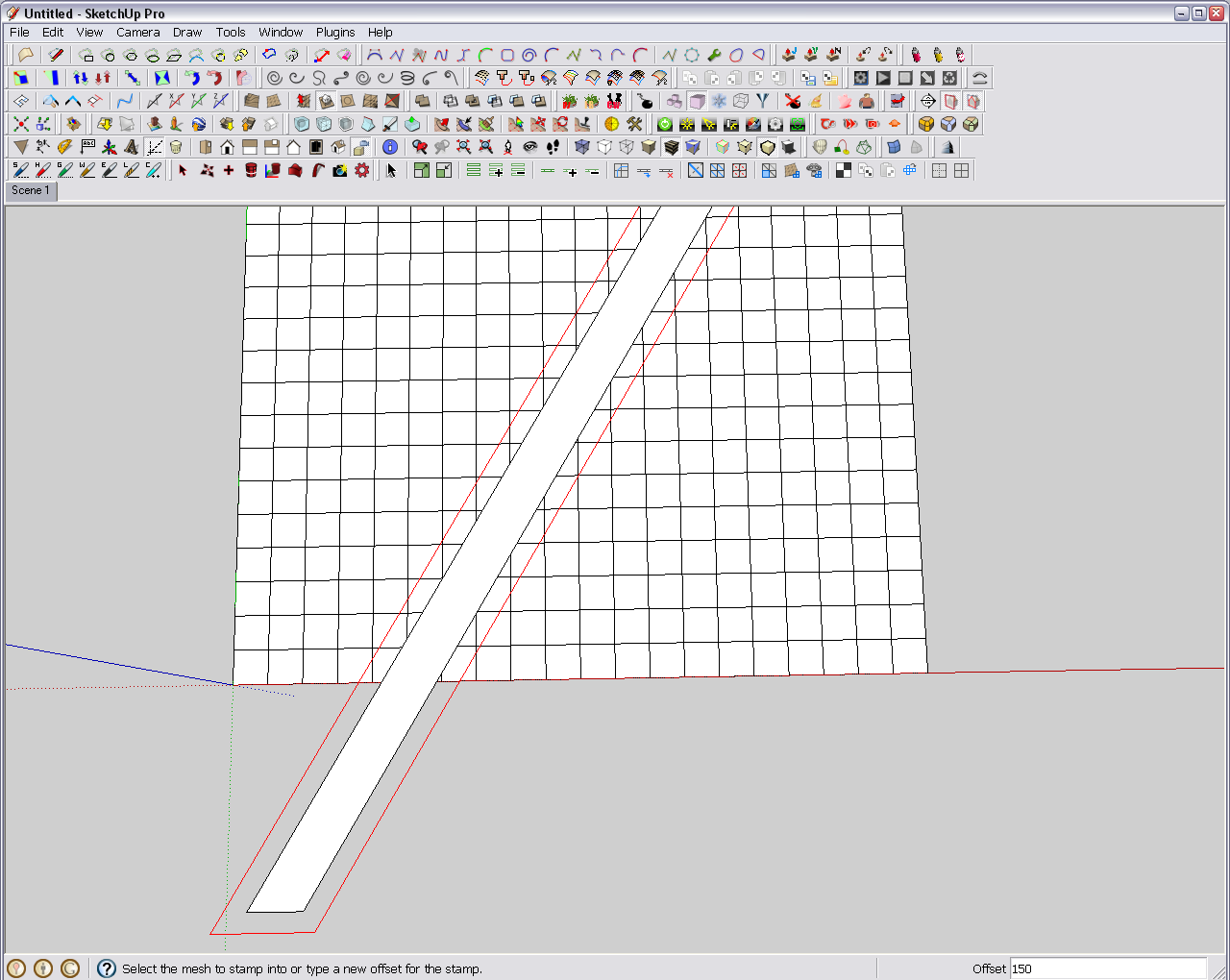
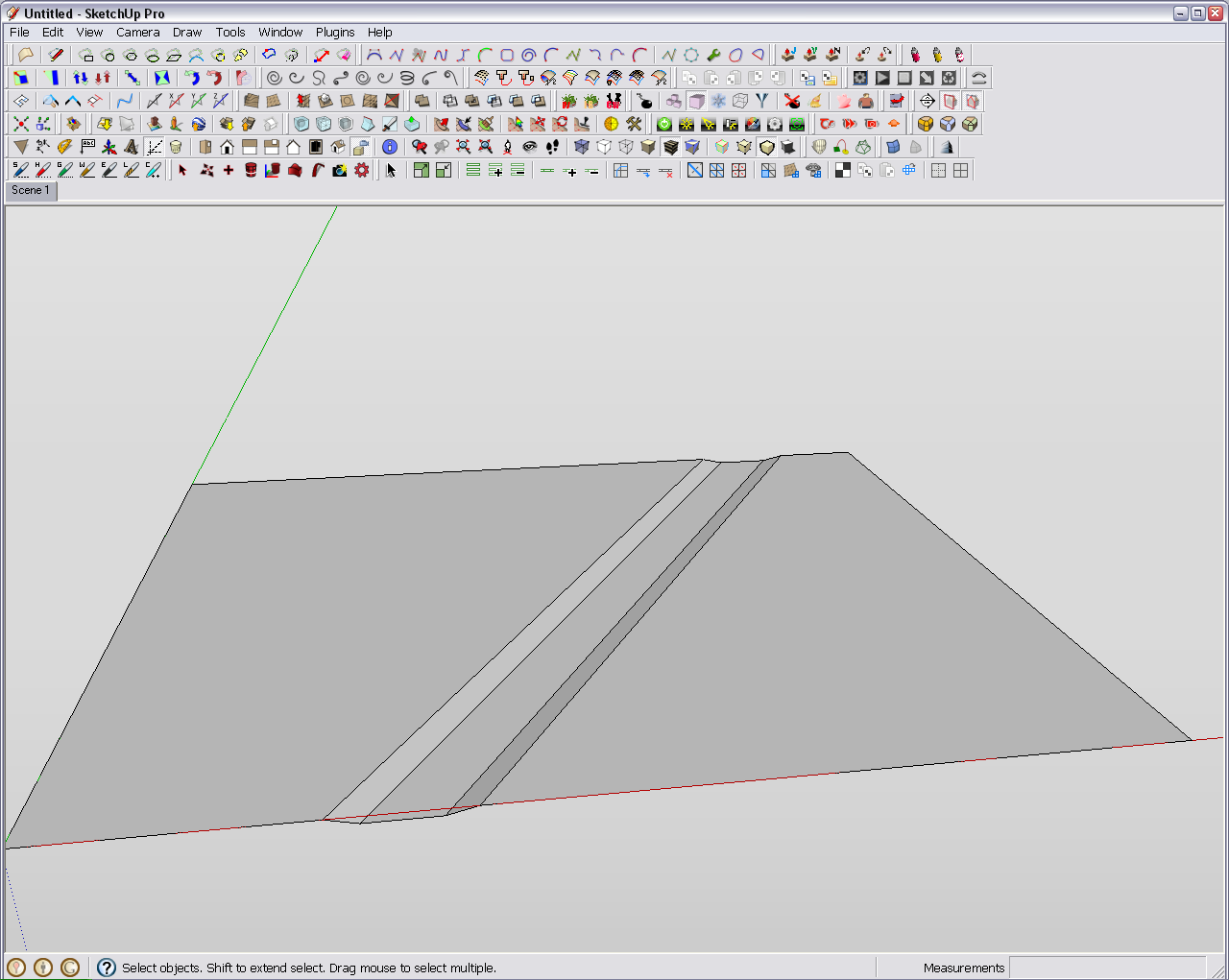
What I do it; first I position my shape above the terrain. Then select it and select the stamp tool. At this point, the VCB becomes active and my shape has a red outline indication the value entered. See with 50 offset and 150 offset below. I can type any number and the VCB changes.
-
Thanks. That's very helpful. The VCB was only acting unresponsive when I clicked the default present there, but I see now it accepts keyboard input anyway. Still nothing on the vertical displacement, that is, relative to the mesh.
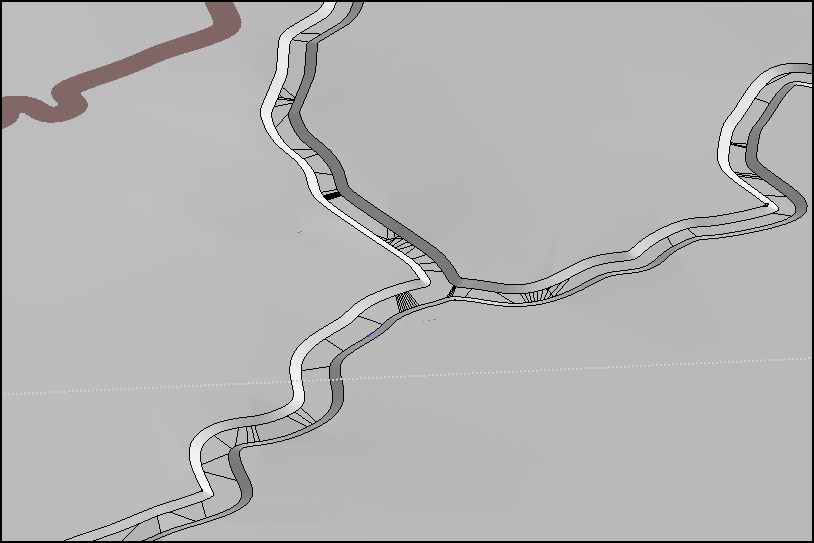
What I did here was drape the form first and then used the draped form to make the stamp so as to get a uniform stamp depth across the 3d terrain. Please advise if there is an easier way.
-
No, as far as I know, there is no direct input for the stamp height/depth. This is indeed annoying. After you clean up your stamped surface however (soften all its inner edges and such), you can select it separately and then use the Move tool to adjust the depth.
With a simple house plan stamp, it is of course easy but with a river bed, I know it's not.
-
Good info and tip.
Thank you much.
-
I am also on the edge of starting some similar project. A week ago, I was out in town (more exactly mostly "under" the town) for a whole day measuring the 1,600 year-old ground level of our Roman archaeology site. Now we know where two streams were flowing those times so eventually I will need to drape/stamp those streams onto that reconstructed terrain, too. I already know how much I will hate this part.

-
That sounds like a whole lot of hard work, however interesting.
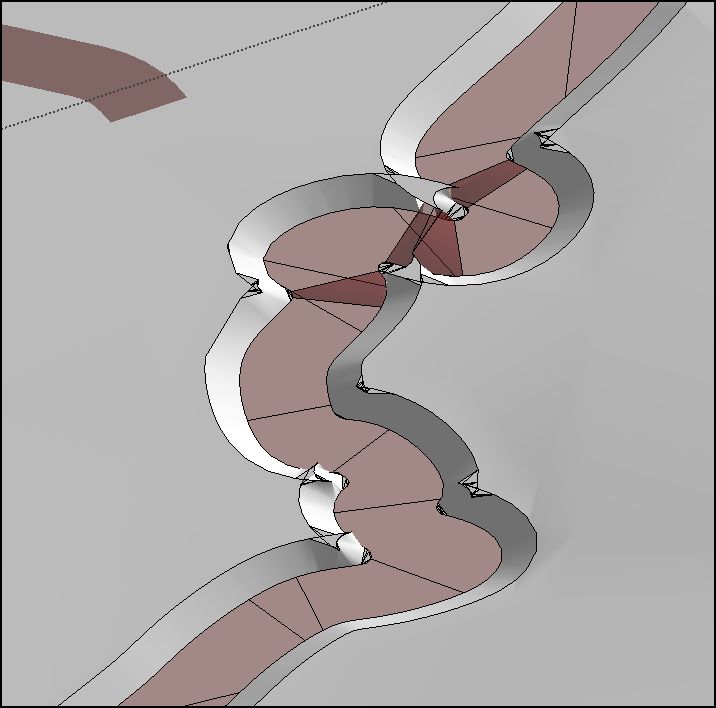
The only rather obvious-once-you-do-it tip I have is before stamping to run an offset equal to the offset which you are going to stamp with so as to see the errors which will be created. In my case they were plenty.
-
Ah, those ugly and disgusting, little tidbits. Just like with the Follow me tool you get often. Too sharp "turns" in that little creek, right?
-
Quite. Not made for SU, not the way I practice it anyway.


Hello! It looks like you're interested in this conversation, but you don't have an account yet.
Getting fed up of having to scroll through the same posts each visit? When you register for an account, you'll always come back to exactly where you were before, and choose to be notified of new replies (either via email, or push notification). You'll also be able to save bookmarks and upvote posts to show your appreciation to other community members.
With your input, this post could be even better 💗
Register Login


Advertisement