Indigo Exteriors
-
Hey all,
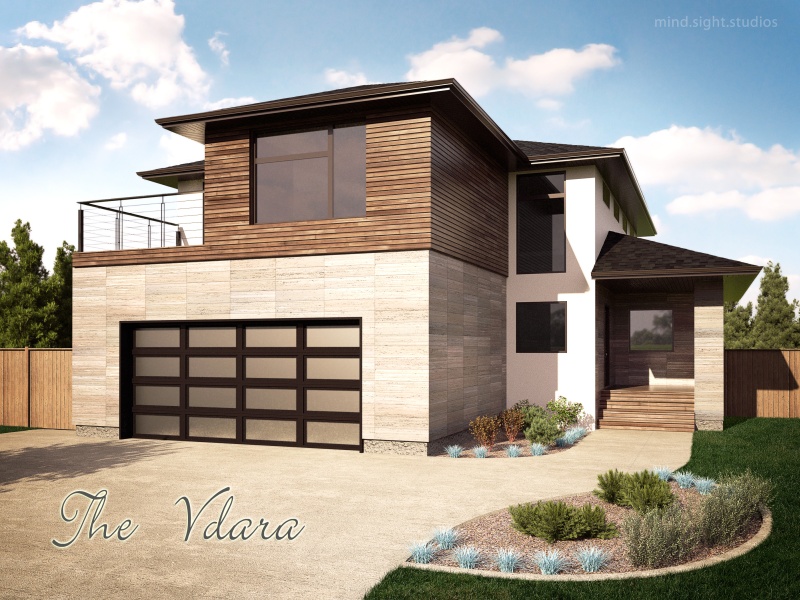
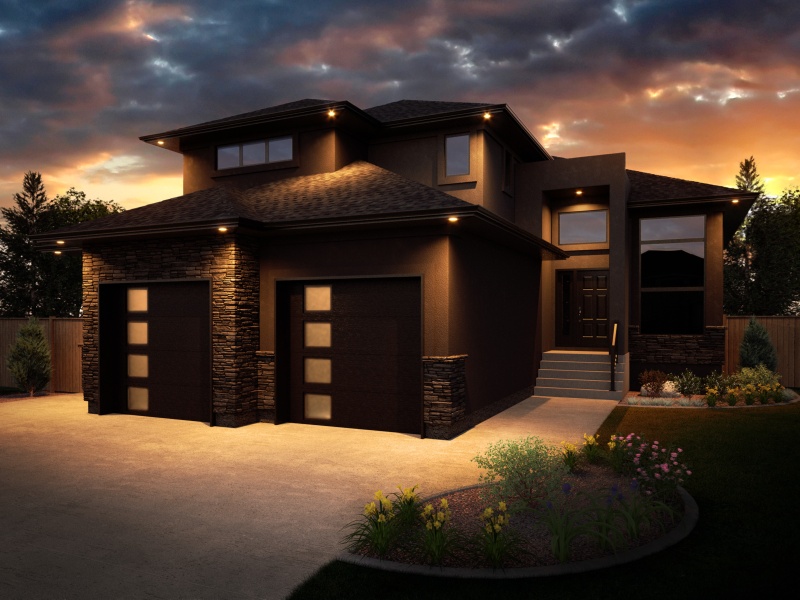
Here are a couple of recent projects. Grass is added in post. All other plants are 3D, mostly external OBJ references that are substituted for a proxy at render time.
Hi-res version here:
http://dl.dropbox.com/u/22333105/DecoraHomes/Final/Vdara_r1.jpg
-
Hi Dale! The nighttime render is very good!
..I think both images lack a little more depth in the frontal part, maybe a longer shadow of a tree, or a car in front of the garage would have helped.. -
Very nice house render. I like the daytime one better.
-
Thank you for the comments. Here is a dusk shot just finished.

-
Very nice renders... do you use Photoshop for adding the grass? How can I make the transparent space between the stems of grass at the edge of lawn. Can you recommend any good tutorial?
-
@bolkop said:
Very nice renders... do you use Photoshop for adding the grass? How can I make the transparent space between the stems of grass at the edge of lawn. Can you recommend any good tutorial?
Thank you!
Up until now, I have used Photoshop for the grass. There is a grass brush in Photoshop that I use to paint along the edges of the lawn. This gives the space between the stems. The brush is applied to the grass layer mask. The grass itself is just a photograph.
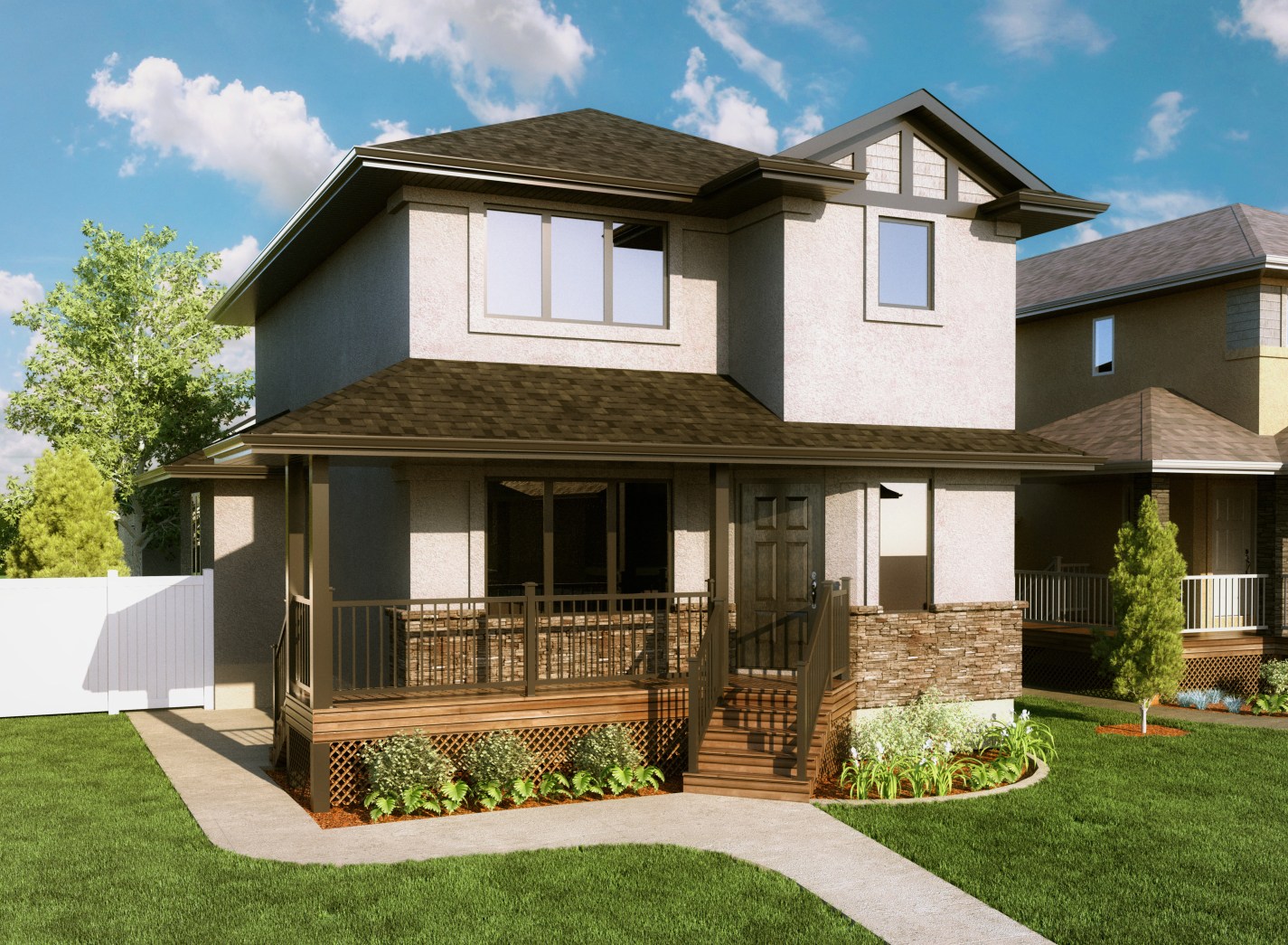
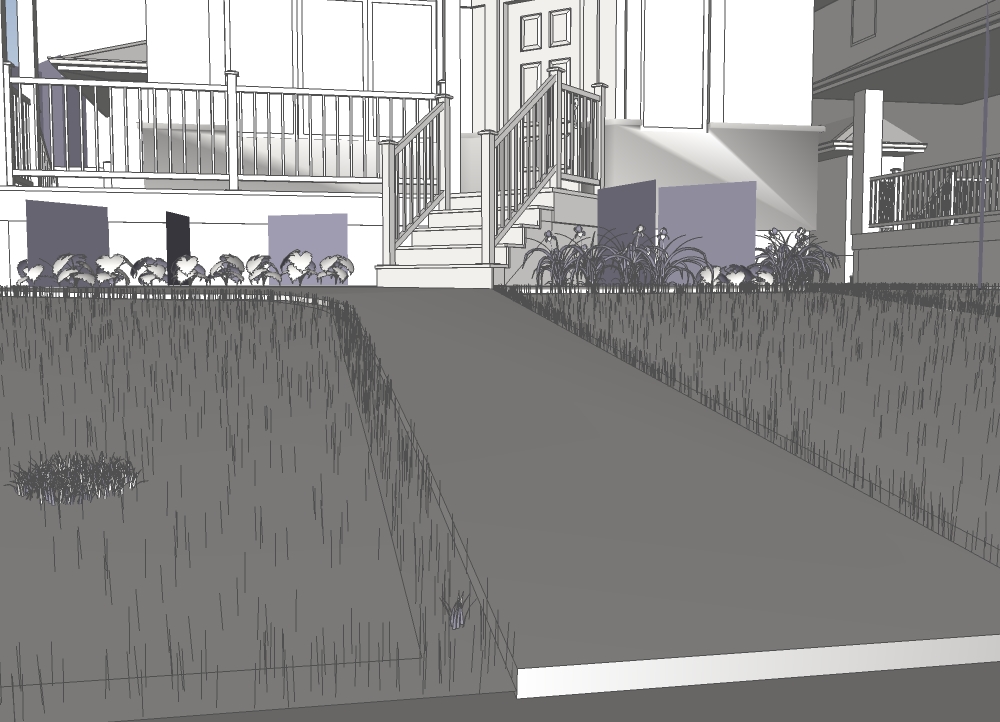
I have just started using 3D grass because I was finally able to get the results I wanted. I use the excellent MakeFur plugin to scatter the grass 'proxies' across the lawn. Smaller but denser grass clumps are used along the borders of the lawn. I use at least two different colors of grass clumps to add color variation.
-
Your 3D grass is excellent Dale! Mind to share how you did that/the base component?
-
@pibuz said:
Your 3D grass is excellent Dale! Mind to share how you did that/the base component?
Thanks Pibuz, it took a lot of trial and error.
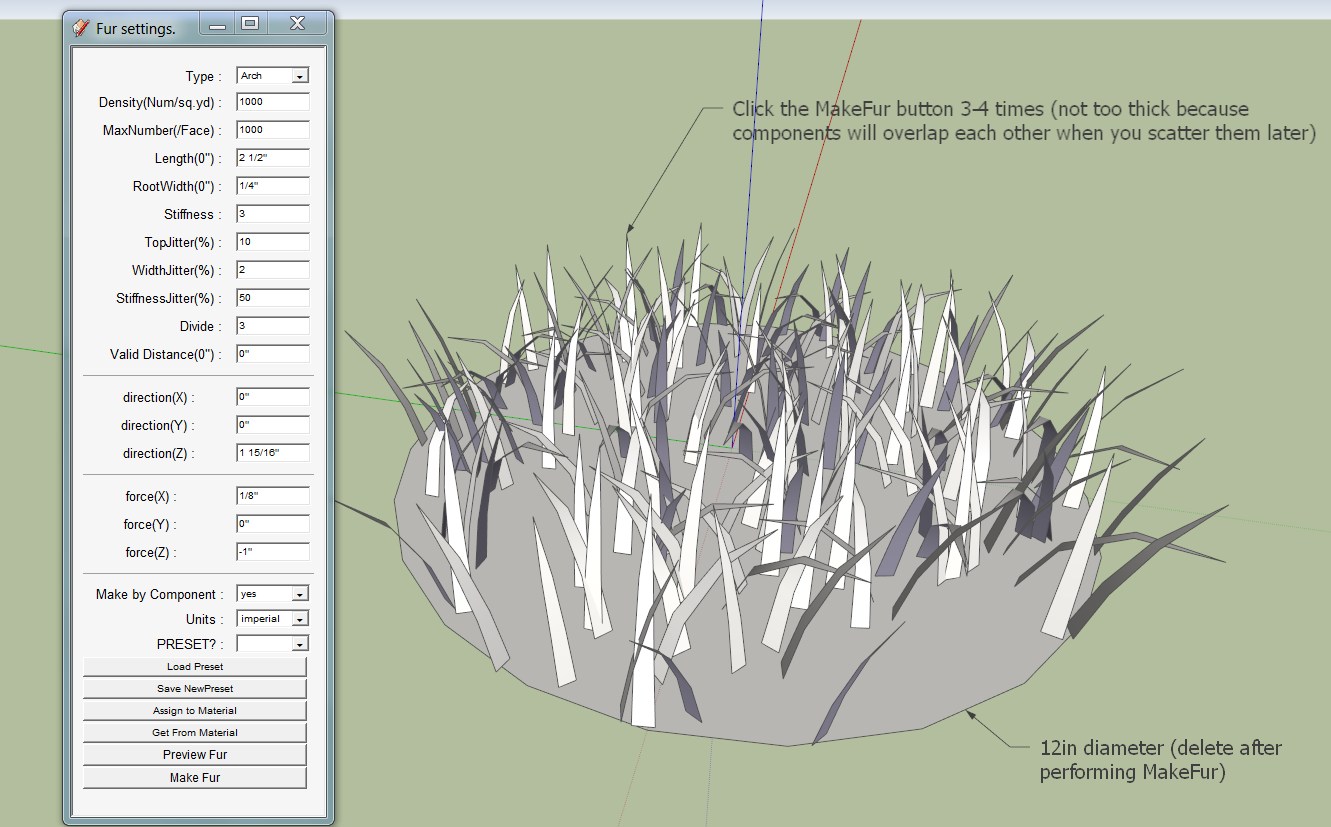
See image for my Grass fur preset settings. I make two color variations of this component (three might even be better). I also create a very small (1"x1") clump that gets scattered along the borders with greater density.
I use the MakeCrowd feature of MakeFur to scatter the proxies over the base mesh and I use Fredo's Offset Surface tool (from Tools on Surface) to create the border surface.
-
Thank you!! ..that grass is wonderful.. I HAVE to reproduce it

-
i am just recently playing with making fur plugin and had been doing a lot of research recently to make it denser. i am glad i found ur pic and your scene rendered is amazing and it's the effect that i am looking for. But i am quite blur with ur description. Do you have some pictorial tutorial instead?
-
Hi,
There is some more info here: http://www.indigorenderer.com/forum/viewtopic.php?f=19&t=11521
The technique is somewhat specific to Indigo Renderer
Hello! It looks like you're interested in this conversation, but you don't have an account yet.
Getting fed up of having to scroll through the same posts each visit? When you register for an account, you'll always come back to exactly where you were before, and choose to be notified of new replies (either via email, or push notification). You'll also be able to save bookmarks and upvote posts to show your appreciation to other community members.
With your input, this post could be even better 💗
Register Login


Advertisement