How can i get rid of these bits?
-
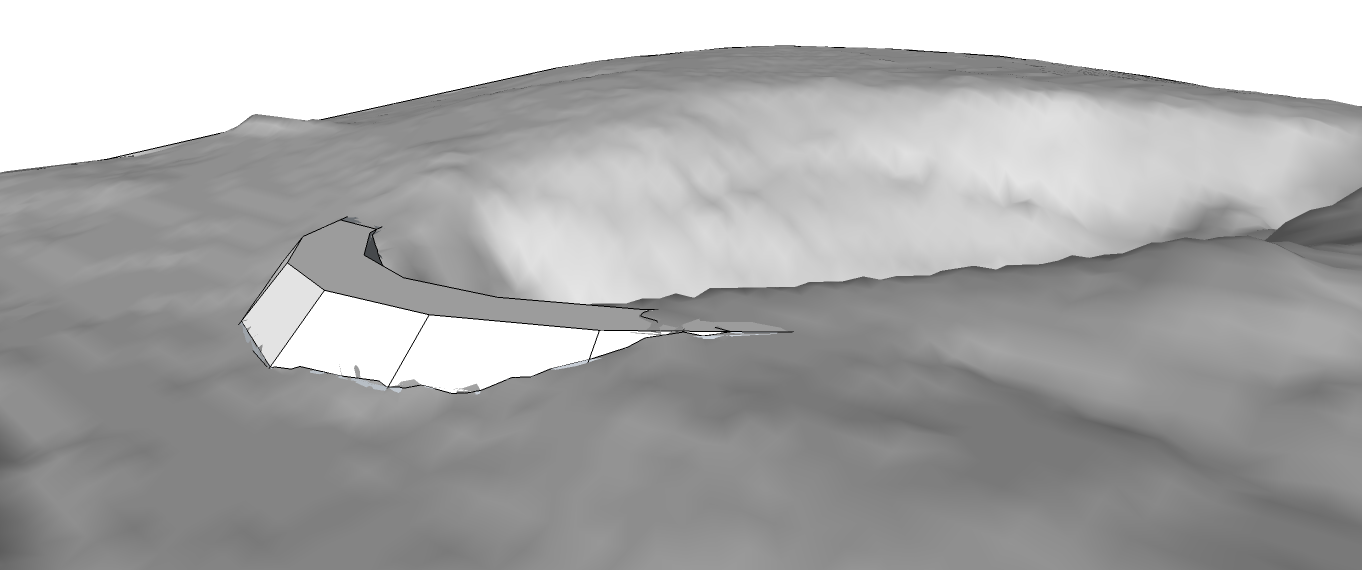
Im trying to export a 2d model of this terrain with this dam on top. however, parts of the terrain underneath are showing through through the dam model where the 2 surfaces get close to each other.
any ideas of how i can get rid of these/ stop them from showing?
Thanks
Chris
-
Make sure that the dam fully intersects the terrain. Select the portions of the model where the dam touches the terrain. Right click , intersect selected. Wait. Then navigate below and remove surfaces and edges that will not be seen, or that logically would not exist if this were real. Does this help?
-
Also try turning on hidden geometry (View>Hidden Geometry). That will allow you to edit/delete portions of the terrain mesh that shouldn't be there.

Hello! It looks like you're interested in this conversation, but you don't have an account yet.
Getting fed up of having to scroll through the same posts each visit? When you register for an account, you'll always come back to exactly where you were before, and choose to be notified of new replies (either via email, or push notification). You'll also be able to save bookmarks and upvote posts to show your appreciation to other community members.
With your input, this post could be even better 💗
Register Login


Advertisement