FREE Maxwell Render for Sketchup (free version).
-
I'd like to see some members output. I downloaded but have yet to install. No time to play.

-
@jason_maranto said:
Here are the tutorial videos:
...
Best,
Jason.would be nice to link to original post. No?

Also would love to see a tut on interior lighting setups. -
They have posted the videos to the main "Maxwell for Sketchup" page on the Maxwell website and I edited the first post of the thread to reflect that.
I only had an hour to cover what I thought were the most important and fundamental elements of using the plugin -- obviously there is alot about what can be done that I didn't have the time to get into. When I do my full 8-hour training courses for VTC I tend to have much more time to dive into the details and really take a look at everything.
Best,
Jason. -
At a quick glance I didnt see a tool for lights. Can you only use emmitters?
-
In Maxwell for Sketchup you have emitter materials applied to geometry and this can be in the form of a standard Emitter character or a HDR Image character... There is also the option to use IES files if you have access to MXM's with IES data.
Perhaps IES files may be added to the emitter character types in the future however they would also need to be applied to geometry (in this case a small sphere).
Here are some older videos for the Sketchup Plugin (for the full Maxwell Render Suite) which do show some work with emitters to give you an idea of how they work: http://www.youtube.com/playlist?list=PL18849D7126B7A0FF
Best,
Jason. -
TX Tomankubik..
Fo members output,
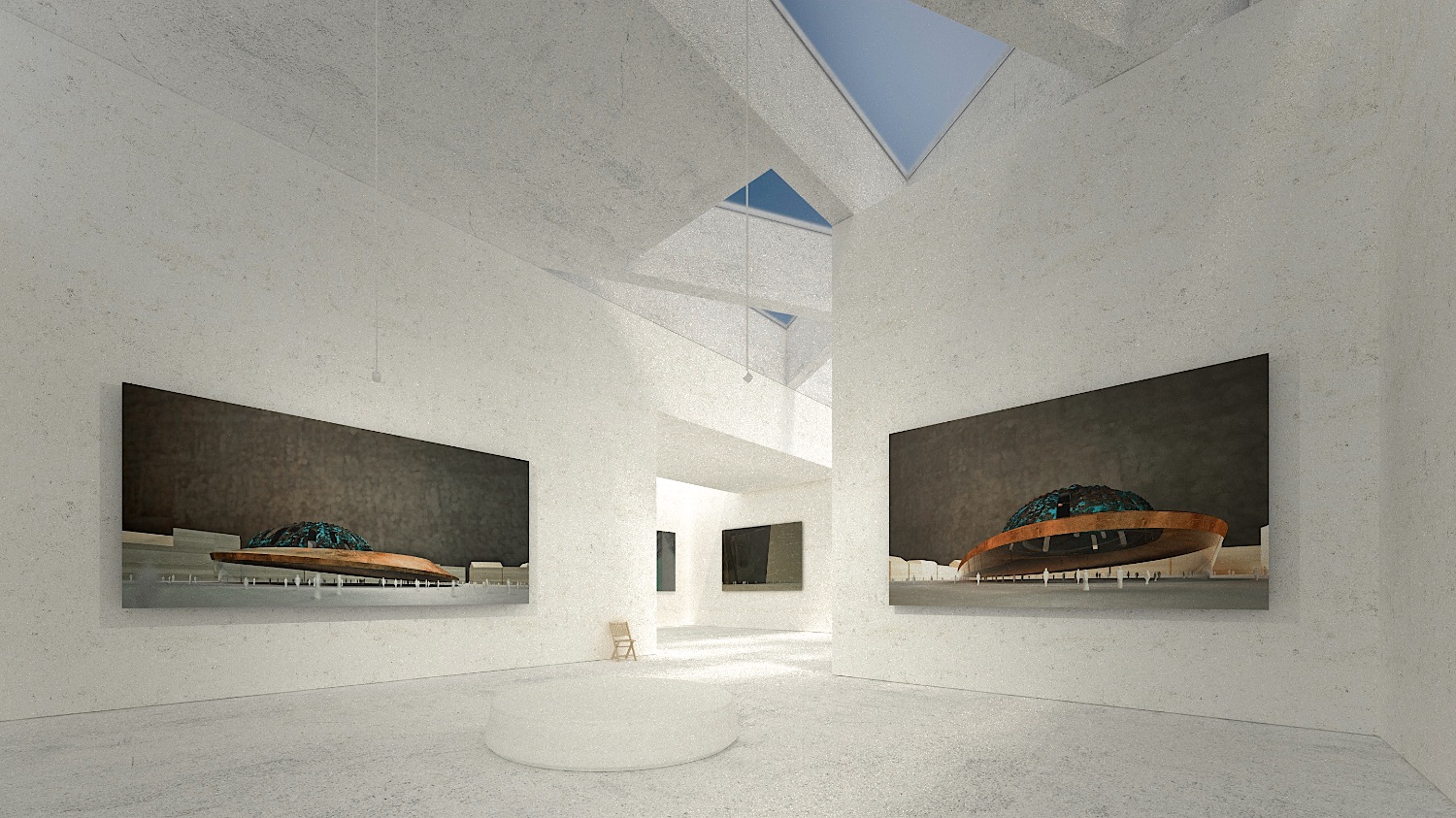
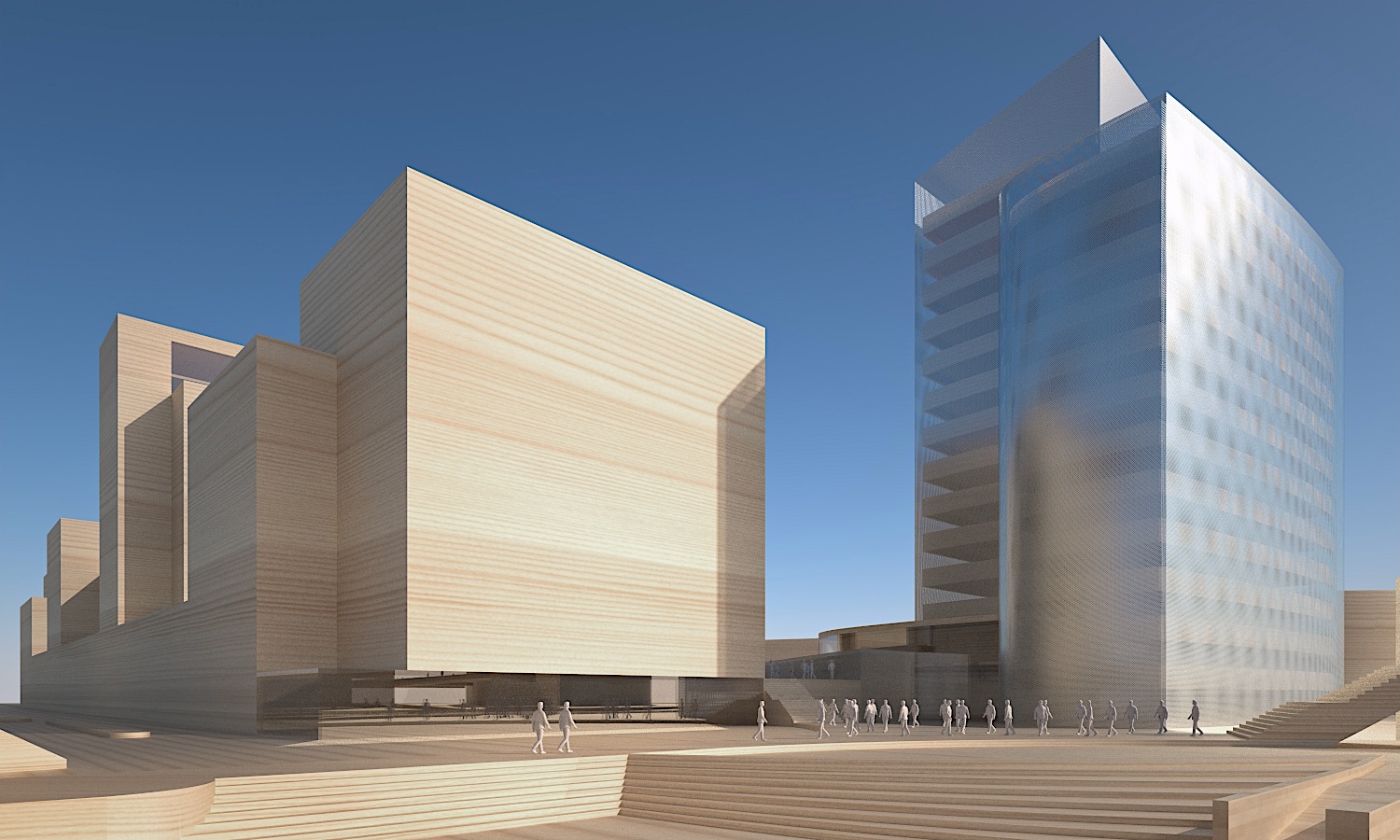
Here are some typical renders I do with Maxwell and Sketchup.Francois Verhoeven
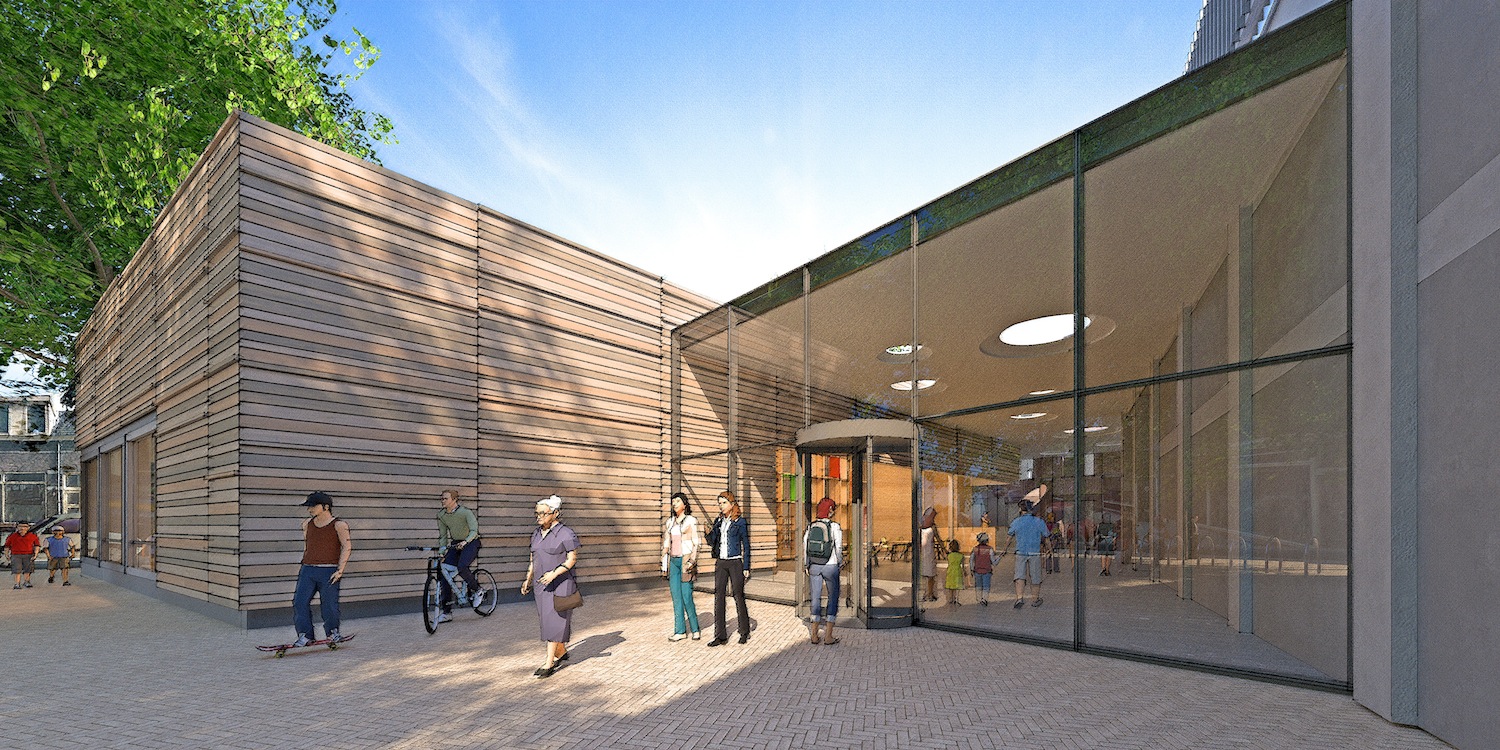
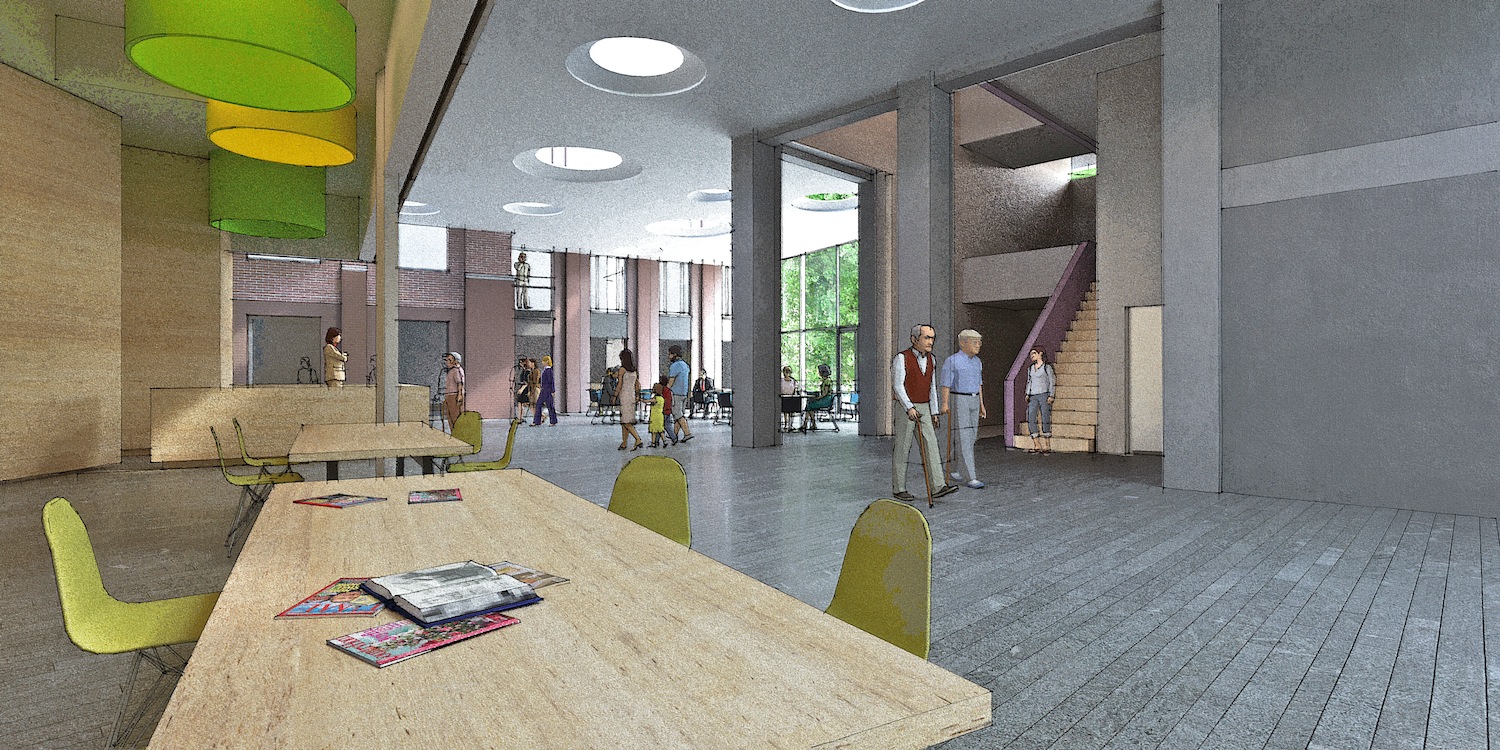
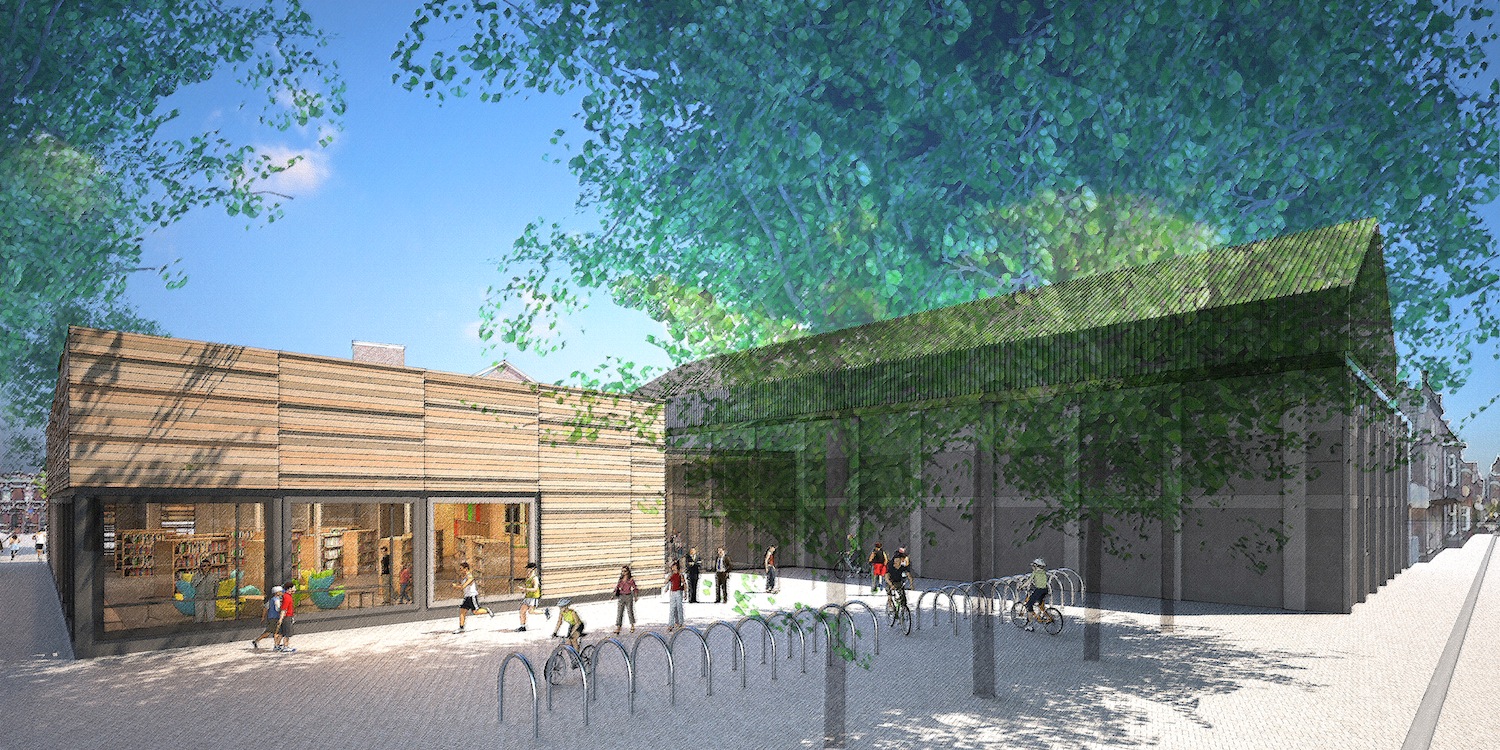
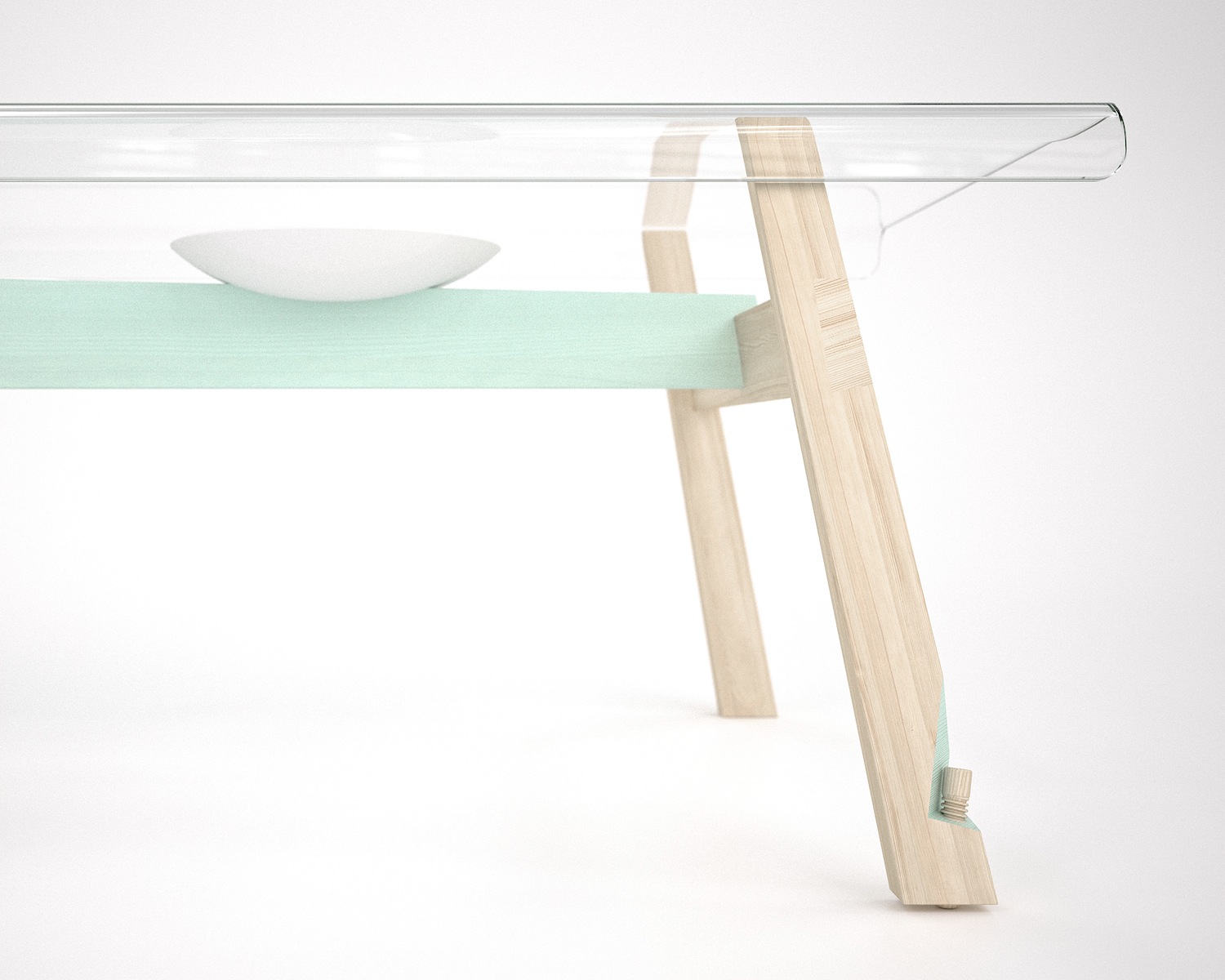
-
How long were the render times for the interiors/exteriors, and on what hardware were they rendered on? What are maxwell's plans for future updates for the plugin?
-
I can't answer the first question, but I can say that Next Limit tends to play it "close to vest" when it comes to a development roadmap... they hardly ever reveal anything until it is already out.
For instance, nobody knew about the development of this version of the plugin at all until it was released.
Best,
Jason. -
Thanks.
I was wondering why does the MXM material appear as a bump map and not as a diffuse map in the Sketchup viewport?
The plugin looks excellent, but the only thing that holds me back from purchasing it right now is the inability to work with render channels.
Is that a marketing strategy from Next Limit to lure more people into buying the standalone version, or are there some restrictions that don't allow the incorporation of some features in the plugin for Sketchup? -
The image that SketchUp will use from the MXM file (which can contain dozens of images) is chosen by the MXM creator within the MXED application or Maxwell Studio at the time of creation. Since we do not have the ability to edit the MXM directly within the Maxwell for Sketchup plugin we can only accept the original creators choice (for better or worse).
The lack of render channels is created partially by the use of FIRE as the main engine (which does not have that capability, and also by the fact that unlike the stand-alone plugin which exports the MXS file outside of SketchUps process, the Maxwell for Sketchup plugin only renders within Sketchup's process (which as you may know is limited to 32-bits, with large address aware enabled for 64-bit systems).
In my opinion the 32-bit nature of Sketchup is the most limiting thing for this plugin and should that change (SketchUp supporting full 64-bit) then I imagine quite alot of render engines may change they way they do things.
As far as marketing strategy, I think of this new plugin mostly as a gift from Next Limit to SketchUp users -- they already had an excellent plugin workflow in place with the full Maxwell Render Suite, which is well worth the money IMO... Especially if you use more than one 3D application for your work (I love Maxwell Studio and all software plugins are included free of charge).
When it became possible to support the free version of SketchUp via a Ruby based scene exporter, along with the inclusion of the FIRE "realtime" engine development I think it simply opened new possibilities to share what Maxwell is capable of with a broader audience.
Also worth considering is none of the 12 other softwares that is supported by Maxwell has either a free or $95 option -- everybody else only has the option of the full Maxwell Render Suite... so this is a completely new venture for them, and if they did not place restrictions on the functionality they would likely alienate some of the existing user base.
Best,
Jason. -
I think what Next Limit has done here is great. It lets folks play with Maxwell and get real useable images out of the program. For those of us who plan on turning Maxwell into something more, then we go and shell out $95 and get some higher res stuff out. For those of us who want to get even more out of it and play in the deep end of the pool, then we buy the Suite which is a great rendering package from what I can see.
I have always been on the fence with Maxwell because the arch industry are devote V-Ray users and a lot of folks always complained about Maxwell's render times. For $95, I will certainly give it a try and come to my own conclusion.
-
Having been a user from full version 1.0, I think Maxwell is an amazing program.For my renders I use vray,maxwell,twilight and artlantis.(I still use all 4 and will continue to do so)
When I first started working for myself 5 years ago it was relatively easy to purchase a few programs.Now things are economically different and I know that,if purchasing a render at this time,I wouldnt be able to shell out for all 4.
There are merits in all of them,the main benefit of maxwell being not having to set up the lighting,which is a huge part in my images.
Most of my images rendered in maxwell are straight from the box i.e. either physical sky based on sketchup export or a hdri,keeping it as simple as I can,(post processing is another matter entirely)and this plugin makes it simpler.
-
...just to say I really appreciate this move, thank you Maxwell guys!
of course I already grabbed my 95$ license (who could resist?) and I look forward to produce some decent renders... for the time being I'm doing some tests and I have to agree this is probably the easiest renderer I ever used. love that it's cross-platform and "floating", love that you have free access to all the MX stuff...
and kudos to the "all-plugins-included-for-free" policy of the main Maxwell suite... this is exactly the reason why I have not considered Vray.
cheers,
AlessandroP.S.: I will post it on the MR forums as well but... is there a way to use displacement-base materials from the MXM repo like grass/fur etc.? I'm getting really weird results regardless of the "mapping" and I don't know if there's some settings I can tweak (of course not the MXM itself, I know...) -thanks!
-
Any way of changing the units to inches? I noticed its all in metric.
-
@unknownuser said:
it might be especially nice for clay renders as you'd just have a file set up with all the clay setting and push GO…
then:
@jason_maranto said:
There's a material override option that will allow quick clay renders without losing your material assignments.
that works very nicely!

and if anyone wants to do something similar (quick setup clay renders) don't miss this MXM pack..
http://resources.maxwellrender.com/search.php#page=1&mode=1&id=4842180 diffuse MXMs of varying colors.. many of which lend themselves to this type of output..
i tried something blue.. kinda weird.. i sorta like it though..
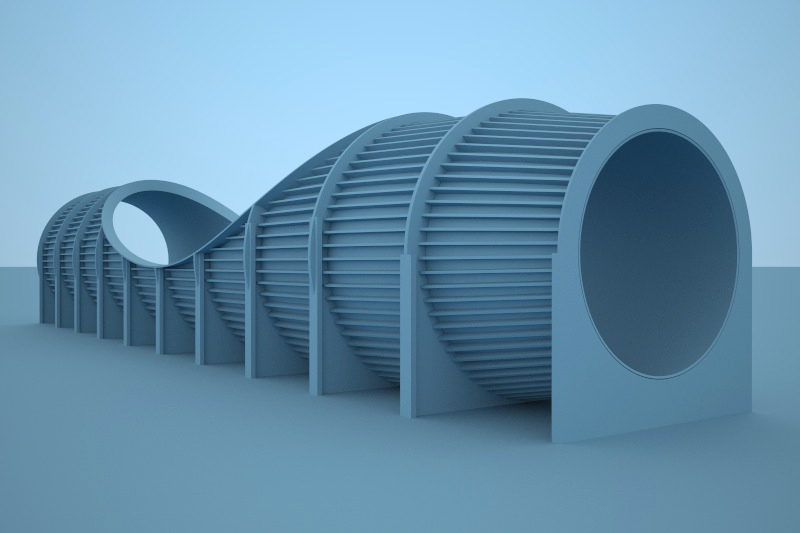
it's been said quite a few times already but i think maxwell really hit the sweet spot here as far as rendering apps go.. it's a similar situation to google making sketchup free ..
(though i imagine the difference between maxwell free & pro is much more noticeable than the difference between su free and pro )
) -
@surfingalien said:
P.S.: I will post it on the MR forums as well but... is there a way to use displacement-base materials from the MXM repo like grass/fur etc.? I'm getting really weird results regardless of the "mapping" and I don't know if there's some settings I can tweak (of course not the MXM itself, I know...) -thanks!
I would use any displacement based material with care -- but particularly MXM's since you do not have the ability to edit them to suit your needs.
Bear in mind that all MXM's you can download have the image files external to the material -- so you can very easily use and edit those images to create your own "embedded character" type materials within Sketchup, thus bypassing MXM's.
My best advice for any displacement material is to test it out on a 1m x 1m plane (with a "cubic" UV override for MXM's) -- if it looks good and renders fairly quick then you are safe, but many times displacement can slow your render down to a crawl... and pretessellated displacement can quickly run SketchUp out of memory (due to ram usage).
You can speed up the rendering of displacement by subdividing the surface -- for instance if you take the 1m x 1m plane and divide it by 4 (into 16 .25m x .25m sections) you will see a dramatic speedup in render time. The goal is to have evenly sized and spaced quads -- A nice plugin to use for managing quads is http://forums.sketchucation.com/viewtopic.php?p=348501#p348501
Best,
Jason. -
@valerostudio said:
Any way of changing the units to inches? I noticed its all in metric.
You can work in any units you prefer within SketchUp, but Maxwell only thinks in Metric... I just got used to working in metric for the sake of simplicity.
Best,
Jason. -
@unknownuser said:
it's been said quite a few times already but i think maxwell really hit the sweet spot here as far as rendering apps go.. it's a similar situation to google making sketchup free ..
(though i imagine the difference between maxwell free & pro is much more noticeable than the difference between su free and pro )Actually I think that analogy is very appropriate -- if you consider SketchUp Pro as including Layout, Style Builder, Dynamic Components, Solid Tools, Advanced Camera Tools and better export options of models (as well as C++ API).
You may never want or need any of those features/tools, and for you regular SketchUp (free) may do everything you want -- but once you have SketchUp Pro the possibilities are greatly expanded as to what is possible.
Best,
Jason. -
@jason_maranto said:
There is a library I've created/updated for the RAL color system
wow
you're the best!
my 3G connection isn't going to like this right now but i'll be a hotel later with a better connection..
hopefully your bandwidth hasn't run out by then. -
Thank you Jason!
I couldn't resist to buy maxwell in the end.
Is it possible that I cant register to the forum because of gateway access problems?Wasn't there a 10Gb/day download limit for free accounts for dropbox?



Hello! It looks like you're interested in this conversation, but you don't have an account yet.
Getting fed up of having to scroll through the same posts each visit? When you register for an account, you'll always come back to exactly where you were before, and choose to be notified of new replies (either via email, or push notification). You'll also be able to save bookmarks and upvote posts to show your appreciation to other community members.
With your input, this post could be even better 💗
Register Login


Advertisement