Cryengine 3 free finally available
-
Registered and still doesn't work. the window for the login does not appear it freezes.
-
@marian said:
Registered and still doesn't work. the window for the login does not appear it freezes.
I don't know how to help you... I use Windows 7 64 bits and no problems. In fact, in the login window there is a link to register. That's how I did it. Perhaps you could ask for help in the forums of http://www.crydev.net
-
Here some screenshots (made with snipping tool)
6th image circles area displayed in 5th
Very good if I could work out a decent workflow from sketchup...
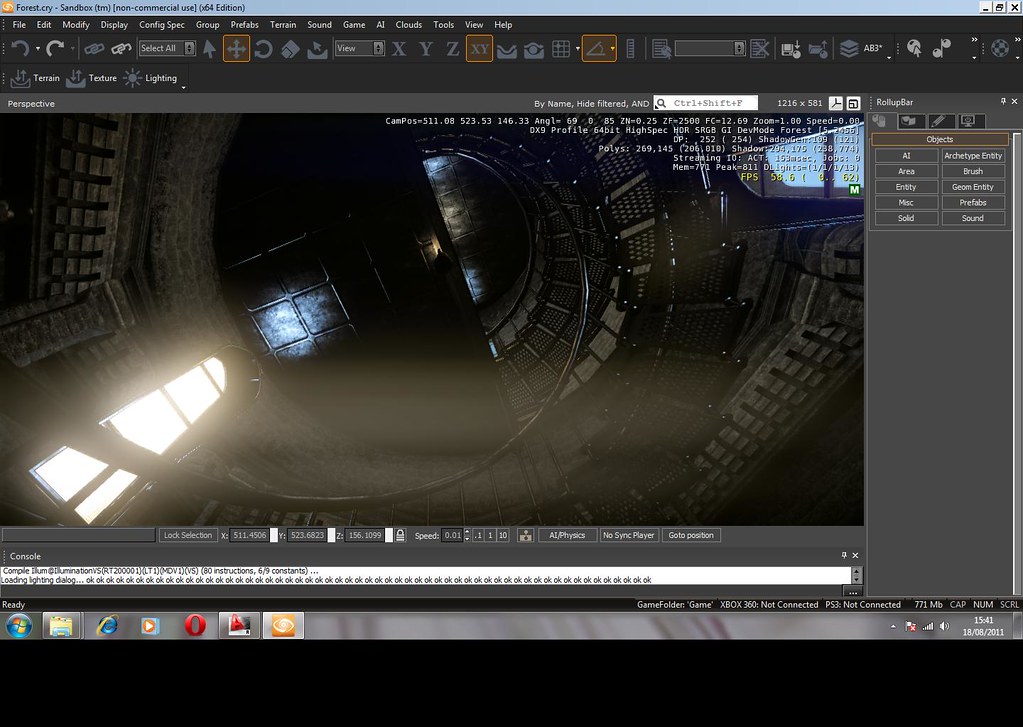
cry1
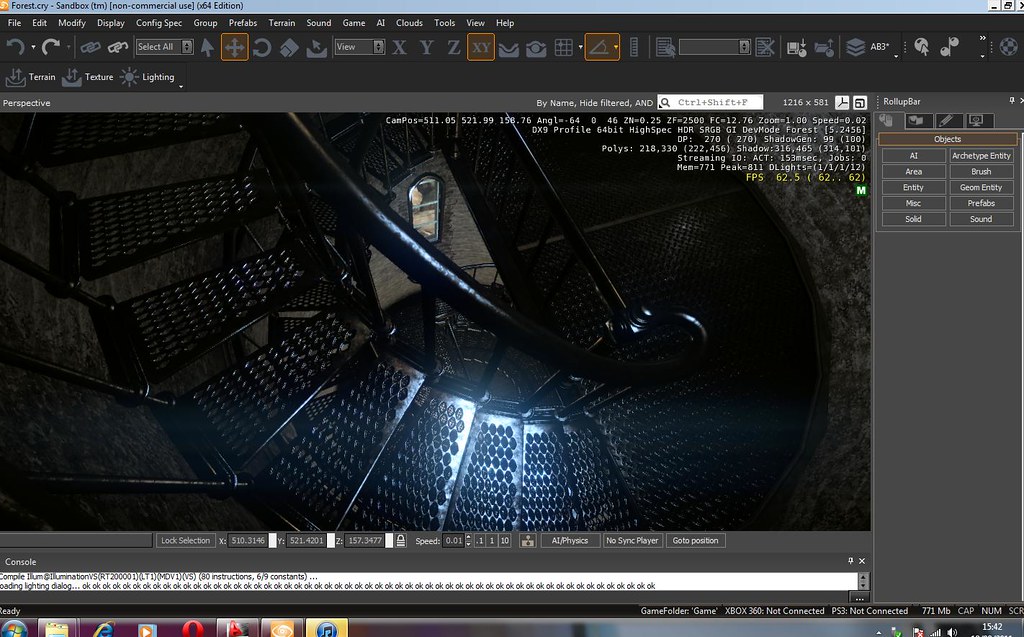
cry2 by shmikereardon, on Flickr
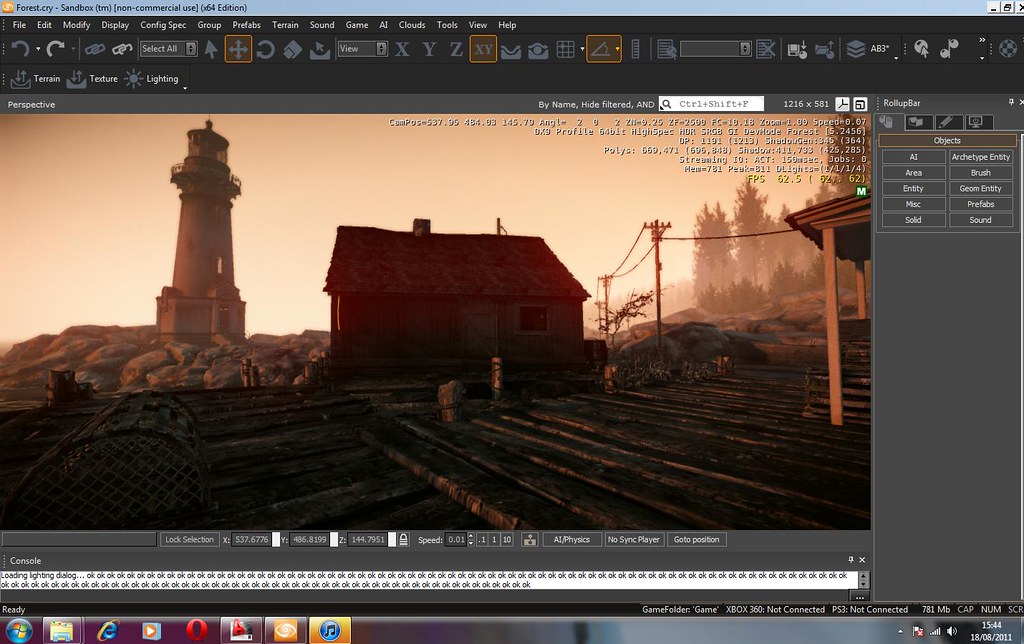
cry3 by shmikereardon, on Flickr
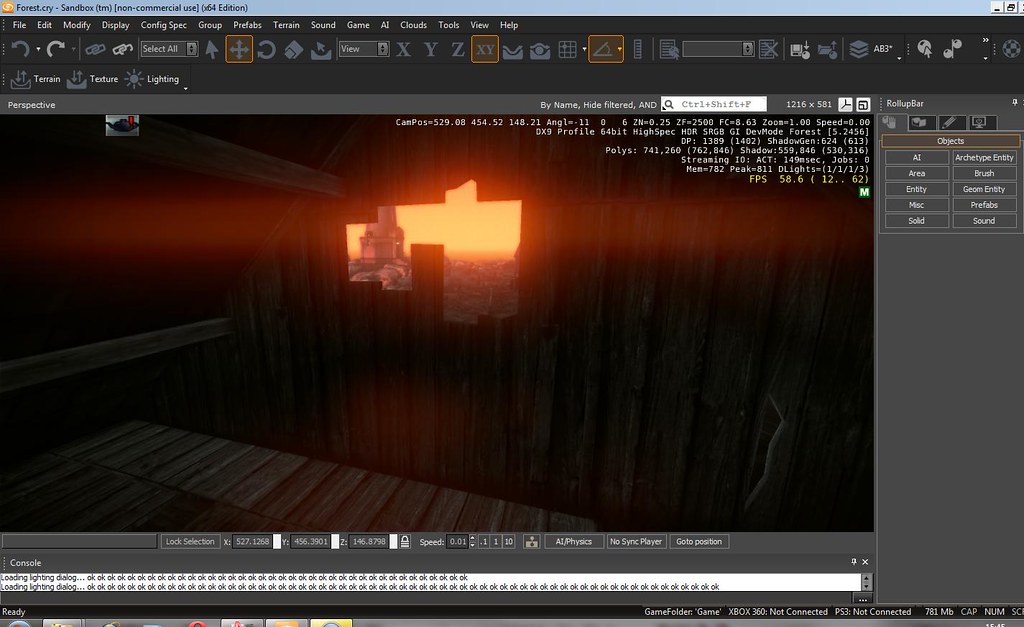
cry4 by shmikereardon, on Flickr
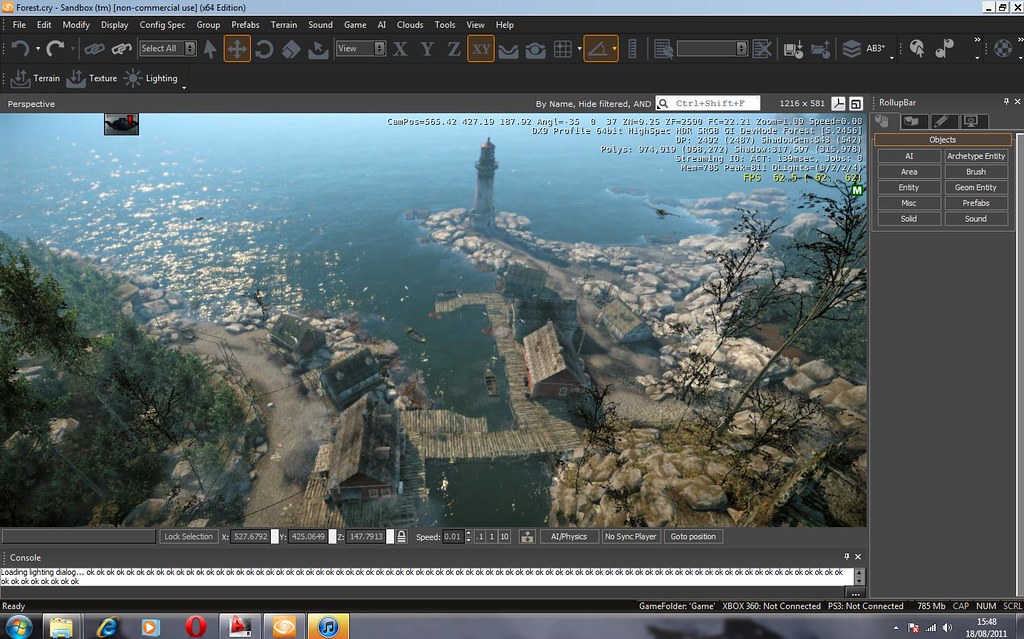
cry5 by shmikereardon, on Flickr
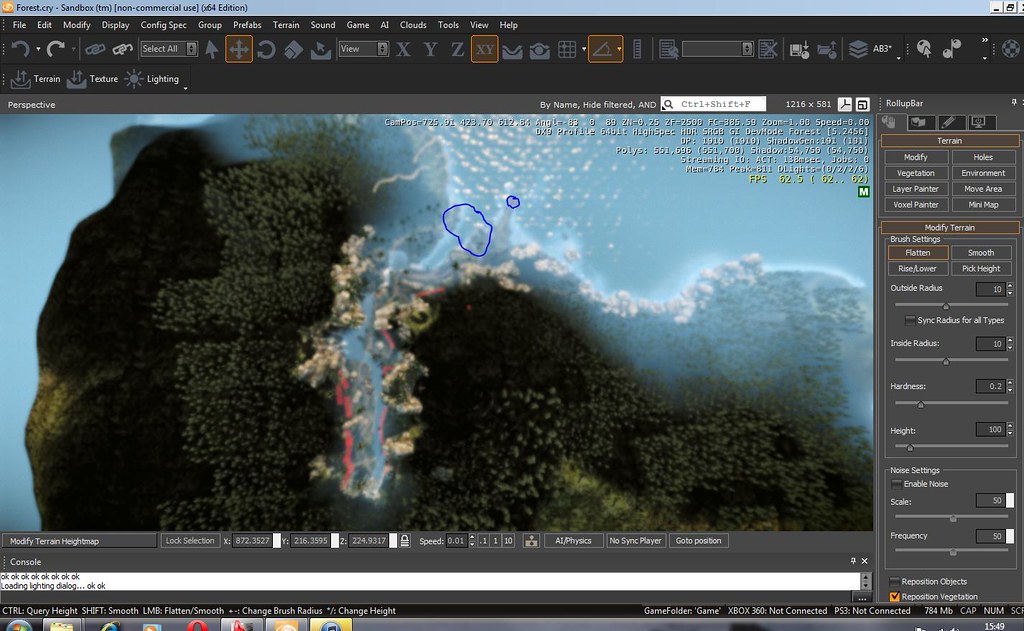
cry6 by shmikereardon, on Flickr -
Hey
If you have the Cryengine 3 SDK, then that's it.
You don't install anything if i remember correctly, you just extract it to a folder called "CryENGINE_v3_3_5_2456_FreeSDK" (well it was for me anyway)
Within that there are folders called Bin32 and Bin64. Choose the one relevant to your system and launch the "Editor" (orange logo) -
Hi,
I have no idea about these 3D engines, so I wanted to see a SketchUp model in this environment to get an idea.
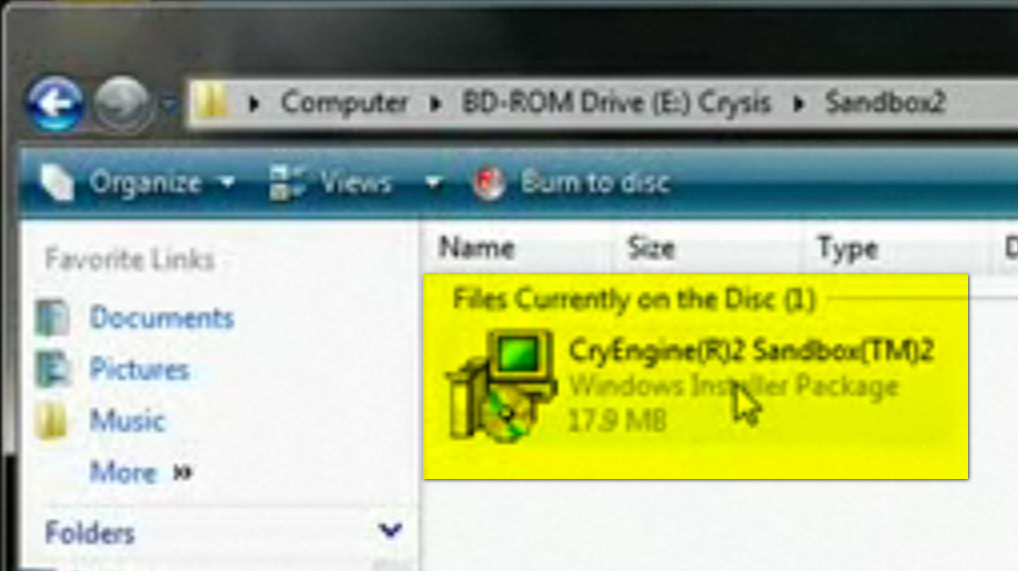
I have downloaded the "Cryengine3 Free SDK" and "PlayUP Exporter" but I can not find the installation file (See Picture below) for the CryEngine. I can only open the "Sandbox editor". The export of SKP models with PlayUP seems to work only with an installed "CryEngine".I would be very happy if someone could give an explanation.
Charly
-
Hi Michael,
thanks for Your answer. Does that means that only with the full version of CryEngine, models can be exported via PlayUp into the "Cryengine"?
Charly
-
No the free version is fully functional for non commercial works. There is a tutorial on playup website
-
Pichuneke's color blinded forest.

It's a beginning...
-
Strawberry Fields Forever
-
@pichuneke said:
Pichuneke's color blinded forest.
It's a beginning...
So, does one do a walk through with a shotgun/machine gun?

-
@solo said:
@pichuneke said:
Pichuneke's color blinded forest.
It's a beginning...
So, does one do a walk through with a shotgun/machine gun?
I think that it can be changed... with work, and learning...

At this moment I am fighting with PlayUp tools, I even can't make it work

-
Hi,
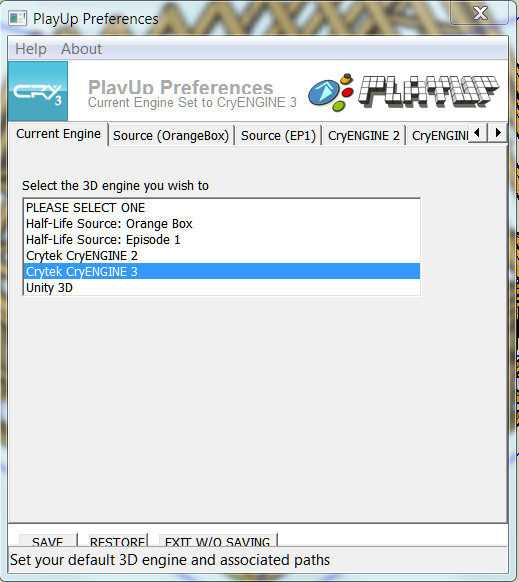
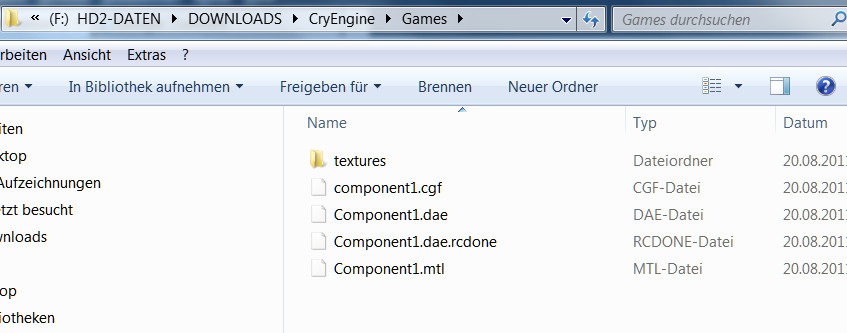
At the moment I am struggling even with the tool PlayUP. I've read through the tutorial again. But only two files are created, mtl and dae. I suspect that that is somehow connected with the path settings in the preferences or a bug because the context menu commands are grayed out.
Charly
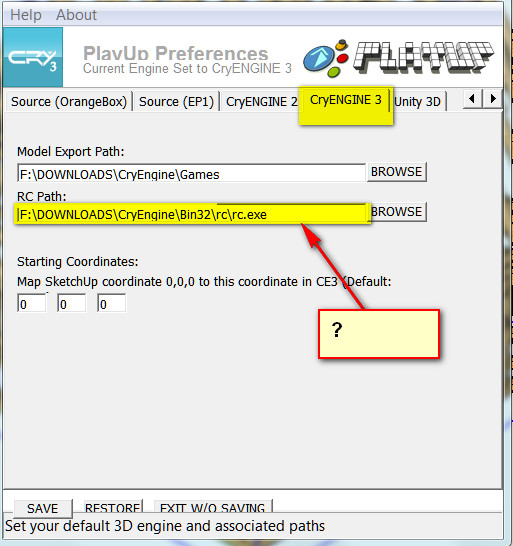
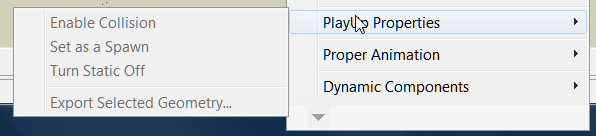
-
The whole tutorial confused me a bit!
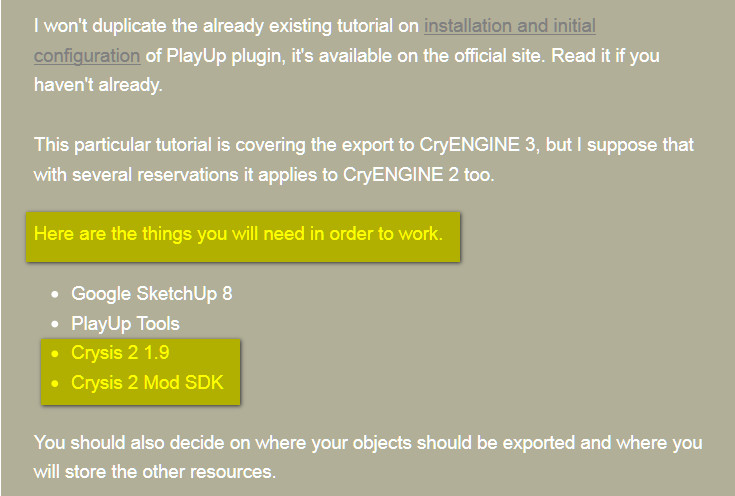
-
I did it again with another SKP model. Now the files were created as shown in the tutorial. In the Cryengine it does not appear anyway.
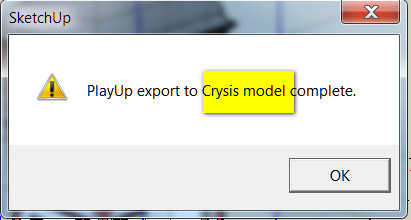
-
Charlie, I asked for help in the official Facebook page.
You should try:
<PATH TO CRYENGINE DIRECTORY>\Game\Levels\YourLevel\By the way, for technical help you should suscribe to PlayUp Tools facebook page:
Ah, and new version available now.
-
@charly2008 said:
The whole tutorial confused me a bit!
The tutorials were written for Crysis 2 SDK, not standalone SDK. These are basically two slightly different branches of the same engine and toolset, and while the workflow is 99% similar between them, some parts still differ. I mentioned that every time, check the gray notes.
Now that the CE3 SDK is released, the tutorials will be updated to match it, shortly.
Regarding terms of use of these two: basically, Crysis 2 toolset can be used for any non-commercial project (you just need to own Crysis 2 copy in order to be able to install the toolset); but it is slightly less flexible in some specific features (Flowgraph scripting, command line variables availability, etc.), so it's used primarily for modding. For standalone projects, from architectural visualizations to full-fledged games, new CryENGINE 3 SDK is a better choice. It will be regularly updated, it's featuring source code access, better tools and so on. At the moment in can be used only for non-commercial projects, but licensing options will arrive shortly and are believed to be similar to UDK (royalty-based licensing for small commercial projects).
Though I'd like to warn you that current release of standalone CE3 SDK is somewhat buggy, as it's only the first one. Over time all the errors should be fixed (just like it was with the UDK), but maybe it'll be better to wait a bit until more stable release arrives. If some of you own a Crysis 2 copy, and are willing to practice things irrelevant to toolset differencies, e.g. model export or simple mapping, I'd suggest to practice in Crysis 2 SDK for a while, as it is more stable at the moment.
Upd: I've updated the tutorials:
http://www.crydev.net/viewtopic.php?p=830043#p830043Be sure to download the latest version of PlayUp Tools.
-
I made a fast video:
As usual, I can't deal with the Flash tag, if someone wants to see it here, feel free to insert the video in your comment.
All the imported models in Cryengine 3 have the following limitations: 65.000 polygons and 32 textures per model. But you can import many of them to avoid these limits.
PlayUp exports different components as separate entities. I don't know if there is a way to put all together in their right position at once, doing it individually is not viable for me. So in the video I have placed two big elements of my model of the roman theatre of Orange by hand. No collisions yet, I am a ghost that can walk through the walls

bac9-flcl: Thanks for your work. I am sure that you know how to deal with my problems, but I am a newbie and I am learning

-
@unknownuser said:
At the moment in can be used only for non-commercial projects, but licensing options will arrive shortly and are believed to be similar to UDK (royalty-based licensing for small commercial projects).
Well that's a problem, most of what I do is commercial, unless I'm playing around, so what's the point in taking the time to learn this app if I cannot use it for a visualisation render/animation? Do I need to negotiate my fees with a percentage allocated to Cryengine?
-
@pichuneke said:
All the imported models in Cryengine 3 have the following limitations: 65.000 polygons
I'm sure it's rather 64.000 vertices. Polycount is rather irrelevant as it can vary from ~30.000 to ~120.000 depending on a mesh configuration.
@pichuneke said:
PlayUp exports different components as separate entities.
Yes, if your model is consisting of several components and groups on the top level of hierarchy, after using "Export All Components and Groups" action, you'll get several models. You can combine the whole model into the new parent component if you want to export it as the solid object. However, you should be careful with that due to risk of problems with vertex coordinates precision. If an object is huge and contains quite small details at the same time, it's recommended to split the model into several pieces. Check the tutorial section 6.4 for explanation on vertex precision and 3.3 for tips on the subject of proper component structure.
@pichuneke said:
I don't know if there is a way to put all together in their right position at once, doing it individually is not viable for me.
You should keep an eye on the position of pivot points (axes origin points) in each of the parent components you intend to export. Use Change Axes context menu action in SketchUp (available inside Edit Component mode) to relocate them properly.
If you want to assemble the building in the engine, all the pivots of used components should be located in the same area: this way the building can be easily assembled by specifying the same coordinates for each and every part. But well, you can have the same result by just combining the whole model into a single parent component.
However, in case of a huge object, having the same pivot position for all parts sometimes makes the 16-bit range of values extremely insufficient to properly describe all the vertex positions in the distant areas of the model. Not to mention that it's very inefficient to have a pivot positioned e.g. 50 meters away from some wall component, as in this case not even a half of possible values is available for vertex description.
In case of a huge object, if you think that you'll probably get damaged results with exporting the whole model at once, I recommend to use parts. Most importantly, you'll need a different pivot for each part, to make sure that vertex position precision is as best as possible for each of them. And in order to be able to reassemble the whole object in the editor, you'll need to place these pivots on some regular grid (for example, on the same height and with 1 meter snap). Draw a grid with Sandbox SketchUp tools, it'll be helpful when you'll use the Change Axes mode.
Then all you'll need in the engine Editor will be to switch on the snapping, grab the Move tool and assemble the model. With proper pivots, it'll be easy and precise.
-
@solo said:
@unknownuser said:
At the moment in can be used only for non-commercial projects, but licensing options will arrive shortly and are believed to be similar to UDK (royalty-based licensing for small commercial projects).
Well that's a problem, most of what I do is commercial, unless I'm playing around, so what's the point in taking the time to learn this app if I cannot use it for a visualisation render/animation? Do I need to negotiate my fees with a percentage allocated to Cryengine?
There is another good engine, UDK. You can use it free until 50.000 dollars, I believe.
But I have no too much experience with that engine. To me, the use is too complex. But as I do my models for free, I looked at Cryengine... (because it's a hobby).
Anyway if you try UDK, and you make progress with it, let us know, please.







Advertisement