Dimension line offset
-
Is there a way of offsetting the dimension line further from the object.
I have tried selecting the dimension and scaling it away using the arrows,
but the dimensions tend to change when i do that.
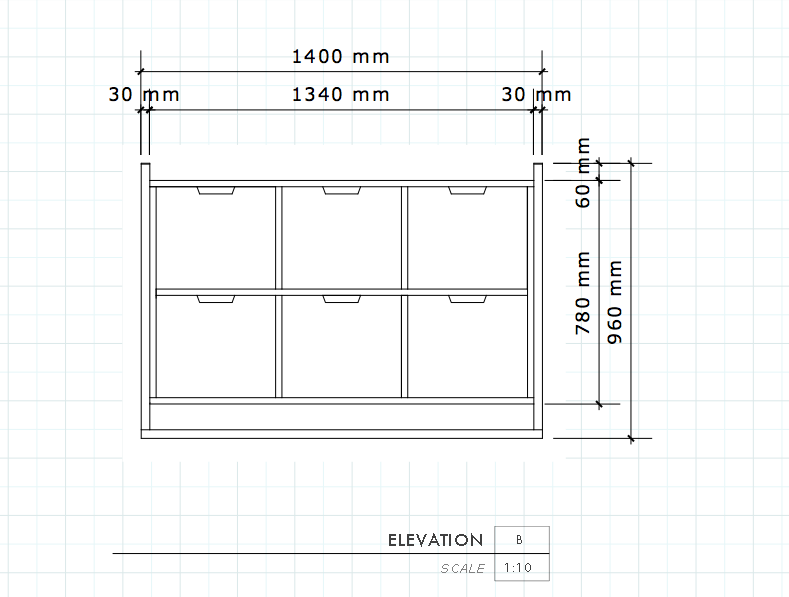
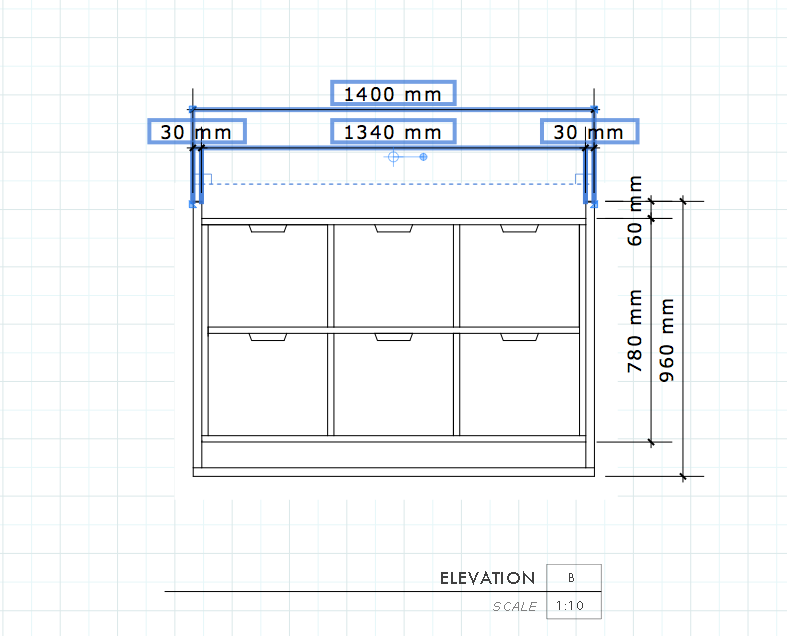
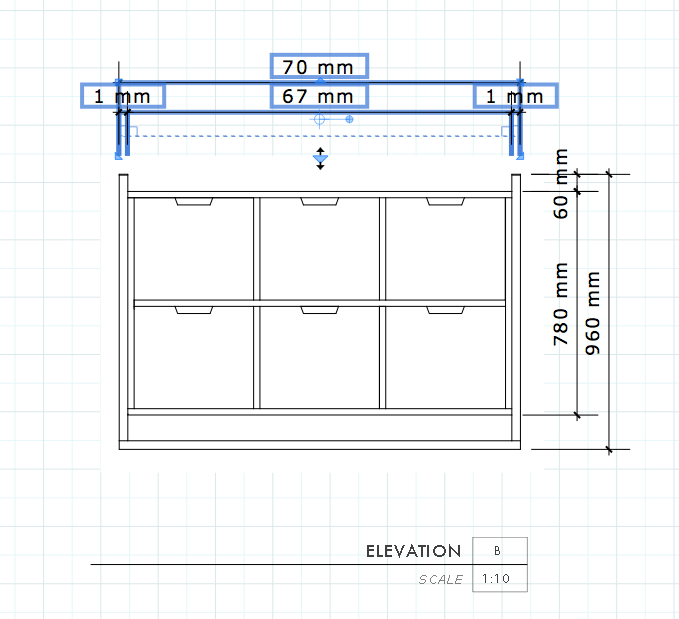
-
You can manually edit all dimensions. There could be two ways (the first one is rather cumbersome)
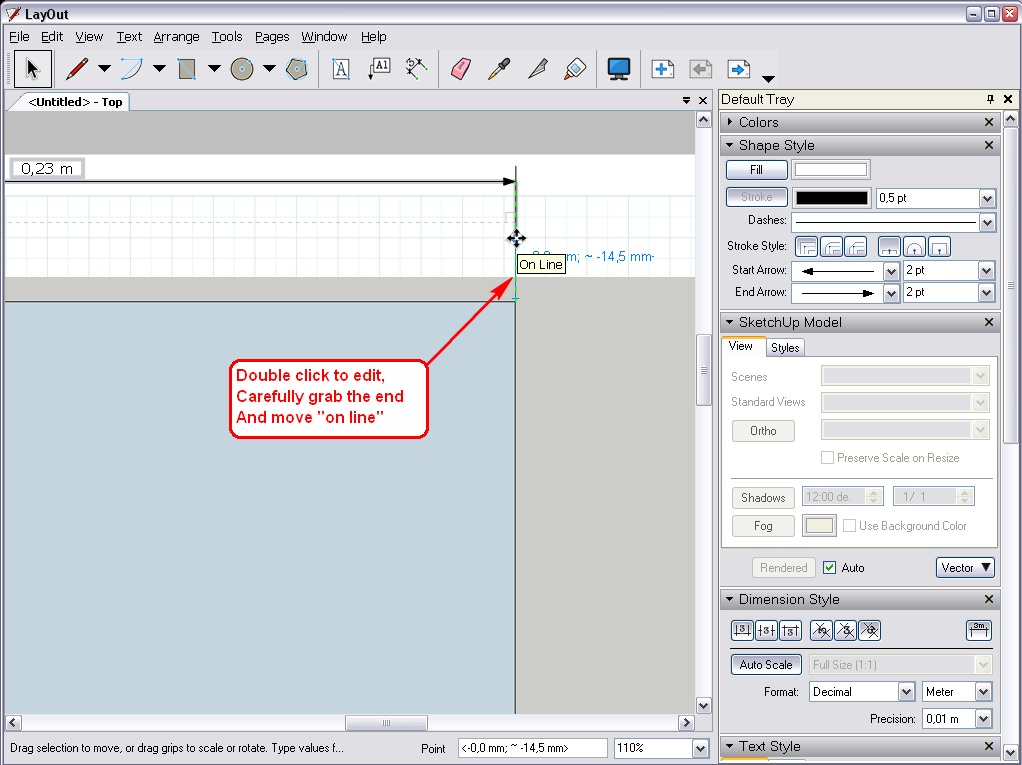
The second one would be more straightforward: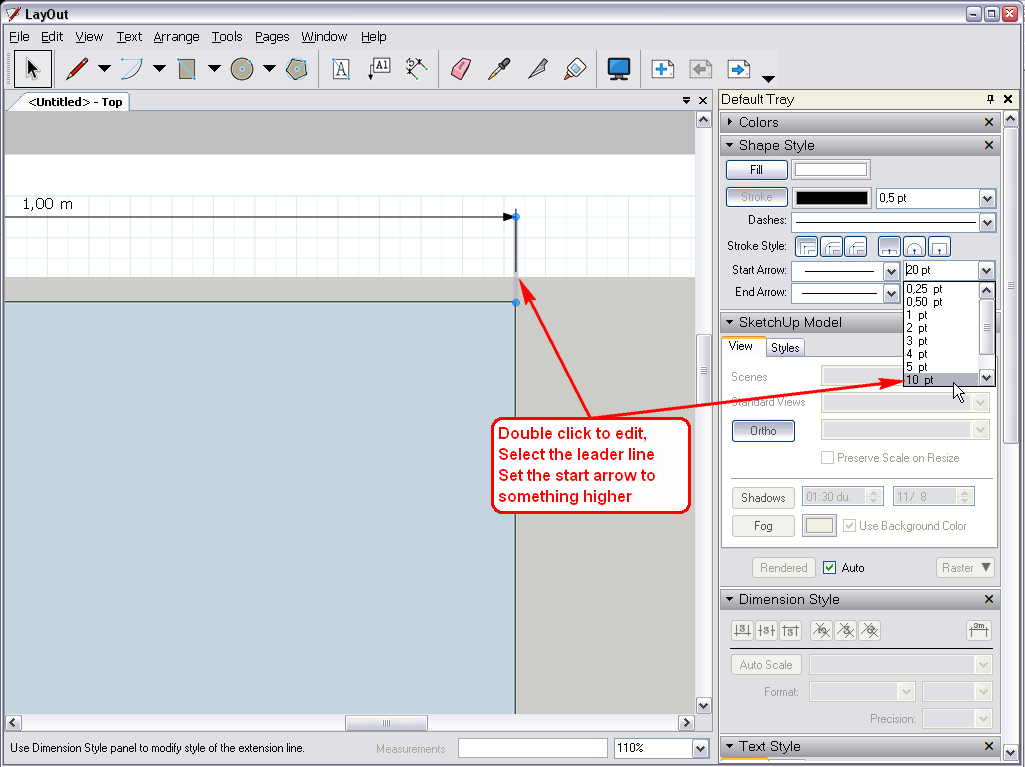
and after setting it, you can sample its style and apply it to all your other dimensions (even better; save it to your scrapbook and you can sample > apply it any time in other documents as well) -
This should be able to be set as a default don't you think?
-
Well, as I do not use LO "professionally" (unless posting in the forums is a "profession"), I do not have my own templates with all the bells and whistles but I am pretty sure it could be done with a custom template.
However let's hope that in some upcoming, new version in the future this will be made easier.

-
We can only hope.....
-
LayOut 3 out today... it's there. We added a point to the line - there's now a connection point and an offset point.
b
-
@bjanzen said:
LayOut 3 out today... it's there. We added a point to the line - there's now a connection point and an offset point.
b
Well, you never know what comes next...

(I remember last time a painful workaround and png printing issue and when LO 2 came out, you were the first to suggest that png outpuit was then already available)


Hello! It looks like you're interested in this conversation, but you don't have an account yet.
Getting fed up of having to scroll through the same posts each visit? When you register for an account, you'll always come back to exactly where you were before, and choose to be notified of new replies (either via email, or push notification). You'll also be able to save bookmarks and upvote posts to show your appreciation to other community members.
With your input, this post could be even better 💗
Register Login


Advertisement