Su UI appearence
-
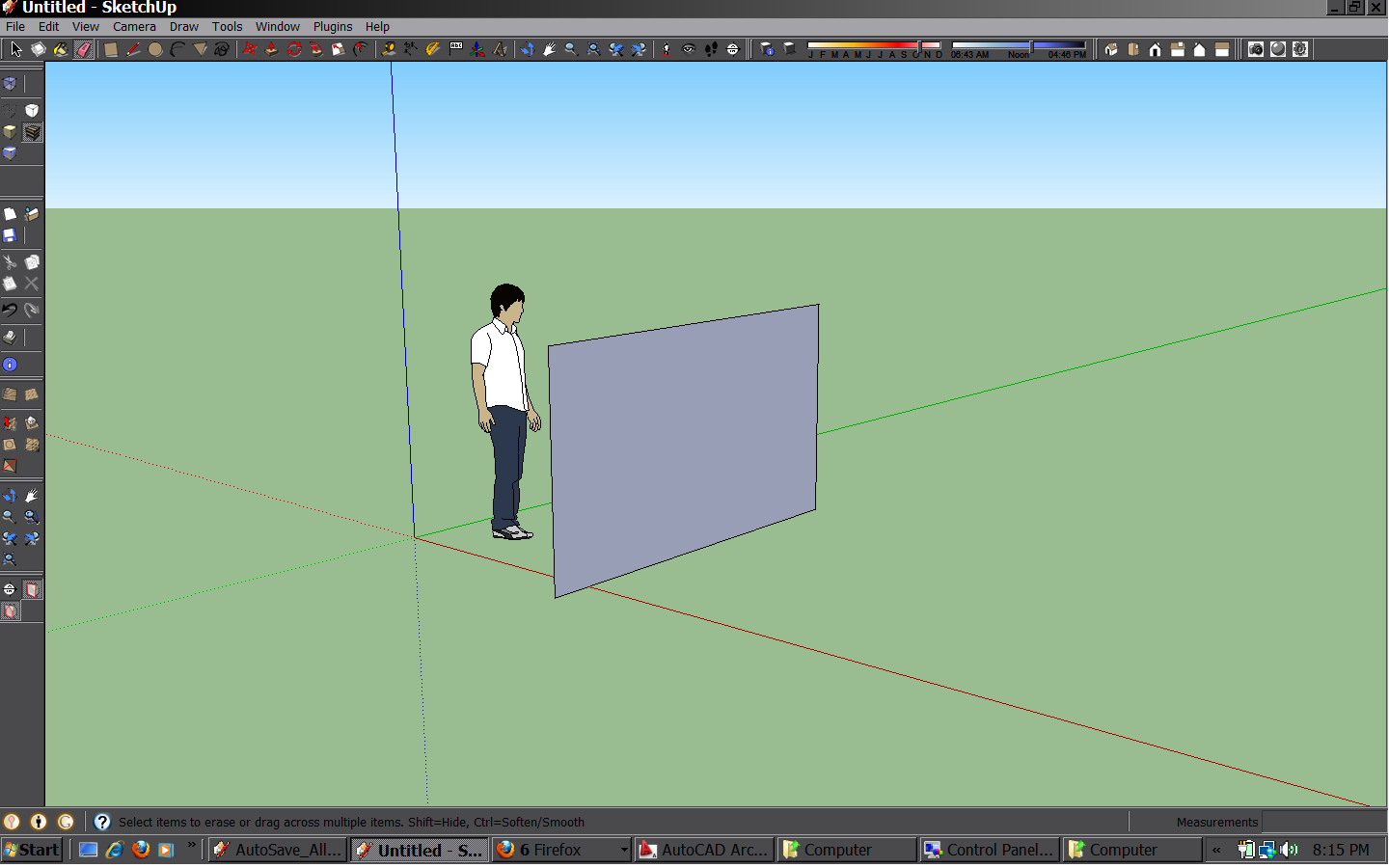
Hi all, I have been trying for sometime to get sketchup to look a little bit more sophisticated and not so comic, as I often do work in front of clients. I found out how to change the look but it requires that all windows are changed. I don't find this a bad thing. I have attached the style which works for me. Simply copy it to your theme style under appearence in windows control panel and activate it. Er..... I am not allowed to attach the theme so if anyone wants the theme and knows how to allow me to attach it please let me know
Cheers
-
Zip the theme then you can attach it here. (unless it's over 4MB or so)
-
-
I tried it, but didn't work for me.
You are on vista, and I'm on windows 7 maybe that's why.
Maybe you can tell us how you did it?
-
Hi vicspa, save the downloaded theme to your desktop. start/control panel/apearence and personalisation/change the theme/browse/ find the theme on your desktop and apply. I am on vista, good luck
-
Background went completely black but the window ribbons / icon bars / tool bars were exactly the same as before!


Hello! It looks like you're interested in this conversation, but you don't have an account yet.
Getting fed up of having to scroll through the same posts each visit? When you register for an account, you'll always come back to exactly where you were before, and choose to be notified of new replies (either via email, or push notification). You'll also be able to save bookmarks and upvote posts to show your appreciation to other community members.
With your input, this post could be even better 💗
Register Login


Advertisement