Set the Z position of many components based on terrain
-
Hi -
I've looked at a few plugins that place copies of a given component based on faces on an uneven surface. I'm trying to place a set number of components, at the exact z value where they would intersect with terrain imported from google earth.
I want to select all the instances of a component, and then select the google earth terrain, and then I want all the components' z coordinate to move to where they intersect with the terrain. Is there a plugin that will do this?
You can see in the screen shot that the individual faces of the terrain have no affect on the position or spacing of the components.
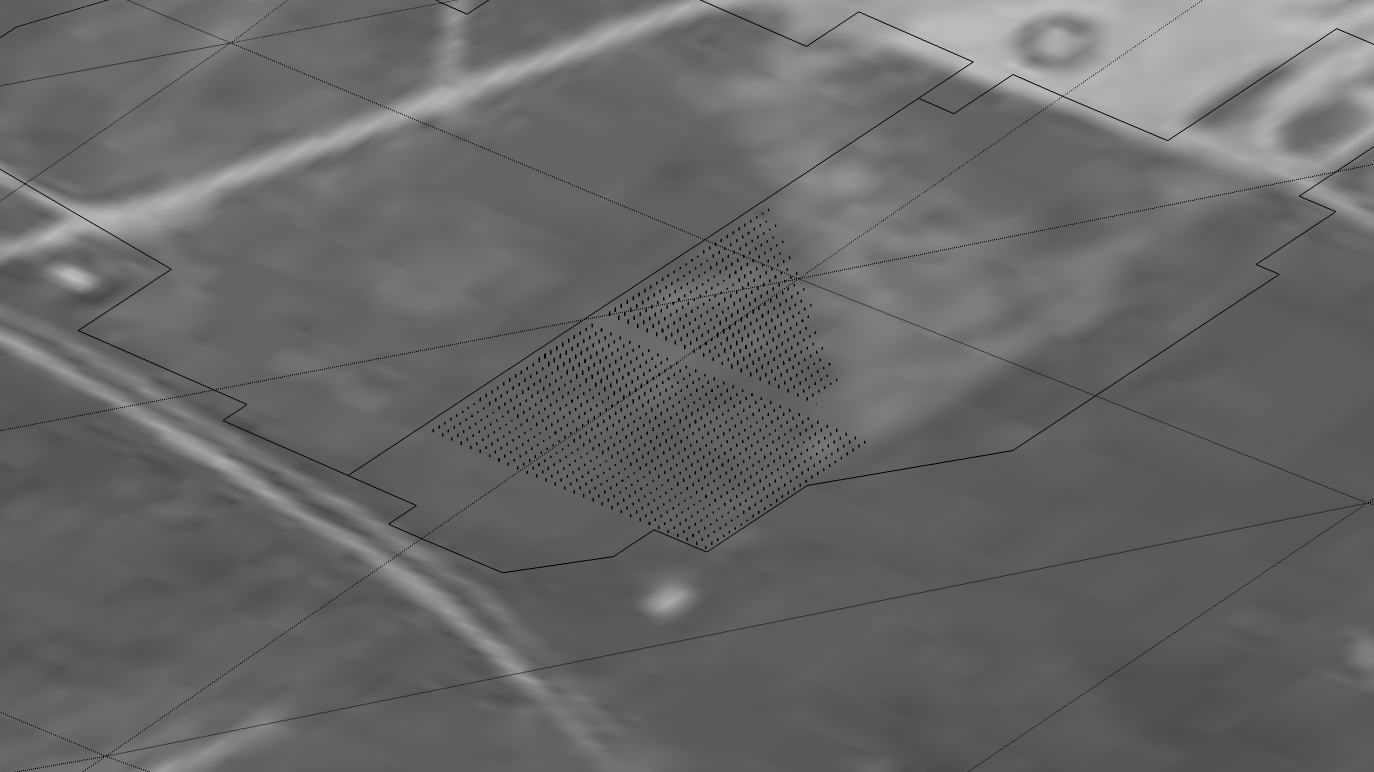
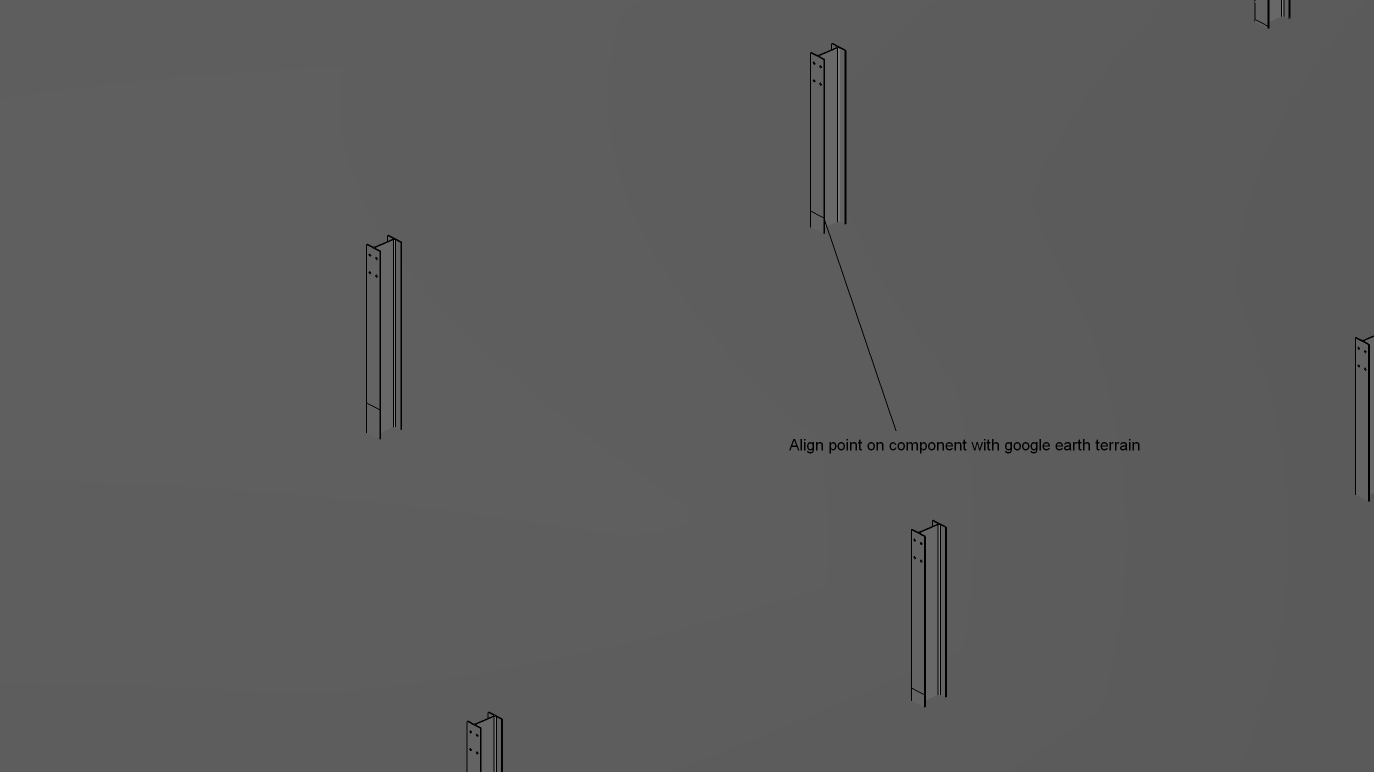
(In the second image, you can see that the component intersect is not at the physical boundary of the component. I can make the process work if I select the intersect point on the component, or if I set the intersect to the physical end of the component.) -
Look for 'Drop'. You lift the components above the surface and they 'drop' down until they touch it...
e.g. http://www.smustard.com/script/Drop -
Perfect, thanks. I thought I had seen this before.
Now, does Drop need another plugin to work? (I'm starting from scratch on a fresh SU install). It doesn't seem to have created a menu object anywhere.
-
It's in the context menu when something is selected.
-
..wasn't there a "hit head with board" smily face?
Thanks, Gaieus.
-

not quite.
-



Hello! It looks like you're interested in this conversation, but you don't have an account yet.
Getting fed up of having to scroll through the same posts each visit? When you register for an account, you'll always come back to exactly where you were before, and choose to be notified of new replies (either via email, or push notification). You'll also be able to save bookmarks and upvote posts to show your appreciation to other community members.
With your input, this post could be even better 💗
Register Login


Advertisement