Soft Shadows
-
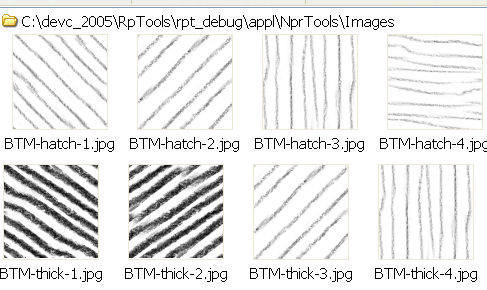
here's another (Possible) set; the diagonal lines are the same as eachother, but one's flipped vertically, because my other attempt didn't work
 The diagonal and non-diagonal patterns don't seem to be the same style exactly ( They were drawn on different surfaces; I should remember to draw them in the same places...), but they SEEM to work well together anyways. I don't know if you'd really want them or not, but I'll post them here anyways.
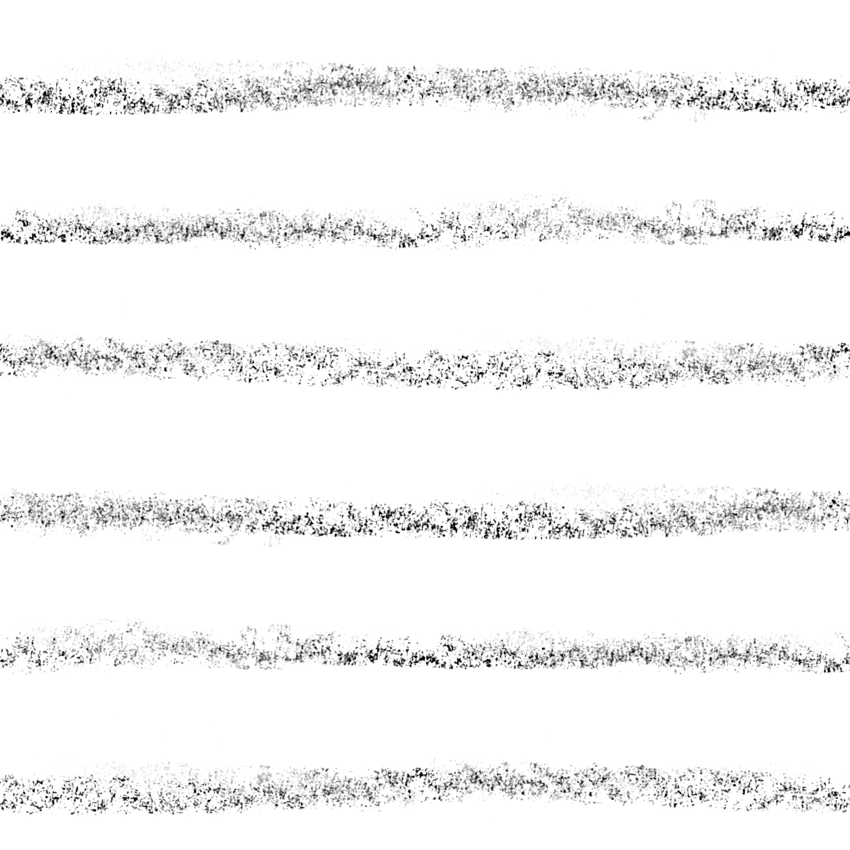
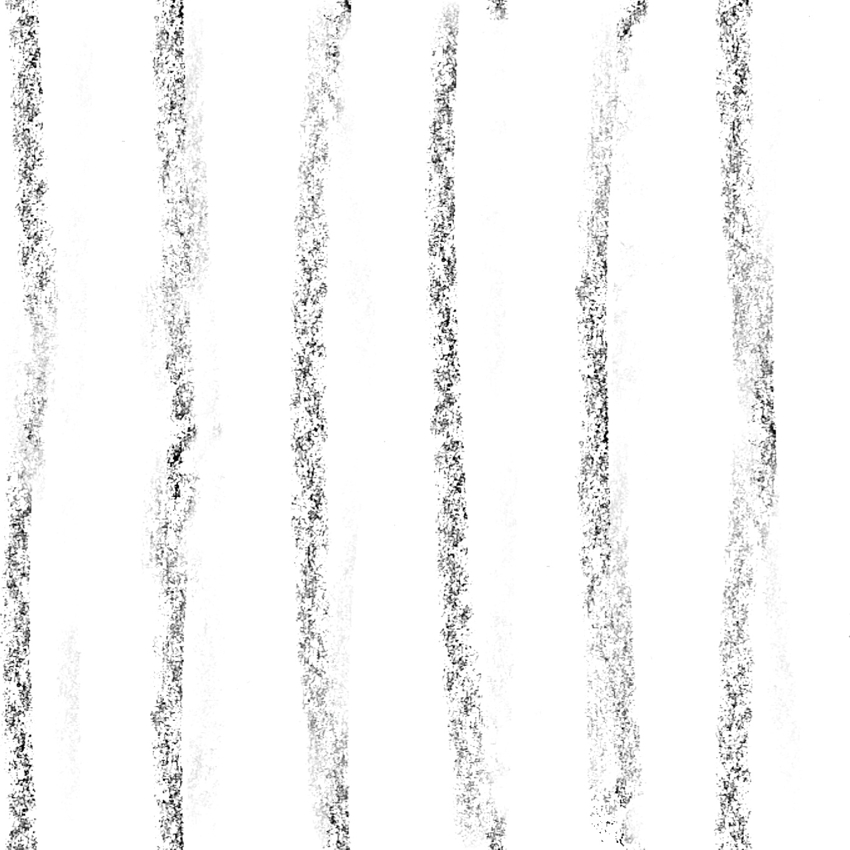
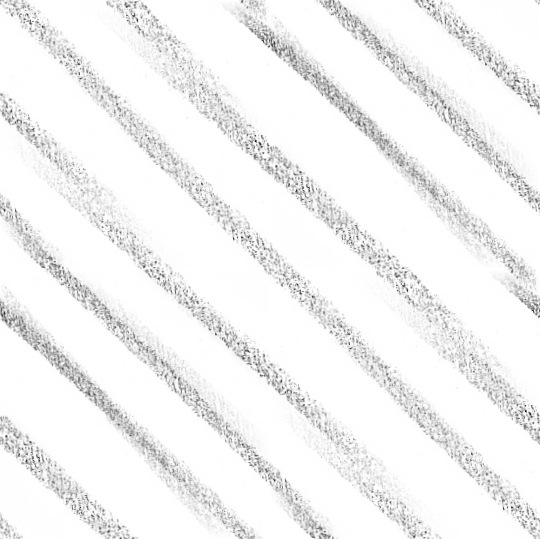
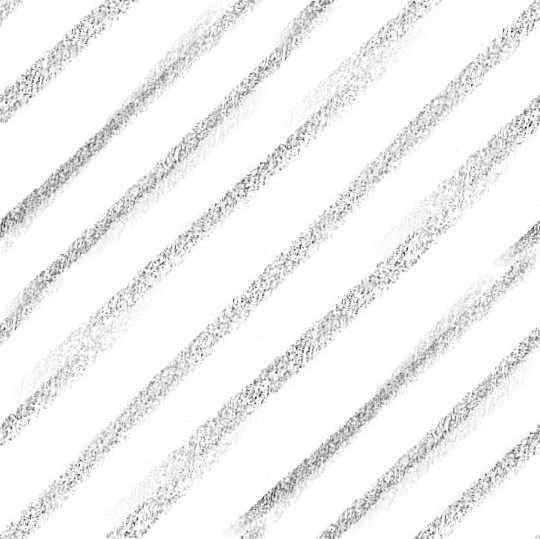
-
... tomorrow I'll switch the horizontal and vertical lines on that last one for some that match the diagonal. But not now.
-
Thanks, BTM
If you decide to upload all 12, in a zip file (which would be easier for me - since I can download all 12 at once), then name them 1,2,3,4 for each type.
(Criss-cross shadows require that the various patterns go up by 1, e.g. if xxx1.jpg is the first criss-cross, then xxx2.jpg needs to be the second.Also, if you have the opportunity to easily save them as .png files, then that will improve the quality of the product that much more - by not having to deal with the loss of quality with .jpg compression.)
Also, when you get your copy of the product, and try them out and if you want to change them, all 12 images are stored in a folder -
(It will actually be called: C:\program Files\Render Plus\RpTools\appl\NprTools\Images )Other users - you will be able to select any group of images of you own for use as patterns as well.
Al Hart

IRender nXt from Render Plus



Advertisement