sketchucation logo sketchucation
    • Login
    Oops, your profile's looking a bit empty! To help us tailor your experience, please fill in key details like your SketchUp version, skill level, operating system, and more. Update and save your info on your profile page today!
    ⚠️ Update | Sketchucation Tools 5.0.8 released with licensing improvements and bugfixes Download

    PlayTime_02: Gothic Panel

    Scheduled Pinned Locked Moved SketchUp Tutorials
    sketchup
    52 Posts 22 Posters 57.3k Views 22 Watching
    Loading More Posts
    • Oldest to Newest
    • Newest to Oldest
    • Most Votes
    Reply
    • Reply as topic
    Log in to reply
    This topic has been deleted. Only users with topic management privileges can see it.
    • boofredlayB
      boofredlay
      last edited by

      Moved to tutorials.

      Thanks for this Simon. Nice.

      http://www.coroflot.com/boofredlay

      1 Reply Last reply
      Reply Quote 0
      • soloS
        solo
        last edited by

        Now thats awesome!!

        Thanks for sharing.

        http://www.solos-art.com

        If you see a toilet in your dreams do not use it.

        1 Reply Last reply
        Reply Quote 0
        • R
          remus
          last edited by

          Thats very impressive simon. Your attention to detail is inspirational 😄

          http://remusrendering.wordpress.com/

          1 Reply Last reply
          Reply Quote 0
          • FrederikF
            Frederik
            last edited by

            Excellent..!! 👍
            Thanks for sharing..!! 😉

            Cheers
            Kim Frederik

            1 Reply Last reply
            Reply Quote 0
            • Jean-FrancoJ
              Jean-Franco
              last edited by

              That's really a crazy work indeed ! But what a patience !
              Thanks Simon to share it.
              Great tutorial anyway.

              Jean-Franco

              1 Reply Last reply
              Reply Quote 0
              • J
                justry
                last edited by

                @simon le bon said:

                -use eraser tool to select easily a bunch of lines:
                Quick select edges using the eraser tool!

                Wow!! I actually said something useful?!!

                Great job simon. Looks perfect!

                1 Reply Last reply
                Reply Quote 0
                • simon le bonS
                  simon le bon
                  last edited by

                  Dear all,

                  I am particularly touched by your comments that I have learned a lot from almost each of you along those last months

                  ;-)slb

                  1 Reply Last reply
                  Reply Quote 0
                  • G
                    GreyHead
                    last edited by

                    Fantastic piece of work, congratulations. I have a lit clos in the sous-sol but it's not as elegant as this.

                    Bob

                    PS and greeting from the far west of Bretagne !

                    1 Reply Last reply
                    Reply Quote 0
                    • simon le bonS
                      simon le bon
                      last edited by

                      Tips and ruby scripts i've used

                      • You want a shape "on the floor" ?: Select it, Cut it (Ctrl+X), or Copy it (Ctrl+C), pickup the Move tool And Glue it (Ctrl+V) where you want: it's on the default floor..

                      -in cleaning job it's usefull to show hidden geometry

                      -you want a single shape in its 4 directions: put a construction point on it axis, select the shape, use rotate tool inferenced to this point, holding down Ctrl key to copy it,rotate it a quarter, and tape x3 in the VCB(value control box).

                      -it's difficult to work on multilevel lines, project them on a face with Didier Bur's Projection tools.

                      -use eraser tool to select easily a bunch of lines:
                      Quick select edges using the eraser tool!

                      -Cleaning is a really hard work, don't forget this technic:
                      Searching the better way to split a shape in two.

                      And with a very special thanks to our strong rubymakers who made so necessary additionnal tools to SketchUp: Here are the tools i have used in this work:

                      Weld v.3.0 by Rick Wilson
                      to fixe broken curves and make faces

                      Mirror_31.rb by TIG
                      Mirrors geometry at plane, line or point.

                      Arc Centerpoint by Jim
                      Right-click an arc or circle to insert its centerpoint into the model.

                      Construction Line Tool by Jim (so handy)

                      CurveStitcher v.2.2 by Rick Wilson
                      Create edges & faces between two selected curves

                      skin Version 2.2 D. Belvin
                      A tool that takes selected edges and connects them, weither they are a closed loop or not.

                      Dome 1.0 (for the pistil) by Frank Wiesner
                      constructs a dome based on a circle (and interior)

                      At last but not least: you can't pass over

                      Projection tools v6 by Didier Bur

                      Joint Push Pull - Visual Edition by Fredo6

                      Without forget (!)
                      Bezierspline Update 2.0 by Fedo6 (and additional Bezier Segmentor)
                      How much it is as an integral tools pack of SketchUp


                      What can i say more, just this: Dear SketchUp Community, you are so friendly, i like you.
                      Zigmünd the good.

                      1 Reply Last reply
                      Reply Quote 0
                      • simon le bonS
                        simon le bon
                        last edited by

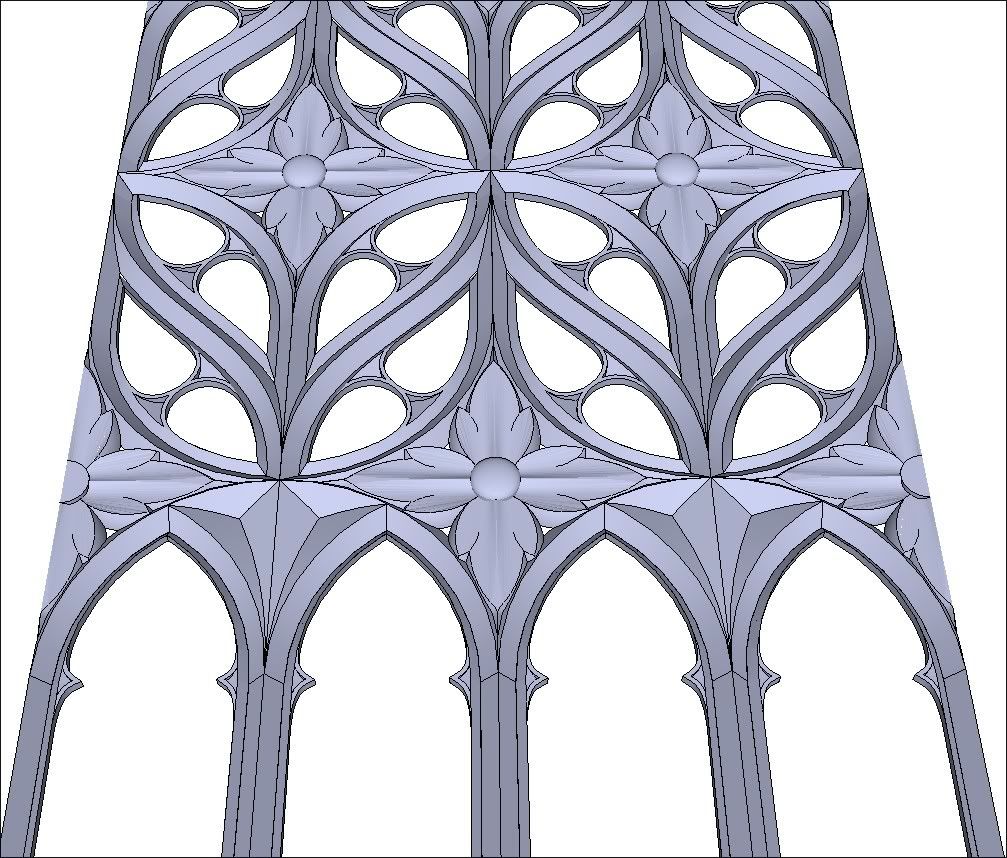
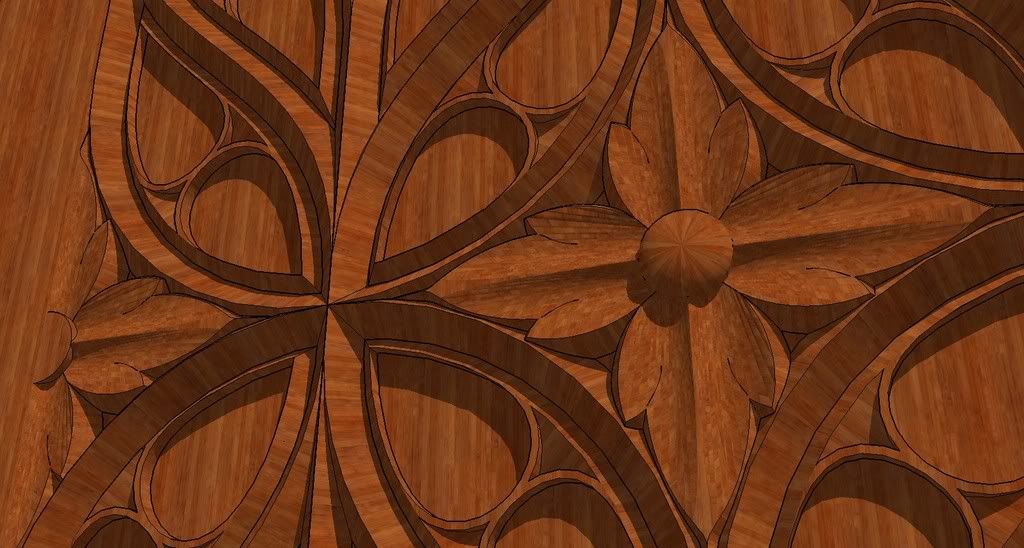
                        Making of

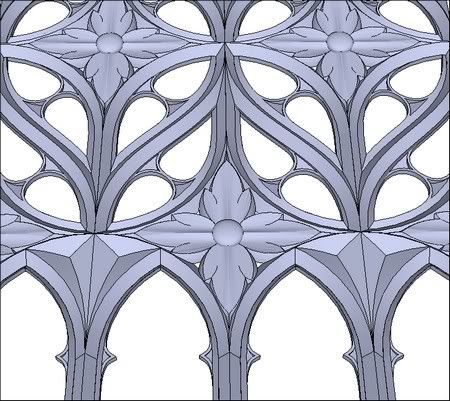
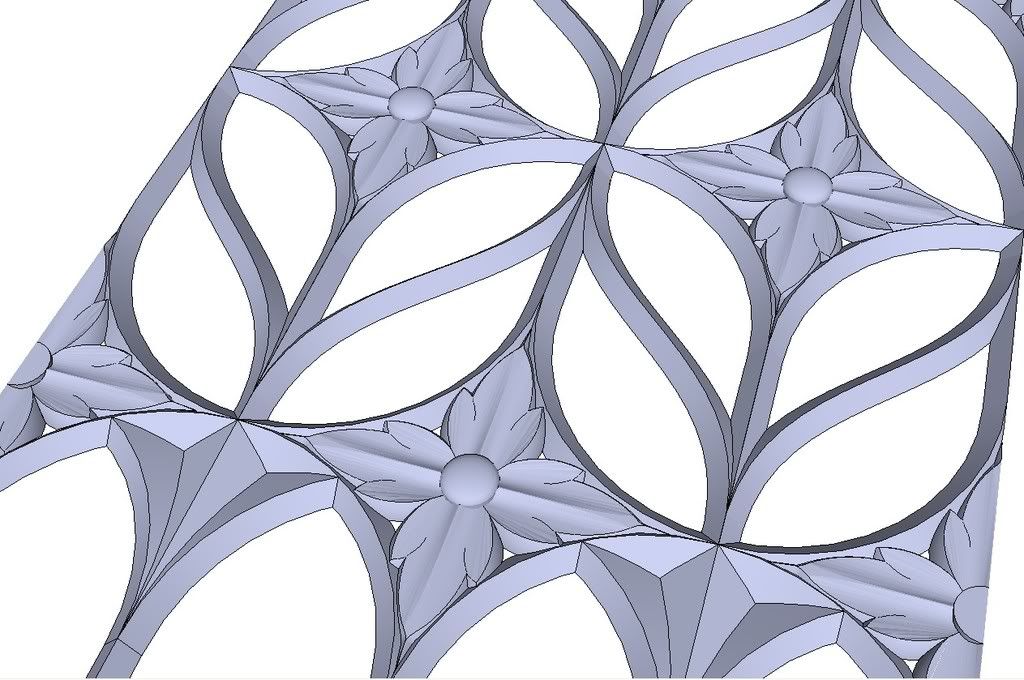
                        The Grid
                        GP_TheGrid.skpDivShare__GP_TheGrid.skp
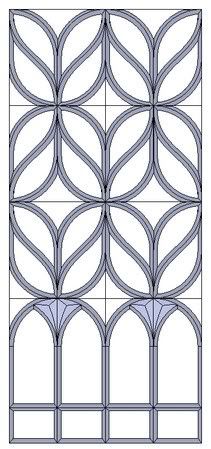
                        http://i274.photobucket.com/albums/jj245/Spendauballet/SketchUp/TheGrid.jpg

                        The Flower
                        DivShare__GP_TheFlower.skp

                        http://i274.photobucket.com/albums/jj245/Spendauballet/SketchUp/thflower.jpg

                        Flowers in the Grid
                        GP_FlowerIntheGrid.skpDivShare__GP_FlowerIntheGrid.skp
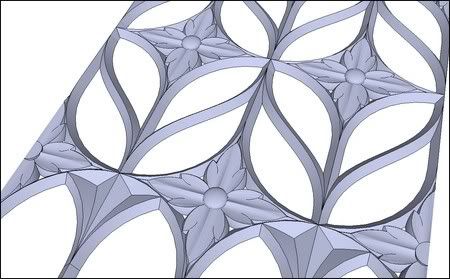
                        http://i274.photobucket.com/albums/jj245/Spendauballet/SketchUp/thFlowerIntheGrid.jpg

                        The DoubleEye
                        GP_TheDoubleEye.skpDivShare__GP_TheDoubleEye.skp
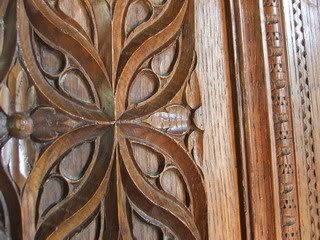
                        http://i274.photobucket.com/albums/jj245/Spendauballet/SketchUp/thdoubleEye.jpg

                        The Waread and the boxe
                        DivShare__GP_TheWaread.skp
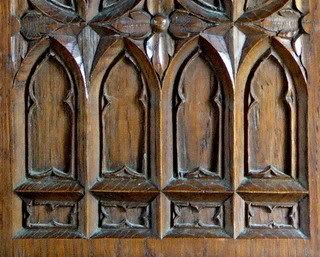
                        http://i274.photobucket.com/albums/jj245/Spendauballet/SketchUp/thsim_2_340_dtl1.jpg

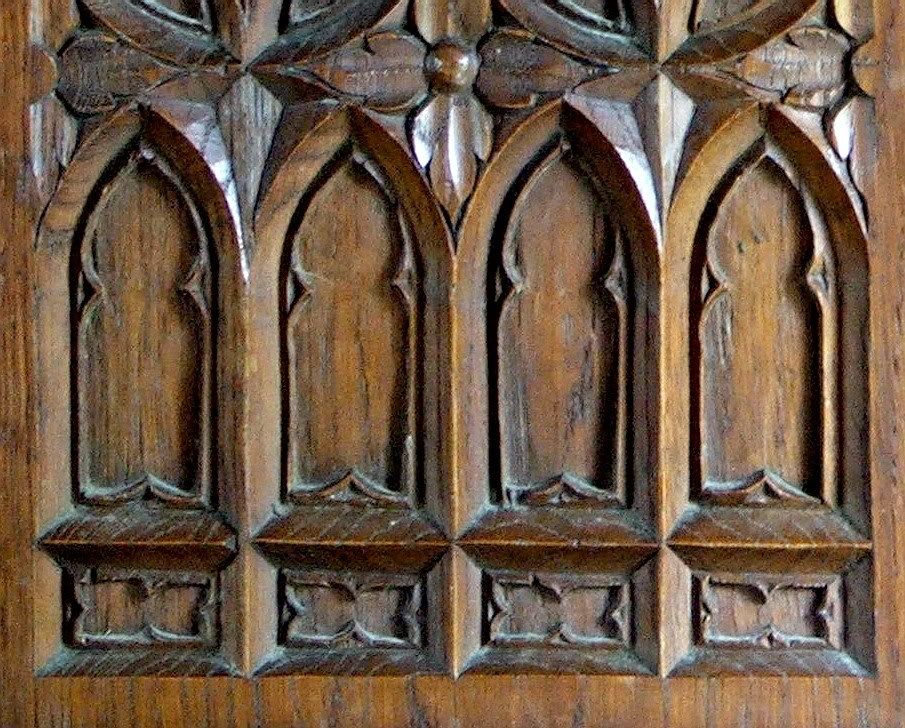
                        The Panel
                        DivShare__GP_ThePanel.skp

                        http://i274.photobucket.com/albums/jj245/Spendauballet/SketchUp/ththePanel.jpg

                        The wooden panel
                        DivShare__GP_woodpanel.skp
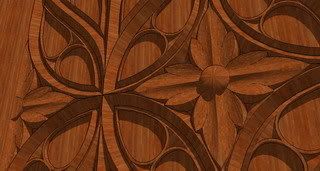
                        http://i274.photobucket.com/albums/jj245/Spendauballet/SketchUp/thpanneauGothique_f.jpg

                        1 Reply Last reply
                        Reply Quote 0
                        • simon le bonS
                          simon le bon
                          last edited by

                          Additional fun in gothic travel:

                          Have found this excellent tut from Jean Lemire on 3D Warehouse:
                          Arche gothique par Jean (Johnny) Lemire
                          ;-)slb.

                          1 Reply Last reply
                          Reply Quote 0
                          • P
                            PKast
                            last edited by

                            What an awesome tutorial. You really disected this well. Great work!

                            1 Reply Last reply
                            Reply Quote 0
                            • simon le bonS
                              simon le bon
                              last edited by

                              Goodmorning sketchy fellows. Jeudi 07 Août 2008

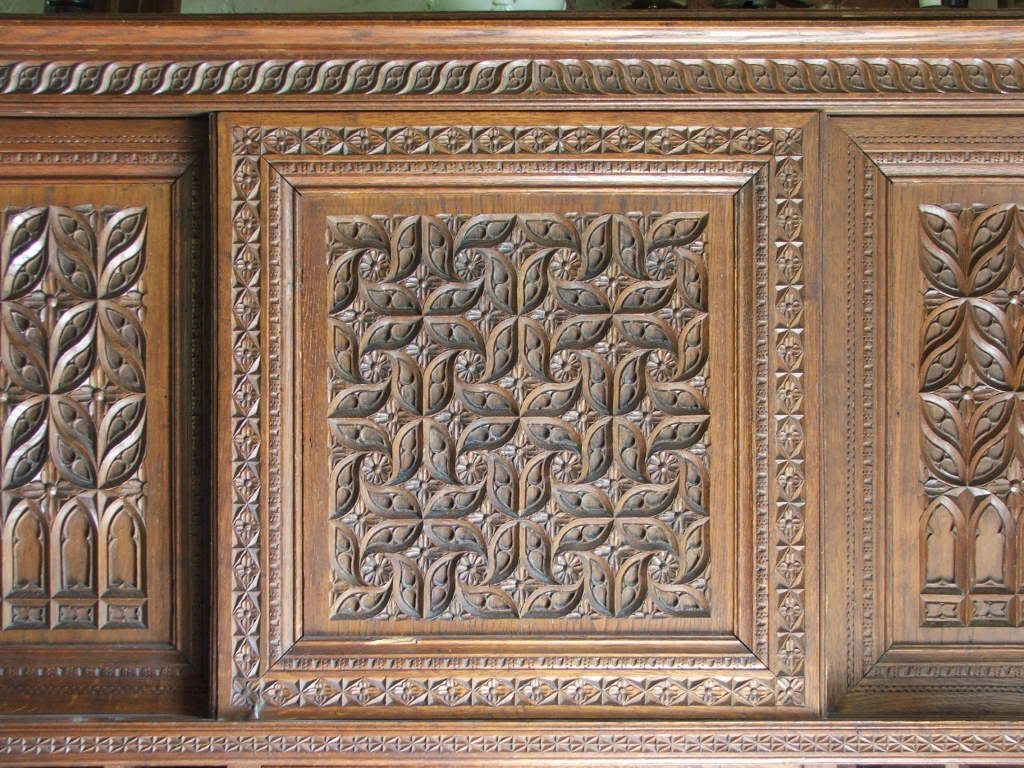
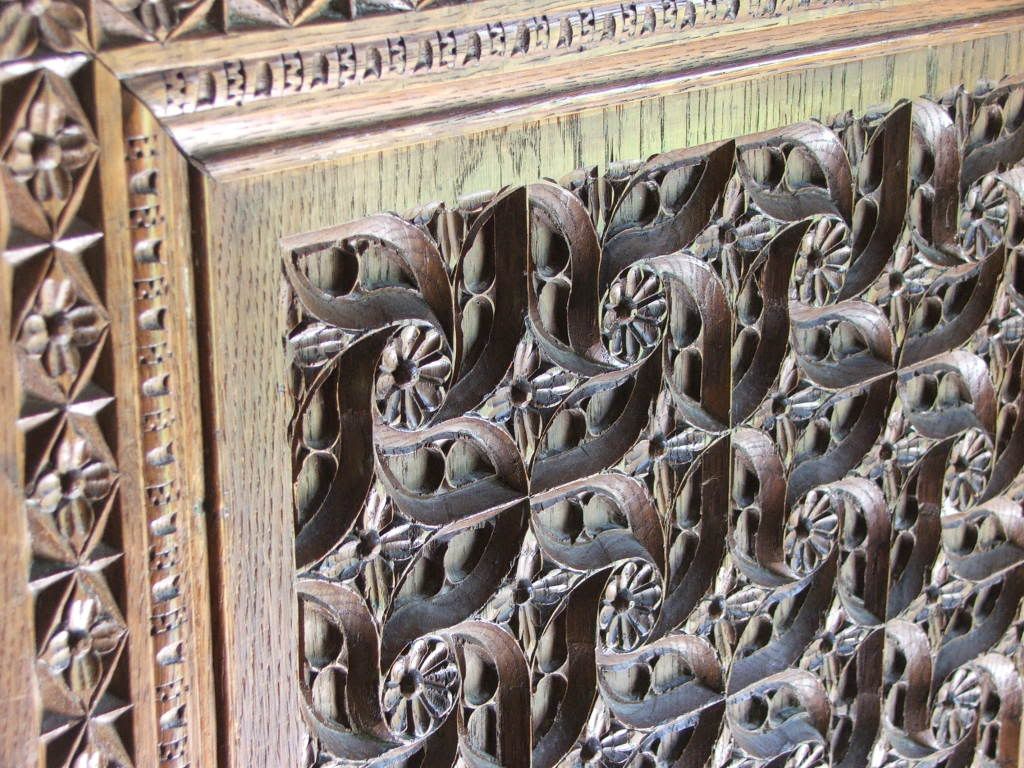
                              I'm on the road again.. for the "Central Panel" summer work.

                              My purpose is trying to deliver here a near of day by day step by step videotut.

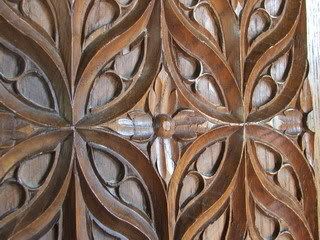
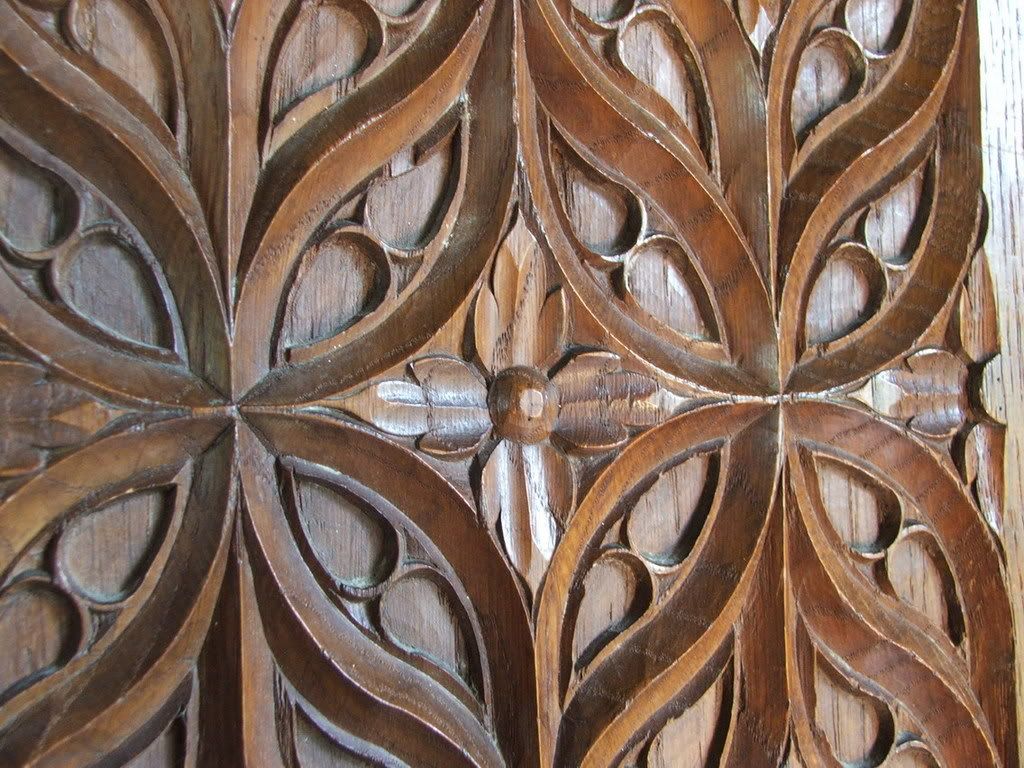
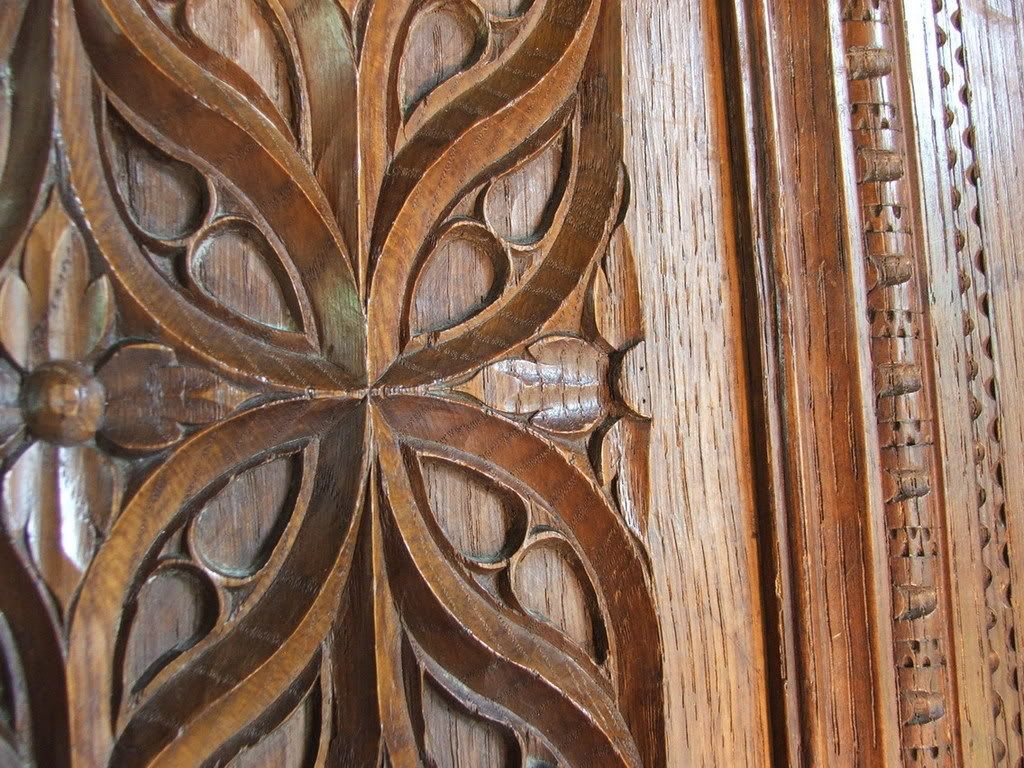
                              For today i begin slow with just the challenge presentation: those two pictures.
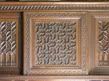
                              http://i274.photobucket.com/albums/jj245/Spendauballet/BritainKiki/BritKiki_01_thumb.jpg
                              _ _
                              http://i274.photobucket.com/albums/jj245/Spendauballet/BritainKiki/BritKiki_05_thumb.jpg

                              As i was watching it very acurrately, i felt very surprised to discover that this panel certainly belonged to an older (very older?) furniture. Not only the different veining of the wood, but the carved work is more refined craft, and more damaged. We can therefore imagine that the entire buffet was built around this recovered sculpture. This gives it an additional price to my eyes.

                              If someone is tempted by the exercise, here's the needed zip pictures pack.

                              http://i274.photobucket.com/albums/jj245/Spendauballet/iSimon/zip.png
                              Britain Kiki.zip

                              Tomorrow (hope to): find the hidden geometry

                              :-)simonlebon

                              1 Reply Last reply
                              Reply Quote 0
                              • pbacotP
                                pbacot
                                last edited by

                                oh my.

                                Impressive. Can't wait to go through the tutorial. thanks!

                                MacOSX MojaveSketchUp Pro v19 Twilight v2 Thea v3 PowerCADD

                                1 Reply Last reply
                                Reply Quote 0
                                • GaieusG
                                  Gaieus
                                  last edited by

                                  Hi Simon,

                                  Yes, it is fun and interesting! Looking forward to seeing how you advance.

                                  Gai...

                                  1 Reply Last reply
                                  Reply Quote 0
                                  • GaieusG
                                    Gaieus
                                    last edited by

                                    Nice one, Simon! I see that you weren't a perfectionist while cleaning up the geometry but it gives the idea nicely. 👍

                                    Gai...

                                    1 Reply Last reply
                                    Reply Quote 0
                                    • simon le bonS
                                      simon le bon
                                      last edited by

                                      Dear Gaieus,
                                      I made this way, with a basic circle as a group and simple lines to refer on tools craftsmen were using in those times: ruler, T-square and compass, but no measuring instruments.

                                      I made this way in mind to walk through there footprints. And i've drawn the canvas, just close to, to shaw with fun the idea was right.
                                      I'm going right now to be extremely accurate to made the entire carved as shown in my avatar picture...
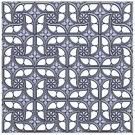
                                      http://i274.photobucket.com/albums/jj245/Spendauballet/BritainKiki/CentralPanel_0_thumb.jpg

                                      Going now to work on the next video, Simon.

                                      1 Reply Last reply
                                      Reply Quote 0
                                      • GaieusG
                                        Gaieus
                                        last edited by

                                        @simon le bon said:

                                        ...With hope this long work has brought some fun and learn to some,

                                        I definitely enjoyed it, Simon! Thanks! 👍

                                        Gai...

                                        1 Reply Last reply
                                        Reply Quote 0
                                        • simon le bonS
                                          simon le bon
                                          last edited by

                                          Thanks Gaieus, nice comment, 😉simon

                                          1 Reply Last reply
                                          Reply Quote 0
                                          • simon le bonS
                                            simon le bon
                                            last edited by

                                            And to close this "Summer Work", maybe it will be finding in this vast assembly some of our talented artists interested in making their way a smart rendering of it..

                                            (something that neither I nor my poor PC are able to do.)
                                            

                                            With hope this long work has brought some fun and learn to some,
                                            http://i274.photobucket.com/albums/jj245/Spendauballet/iSimon/grenou6.gif
                                            :-)simonlebon

                                            1 Reply Last reply
                                            Reply Quote 0

                                            Hello! It looks like you're interested in this conversation, but you don't have an account yet.

                                            Getting fed up of having to scroll through the same posts each visit? When you register for an account, you'll always come back to exactly where you were before, and choose to be notified of new replies (either via email, or push notification). You'll also be able to save bookmarks and upvote posts to show your appreciation to other community members.

                                            With your input, this post could be even better 💗

                                            Register Login
                                            • 1
                                            • 2
                                            • 3
                                            • 1 / 3
                                            • First post
                                              Last post
                                            Buy SketchPlus
                                            Buy SUbD
                                            Buy WrapR
                                            Buy eBook
                                            Buy Modelur
                                            Buy Vertex Tools
                                            Buy SketchCuisine
                                            Buy FormFonts

                                            Advertisement