Texture problem from paint-bucket..
-
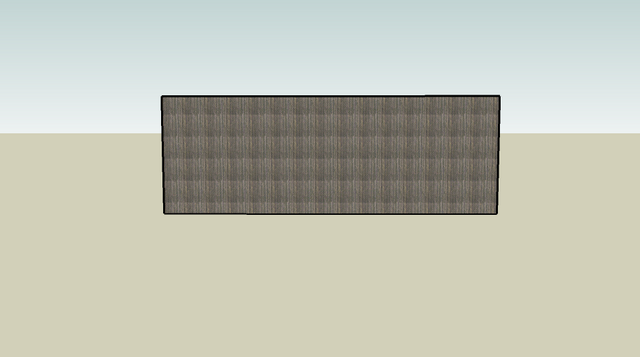
Why are my textures from the paint bucket looking like this? I must have something set wrong? The example is a wood texture from the fence selection..
Thanks for any help//
Richard
-
Hi Richard,
Unfortunately the image does not show too much (not a nice fence for sure though).
Can it happen that it is a semi-transparent image? If so, make sure that transparency is enabled globally in your model! -
Hi Richard,
This looks like a tiling problem. Not all render images lend themselves to tiling very realistically. I tried the same thing with a JPG image from the fencing selection in SU and got a similar effect. If you right-click the image and select Texture then Position, you can drag the image out to fit the fence and see the render as it was meant to be.
Hope this helps,
Tom -
Thank you both for taking the time to answer..Tom, you suggestion worked perfect..

Richard

Hello! It looks like you're interested in this conversation, but you don't have an account yet.
Getting fed up of having to scroll through the same posts each visit? When you register for an account, you'll always come back to exactly where you were before, and choose to be notified of new replies (either via email, or push notification). You'll also be able to save bookmarks and upvote posts to show your appreciation to other community members.
With your input, this post could be even better 💗
Register Login


Advertisement