Free Windows tool for cleaner SOLIDWORKS imports into SketchUp
-
Hi everyone,
When bringing SOLIDWORKS models into SketchUp, I often found that a single face would come in as several smaller faces. Clicking a circle or an arc would select just one short edge. I kept spending time cleaning up geometry before I could use the model.
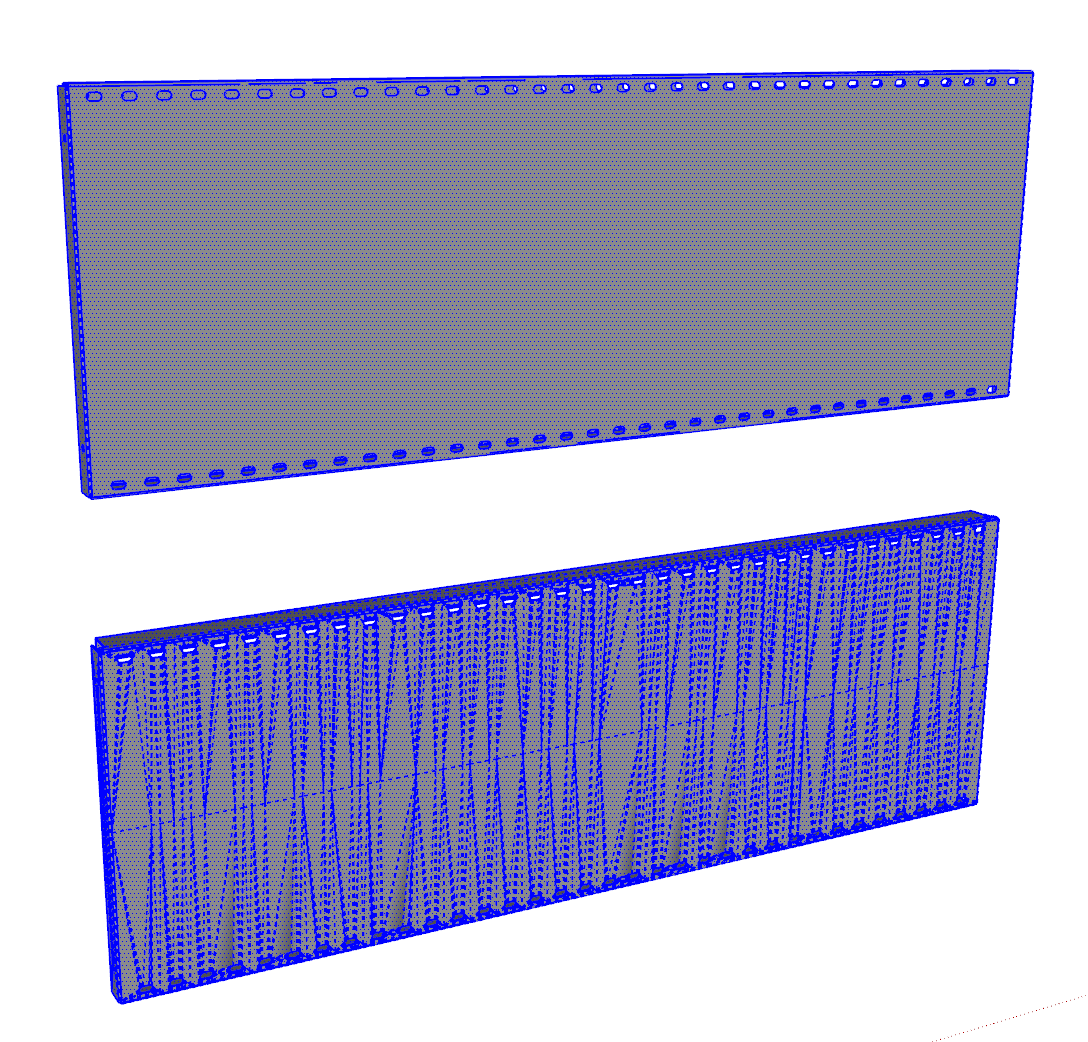
I built a Windows tool with the help of Claude Code to make this easier. It worked well on my own models, so I decided to release it for free through Zeyn Works. If you’ve run into the same problem, I hope it saves you some cleanup time too. The screenshots below show the results on one of my models.
The tool is available in 10 languages and runs as a single Windows .exe file with no installation required. To try it, open the GitHub release page and download SolidWorks.to.SketchUp.1.0.exe under Assets. You can scan the file with your preferred antivirus before running it.
Download the latest release on GitHub
https://github.com/zeynworksdesign/SolidWorks-to-SketchUp/releases/tag/v1.0.0This is the first public version, so some models may still need cleanup. If you run into a problem, I’d appreciate a screenshot and a note about the file format you used. That will help me understand what went wrong and what to improve in the next version.
Thanks for trying it!!!

Hello! It looks like you're interested in this conversation, but you don't have an account yet.
Getting fed up of having to scroll through the same posts each visit? When you register for an account, you'll always come back to exactly where you were before, and choose to be notified of new replies (either via email, or push notification). You'll also be able to save bookmarks and upvote posts to show your appreciation to other community members.
With your input, this post could be even better 💗
Register Login


Advertisement