Workflow Discussion: How do you handle irregular rooms and laser measurement to CAD? (Free web tool inside)
-
Hi everyone,
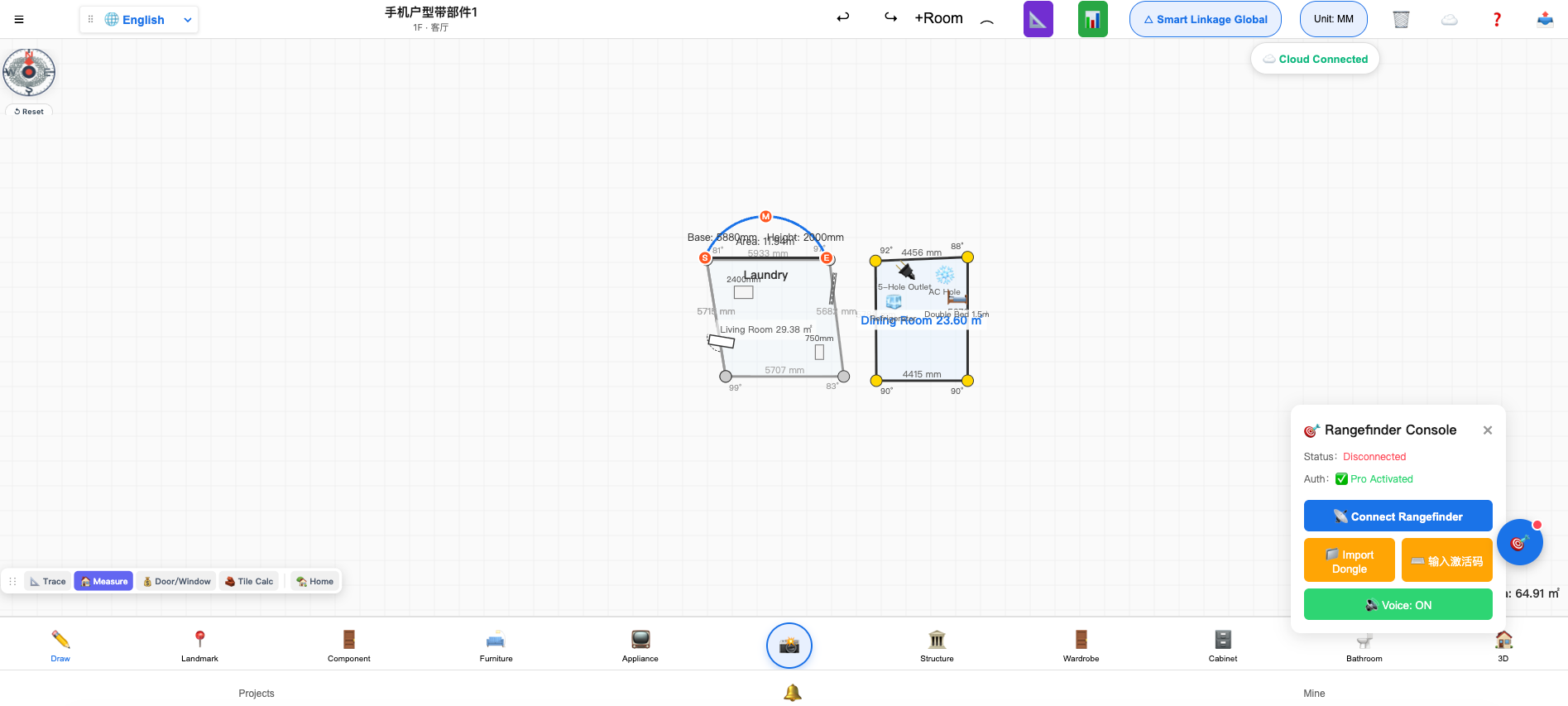
I'm an engineer working in custom furniture and construction. For years, I've been frustrated by a common workflow bottleneck: measuring a complex villa on-site with a laser, then spending hours re-drawing and typing the data manually into CAD or SketchUp. Worse, if a wall has an arc or angled corner, most tools fail to calculate the real area.
To solve this, our team built SyncToolkit Designer.
It’s a browser-based tool (no installation required) that:
Draws irregular geometry (arcs, polygons) with real-time area calculation.
Connects directly to Bluetooth lasers (e.g., EG1000/NF27) to auto-populate dimensions.
Traces vector PDFs/DXF in 0.1 seconds and exports directly back to DXF for SketchUp/AutoCAD.
We just released it and the core designer is completely free to use. I'm looking for feedback from designers here. How do you currently deal with PDF tracing and hardware sync? Would love to hear your thoughts!
Here is the link to try it out:
 https://synctoolkit.com/floor-plan-tools/designer/
(Attached are a few screenshots of the interface)
Tags: SketchUp, Workflow, Laser Measurement, CAD, Interior Design
Hello! It looks like you're interested in this conversation, but you don't have an account yet.
Getting fed up of having to scroll through the same posts each visit? When you register for an account, you'll always come back to exactly where you were before, and choose to be notified of new replies (either via email, or push notification). You'll also be able to save bookmarks and upvote posts to show your appreciation to other community members.
With your input, this post could be even better 💗
Register Login


Advertisement