Re-lighting one SketchUp view — same model, same camera, only the light changes

-
G'day all — Perth building designer here, 18 years on tools, mostly WA double-brick homes.
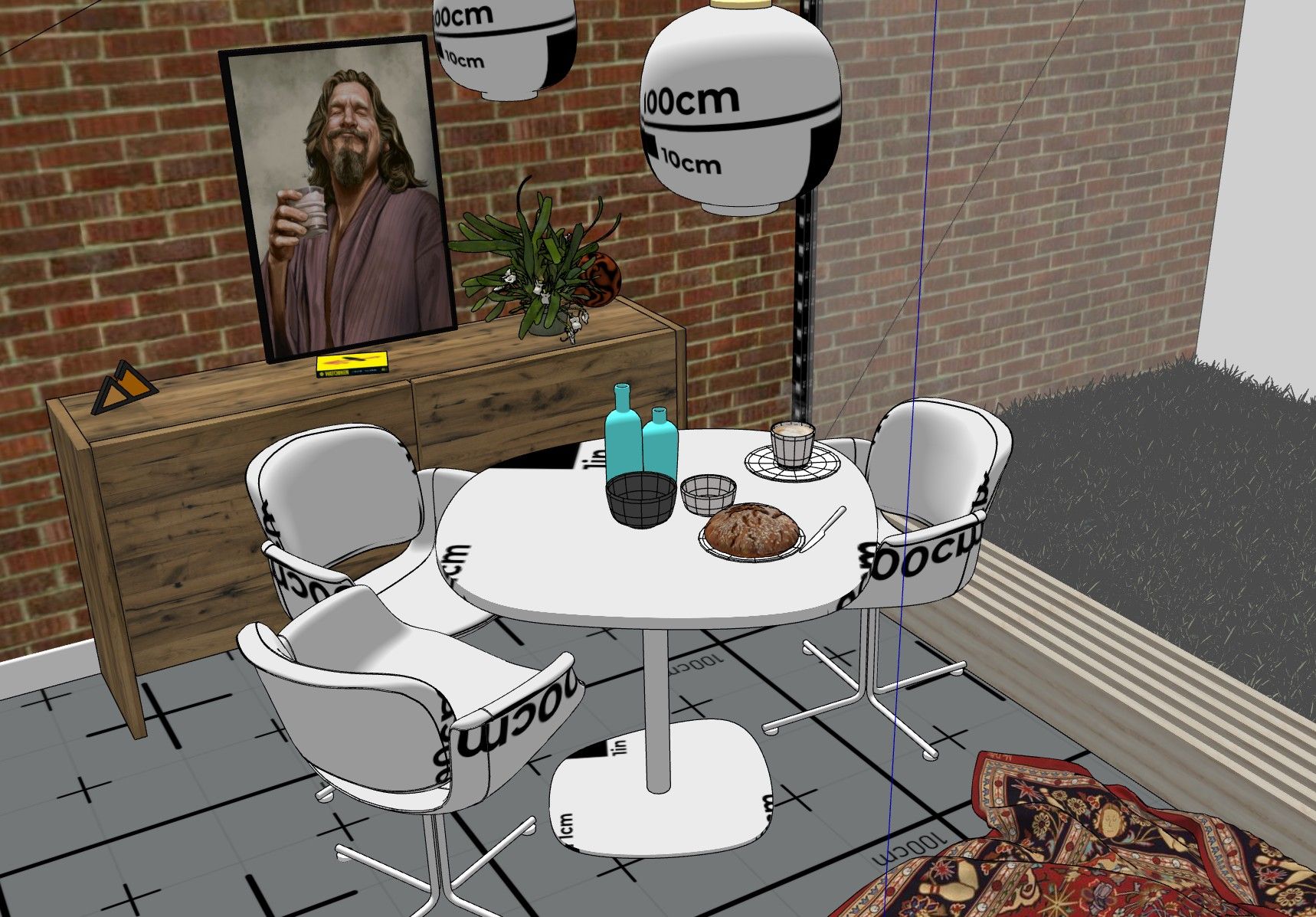
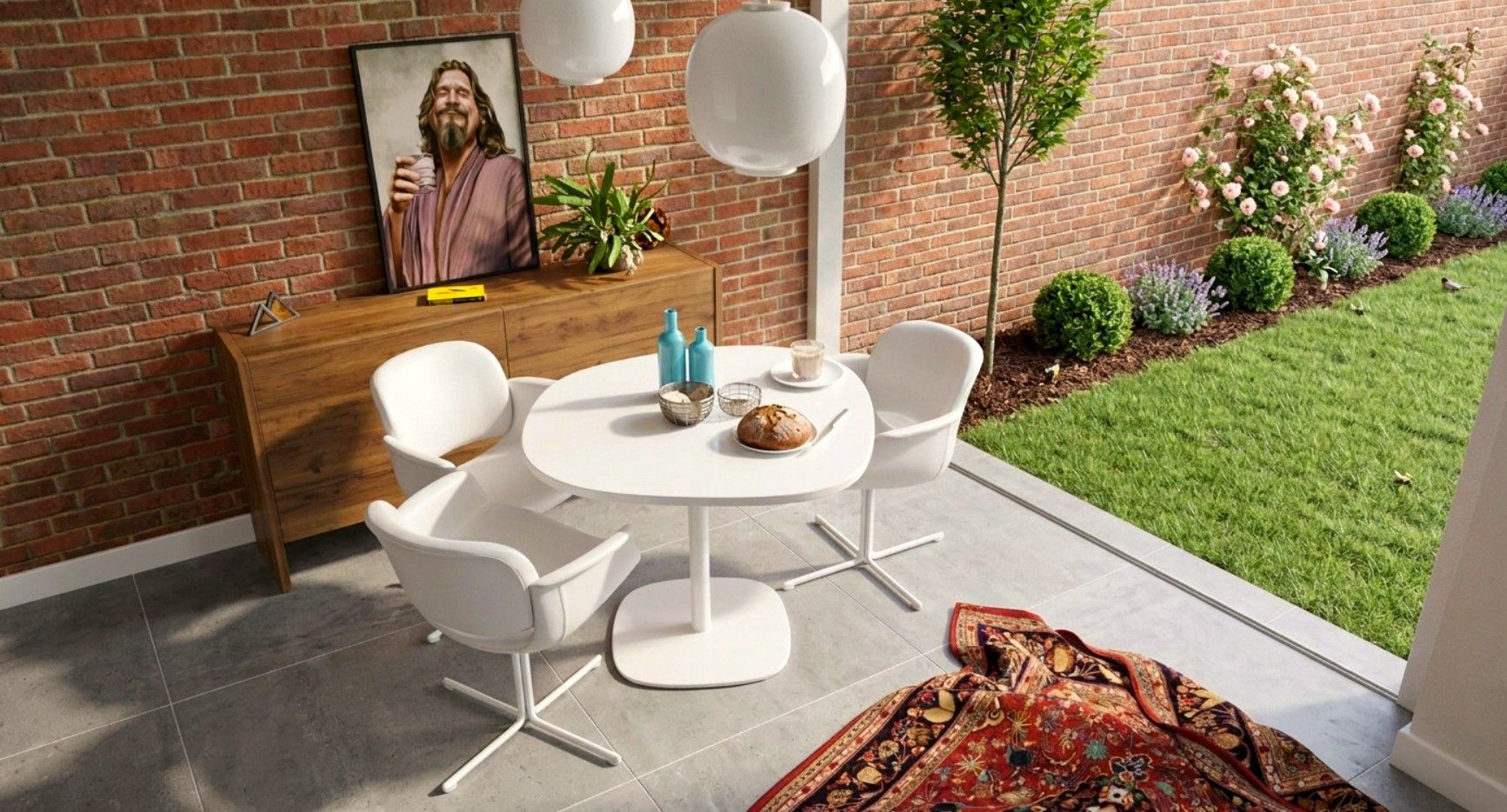
I've been experimenting with "re-lighting": take ONE screenshot straight from the SketchUp viewport, render it photoreal, then change only the lighting story — bright day, golden hour, dusk with the wall lamps coming on. The video below shows the same view stepping through the moods.
![0_1783604082585_silpu-render-1783603185531.jpg]
silpu-livinglight-1783603880274.mp4
Two rules I hold it to:
- The GEOMETRY never changes — same model, same camera, same materials. Only light moves.
Full disclosure: this is AI-assisted, and it's my own extension (Silpu — AI Render, in the
PluginStore). It's a concept render, not a contract document — I always check it against the drawings. Not trying to replace proper rendering workflows; for me it's the "which mood do you like?" conversation with a client before committing to anything.
Question for this crowd: if you could re-light a view in seconds, where would it earn its keep —client option shots, dusk/streetscape boards for approvals, marketing? Keen for honest opinions, including "this is useless because…" ones.
Silpu is also region-aware — it adapts the flora, streetscapes and light to where the
project actually is. A home in Perth, London, Hanoi or Manila each keeps its own local
character instead of getting the same generic "AI garden".
- The GEOMETRY never changes — same model, same camera, same materials. Only light moves.
-
Impressive result. If it had control over real IES lighting values then it would big a good feature.
But for conceptual presentation its actually very impressive.
The vegetation based on region is definitely a nice touch.
Years ago it was a new render engine every few months. Now its a new AI render engine every few days.
-

SILPU — The AI Platform for Architects
SILPU is the platform for architects, designers, builders, manufacturers, suppliers, real estate agents and homeowners — design in 2D, visualise in 3D, inhabit in VR, and share it with the world. One ecosystem, four horizons. Currently in private beta.

SILPU (silpu.com)
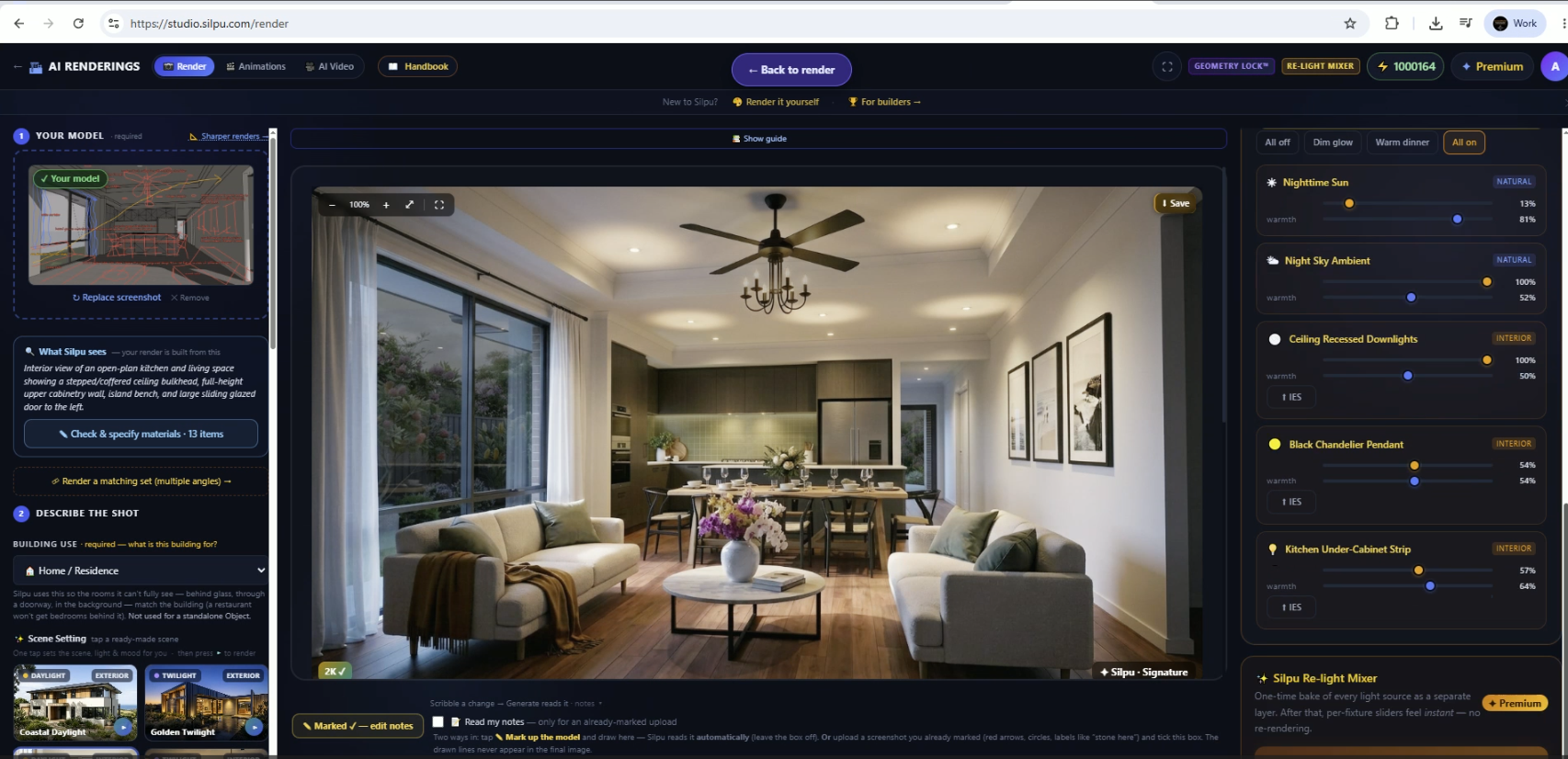
Rich — following up on your comment from a couple of weeks back, because it directly shaped I built.
You said it would be a good feature if it had control over real IES lighting values. That's now shipped.
You can now author light fixtures directly on the render — wall lights, downlights, garden spikes — and each one is driven by a real IES photometric profile, so the beam shape, spread and falloff follow the fixture's actual distribution curve instead of a generic AI glow. You drop a pin where the fixture lives, pick the profile, set intensity, and re-light the shot. Dusk and night views now read the way the fixture would actually throw light.
Honest caveat, in the same spirit as my original post: this is still concept-presentation territory. The photometry drives how the light LOOKS, but it's not a validated lighting simulation — no lux levels, no compliance numbers. For "which mood, which fixtures?" conversations with a client it's a big step up; for lighting engineering you still want the proper tools.
The other big one since that post: Mark-up editing — and this is the feature I'd argue matters most to anyone here who thinks of themselves as a designer first.
The usual complaint with AI rendering is that you surrender authorship. You roll the dice, the whole image regenerates, and the machine decides what your design looks like this time. Mark-up flips that. You work ON the render the way you'd work over a printed sheet with a client: circle a thing, brush an area, drop a pin, say what you want — and ONLY that region changes. Everything the client has already approved stays pixel-identical.
For interior work especially, this changes how you use it. Interiors are never won in one shot — they're won in the iteration: the benchtop stone against the cabinet colour, the pendant over the island, the curtain fabric, the rug grounding the sitting area. Before, testing any one of those meant re-rendering the whole room and praying the other fifteen decisions survived the roll. Now you brush the benchtop and try three stones while the joinery, the flooring and the light hold still. That's not "AI doing the design" — that's a designer making deliberate moves in sequence, which is just... designing. The tool finally gets out of the way.
It's the same conversation-with-the-client loop I described for lighting, but for every finish and object in the room: "what if that wall were sage?" answered in a minute, in the actual view they've already fallen for.
A few other things that landed since that post, since this thread had eyes on it:
• Free animations, with music — any render can become a slow, cinematic camera move (think gentle push-in and dwell, not a whip-pan) with a music track underneath, ready to drop into a client email or an Instagram story. No extra cost — it's part of the render.
• The boring-but-important automation layer — every render now auto-generates a Materials Schedule PDF of the exact finishes it was built from, and if you restyle the render, the schedule re-writes itself to match. One tap turns renders + materials into a client-ready presentation board that you can download. Whole sessions save as a project file you can re-open months later.
• Proper packaging — Studio+ now ships as a standalone Windows desktop app with a real installer, and there are native plugins for ArchiCAD and Revit that install the same way (desktop shortcut and all). The SketchUp extension stays where it belongs — in the PluginStore. Same engine behind all of them.
• The region-aware vegetation you mentioned got tiers — you can now choose how established the garden reads, from "just handed over" to fully grown in.
Same offer as before: a couple of free guest renders, no sign-up, no card. If anyone lights a dusk shot with the IES fixtures — or marks up an interior and swaps a finish — I'd genuinely like to see what you get, good or bad. The "this is useless because..." replies from last time were some of the most useful feedback I've had.
— Ed
silpu.com/render -
Sounds like a good update. Had a quick test. Definitely creates compelling images.
My main feedback would be the UI. The font, in places, is tiny and the colour contrast between font color and UI background adds to the readability concerns.
What I did like is the depth of options. But the free tier means you can't really test these.
The voice on the Guide was difficult to listen to and I have yet to find a way to skip steps. As soon as you stop the Guide it resets to Step 1.

Hello! It looks like you're interested in this conversation, but you don't have an account yet.
Getting fed up of having to scroll through the same posts each visit? When you register for an account, you'll always come back to exactly where you were before, and choose to be notified of new replies (either via email, or push notification). You'll also be able to save bookmarks and upvote posts to show your appreciation to other community members.
With your input, this post could be even better 💗
Register Login


Advertisement