Applying visibility layers animator
-
I am having problem with applying the camera views i have to either move the view when playing or do a clip then change a view I have capture a few views down the timeline
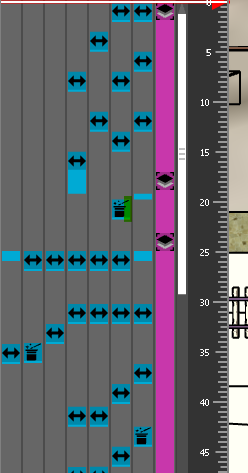
but i cant find how to get the view to move to the captures current view it just stay on current view
I have watched a few videos but still not cracked it
-
i did not show the timing
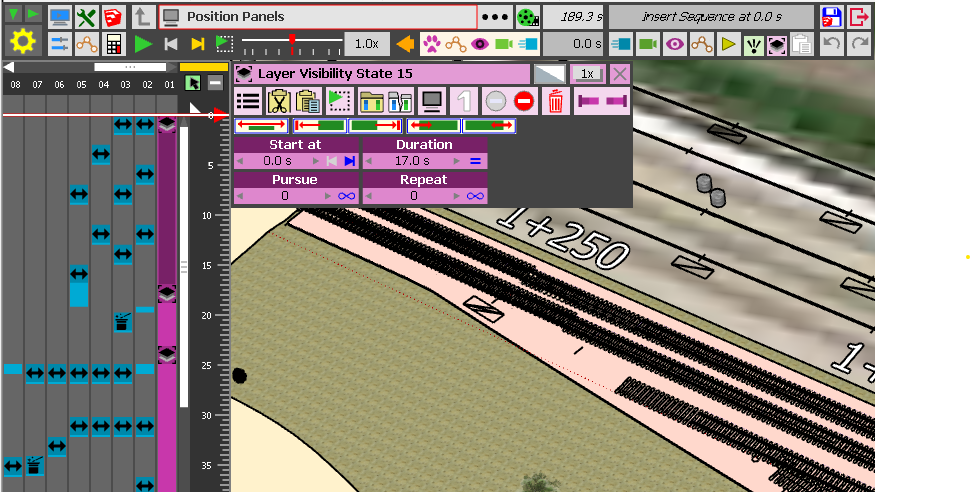
-
It is difficult to understand what is your problem without seeing the model.
Also, you are not clear on what is a 'view'. In Animator, there are cameras. Layer Visibility has nothing to do with cameras.
-
sorry fredo i created animation first the created 3 views as it to to small to capture every thing at once
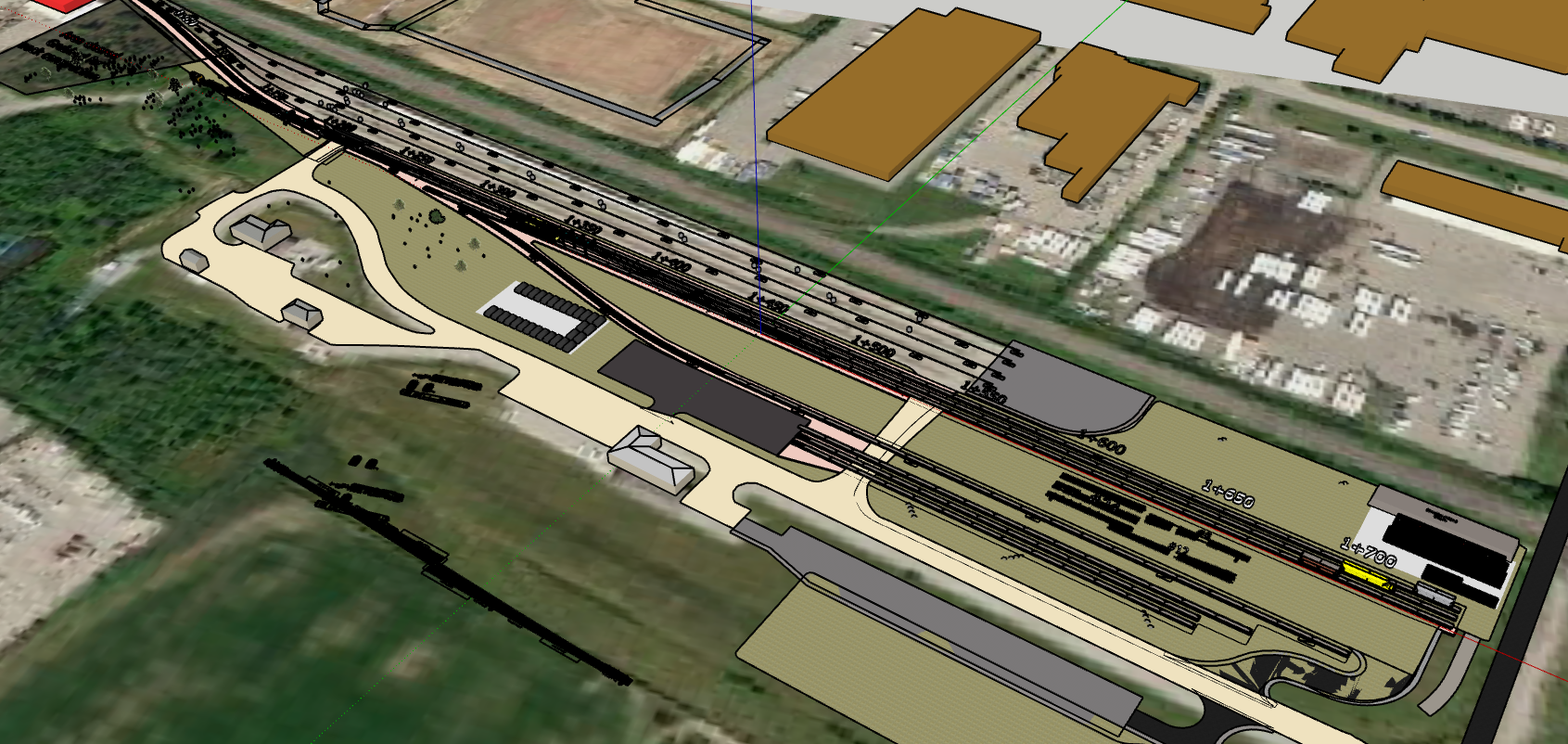 zommede out
zommed in
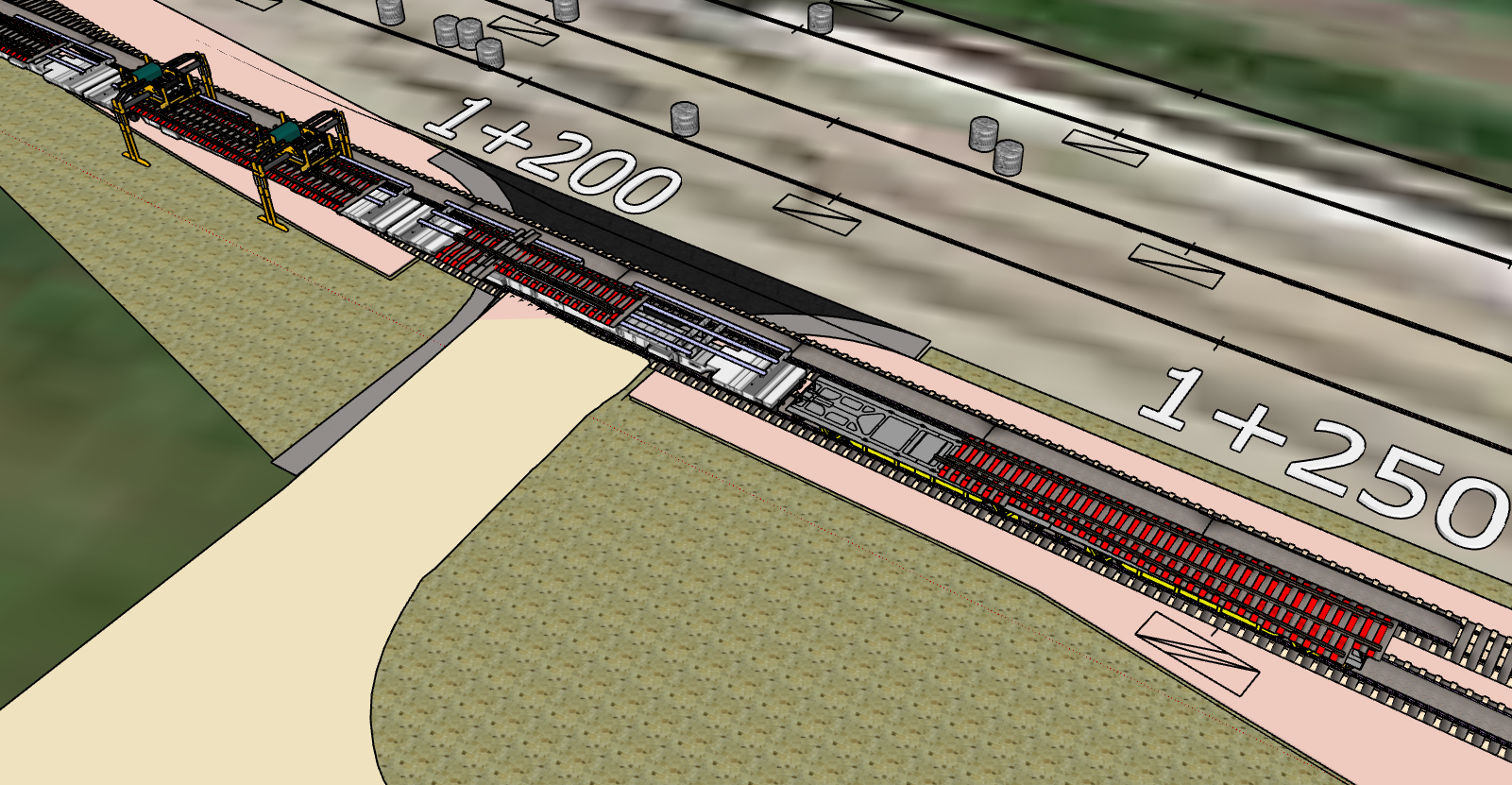
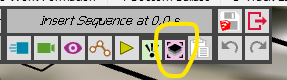
i used this to create camera view
i have just has a bug splat on opening the model it has moveed various oblects into wong positions even the skb file is corruprted
-
the file is 147mb so to large to send
-
my limited skills my be asking too mutch
-
This button is not for camera but for layers. Use the Camera button instead.

Hello! It looks like you're interested in this conversation, but you don't have an account yet.
Getting fed up of having to scroll through the same posts each visit? When you register for an account, you'll always come back to exactly where you were before, and choose to be notified of new replies (either via email, or push notification). You'll also be able to save bookmarks and upvote posts to show your appreciation to other community members.
With your input, this post could be even better 💗
Register Login


Advertisement