LO 2021 - copy/drag a viewport
-
Why can I not drag a viewport while holding down the ctrl button in order to copy it like in LO 2019? A plus sign appears next to the cursor, but no copy is made when the mouse button is released.
-
It works for me in LayOut 2021.
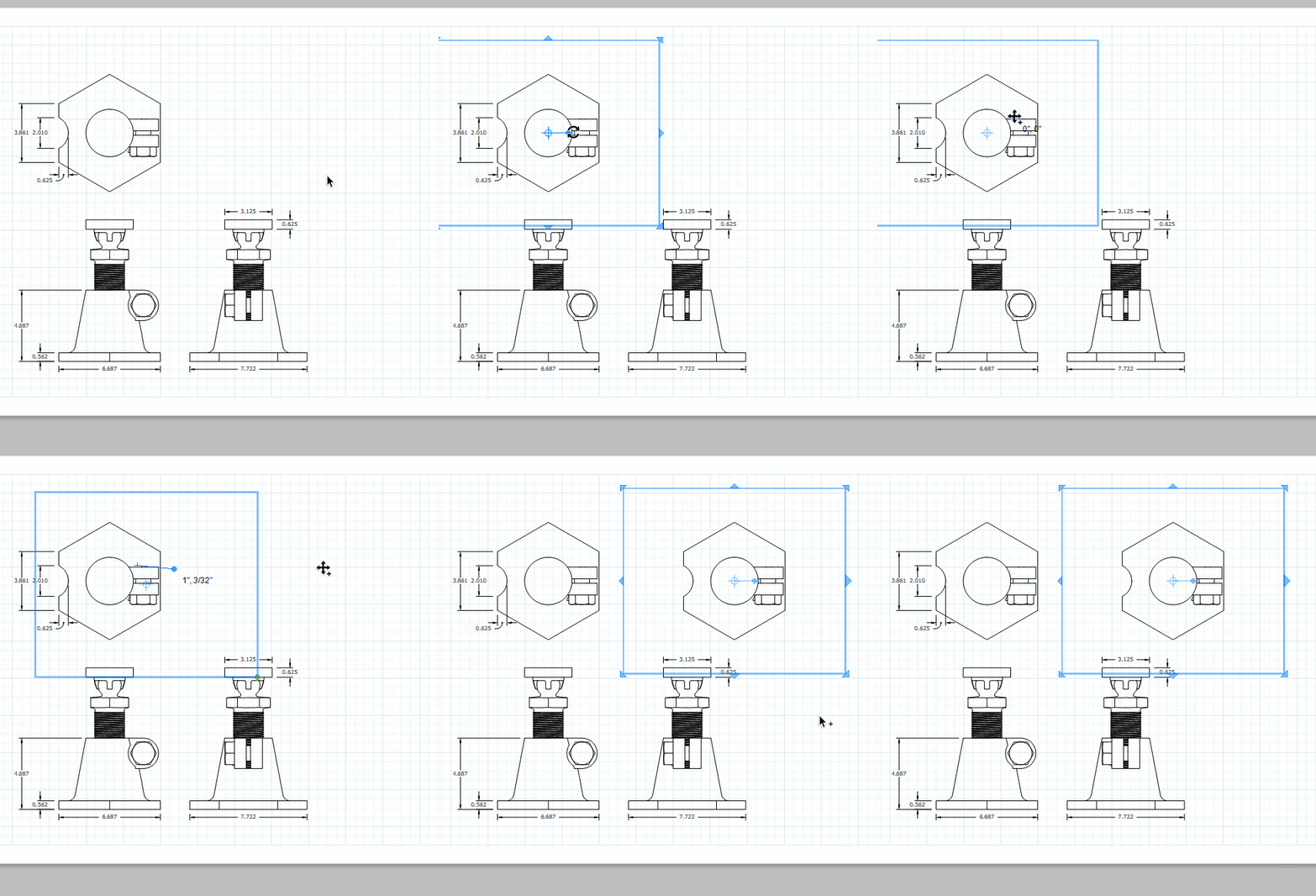
They did make a change a while back to help improve the speed and smoothness of moving selections. Only the bounding box is displayed while moving the selection. With the move/rotate gizmo, though you really shouldn't need to see the contents while it's moving. If your model is complex and graphics card isn't terribly robust you might need to hold Ctrl until the selection is rendered.
-
yeah...I see what you mean Dave. I need to keep the ctrl key depressed until the new viewport appears.

Hello! It looks like you're interested in this conversation, but you don't have an account yet.
Getting fed up of having to scroll through the same posts each visit? When you register for an account, you'll always come back to exactly where you were before, and choose to be notified of new replies (either via email, or push notification). You'll also be able to save bookmarks and upvote posts to show your appreciation to other community members.
With your input, this post could be even better 💗
Register Login


Advertisement