Extinction of geometry
-
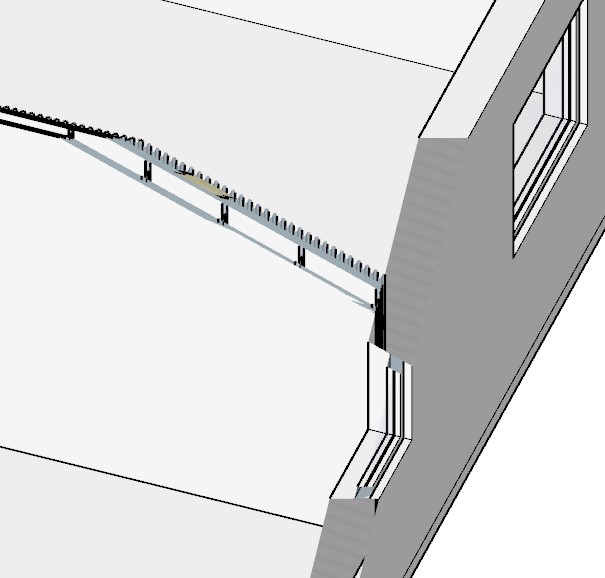
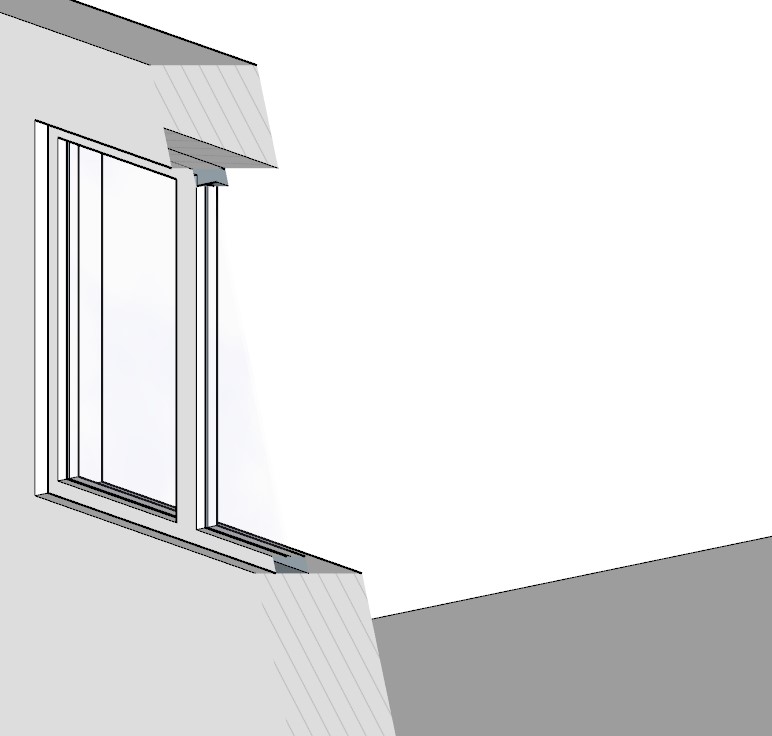
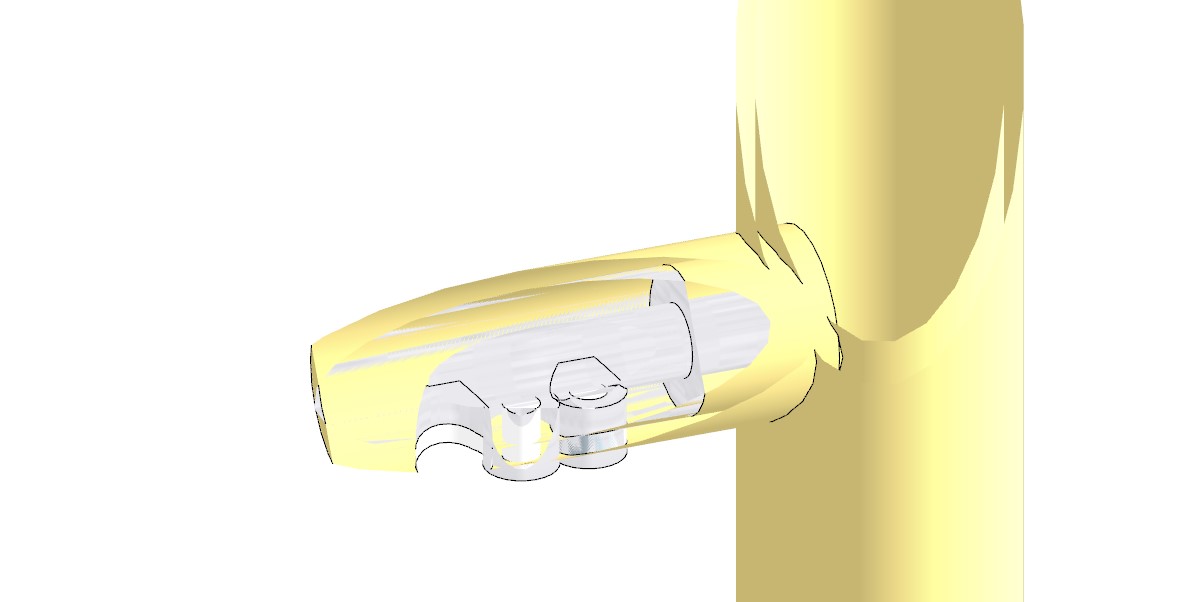
How to avoid this, when zooming in for a closer view.
Thank you in advance.
-
This is a clipping thing with SketchUp. Has been there since forever without a fix in sight by the SketchUp devs.
There is an extension that has a workaround (only for Windows machines, if I recall correctly), http://www.clippingplane.com - note that it is not free, but works well.
There are a few other things you can do to minimize the chances of it occurring, it's been covered quite a bit so perhaps do a search for "clipping" or "clipping plane".
-
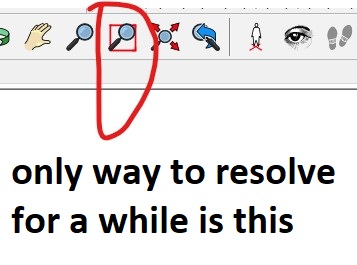
One thing you can do is not use Parallel Projection for modeling and navigating. It helps some but you can still get clipping on close-ups or if the model is large in area.
-
Clipping plane extension does not resolve the problem, (bought it) which has actually become a problem just recently with the 2020 SKP update. I mean, yes this has always been in SKP, but recently it's absolutely impossible to work, I have no idea what has happened....

Could it be anyhow problems with personal templates or file settings...? I have noticed that some files work better when I copy and paste them into the older templates I used before.p.s.
it's clear for me that itis something in the SKP templates I used. Since I have restored some older ones and use them, it's +/- "fine" again....
 but still very disturbing..



Hello! It looks like you're interested in this conversation, but you don't have an account yet.
Getting fed up of having to scroll through the same posts each visit? When you register for an account, you'll always come back to exactly where you were before, and choose to be notified of new replies (either via email, or push notification). You'll also be able to save bookmarks and upvote posts to show your appreciation to other community members.
With your input, this post could be even better 💗
Register Login


Advertisement