Need to crop this image
-
Never used that snipping tool, is it the same as a crop? That's what I'm asking, how to crop it so it'll print out as much as possible on a sheet of paper.
I just googled that and see-
What is the ratio of 8.5 x 11?
4:3 is the most common for me. 4:3 for 5x7, 8x10; 8.5x11so how do I crop to 4:3? I have Corel Photo Paint and a couple other programs to crop images. Can I enter 4:3 as I'm cropping?
-
The 'Snipping Tool' is an 'app' that comes with Windows...
Use 'Search' to find/open it...Don't fret too much about getting the exact ration of sides, pick something that looks like a standard sheet of paper and use that to 'fit' onto a sheet...
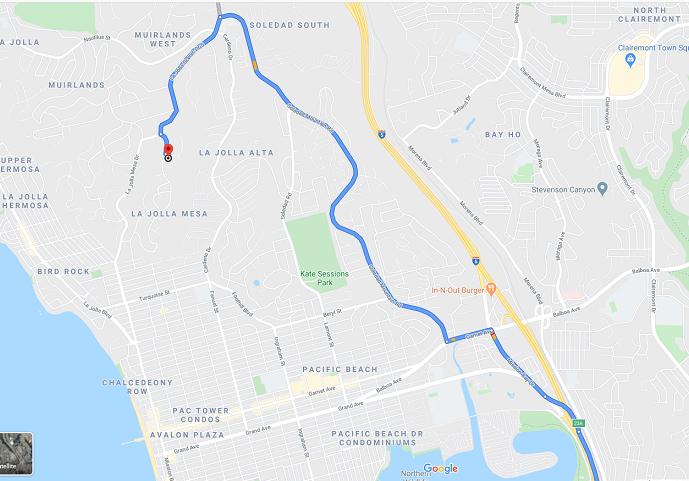
PS: the attached is my snip from your image... print it landscape and scaled-to-fit the paper.
-
I want as much of the image as possible to print out so it's easier to see while driving.
-
I know you asked about cropping. However, if these directions were on a Google map, you could just send the directions to your smartphone.
-
I can't do anything on my phone, can't see what's on the screen well enough. That's why I like to print out the map but thanks for the tip.
-
@joe wood said:
I can't do anything on my phone, can't see what's on the screen well enough. That's why I like to print out the map but thanks for the tip.
Joe, you need a bigger phone
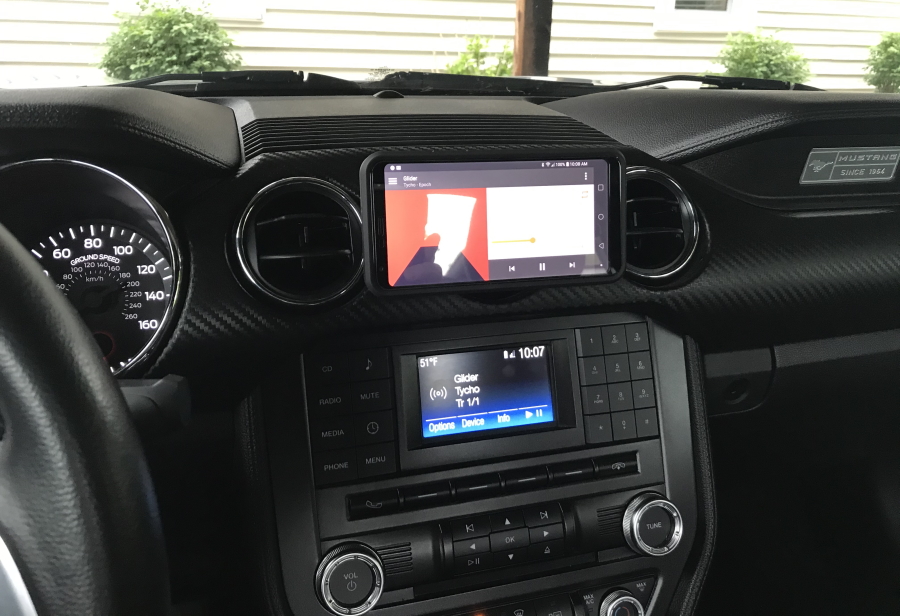
 I have a 6" LG and I use a magnet clip to attach it to the middle vent on the car to use for pandora, MP3s and maps.
Works well for me.
-
Yeah I know, maybe I need a GPS system, but that's not what I asked about Glenn.
-
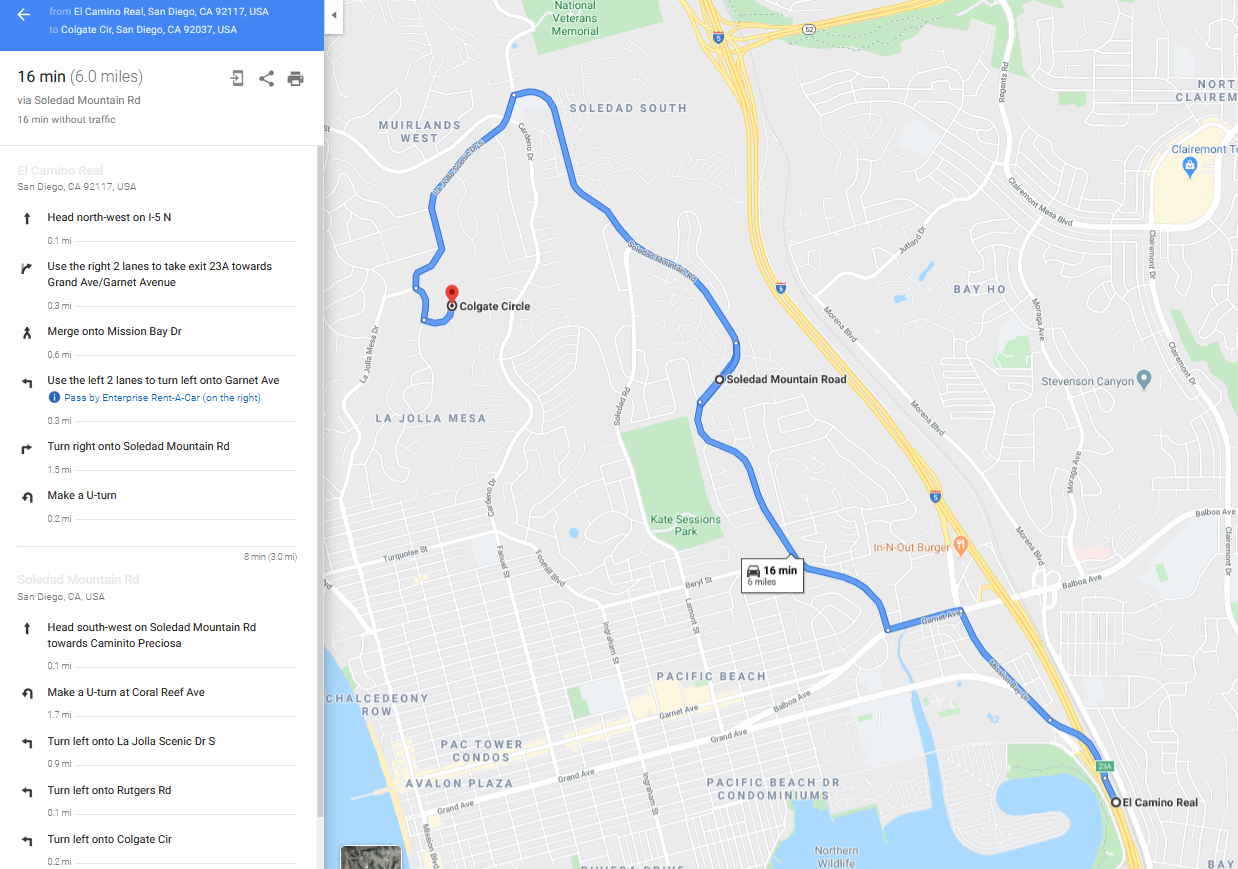
Print this out on letter-paper...
MAP.pdf -
I know Joe, just messing with ya
-
Thanks Tig but I need to anoint that image a bit first before I print it out, beside I want to learn how to do it myself.
-
I used Google Maps to get the route from j23A via the roads you showed, I guessed the destination !
I then used the scale-zoom tool in the browser to fit all of the text in the one view [80% I think?]
I zoomed/panned the blue-route on the map to miss out unnecessary places.
I then used the snipping tool to capture what you see [approximating a paper sheet], and saved it as a PNG.
I then opened and printed that PNG in the Windows 'Photos' tools, and printed it to a [Windows-]PDF, choosing letter-paper, landscape, shrink-to-fit etc... -
Darn that's too complicated, I just want to crop it to the size I need but thanks twice Tig!
-
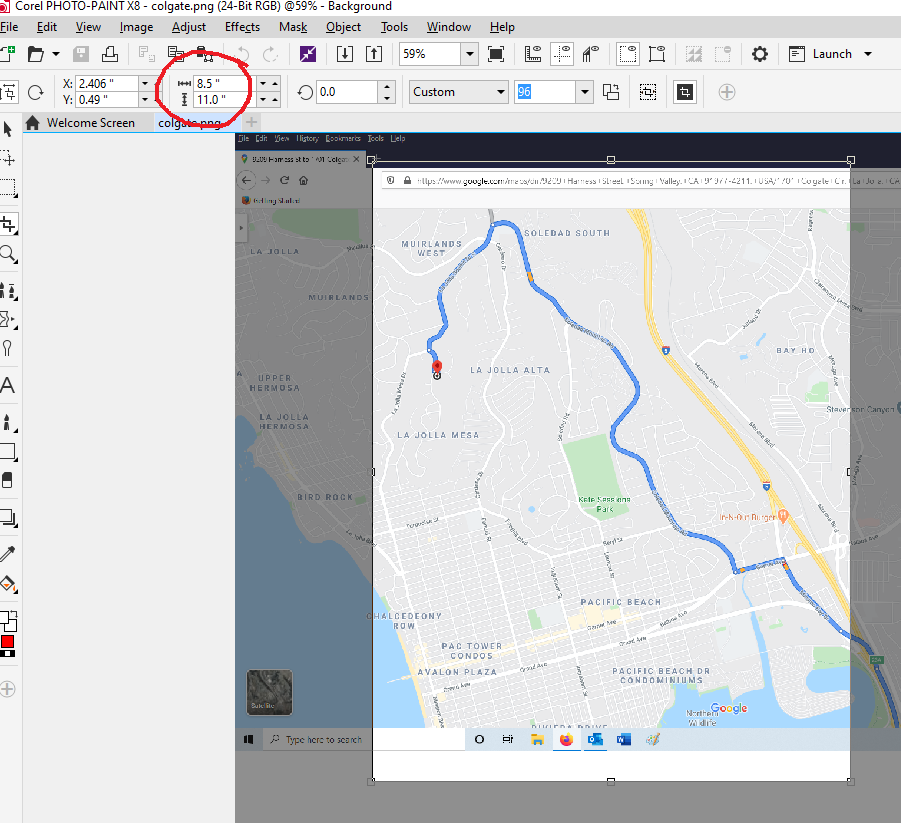
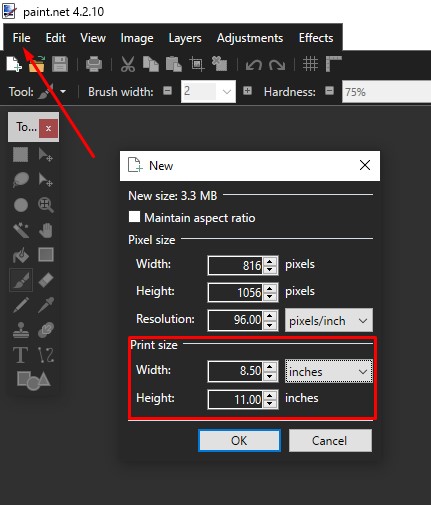
I think I found my own answer, just change the crop size upper left of this s shot?
this was too easy sorry for asking something like this.
-
-
yeah after cropping to exact size I'm able to move the crop box around.



Hello! It looks like you're interested in this conversation, but you don't have an account yet.
Getting fed up of having to scroll through the same posts each visit? When you register for an account, you'll always come back to exactly where you were before, and choose to be notified of new replies (either via email, or push notification). You'll also be able to save bookmarks and upvote posts to show your appreciation to other community members.
With your input, this post could be even better 💗
Register Login


Advertisement