Soap Skin & Bubble Extension
-
Hi There, Recently viewed a SketchUp Tutorial with Aaron https://www.youtube.com/watch?v=JEnBFSoNkxA modelling a bag of Chips. Brillaint video as usual! Problem I am having is with the Soap Skin & Bubble Extension - once I generate soap skin & set my grid on a simple square; I click on the Face and the Grid disappears? Cannot seem to get past this first stage; can anyone help? Thanks, Jerry.
-
You're not supposed to click on it. You're supposed to press Enter, twice.
-
Even "Double Enter" else process don't start!

Process : Select any closed path
Call first icon : Input Net Division ( 10 to 30 )
First Enter = Accept the Number
Second Enter = Start the ProcessClick on the empty Space = Exit
Select the surface created (a group)
Call Third Icon
Input the Pressure (generally negative) like - 50 for up...
Double Enter
etc
Have fun exploration!
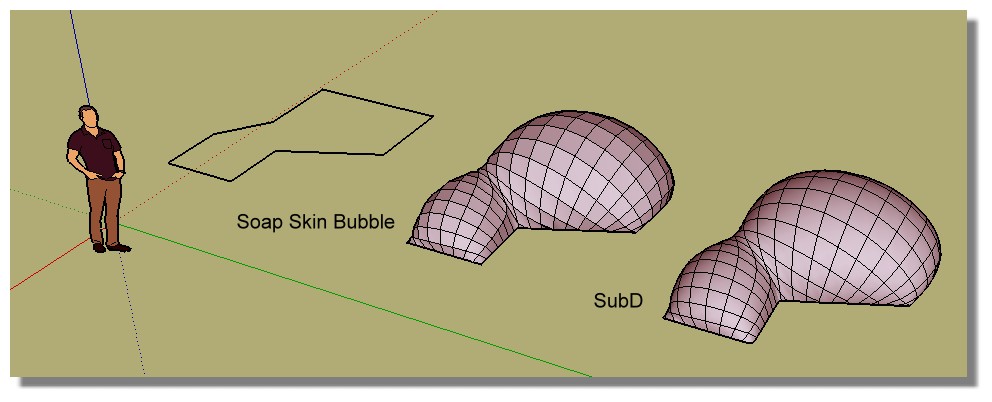
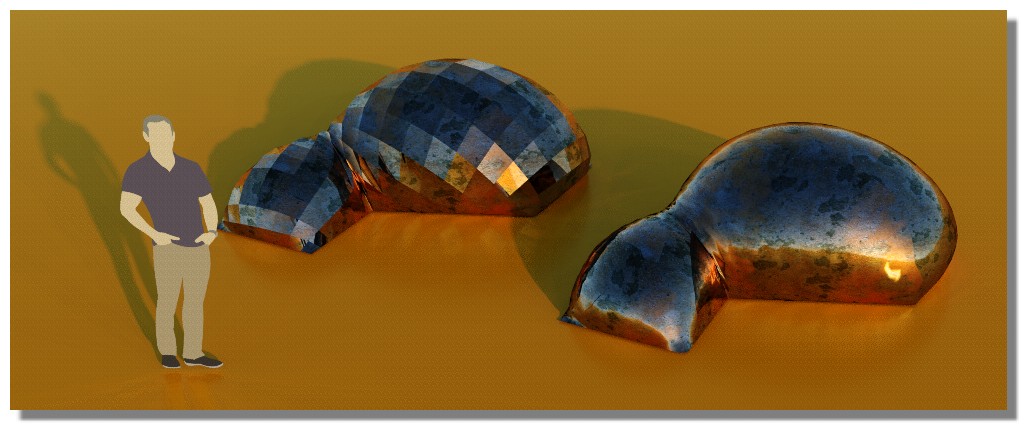
you can use Soap Skin Bubble for Joints missing of the Line2Tubes by Didier for example or anything else!
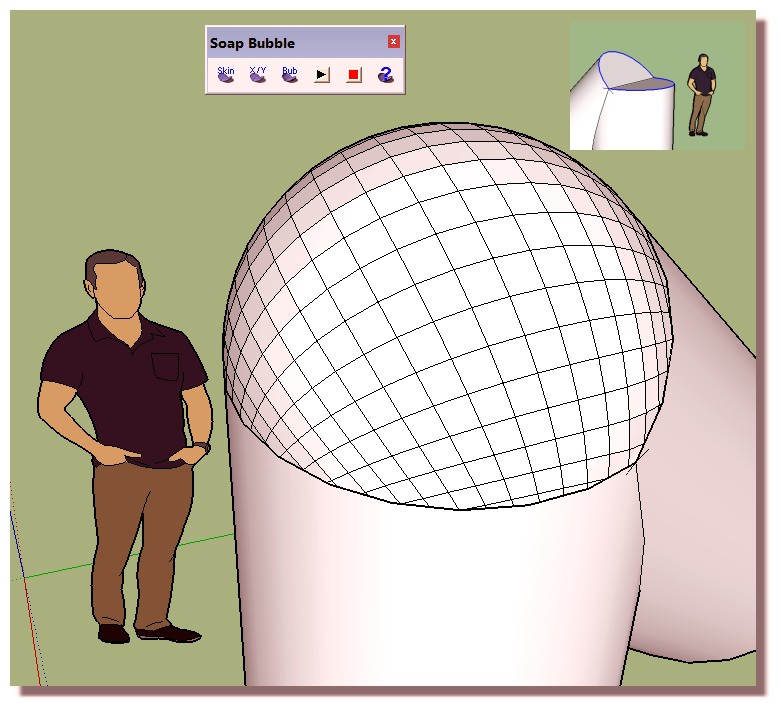
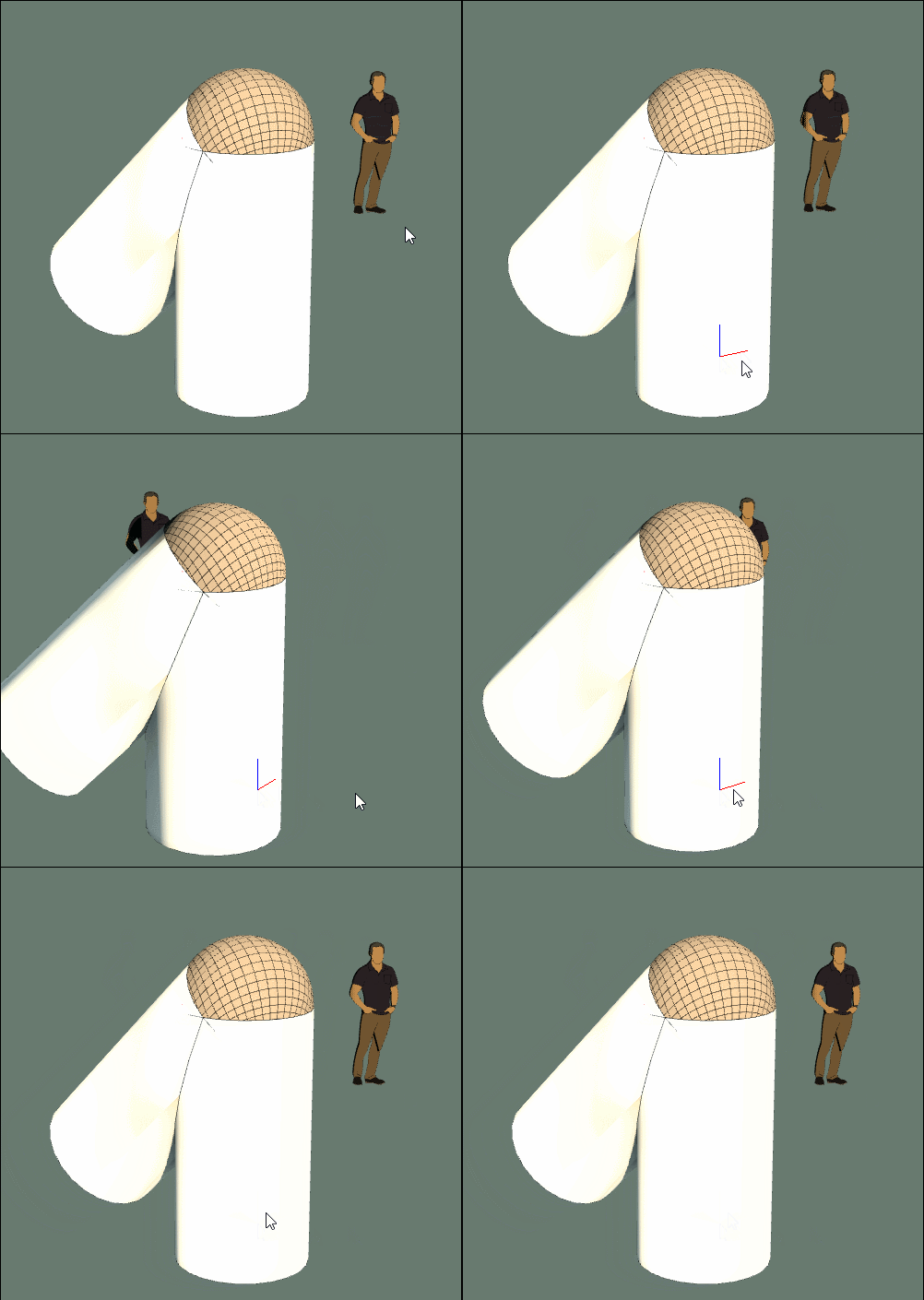
-
RELEASE A DOZEN WHITE DOVES! Something soooo simple that i missed! Thank you!


Hello! It looks like you're interested in this conversation, but you don't have an account yet.
Getting fed up of having to scroll through the same posts each visit? When you register for an account, you'll always come back to exactly where you were before, and choose to be notified of new replies (either via email, or push notification). You'll also be able to save bookmarks and upvote posts to show your appreciation to other community members.
With your input, this post could be even better 💗
Register Login


Advertisement