SUp and Win 10
-
I might have to reinstall my operating system. I have Windows 7 now but I'm thinking of reinstalling Windows 10. Will my SketchUp 2015 work on Windows 10?
-
Affirmative! I have it on Windows 10!

-
Very good thank you Frenchie. Where can I download that again? I hope I have all my account information!
-
https://www.sketchup.com/download/all goes back to v2017
https://www.sketchup3d.de/download/center/#179-archiv goes all the way back to v6 !
So you could get v2015 there ? -
Folks, Win 10 has me confused. This download page isn't in English, which windows version do I download??
https://www.sketchup3d.de/download/center/#179-archiv
Is it SUp Pro 2015-Enx64 f?darn, I'm trying to upload a screen shot but when I click Upload Attachment, then Browse, the screen is frozen and I can't scroll to the s shot.
-
Why does the File Upload screen freeze on me?
and I tried downloading SketchUp Pro 2015-EN x64 f. from that site, but when I see see the window that says 'save file' I can't click the 'save file', same with trying to download Corel, I can't click the Save File button?
this must be a win 10 thing? Hope someone has some advice for me, what a hassle!
-
OK downloaded SUp 2015 and registered it, still have a problem with the upload file screen, it freezes, I can't scroll and select a file to upload here. Anyone have any ideas for me??
-
a new malware scanner was causing the upload problem.
I notice exporting jpg images from SUp is taking maybe three times as long as they did with win 7, anyone know why or where I should look for issues?
-
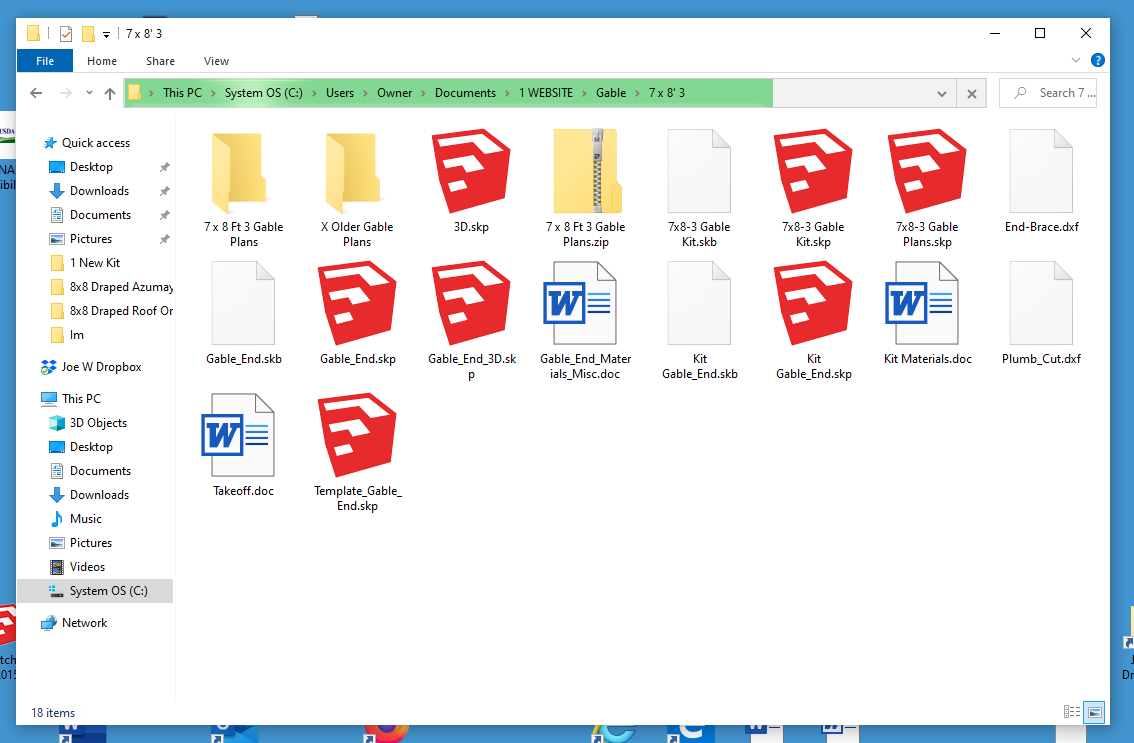
This is something I haven't seen, I had that green 'loading' bar, slowly progressing across the top of this folder. After it finished I could see those SUp T nails. What the heck is this, something to do with Win 10?
-
Could it be Windows indexing the drive?
-
@pixero said:
Could it be Windows indexing the drive?
That's normally showing how far it is deleting all the info from the drives.

-
I hope that was a joke Juju!
Folks, I'm still seeing very slow export of jpg images from this new win 10 machine. I'm exporting 6,000 pixels wide at the highest quality. I tried setting the export quality to half way but makes no difference. Any ideas for me? It's taking 6 times as long to export then my win 7 did.
-
I'm also having upload and download from the web issues. I Exited my AV and firewall and that didn't help, the page freezes each time I try.
is there a setting in win 10 that might cause this? If not what else can I check?
-
Trying another browser to see if I can upload. Yes I can!
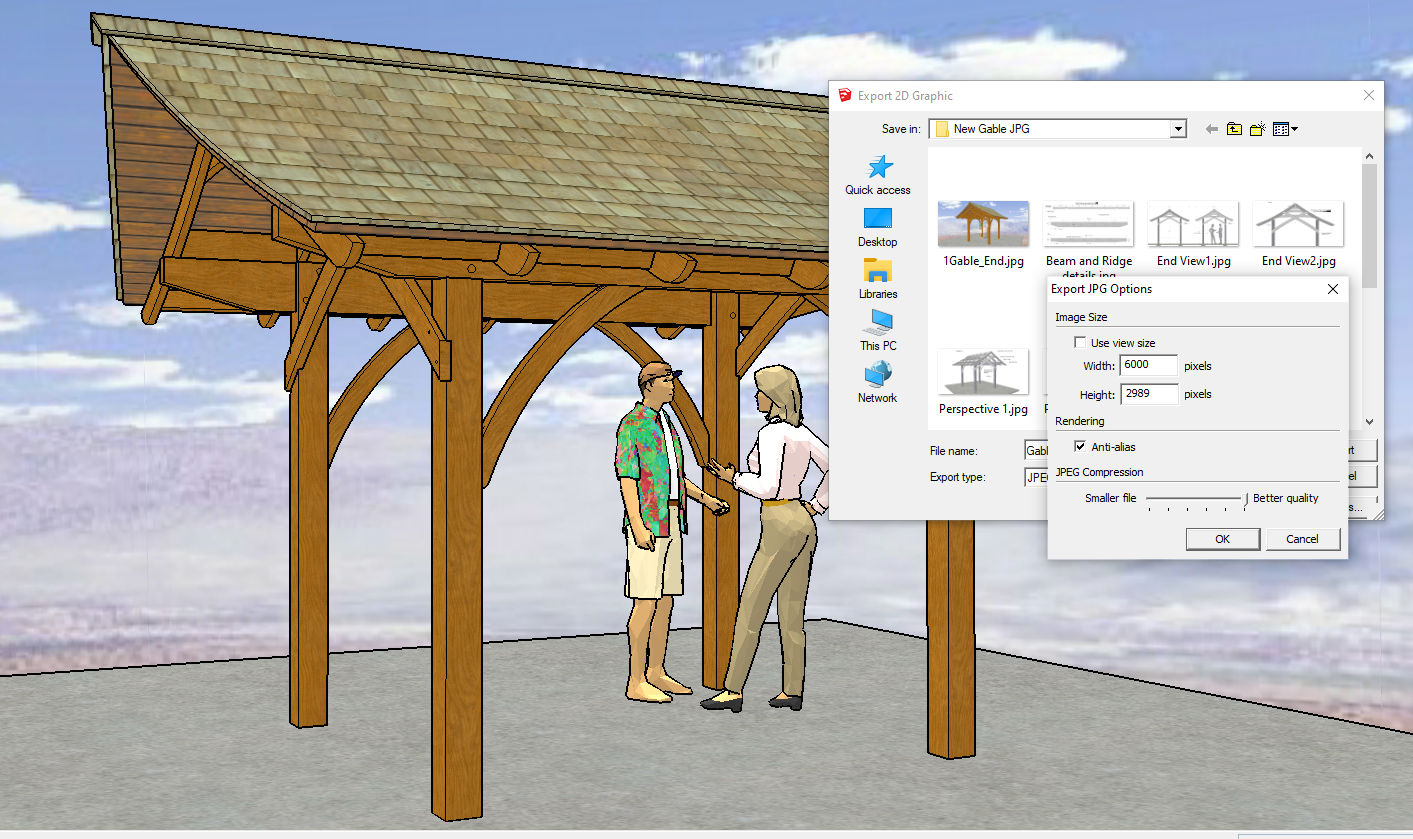
these are my export settings, it's taking 6 times as long to export a jpg as it did using win 7. It's not my av or firewall, any other things I can check?
-
@joe wood said:
I hope that was a joke Juju!
Yeah, couldn't resist. I can't imagine you've never noticed it.
It's got something to do with the built-in indexing function I think.
-
yeah I've seen that with Win 7 but the first time with win 10.





Hello! It looks like you're interested in this conversation, but you don't have an account yet.
Getting fed up of having to scroll through the same posts each visit? When you register for an account, you'll always come back to exactly where you were before, and choose to be notified of new replies (either via email, or push notification). You'll also be able to save bookmarks and upvote posts to show your appreciation to other community members.
With your input, this post could be even better 💗
Register Login


Advertisement