Request: Highlight object/group with color on B&W style view
-
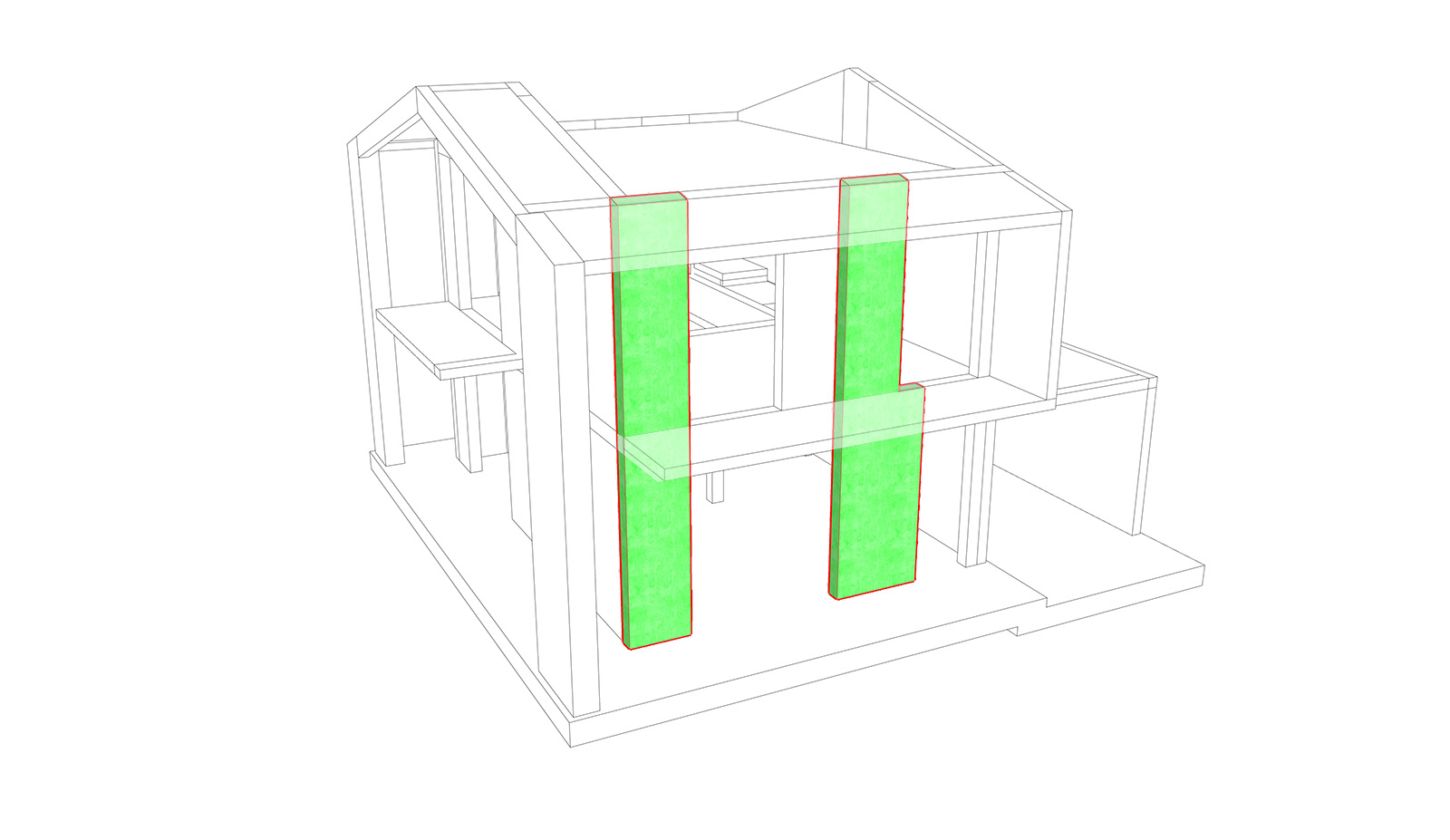
Is there any style or plugin to highlight a selected object (or group) with a colored view, making the rest monochrome? Something like in the attached image... Thanks
-
Color the rest in white and the panels in green?
-
I need to do this "highlight" (and save image) for several different object...
-
What version of SketchUp?
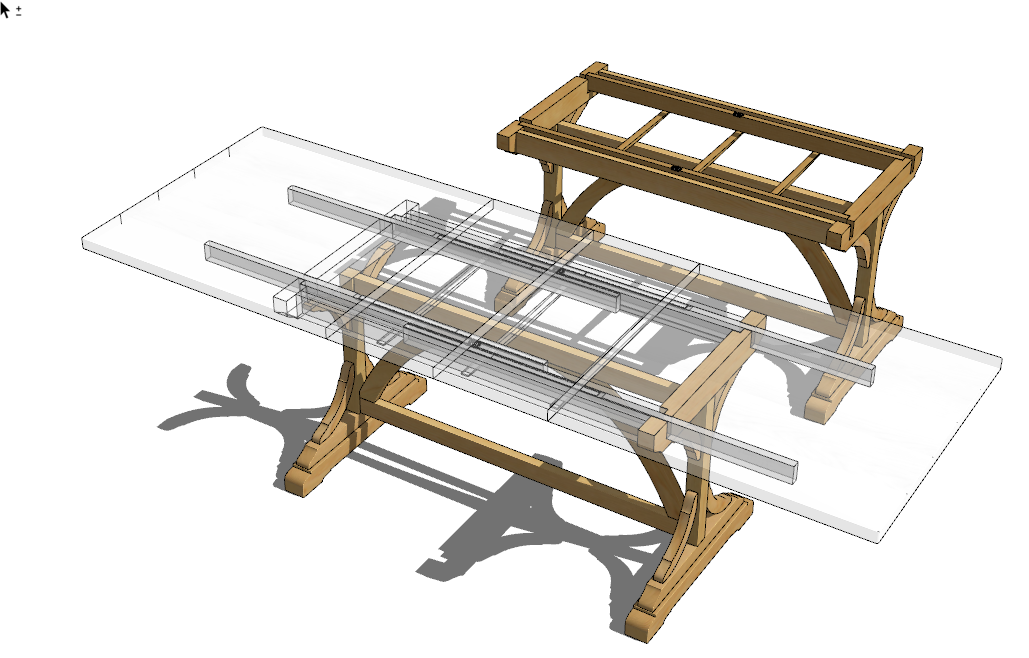
I do this sort of stuff fairly frequently. Easy with a couple of styles and image exports that get combined. Or you could use FredoGhost for it.
-
Sketchup 2019.
I also use your method, but I have to do about a hundred on a structural model...
I'll try FredoGhost, thanks for the tip! -
Please update your profile with that information and the operating system.
-
I would use "component edit" and take screen shots.
-
@pbacot said:
I would use "component edit" and take screen shots.
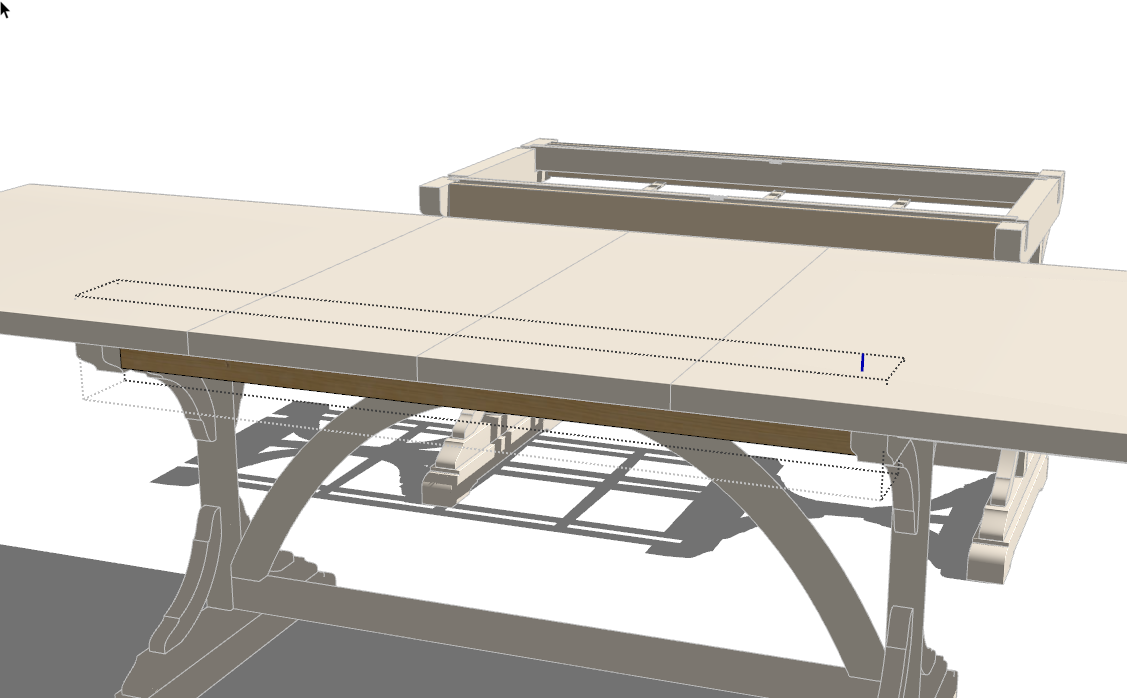
Could you show an example of how that would work? On my computer opening a component to edit does not make the rest of the model transparent and there's the component edit bounding box and component axes being displayed.


Hello! It looks like you're interested in this conversation, but you don't have an account yet.
Getting fed up of having to scroll through the same posts each visit? When you register for an account, you'll always come back to exactly where you were before, and choose to be notified of new replies (either via email, or push notification). You'll also be able to save bookmarks and upvote posts to show your appreciation to other community members.
With your input, this post could be even better 💗
Register Login


Advertisement