[Plugin] Physically-Based Rendering - v1.5.9 - 19 Apr. 2020
-
Hello
 I'm author of Physically-Based Rendering (PBR) open-source extension for SketchUp.
Features
-
Thanks to integrated material editor, enrich SketchUp materials with advanced properties like: metalness, roughness, normal map, height map, etc. What to bring reflections and reliefs to your models!
-
Add artificial lights right from SketchUp.
-
Visualize enriched SketchUp model in an external window.
-
Control scene camera in real-time.
-
Save render as a PNG image in two clicks.
-
Export enriched SketchUp model to glTF 3D format (Sketchfab...).
License
This extension is open-source and free, including for a professional use in accordance with GPL v3.0.
Funding
If you find this plugin useful, donate at least 1 dollar to support its development. Thank you all!

Download
You will find installation instructions and a download link on the official page of SketchUp PBR plugin.
Demos
See attachments.
Enjoy!

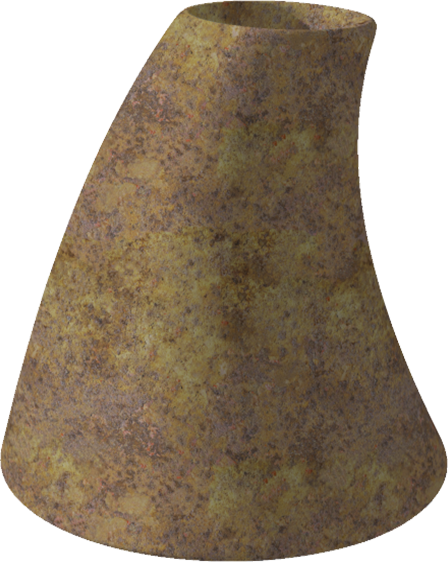
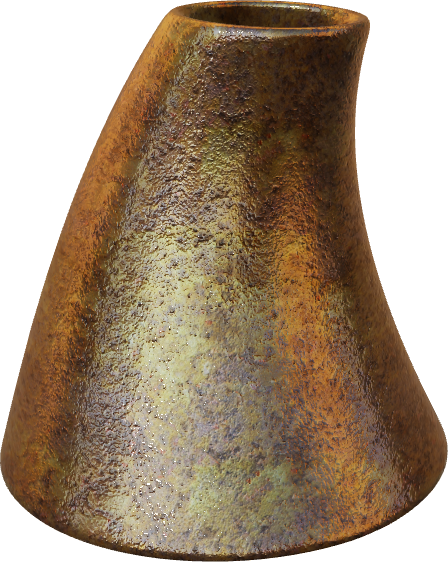
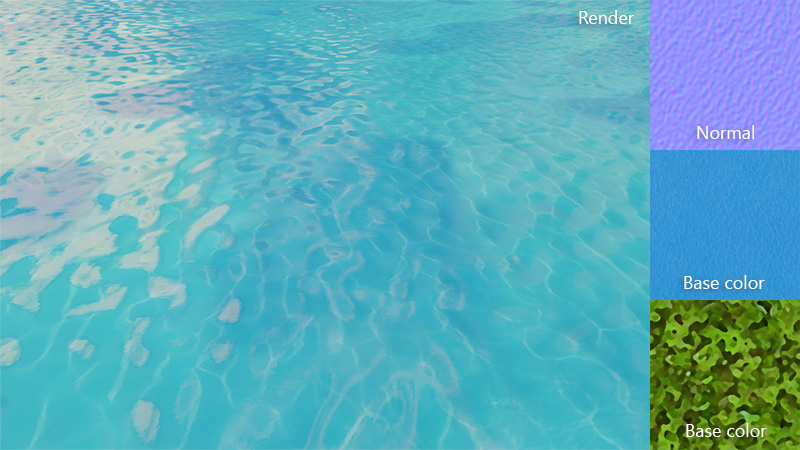
-
-
Hi Samuel, interesting plugin, nice to see PBR and Gltf related extensions

But i couldn't operate normal map. And didn't understand where you put those 2 'base color' textures you provided.
Also that would be great if you let normal map strength to be adjusted and option to add metallic & roughness maps as well if possible. -
Thanks for the details.
@samuel_t said:
Normal map must be set in PBR Material Editor. Does this info helps you enough?
I know
what i meant was even though i apply normal map, it doesn't show up in web browser, object looks plain. (When i launch material editor again right after i applied normal map, it shows blank, does this mean it didn't accept the normal map?) Also i made sure it's 1024px etc. -
@filibis said:
(When i launch material editor again right after i applied normal map, it shows blank, does this mean it didn't accept the normal map?)
No.
PBR Material Editor doesn't show Normal map again... even if it has been accepted! I planned to change this ergonomic detail because it is confusing.Update: Since PBR plugin v1.2.0, status of texture image is shown (as checkbox) in PBR Material Editor.
@filibis said:
even though i apply normal map, it doesn't show up in web browser, object looks plain.
- Close PBR Viewport (Web browser window).
- Set then apply Normal map in PBR Material Editor.
- Reopen PBR Viewport from SketchUp menu.
- If you still don't see Normal map effect, please report issue here: https://github.com/SamuelTS/SketchUp-PBR-Plugin/issues.
-
Hi, since this can be prepared for posting on FB, can you make export for *.glb?
-
Seems I've heard about this new thing somewhere!

Seems a new cool rendering maker!
-
@nlipovac said:
Hi, since this can be prepared for posting on FB, can you make export for *.glb?
Hi nlipovac,
PBR plugin only exports to *.gltf. Export to *.glb is not planned.
You can convert *.gltf to *.glb with Make GLB by Saurabh Bhatia.
FB doc: https://developers.facebook.com/docs/sharing/3d-posts/glb-tutorials
-
-
I also like this plugin's idea a lot. I'm curious to where it's headed...
-
@jql said:
I also like this plugin's idea a lot. I'm curious to where it's headed...
A nice feature's coming soon. About camera control... Stay tuned
-
Version 1.2.4 just released
It's now possible to apply a metallic-roughness map to a material. Demos:
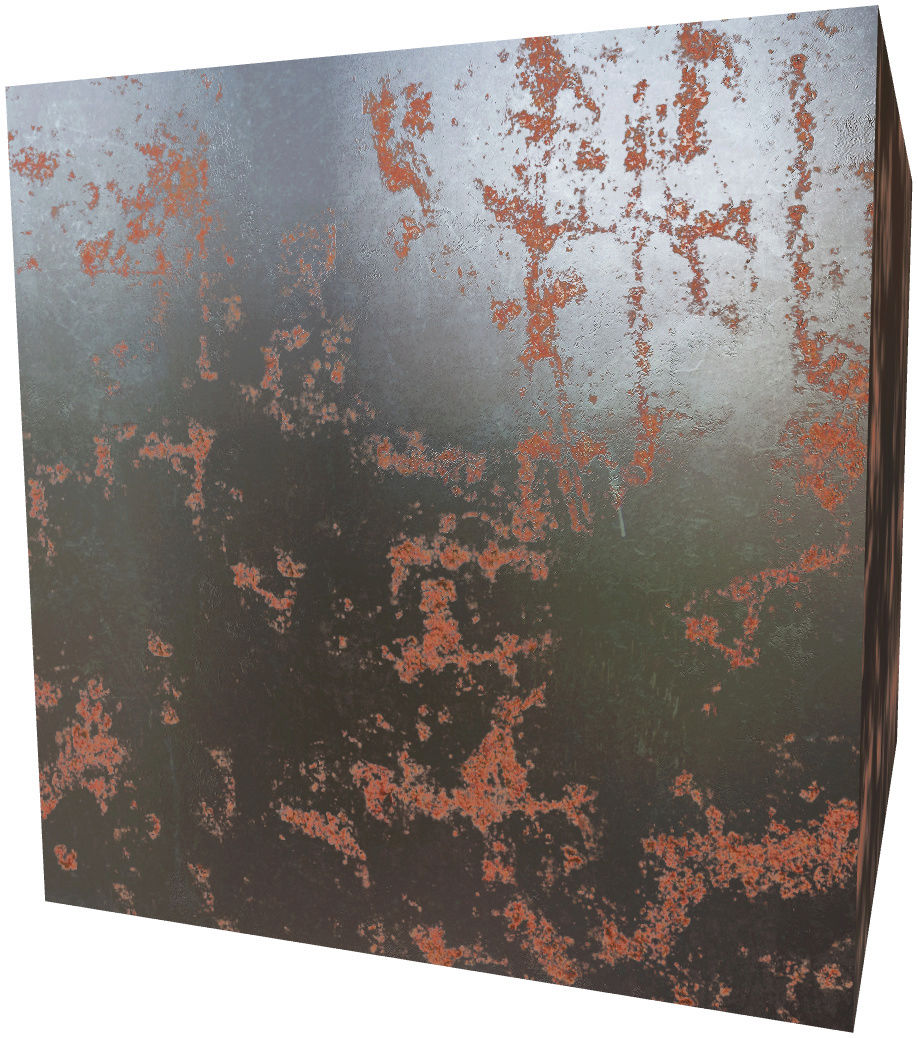
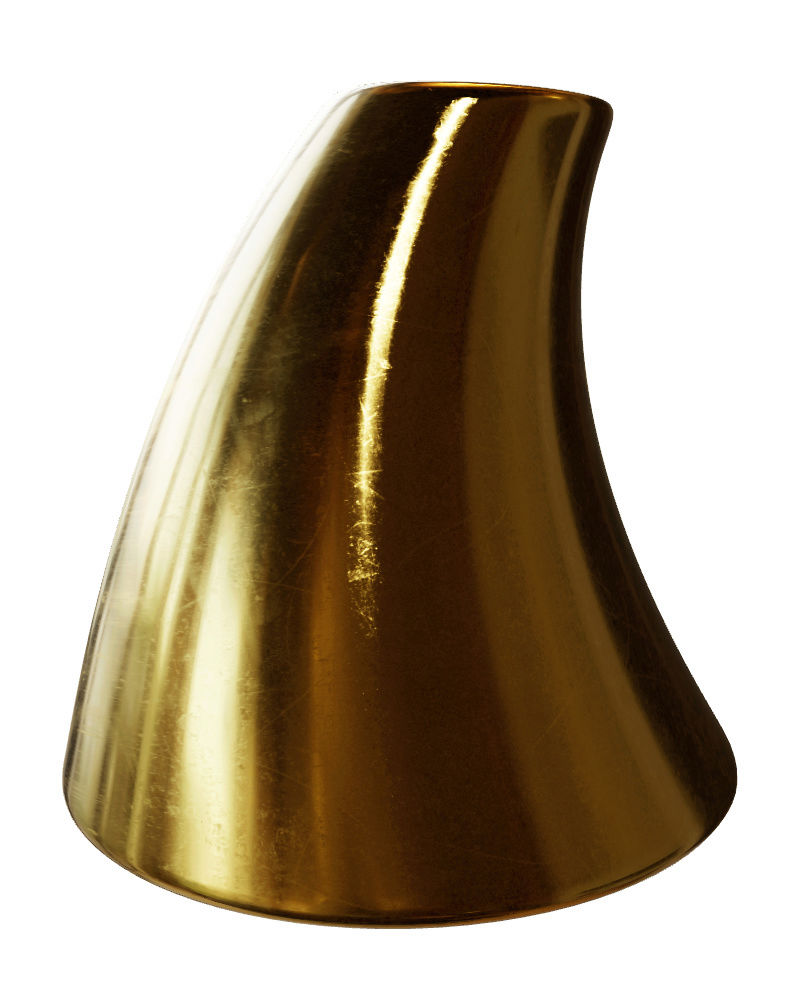
Textures : Free PBR
Renderer : SketchUp PBR plugin -
I'd love this if I could eventually link a substance file to a sketchup material...
-
@jql said:
I'd love this if I could eventually link a substance file to a sketchup material...
You can edit a material with PBR plugin then save material as .SKM file.
See this tutorial: https://sketchucation.com/resources/tutorials/528-how-to-create-your-own-sketchup-material-libraries
Thus, it's technically possible to build a SketchUp PBR material library
In other words, .SKM (SketchUp Material) can contain Normal map, etc.
-
The problem is that a sketchup material hasn't got a direct link to textures residing on disk. So, if I change a texture like color, normal or metal-roughness map, it won't refresh. Or, will it?
-
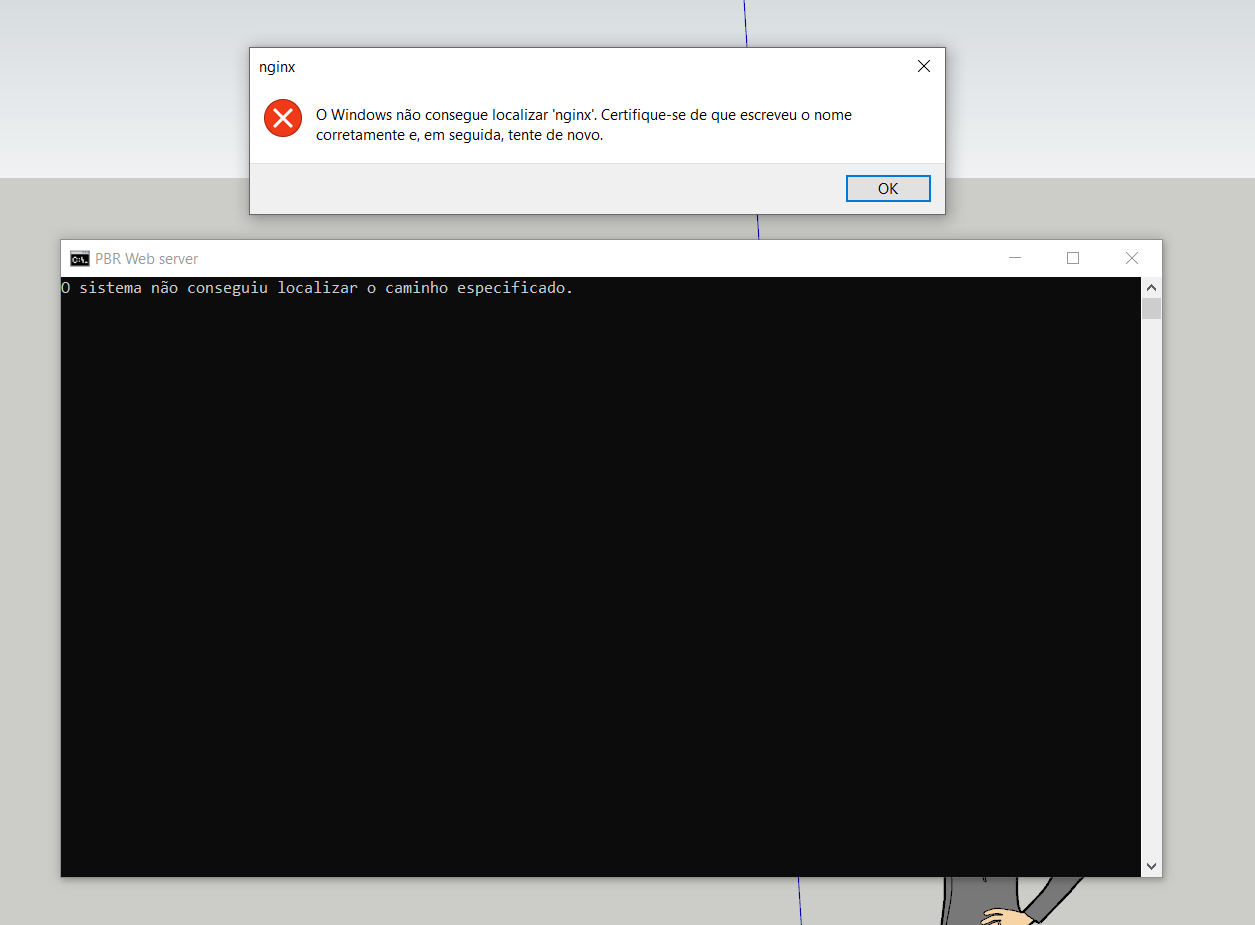
I have tried the plugin and got the following errors:
Windows can't find 'nginx'...
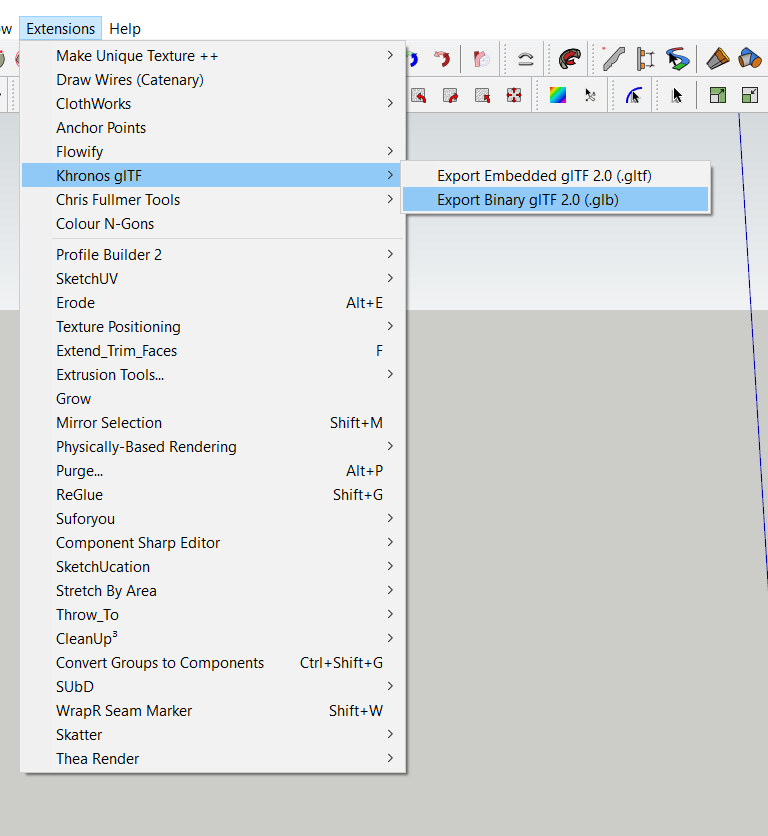
I have installed the glTF export (and import) plugins:
It's easier for most users to have a separated roughness and metallic maps as they are very common, instead of the metallic-roughness map required by the plugin. I can easily create the metallic-roughness maps as I use substance tools, but is there any chance the separated maps could be implemeted?
Also, I found you removed support for emissive materials, which would be a shame, as I use them for all my lighting applications in Thea for Sketchup and would find them cool to test on this pbr plugin.
-
@jql said:
I have tried the plugin and got the following errors:
Windows can't find 'nginx'...Is it a first time install or an update?
If it's an update: Open SketchUp Extension Manager. Disable PBR plugin before uninstall it. Reinstall it.
Let me know if problem persists
-
@samuel_t said:
Is it a first time install or an update?
It's a first time. Pbr v1.2.4
Sketchup 2018
-
@jql said:
I have tried the plugin and got the following errors:
Windows can't find 'nginx'...
@samuel_t said:
Is it a first time install or an update?
It's a first time. Pbr v1.2.4
Sketchup 2018
Operating system: Windows 10?
- Open Windows's File Explorer.
- Goto %APPDATA%\SketchUp\SketchUp 2018\SketchUp\Plugins\pbr\Web Server
- Do you see the file nginx.exe?
-
@jql said:
Also, I found you removed support for emissive materials, which would be a shame, as I use them for all my lighting applications in Thea for Sketchup and would find them cool to test on this pbr plugin.
I opened an issue for this: Emissive materials don't glow. It would be great if a GLSL expert could help.
-
I'm afk today (phone here) but I'm on win10 and I have checked before that the nginx.exe file was there, though I don't know if that was the exact path.




Hello! It looks like you're interested in this conversation, but you don't have an account yet.
Getting fed up of having to scroll through the same posts each visit? When you register for an account, you'll always come back to exactly where you were before, and choose to be notified of new replies (either via email, or push notification). You'll also be able to save bookmarks and upvote posts to show your appreciation to other community members.
With your input, this post could be even better 💗
Register Login


Advertisement