Image Transparency
-
Hey Y'all,
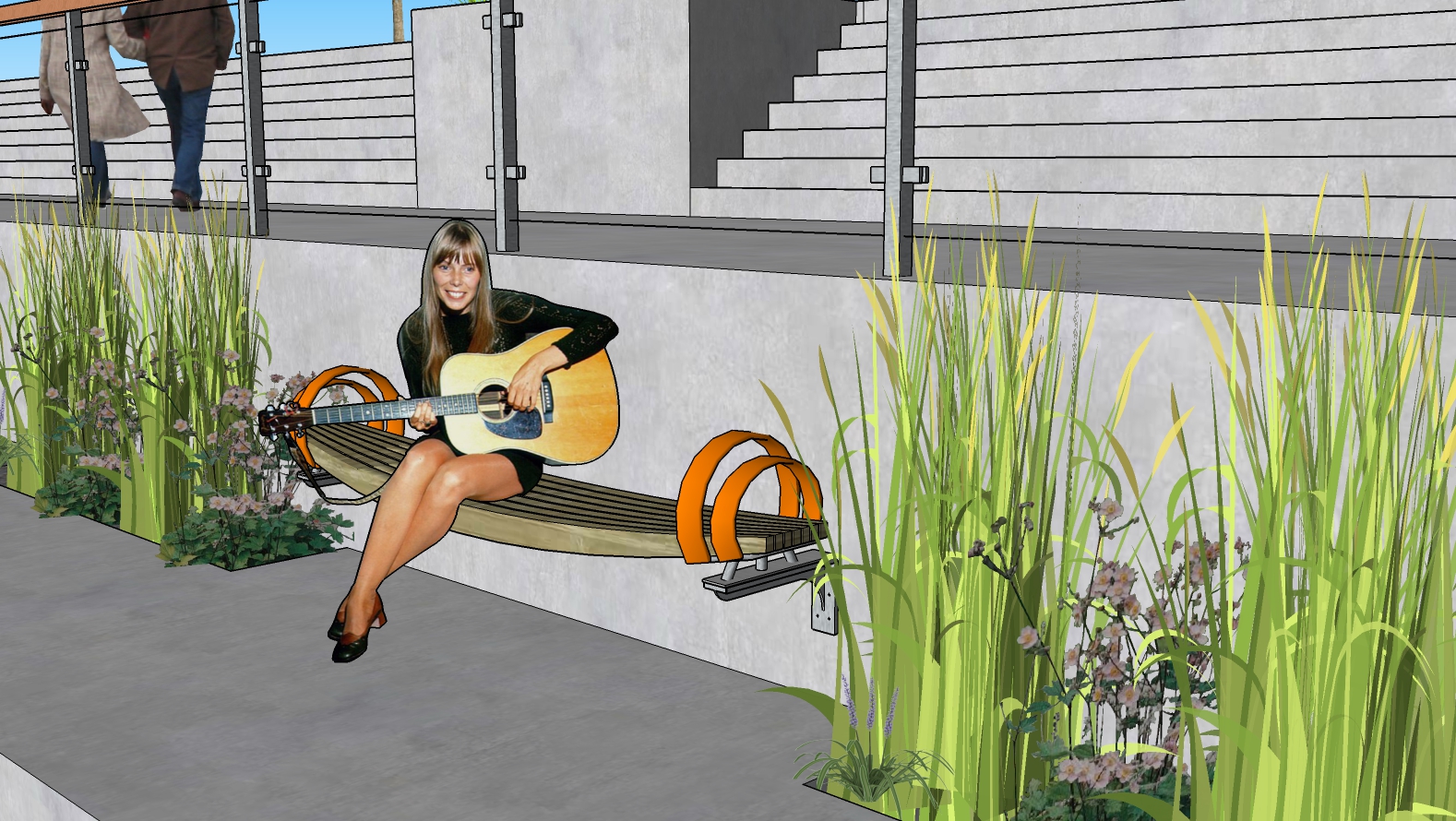
Is there a way to change opacity of 2D images in SketchUp Make? I downloaded an extension that promises to do this but it isn't showing up (tried restarting, etc). Here is Joni sitting pretty on a bench and I'd like to soften the image just a bit. Any suggestions??
-
Hi, the problem comes from the image of the person it was probably shot under lights not outdoors and does not show favourably in the context of Sketchup. I am sure it could be fixed by somebody who is competent in photoshop.
If you just need an image, do a render and have the Sun set to correspond with the lighting in the model. If you don,t render, shoot me the model and I will do a render and get it back to you. -
Thanks Liam and thanks for the offer! I was hoping that there was a way to do this in SketchUp (not just with people components but also plants, etc,) - I can change the image in Photoshop but I was looking to avoid this step.
-
If the figure is a material you can edit it's transparency in the material edit window.
If it is an image, you should be able to explode and regroup it and it will become a material that you can edit. -
That's it! Thanks again!
-
Inviting you to show your result if you wish to, I am curious

Hello! It looks like you're interested in this conversation, but you don't have an account yet.
Getting fed up of having to scroll through the same posts each visit? When you register for an account, you'll always come back to exactly where you were before, and choose to be notified of new replies (either via email, or push notification). You'll also be able to save bookmarks and upvote posts to show your appreciation to other community members.
With your input, this post could be even better 💗
Register Login


Advertisement