How to Remove Internal Geometry for my Truss?
-
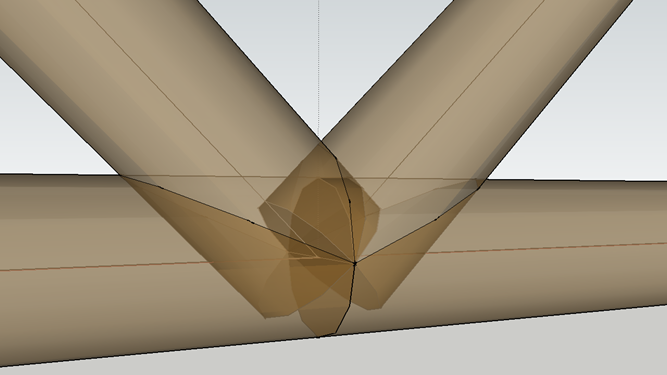
I'm reading the 'Architectual Design with Sketchup' by Alexander Schreyer and came across an example of making a steel truss but I couldn't use the Outer Shell to remove all internal geometry like it said in the book that intersections can all be cleanly mitered. I don't know why I couldn't do it...
Also tried with the classic method to explode the entire truss and right click the Intersect with Model but the internal geometry is still there with the X-ray. Could someone please give me a hand here? Appreciate it...
-
For outer shell all the elements should be solid first (each a separate group).
For "intersect faces" they cannot be grouped separately, try running the intersection, then left-right select the area around each joint and group, then delete.
-
Try using 'Solid Tools' as you have the Pro version...
Make each unit a group. Then...Tools, Solid Tools, Trim. Pick the bottom member first then each of the 2 vertical members. see attached video.
-
@rodman100 said:
Try using 'Solid Tools' as you have the Pro version...
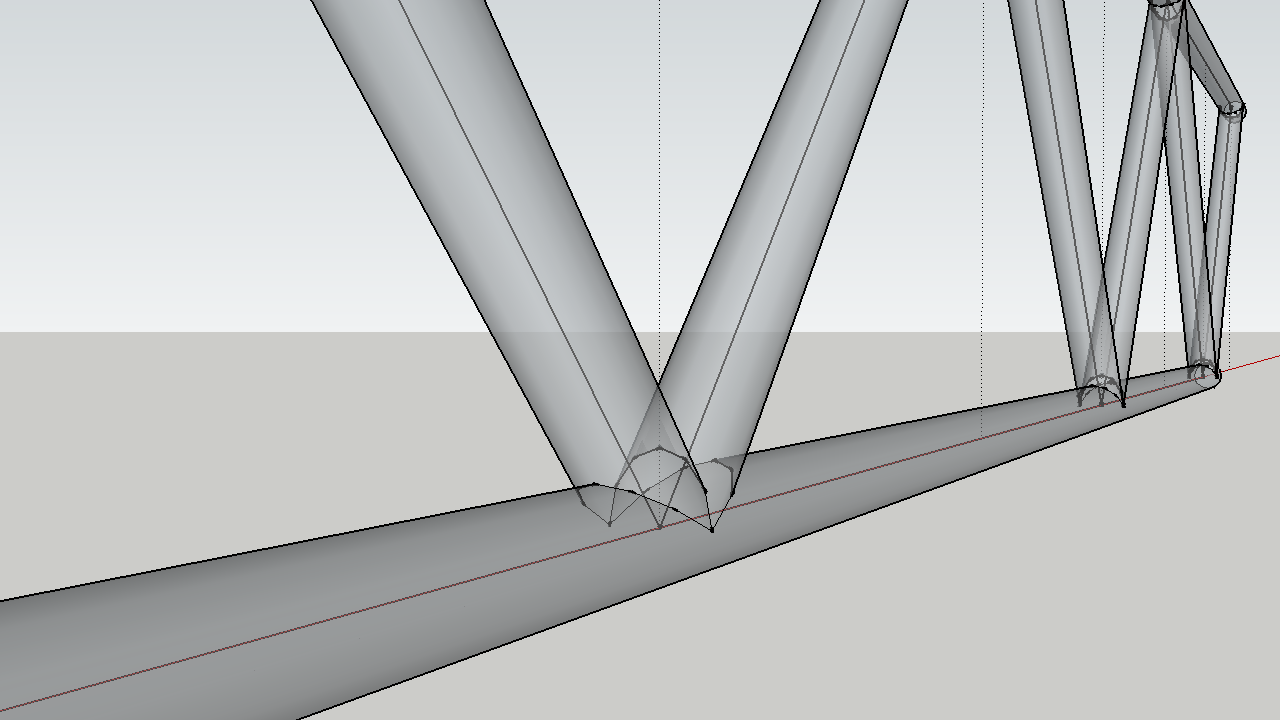
Make each unit a group. Then...Tools, Solid Tools, Trim. Pick the bottom member first then each of the 2 vertical members. see attached video.Thanks so much for your answer and your video. It worked very well with Trim and then Outer Shell. Looks cleanly mitered by now:
-
You can also improve the boolean functions with the new BoolTools 2 !
 (20$)
(20$)


Hello! It looks like you're interested in this conversation, but you don't have an account yet.
Getting fed up of having to scroll through the same posts each visit? When you register for an account, you'll always come back to exactly where you were before, and choose to be notified of new replies (either via email, or push notification). You'll also be able to save bookmarks and upvote posts to show your appreciation to other community members.
With your input, this post could be even better 💗
Register Login


Advertisement