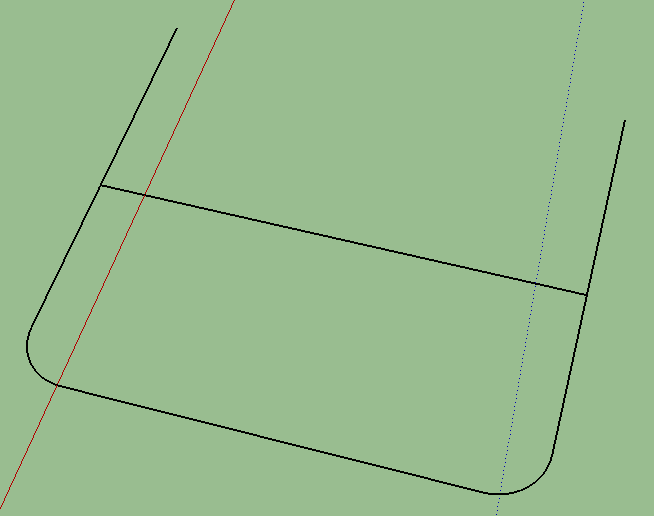
U and A shape combined, with pipes.
-
I'm creating some shape and it has to look like the attachment.
The problem is that I don't know the precise diameter of the circle.
Between the 2 crossing pipes there has to be 5cm of space, I don't know how I can make this.
I've tried using the follow me tool, but I can't change the lengths of the pipes and stuff after I do that.
-
I don't follow exactly what you're trying to do but clearly you'll need to find out the diameter of the pipes. I don't understand where you want the 5cm space. You can make the U-shaped pipe with Follow Me but you only need Push/Pull to make the cross bar. You should be able to adjust the ends with Push/Pull. If you need to change the width of the U, you can use the Move tool.
-
It should be relatively easy (with move tool or push pull) to adjust the lengths and relative offset of the pipes after. Changing the pipe diameter, after you've done follow-me, and changing the radiused sections would be harder. Save a copy of your layout lines for follow-me, so in the future you can run follow-me again with different pipe radii if necessary.


Hello! It looks like you're interested in this conversation, but you don't have an account yet.
Getting fed up of having to scroll through the same posts each visit? When you register for an account, you'll always come back to exactly where you were before, and choose to be notified of new replies (either via email, or push notification). You'll also be able to save bookmarks and upvote posts to show your appreciation to other community members.
With your input, this post could be even better 💗
Register Login


Advertisement