Zoom extends and drawing problem SU 2015 mac
-
Hi All,
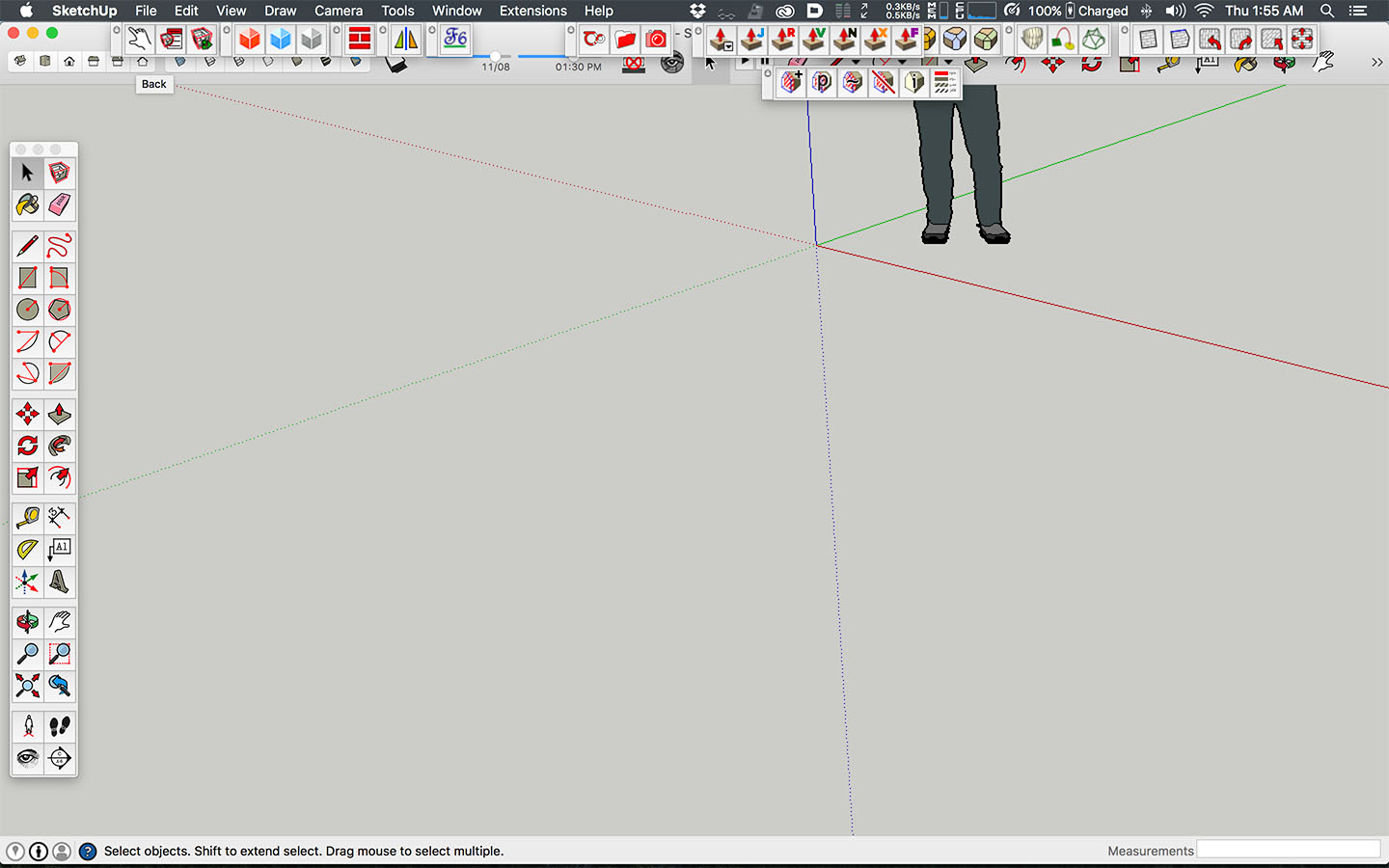
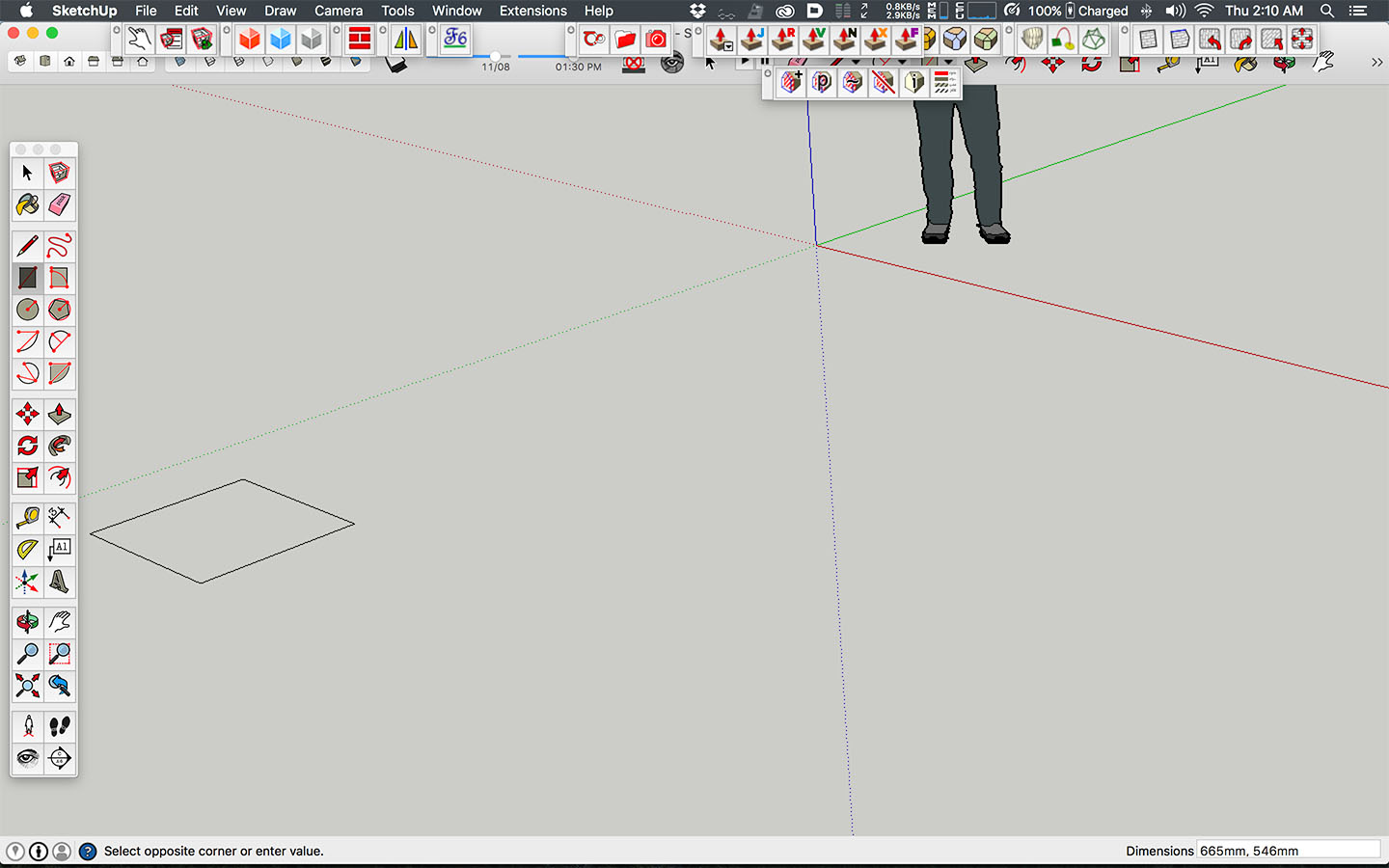
Tonight i tried SU sincs a month orso, when i noticed that my screen shows the opening scene kind of awkward. I work in the architectural template set to mm. I noticed the old chap was in the upper right corner. Normally a zoom extends fixes this, this time nothing happened. Also the camera angle is quite weird, something is right. Also when i draw the object i draw is offset to the top right of the mouse.
When i check the settings nothing in OpenGL is selected. If i remember correct i never had any of these option checked. Im working on a Macbook Pro 2015.
If i check hardware acceleration, the new windows shows right and when i draw something it right under the cursor. But the zoom extends still doesnt do anything at all???
Ive tried search Google but i run into quite a lot of old posts.
-
If SketchUp opens as in your first post, it means you probably saved it as the default template at some point previously. If Zoom Extents doesn't change it, very likely there is some small line segment or other entity way over in the lower left corner. Open SketchUp, turn on Hidden Geometry in the View menu, and drag a right to left selection box around the left half of the drawing window space. Hit Delete. Hit Zoom Extents. Do you zoom in on the man?


Hello! It looks like you're interested in this conversation, but you don't have an account yet.
Getting fed up of having to scroll through the same posts each visit? When you register for an account, you'll always come back to exactly where you were before, and choose to be notified of new replies (either via email, or push notification). You'll also be able to save bookmarks and upvote posts to show your appreciation to other community members.
With your input, this post could be even better 💗
Register Login


Advertisement