Can't Edit Materials
-
Here's a problem that I never came across before...
I choose a color and want to edit it but the entire tab is greyed out. I can't change anything. This is true for all materials.
Any idea why it is being uncooperative??
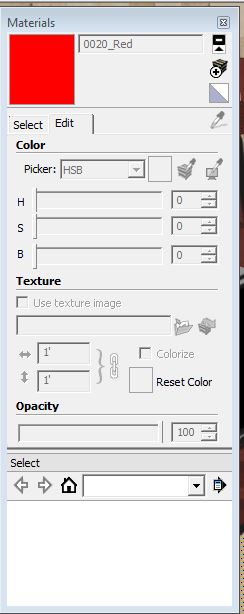
-
Click on this!

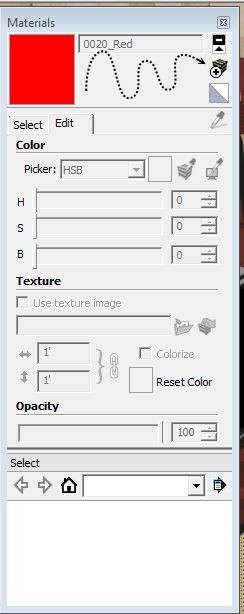
-
That doesn't really solve the problem. That icon is the Create New Material button. Yes, it does bring up the edit material box, but I do not want to create a new material. I want to edit the one already in my model.
This never was a problem until today. I don't know why it has changed.
-
Ah, ok, I See!

Just paint something first!
(with your Material Windows dialogbox Open) -
Ok, I see what's happening. I cannot edit the library of materials. That's the way it should be.
I am able to edit any materials that are used in the model, which is also the way it should be.
All is well!
Thanks.


Hello! It looks like you're interested in this conversation, but you don't have an account yet.
Getting fed up of having to scroll through the same posts each visit? When you register for an account, you'll always come back to exactly where you were before, and choose to be notified of new replies (either via email, or push notification). You'll also be able to save bookmarks and upvote posts to show your appreciation to other community members.
With your input, this post could be even better 💗
Register Login


Advertisement