Layers Panel Not Moveable
-
I am suddenly having a problem with the Layers panel. It is outside my SketchUp window (I am running Windows 8.1) down on the Windows taskbar and I cannot move it.
I have attached a screen shot.
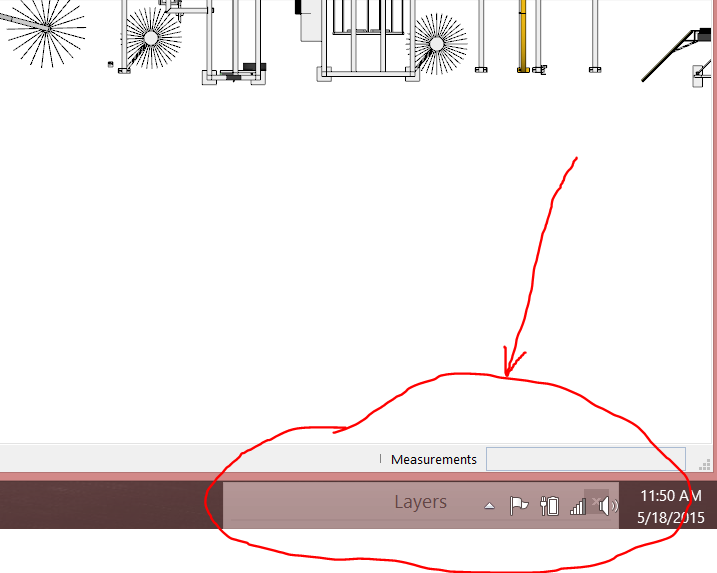
How can I get it back inside the SketchUp window/viewport? Since it is in the Windows taskbar, it will not let me get control of it. I do not know how it got down there.
-
OK - I solved the problem myself

I hid the Windows taskbar and I finally was able to grab the panel and move it back inside the SU window.
Talking about a DUH moment!!

-
Right click Windows bar edit properties and make it auto hide, then let it hide, and now drag layes panel back up
-
@jql said:
Right click Windows bar edit properties and make it auto hide, then let it hide, and now drag layes panel back up
That is exactly what I did!!!


Hello! It looks like you're interested in this conversation, but you don't have an account yet.
Getting fed up of having to scroll through the same posts each visit? When you register for an account, you'll always come back to exactly where you were before, and choose to be notified of new replies (either via email, or push notification). You'll also be able to save bookmarks and upvote posts to show your appreciation to other community members.
With your input, this post could be even better 💗
Register Login


Advertisement