Help with cutout
-
Hey all,
I could use some help with cutouts.
Specifically I have a component that represents siding. I need to cut out the door where it won't be covered by the siding.
I'm really struggling with how to cut out a hole in this component that I downloaded from the component warehouse.
I've attached a sample file with the component and a rectangle that I need cut out as an example and would appreciate some help in determining how to do this.
Thanks in advance,
Bill
-
See the attached.
Place the rectangle in front of the siding where you want the opening.
Use Push/Pull to extrude the rectangle through the siding.
Select everything, right click on the selection, choose Intersect Faces>With Selection.
Erase what isn't the siding.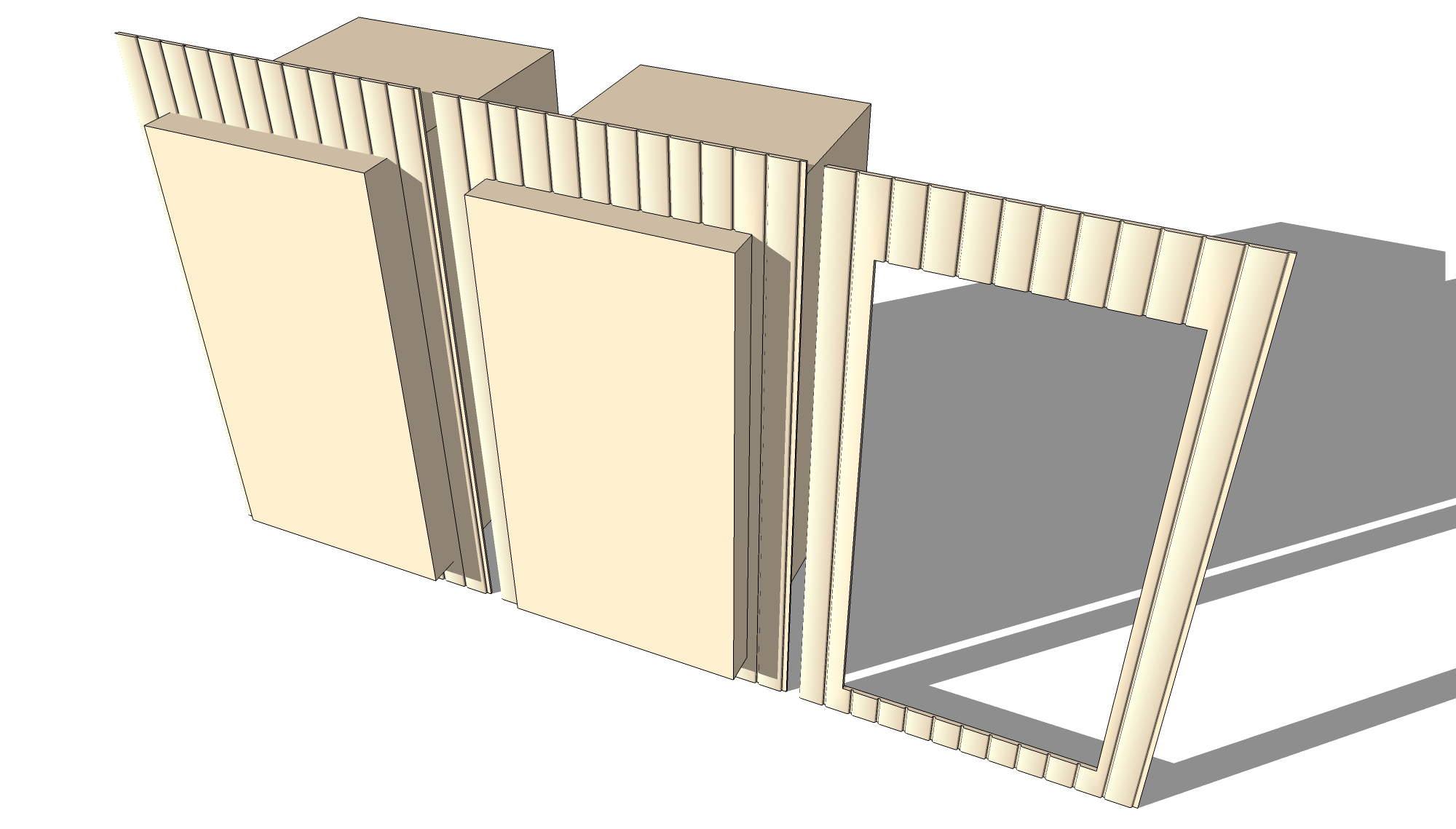
-
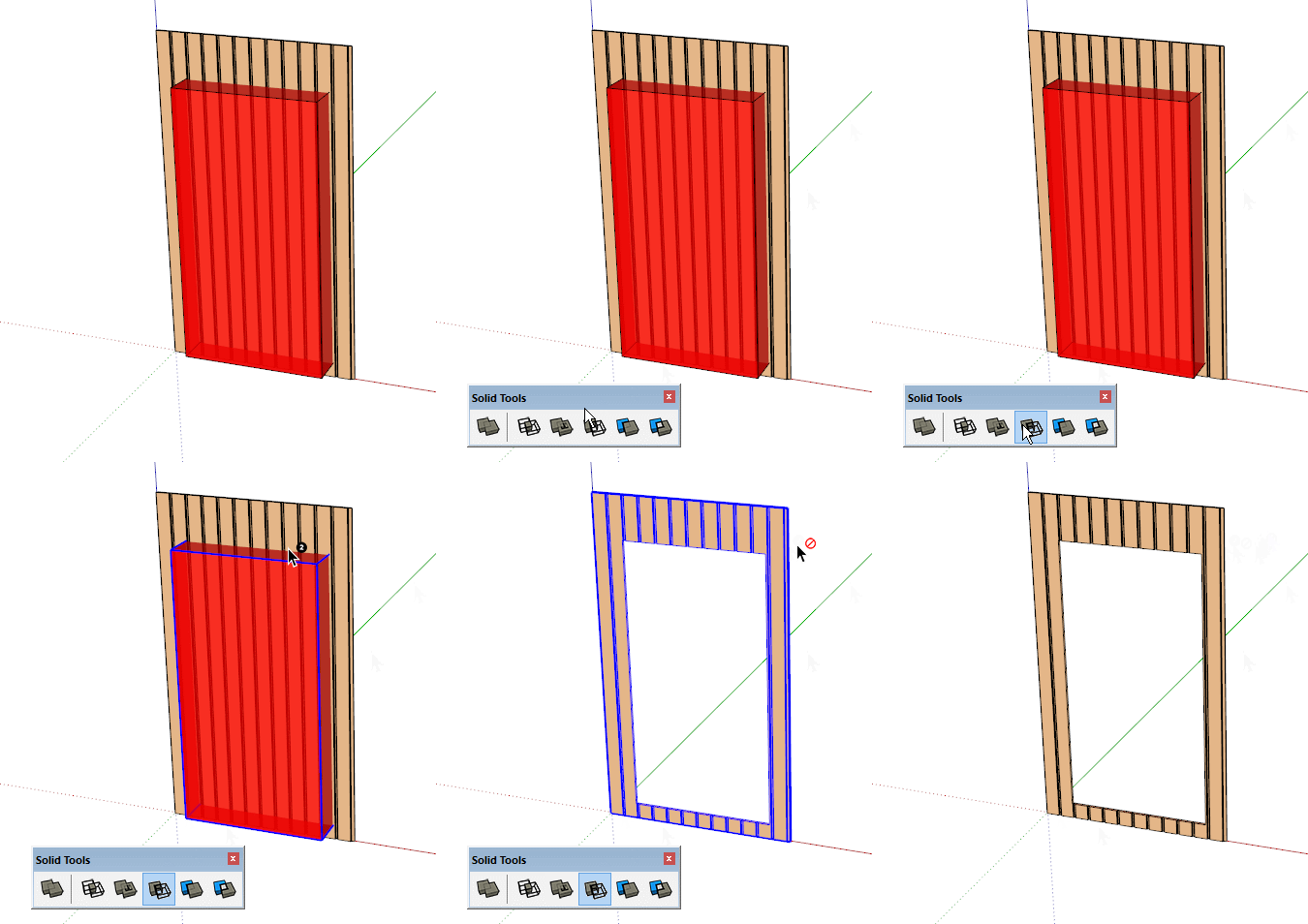
And if you have Pro?
You have solid tools,
Shep

Hello! It looks like you're interested in this conversation, but you don't have an account yet.
Getting fed up of having to scroll through the same posts each visit? When you register for an account, you'll always come back to exactly where you were before, and choose to be notified of new replies (either via email, or push notification). You'll also be able to save bookmarks and upvote posts to show your appreciation to other community members.
With your input, this post could be even better 💗
Register Login


Advertisement