CadFather's Icons [v1.0]
-
Ok, since i'm shait at coding but can pull a couple of good icons once in a while... here it is, my icon pack contribution for your lovely ruby toolbars...
Enjoy and see you later!
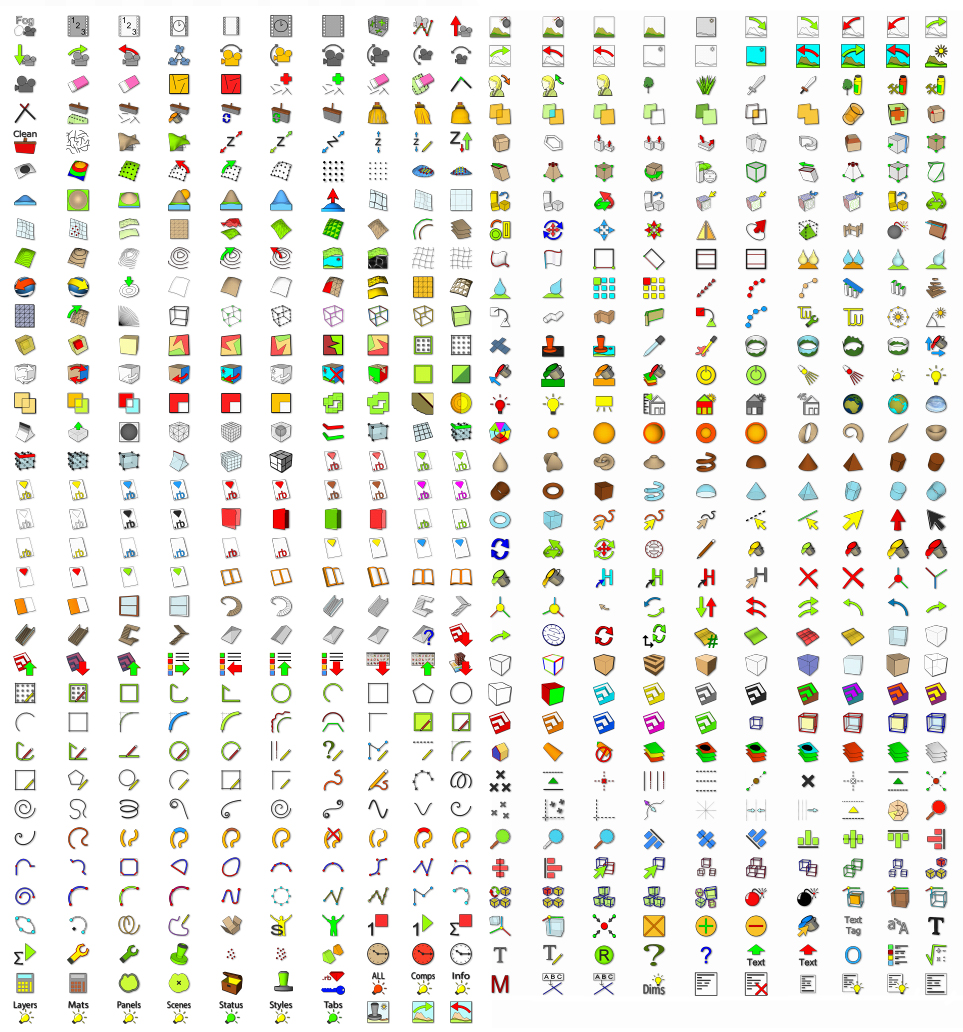
-
Thanks CadFather.
I can't code either, and if you looked at my icons, you would say I can't make icons either. So this is a big help for someone who love to have my plugins in a toolbar.
Thanks
Ken
-
Thx Cadfather
AKA Max
Just super graphics
dtr
-
This are very high quality icons...thanks!
I really like "cf007_24", maybe it can be used for RESCENE plugin...what do you think?
Cheers!
-
Thanks all for your appreciation!
Sorry Rafael, you can't...
 (had made some for it already!)
if you prefer the previous one, go for it.
[ps. i'll post them in the other thread with an explanation]
-
That is awesome... thanks.
-
Hi,
Simple answer I'm sure but how do I get to use CadFather's Icons.For example I have unzipped the set that came with 2D tools but all I can manage is a toolbar full of square green faces (blank icons).
Thank you.
Regards,
Andrew -
mainly two ways:
1 - use them instead of (replacing existing icons)
2 - use when you make a menu in a plugin.usually, but not always, a part of the script that looks like this:
cmd.small_icon = 'icon_16.png'
cmd.large_icon = 'icon_24.png'




Hello! It looks like you're interested in this conversation, but you don't have an account yet.
Getting fed up of having to scroll through the same posts each visit? When you register for an account, you'll always come back to exactly where you were before, and choose to be notified of new replies (either via email, or push notification). You'll also be able to save bookmarks and upvote posts to show your appreciation to other community members.
With your input, this post could be even better 💗
Register Login


Advertisement