Enlarge section details
-
Hello All,
Don't know if this is the correct forum for this question...
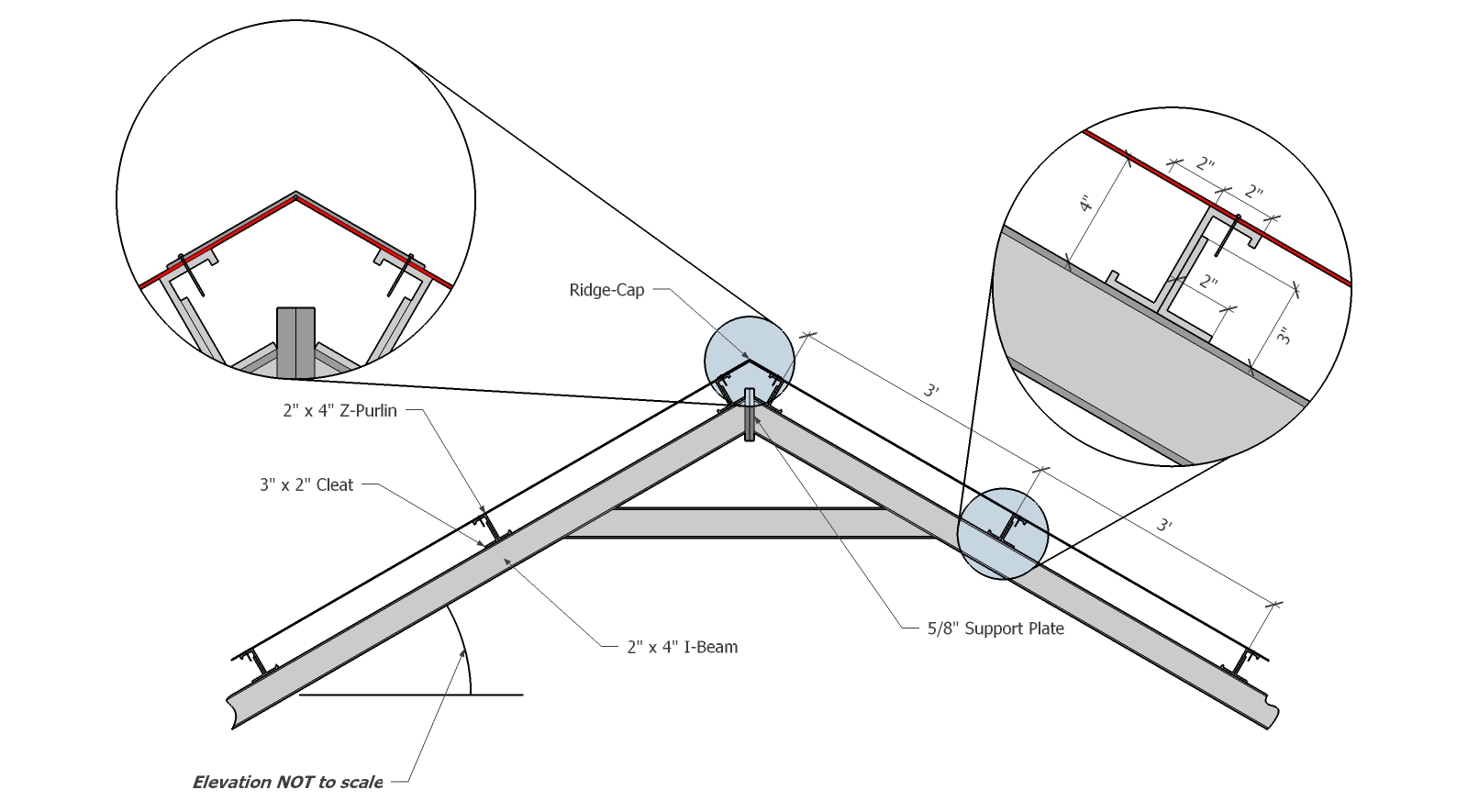
I'm drawing a simple roof section as shown in the attached file. As you can see, I've enlarged parts of the drawing to emphasise some details. I had to do this manually scaling up components, editing/deleting line sections, etc. Just wondering if there's a native way to do this in Sketchup. If not, is there some clever plugin that can achieve the same effect?
By the way, using Sketchup 2014 (Free).
Many Thanks,
Raymond.
-
Get the pro version of SketchUp and do it in LayOut. It would be ideal for that. Or use different image exports from SU and put them together in an image editor. If you're going to stick to doing it directly in SketchUp, it sounds like you've already worked out the solution.

Hello! It looks like you're interested in this conversation, but you don't have an account yet.
Getting fed up of having to scroll through the same posts each visit? When you register for an account, you'll always come back to exactly where you were before, and choose to be notified of new replies (either via email, or push notification). You'll also be able to save bookmarks and upvote posts to show your appreciation to other community members.
With your input, this post could be even better 💗
Register Login


Advertisement