Displacement from SU to rendering aplication tutorial
-
I hope this is helpful for somebody.
Sam just wrote this plugin
http://forums.sketchucation.com/viewtopic.php?f=15&t=37598&start=15and now the whole process for preparing your model for rendering with displacement worked for me this way:
1 Box in SU
2 Use DividebyMaterial Plugin (above link) Sam wrote (Thanks again to divide every face with specified material.
3 Soft complanar edges
4 Select all edges. Deselect soft edges (TT selection tools Plugin)
5 Bevel selected edges (Roundcorner plugin)
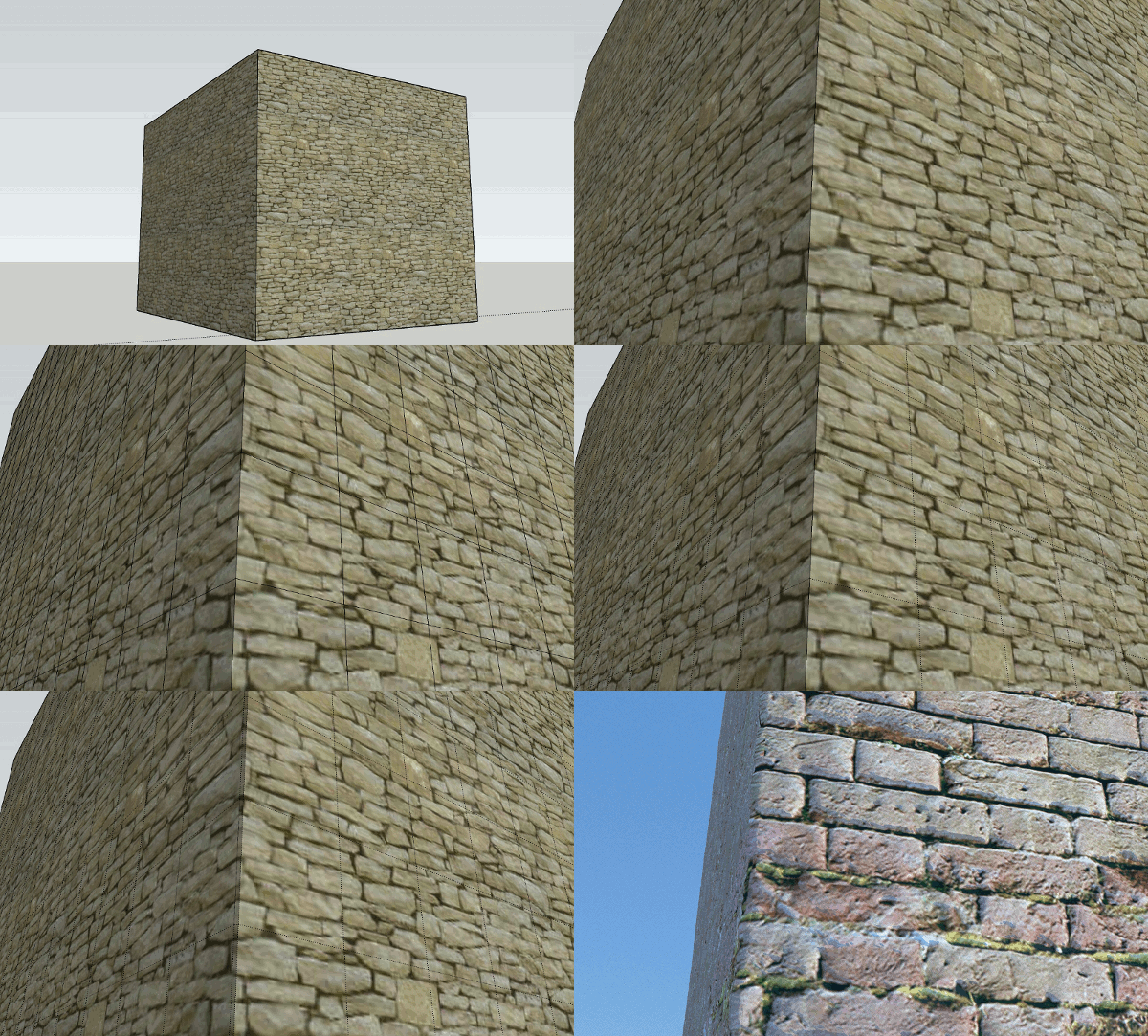
6 Rendered in Thea (with geometry smoothed)
Animated gif:
-
Where is the displacement there? I can't see any.
The Thea render disappears so quickly that you can't see anything at all. The camera angle isn't showing much of the left side neither. -
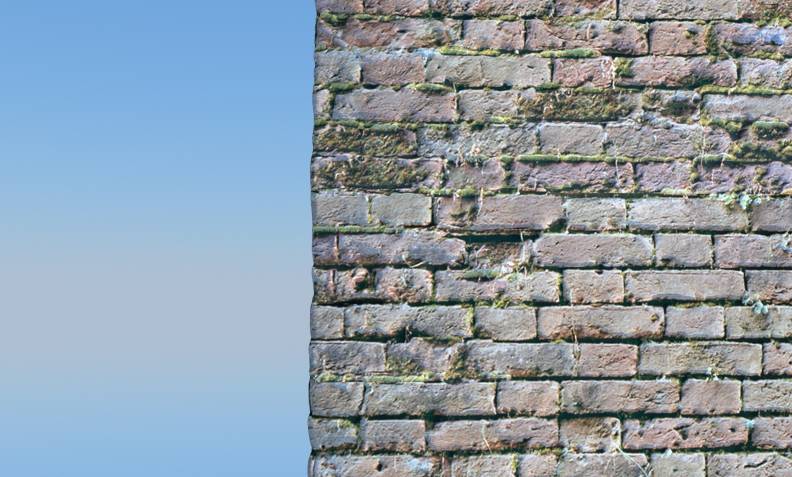
Here it is, but that's not the point.
-
Looks good
How about a view where both sides of the corner are visible?
What exactly is the point if it isn't the results? -
-
thank you for the tutorial.
do you mind if i ask you few questions?
i still miss the way to get the displacement and how to make it.
does it also possible to do with Kerkythea? -
No, Kerkythea cannot do displacement. Maybe in the future.
-
yes. sorry Gaieus
i just read that on the other post about doing displacement on a model created with subdividesmooth or something. and they talked about bump map and displacement map. (also read their definition in wikipedia, etc. few minutes ago).
thank you for confirming -
Bump maps can be used in Kerky but you need not subdivide your mesh for that.
-
Gai,
it was about [TUTORIAL]: texturing organic form (subsmooth)
Frederik and you were also there, and they're talking about displacement and bump map.
thank you Gaieus. -
Yes, but the tutorial was about Vray. Or in fact, any other renderer which supports displacement. Thea was nowhere back then (3 years ago?).
-
 i know, Gai.
i read it because it also about rendering application and anything necessary for a good rendering process. just thought that it might be good to catch the main ideas in rendering works.
i am not sure whether i can afford Thea in near future. i wish Kerkythea would have some kind of the similar progress. even the smallest will do. KT is the best free render app available anyways. -
Hi,
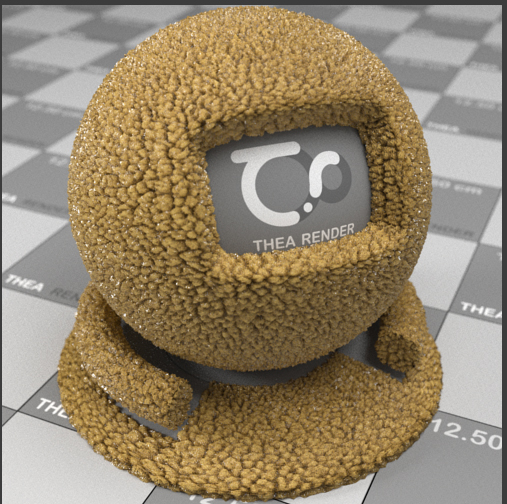
I try to make à texture with diplacement for simulating insulation material (like stone wool) in thea render :
I create this :
Then i follow the tutorial on this topic and i done this :
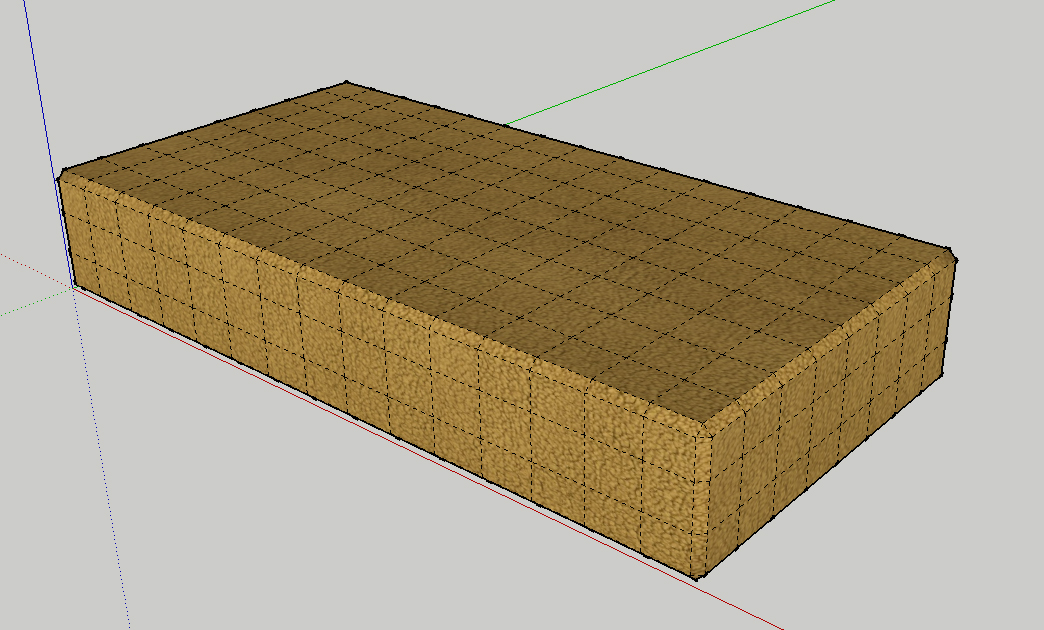
After i have export the scene with the plugin in Skechup, open in TheaStudio and:
Check Geometry>smoothing>smooth
Uncheck "Normal smoothing" in Displace
The result :
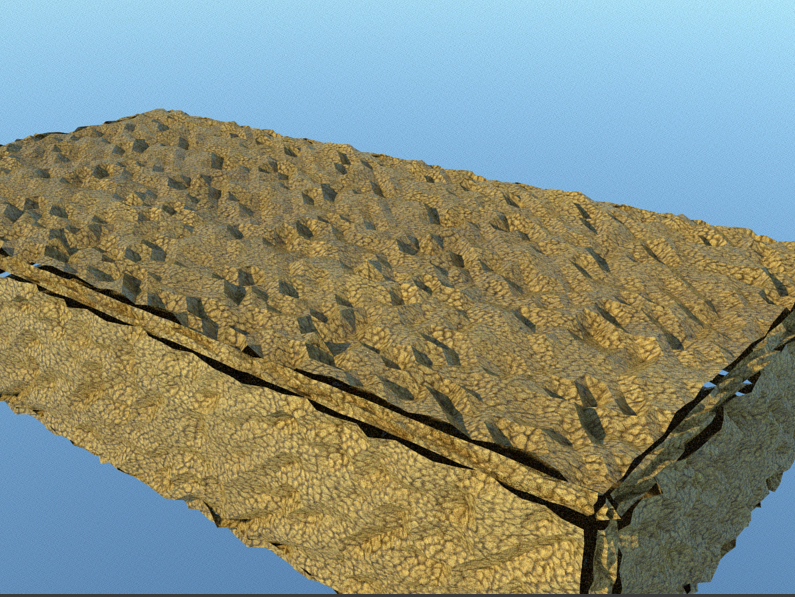


What i have missed ?
I need to use UV mapping ?
I'm a beginner in render and texture...
And I do not find a complete tutorial (step by step) about use displacement in Skeptchup and Thea...




Hello! It looks like you're interested in this conversation, but you don't have an account yet.
Getting fed up of having to scroll through the same posts each visit? When you register for an account, you'll always come back to exactly where you were before, and choose to be notified of new replies (either via email, or push notification). You'll also be able to save bookmarks and upvote posts to show your appreciation to other community members.
With your input, this post could be even better 💗
Register Login


Advertisement