Tape measure tool
-
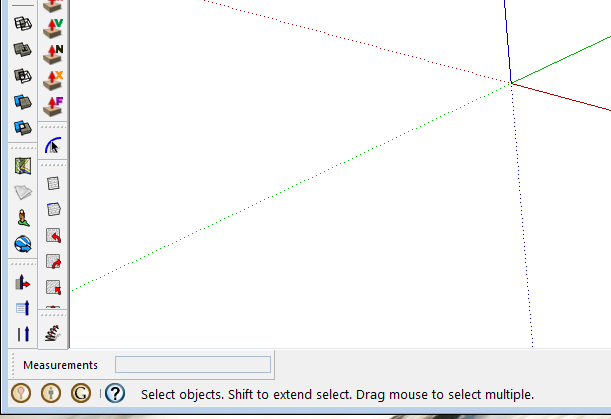
for some reason, all of a sudden, today, when I use the tape measure tool to create guidelines, it places the guide wherever the cursor is. It does not snap to a entered distance. I am entering the distance as, example, 4' 10" in the box to the lower left of the screen, but instead of placing it at 4'10", it places it wherever the cursor happens to be.
-
Are you hitting enter after typing 4'10"
-
my bad. I was using the left mouse button for some reason..
-
Jerry, what were you using the left mouse button for that would cause you a problem?
-
??? "in the box to the lower left of the screen"???
I was thinking earlier that it was a matter of loss of axial inferencing?
-
Maybe Jerry's got the Measurements box moved over to the lower left corner.

-
Hmm. I tried that and my monitor fell off the left side of my desk.

-
You weren't holding your tongue in the right position.




Hello! It looks like you're interested in this conversation, but you don't have an account yet.
Getting fed up of having to scroll through the same posts each visit? When you register for an account, you'll always come back to exactly where you were before, and choose to be notified of new replies (either via email, or push notification). You'll also be able to save bookmarks and upvote posts to show your appreciation to other community members.
With your input, this post could be even better 💗
Register Login


Advertisement