Export to JPG
-
Hello,
I tried to export my project to JPG file (File menu --> Export --> 2D graphics..)
Can someone can tell me why the project saved without colors?
Thanks in advance. -
Does your model have color in it? When you exported it, were you in a display style that had removed the color from the current view? Could you post a screenshot of the model right before you export it, and then the exported jpg? Thanks,
Chris
-
Dear Chris,
Thanks for your quick respond!
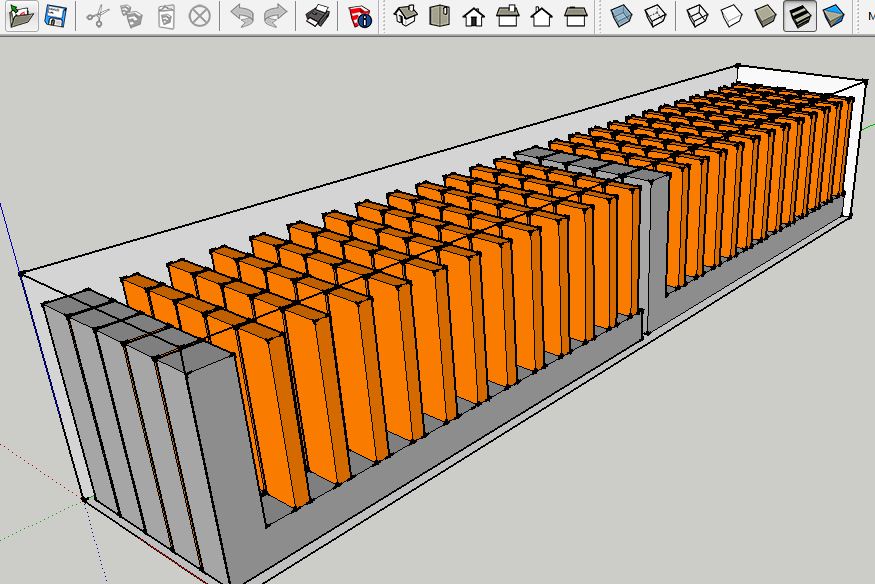
Please see the 2 pictures attached:- A screenshot from SketchUp before saving.
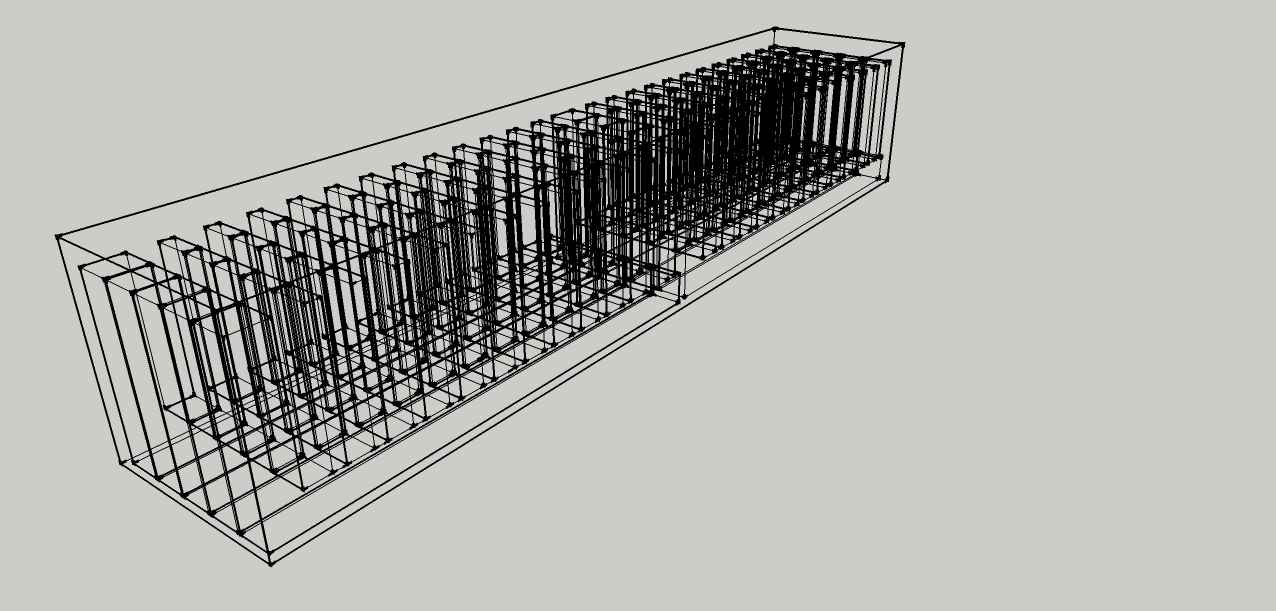
- The model after saving.
In the last version after saving the model it stay as it is.
Any chance you can help?
Thanks,
Oded
-
That is the exported jpeg? Or that is a screenshot after saving the model?
Either way, its not normal. When you export the jpeg, are you going to File > Export > 2D Graphic and selecting jpg?
-
The one with the orange color is the screenshot from the SketchUp.
The other picture without colors is after -- File > Export > 2D Graphic and selecting jpg.
To make sure I did it once again.. unfortunately the same result.. -
It seems to me we've seen this here before. Try changing the OpenGL settings for Hardware acceleration and/or Use Fast feedback under Preferences. Try different combinations and see if you get the correct export.
-
Export jpg in LayOut 2013




Hello! It looks like you're interested in this conversation, but you don't have an account yet.
Getting fed up of having to scroll through the same posts each visit? When you register for an account, you'll always come back to exactly where you were before, and choose to be notified of new replies (either via email, or push notification). You'll also be able to save bookmarks and upvote posts to show your appreciation to other community members.
With your input, this post could be even better 💗
Register Login


Advertisement