Component axes visibility
-
I run into this issue every now and then. Seems to happen when I use the "align" ruby. All my components in the model get a visible axes. I can't for the life of me figure out how to turn it off. I'm sure it's a simple solution, but there's not anything that I could figure out in adjusting the drawing style...
axes on:
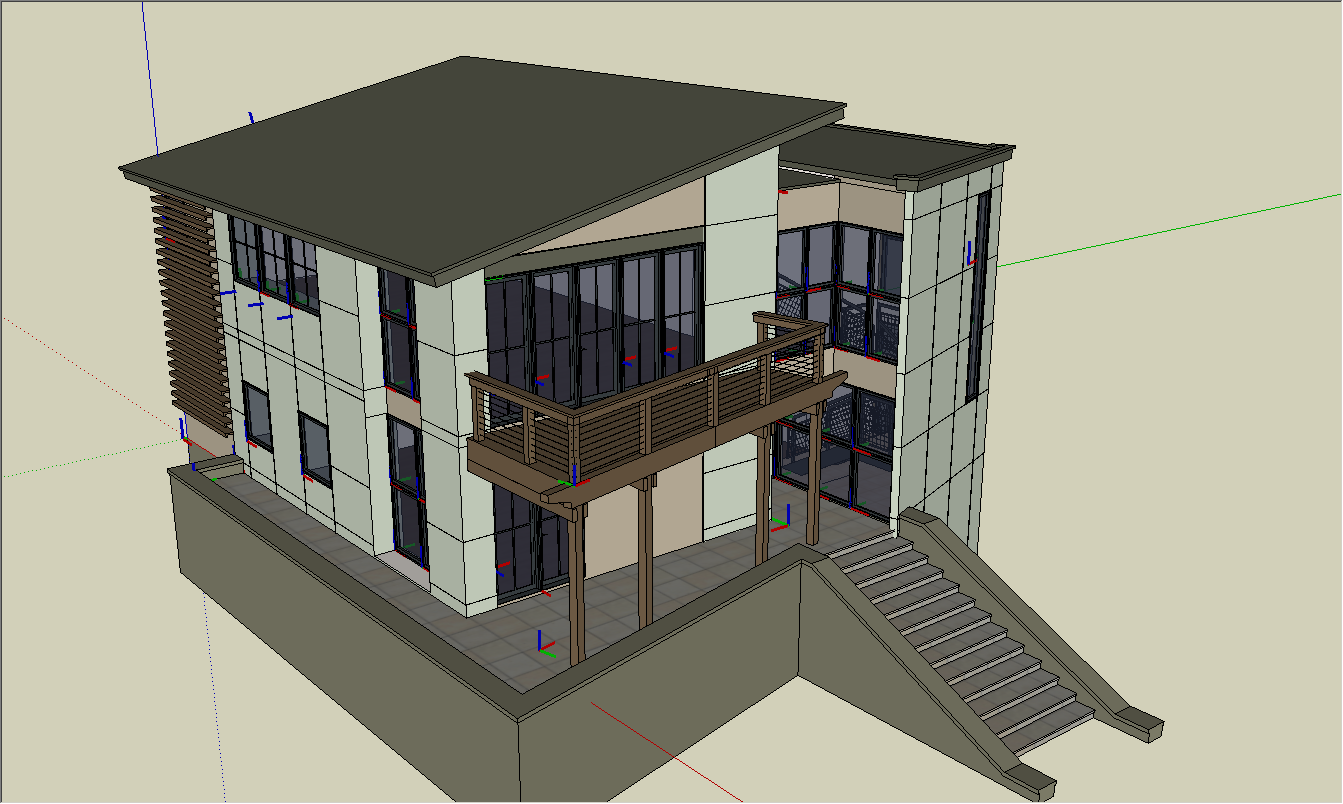
how it was before:
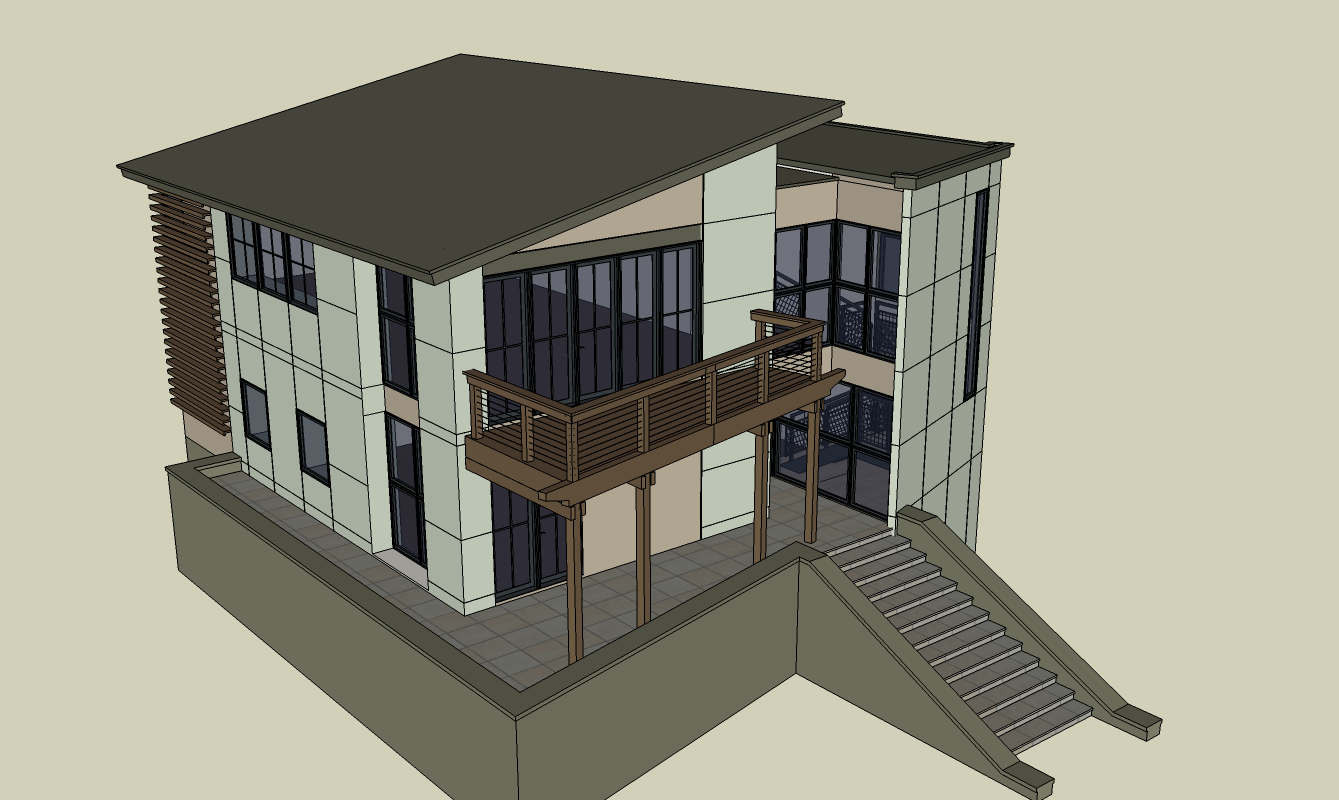
-
Evidently "Align" calls up visibility of component axes, but doesn't uncall after the alignment. Maybe it did in the past?
You of course know that Model Info>Components there is a tick box for Show component axes. Just thought I would mention that. -
@mitcorb said:
Evidently "Align" calls up visibility of component axes, but doesn't uncall after the alignment. Maybe it did in the past?
It may be getting messed up during undos, it normally works OK.
@mitcorb said:
You of course know that Model Info>Components there is a tick box for Show component axes. Just thought I would mention that.
Thanks, that's where I didn't look...

-
I failed to mention that I like the model example. Nice work.
-
Thanks Tim!
By the way, I noticed with the align tool - it specifically happens if I cancel out in the middle of the operation (presumably before it has a chance to call the component axes hidden again.)
-
Hi folks.
You can control this using Window menu --> Model Info --> Components.
Check or uncheck the last box at the bottom that is labeled Show component axes.
Just ideas.



Hello! It looks like you're interested in this conversation, but you don't have an account yet.
Getting fed up of having to scroll through the same posts each visit? When you register for an account, you'll always come back to exactly where you were before, and choose to be notified of new replies (either via email, or push notification). You'll also be able to save bookmarks and upvote posts to show your appreciation to other community members.
With your input, this post could be even better 💗
Register Login


Advertisement