Have a line, need a curve
-
I'm trying to model this freestanding soaker tub:

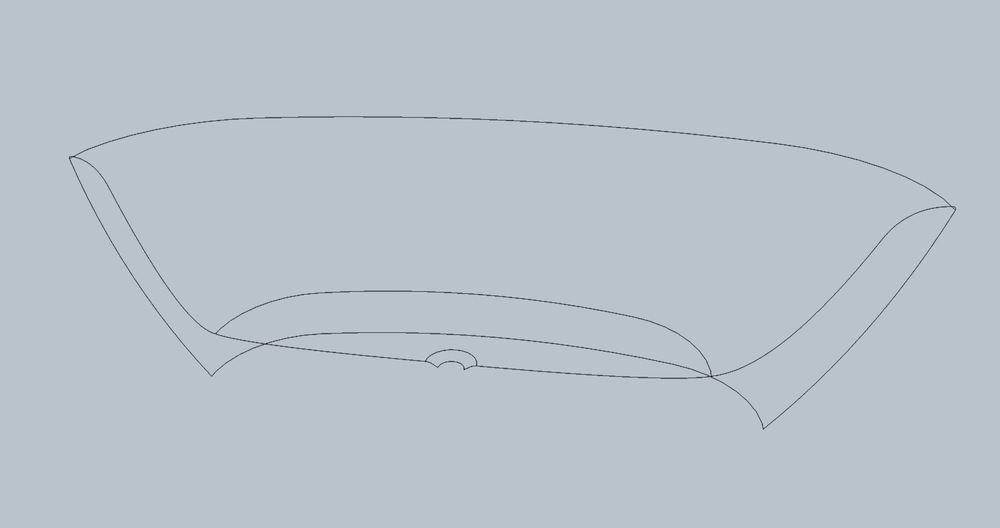
So far, this is where I am:

The bow and stern of the actual tub are curved, but my model just has straight lines between the top and bottom curve vertices.
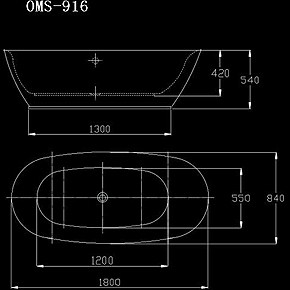
How can I deform these surfaces to more closely resemble the actual tub? I contacted Modern Bathrooms (the distributor) and they sent me a PDF spec sheet but of course have no CAD files available. Here it is if it is more clear than the photo.
Thanks!
-
Try to use follow me with a curved profile.
Make it at first symmetric and after that use Fredo Scale to scale it from top .Hope it helps!
-
I noticed the pdf gives dimensions, but not enough dimensions, I believe. Of course you could do an image trace on screen to get the model going, but you cannot simply transcribe all of the dimensions. So, as ely862me says, that may be the best way.
EDIT: Oh, and you will most likely need to scale up the whole business for modeling so you don't encounter the tiny faces issue.
-
I thought I would mount that pdf and attempt to trace it. I tried to scale it to the 48 1/2". Of course, the 36 1/4" dim had no relation to that one, nor any of the other ones. The whole page is intentionally distorted. I also tried to map it out and do fillets. You will not be able to locate the arc endpoints exactly.
-
I'd work in metric as it's a european design.. set a drawing to meters and scale it back [by 1000] when finished.
It will auto convert on import to an imperial unit drawing.
john -
You could use TIG's Extrude edges by edges:
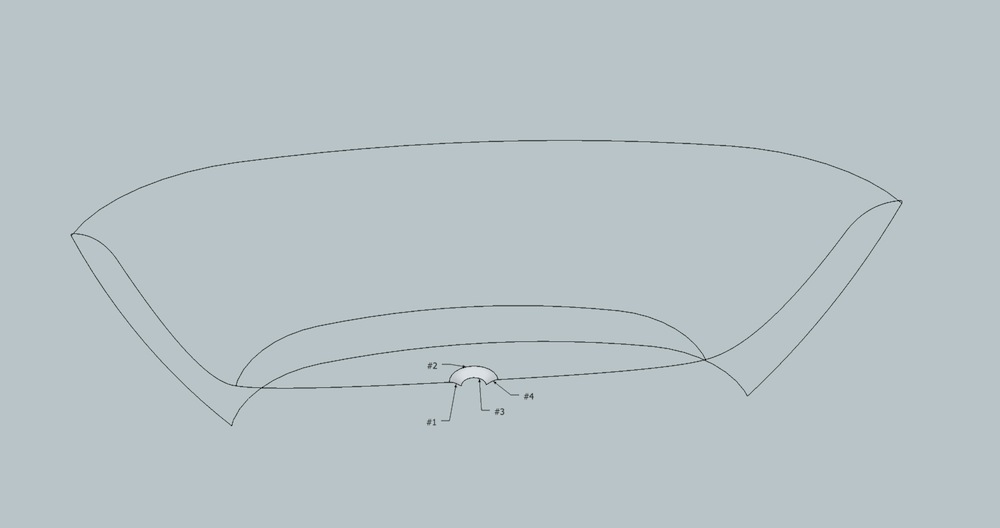
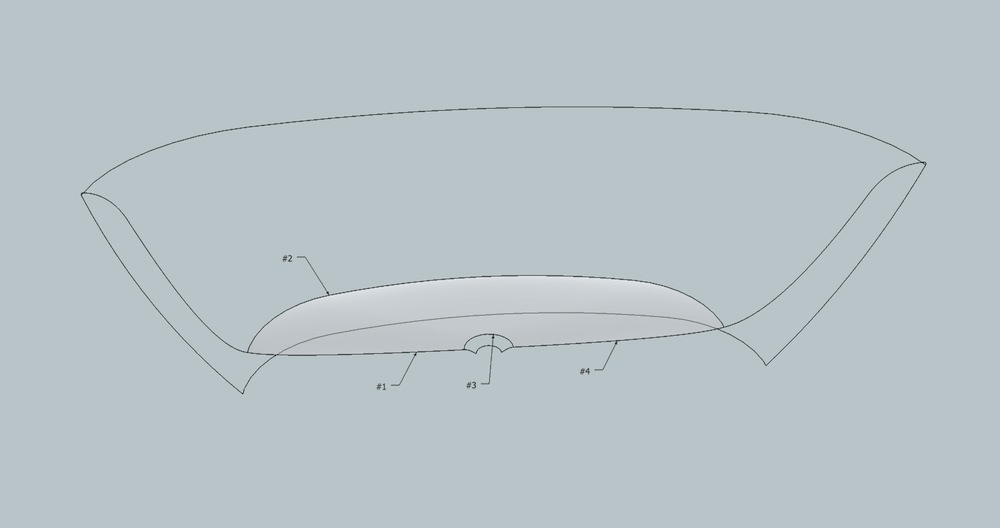
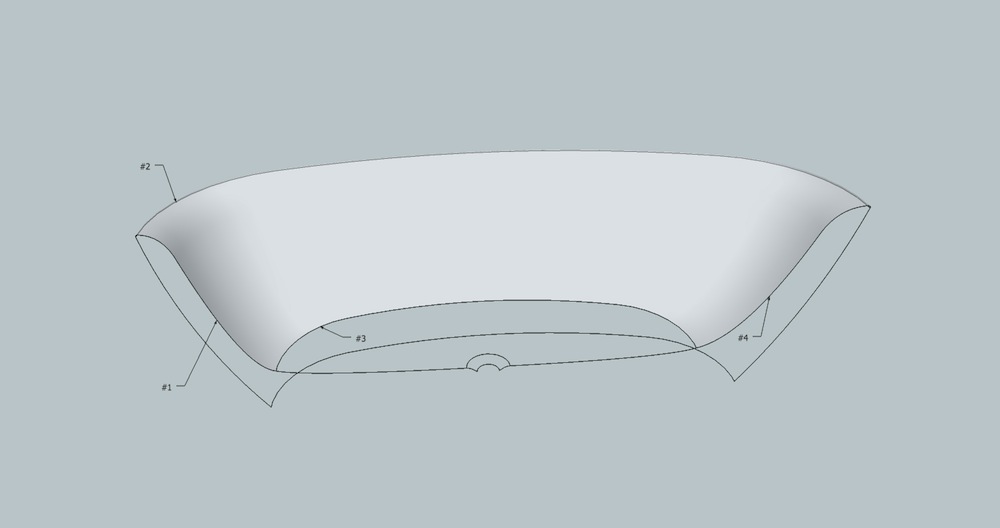
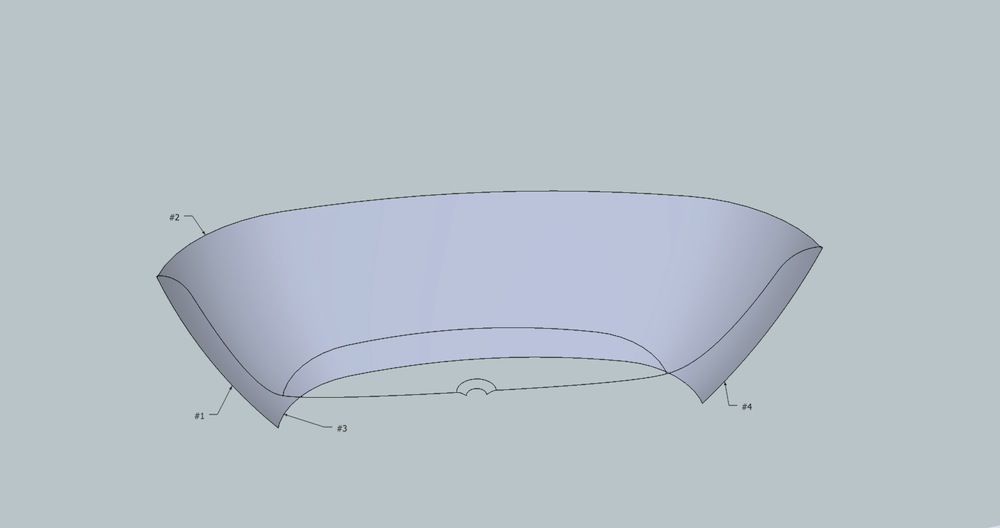
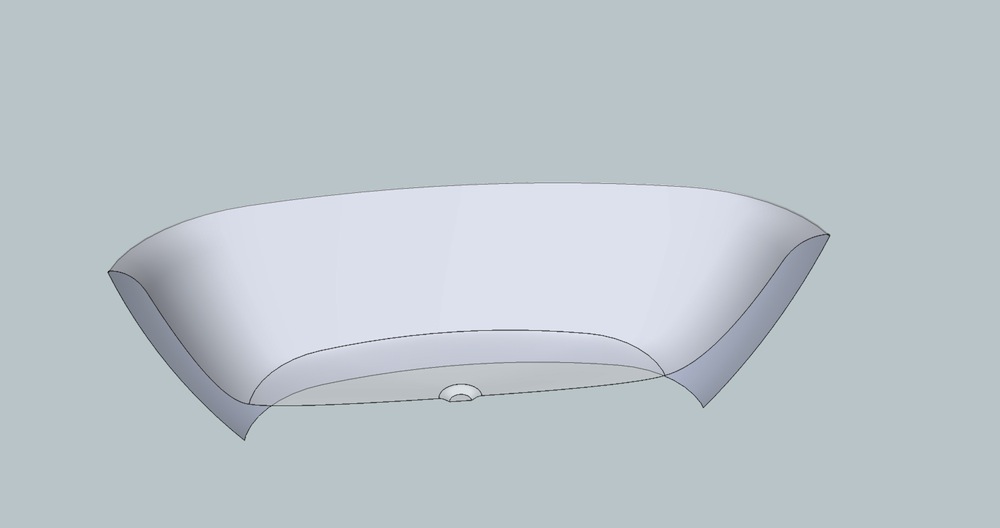
-
Hi, gilles:
Very well done. -
thanks TIG.

-
Yes, thanks TIG
-
 another one wizard's plugin i've just learnt




Hello! It looks like you're interested in this conversation, but you don't have an account yet.
Getting fed up of having to scroll through the same posts each visit? When you register for an account, you'll always come back to exactly where you were before, and choose to be notified of new replies (either via email, or push notification). You'll also be able to save bookmarks and upvote posts to show your appreciation to other community members.
With your input, this post could be even better 💗
Register Login


Advertisement