IES lights problem. Help!!
-
I'm a newbie to Vray. And this is the first interior rendering I've done with vray.

And now I'm trying to do a night version of it. But it's just so hard and facing alot of problems!
I've added a few IES lights. But the light just can't come out. What's wrong? Help please!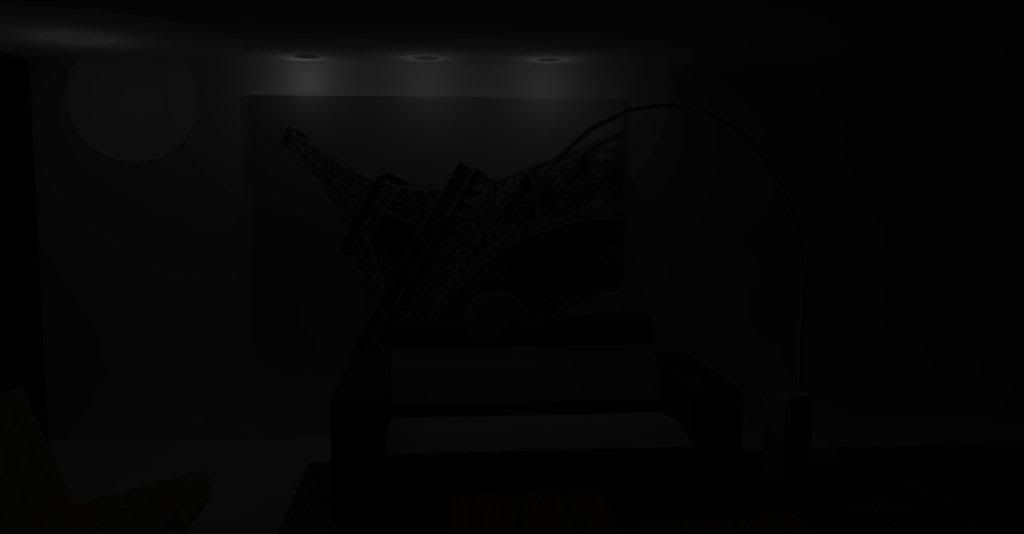
Under the light editor menu. We're suppose to load a file right? What file should I load? Please guide me.
-
you're supposed to load an IES files available from lots of websites
http://genet.gelighting.com/LightProducts/Dispatcher?REQUEST=IESCATEGORYPAGE
-
I haven't looked at your file, but looking at your image, perhaps your lights are hidden behind your ceiling. Try moving them down so the wide end is below the ceiling plane.
-
also, you might need to change your camera settings - decrease your shutter speed and your aperature settings.


Hello! It looks like you're interested in this conversation, but you don't have an account yet.
Getting fed up of having to scroll through the same posts each visit? When you register for an account, you'll always come back to exactly where you were before, and choose to be notified of new replies (either via email, or push notification). You'll also be able to save bookmarks and upvote posts to show your appreciation to other community members.
With your input, this post could be even better 💗
Register Login


Advertisement